What to Sell on the Shopify Thank You Page: 15 Post-Purchase Product Ideas
Discover 15 Shopify Thank You Page product ideas, from complementary accessories and bundles to upgrades, refills and relevant post-purchase offers.
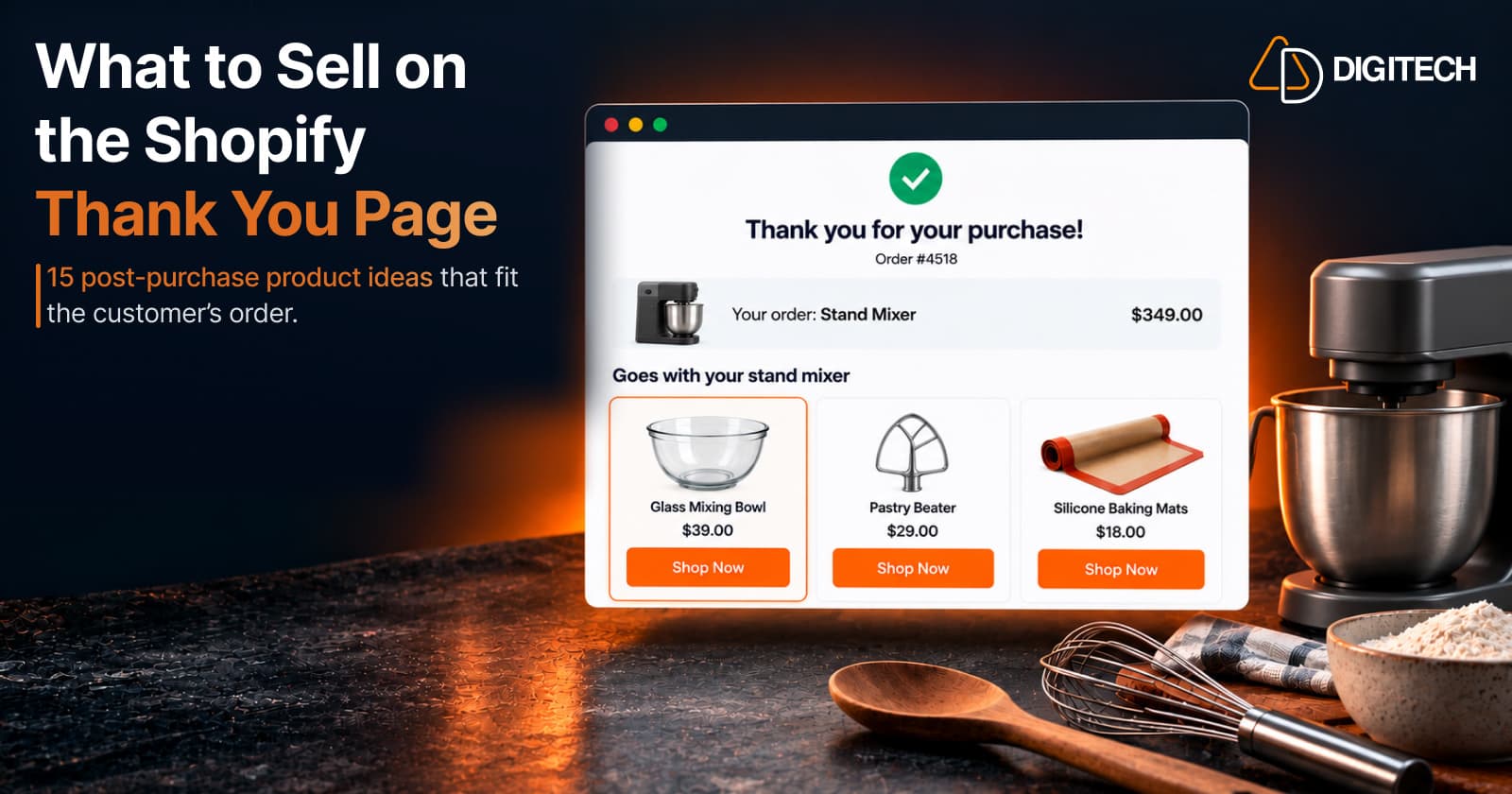
A customer has just paid for an order. What should appear next?
The tempting answers are the most expensive product in the store or this month's best seller. Neither is usually the best choice. The product that works after checkout is the one that makes sense next to what the customer just bought.
The Thank You Page is where you can show that product. This guide skips the setup and focuses on the decision: what to recommend after each kind of purchase.
What Should You Sell on the Shopify Thank You Page?
A good post-purchase product answers one of these questions:
- What does the customer need to use what they bought?
- What naturally goes with it?
- What might they need next?
- What could improve or extend the purchase?
- What is a logical upgrade?
- What could they reasonably want to buy soon?
That's the difference between relevance and popularity. A popular product is popular with everyone. A relevant product makes sense for this order. For the mechanics of showing products, see how to add product recommendations.
15 Shopify Thank You Page Product Ideas
The examples are illustrative. Use the ones that match your catalog.
1. Complementary Accessories
Accessories make the original product more useful. Type: cross-sell.
Example: a customer buys a camera, so recommend a camera bag, a memory card or a spare battery.
They fit best when the customer will want the accessory from day one.
2. Frequently Bought Together Products
Items customers commonly buy alongside the original. Type: cross-sell.
Example: a coffee machine, then coffee beans, filters or cleaning tablets.
Base this on what your own customers buy together, not on guesswork. Our guide to complementary cross-sells covers how to pair them.
3. Consumables and Refills
Products that get used up alongside the purchase. Type: cross-sell.
Example: a face serum, then a matching cleanser, moisturizer or refill pouch.
These work when the purchase depends on something the customer will run out of.
4. Replacement or Spare Parts
Parts that wear out, get lost or are useful to have twice. Type: cross-sell.
Example: a reusable water bottle, then a replacement lid or a spare straw set that fits it.
Only show parts that are compatible with the exact model purchased.
5. Care and Maintenance Products
Items that keep the purchase in good condition. Type: cross-sell.
Example: a leather bag, then a leather conditioner or cleaning kit.
They suit products customers want to last: leather, wood, suede, cast iron, outdoor gear.
6. Higher-Priced Alternatives or Upgrades
A premium version of a related product. Type: upsell.
Example: a customer buys a basic phone case, so show the premium wallet case in the same size.
Keep it to a related product. Showing a better version of the item they just bought can feel like you're telling them they chose wrong. See Thank You Page upsells for how to keep upsells relevant.
7. Product Bundles
Several related items offered together at one price. Type: bundle.
Example: a yoga mat, then a bundle of blocks, a strap and a towel.
A bundle presents one decision instead of three. Our Thank You Page bundles guide compares bundle types.
8. Products From the Same Collection
Items designed to go together. Type: cross-sell.
Example: a linen shirt from a summer collection, then matching linen trousers.
This works for collections built around a style, set or system, less so for broad collections like "Sale".
9. Best-Selling Related Products
Popular products from the same category or use case. Type: recommendation.
Example: a dog harness, then the store's best-selling dog lead.
Best sellers can be a good fallback when nothing more specific fits. They're popular, not personalized, so keep them close to the purchase.
10. New Arrivals That Fit the Purchase
Recent products in the same category. Type: recommendation.
Example: running shoes, then a new running jacket or a new pair of performance socks.
New arrivals work for customers who follow your range, as long as the new item fits the same use.
11. Seasonal or Occasion-Based Products
Items tied to the time of year or an upcoming event. Type: cross-sell.
Example: outdoor furniture in spring, then cushion covers or a parasol for the same set.
Tie the season to the purchase. A Christmas decoration after a garden chair purchase feels random.
12. Giftable Products
Items a customer might buy for someone else. Type: cross-sell.
Example: a scented candle, then a gift set in another scent.
These suit gift-heavy categories and the weeks before holidays, when customers are already thinking about other people.
13. Replenishment Products
More of what the customer bought, for later. Type: replenishment.
Example: a bag of coffee beans, then a second bag or a larger size.
Be careful with timing. Right after the first order, a coupon for the next refill often fits better than asking them to buy it now.
14. Subscription or Repeat-Purchase Options
A repeat-purchase version of something bought regularly. Type: replenishment.
Example: pet food, then the same food on a subscription, where your store offers one.
This only suits products bought on a regular cycle, and it needs a subscription option set up in your store. Many products aren't suited to it.
15. Limited-Time Relevant Offers
A relevant product with a genuine, time-limited discount. Type: offer.
Example: sunglasses, then a matching sunglasses case at 20% off until Sunday.
The offer only helps if the product fits. A countdown timer can show the deadline; see Thank You Page offers for offer types.
How to Choose the Right Product to Recommend
Work through these questions before choosing:
- What did the customer buy? Start from the product, not your sales targets.
- Is it compatible? Size, model and format must match.
- Does the price fit? A $15 accessory after a $60 order is easy; a $300 add-on needs a strong reason.
- How often is it bought? Consumables suit replenishment; durable goods suit accessories.
- What's the customer's intent? A gift purchase and a personal one call for different follow-ups.
- Is it the same category? Recommendations far outside it rarely land.
- Is it seasonal? Timing can make or break relevance.
- Is it in stock? Never recommend something the customer can't buy.
- Does it earn a margin? A heavily discounted add-on can cost more than it brings.
- Does it solve a real need?
Relevance should generally come before price.
Cross-Sell vs Upsell: What Should You Show?
| Type | What it is | Example |
|---|---|---|
| Cross-sell | A different product that goes with the purchase | Tent, then groundsheet |
| Upsell | A higher-priced related product | Basic case, then premium case |
| Complementary product | An item that makes the purchase more useful | Camera, then memory card |
| Bundle | Several related items at one price | Yoga mat, then blocks, strap and towel |
| Replenishment | More of something that gets used up | Coffee beans, then another bag later |
| New-arrival recommendation | A recent product that fits the same use | Running shoes, then new running jacket |
On the Thank You Page, cross-sells and complementary products are usually the natural first choice. The customer just bought the main item. For other ways to use the page, see Thank You Page marketing.
Product Recommendation Examples by Store Type
| Store type | Customer buys | Recommend |
|---|---|---|
| Fashion | T-shirt | Matching shorts, jeans or a cap |
| Beauty | Face serum | Cleanser or moisturizer |
| Fitness | Yoga mat | Blocks, strap or resistance bands |
| Electronics | Laptop | Sleeve, mouse or keyboard |
| Pet | Dog collar | Lead or treat pouch |
| Home | Coffee machine | Coffee beans or filters |
| Outdoor | Tent | Groundsheet or sleeping mat |
| Kitchen | Blender | Storage containers or a spare jug |
| Baking | Stand mixer | Dough hook, mixing bowl or baking mats |
| Jewelry | Necklace | Matching earrings or a jewelry box |
How to Recommend Products on the Shopify Thank You Page
The workflow, briefly:
- Identify the purchased product.
- Choose a recommendation rule, such as same collection or complementary products.
- Select the product or product source.
- Add the recommendation block to the Thank You Page using a supported app in Shopify's checkout and accounts editor.
- Set the button and any offer.
- Preview and test on desktop and mobile.
- Measure the results.
Shopify doesn't choose the best product for each customer by itself. You set the rule, and the app applies it to each order. To match recommendations to purchases, see personalizing the Thank You Page.
How Grovia Helps You Recommend Products After Checkout
Grovia is AD Digitech's Shopify app for the Thank You Page and Order Status Page. You build blocks in a drag-and-drop editor, with no coding and no theme changes.
For product recommendations, you choose the source:
- Manual selection of specific products
- The same collection the customer bought from
- Best sellers over a chosen period
- Complementary products, linked by tag or metafield
- A higher-priced alternative of the same product type
- New arrivals
Grovia also supports bundles (fixed, mix-and-match, pick-from-collection, and buy-more-save-more pricing on one product), upsells and cross-sells, coupons with countdown timers, images and banners, buttons, and post-purchase surveys.
Recommendations follow the rules you set; they don't predict what an individual customer will buy. Grovia's Pro plan separately adds an AI Sales Agent for customer conversations. Its offers lead to a separate purchase and never change the completed order. Grovia works on the Thank You and Order Status pages, not on Shopify's native post-purchase page, which appears before the Thank You Page. Our guide to the Thank You Page vs Order Status Page explains the difference.
What Products Should You NOT Recommend After Checkout?
- Unrelated products. A random best seller looks like an ad.
- Incompatible products. The wrong size or model creates returns.
- Much more expensive items without a reason. A $400 add-on after a $40 order rarely lands.
- Duplicates. Don't recommend what the customer just bought, in another color, unless that's how your products are used.
- Out-of-stock products.
- Products with confusing variants. Too many sizes and colors slow the decision.
- Too many choices. A large grid is harder to act on than two or three products.
- Aggressive or irrelevant discounts. A big discount on an unrelated item undermines trust.
How to Measure Which Products Sell Best
Track, where your app reports them:
- Recommendation clicks
- Add-to-cart actions
- Additional purchases
- Conversion rate
- Revenue from those purchases
- Performance by recommendation type, such as complementary versus best sellers
Compare strategies over similar periods, change one thing at a time, and check margin as well as revenue.
Shopify Thank You Page Product Recommendation Best Practices
- Start with relevance, not the highest price.
- Show a small number of products.
- Match price to the purchase.
- Lead with complementary products.
- Make the value obvious, such as "Goes with your new tent".
- Keep the button clear, such as "Shop Now".
- Design for mobile.
- Avoid overwhelming customers. The order confirmation stays the main content.
- Test different recommendations.
- Review performance regularly, especially before and after peak season.
Conclusion
Picking what to sell on the Shopify Thank You Page starts with one question: what makes sense next to what the customer just bought? Accessories, consumables, care items and small bundles usually answer it. Upgrades, best sellers and new arrivals can work when they stay close to the purchase. Show a few relevant products, measure what customers buy, and adjust.
Frequently asked questions
What should I sell on the Shopify Thank You Page?
Products that make sense next to what the customer just bought: accessories, consumables, care items, a relevant upgrade or a small bundle. Start with what helps the customer use or enjoy their purchase.
What is the best product to recommend after a purchase?
Usually something the customer needs to use their purchase, such as a filter for a coffee machine or a case for sunglasses. It's relevant, easy to decide on and rarely duplicates the order.
Should I use upsells or cross-sells on the Thank You Page?
Mostly cross-sells, because the customer has just bought the main product. An upsell to a better related item can work, but it should still fit the purchase.
Can I recommend complementary products after checkout?
Yes, and they're often the best fit. The checkout is already complete, so a Thank You Page recommendation encourages a separate, additional purchase and doesn't modify the checkout being confirmed.
How many products should I show on the Thank You Page?
A few. Two to four relevant products, or one bundle, are easier to decide on than a large grid.
Can I recommend best sellers on the Shopify Thank You Page?
Yes, as long as they relate to the purchase. A best seller from the same category works better than one from an unrelated part of the store, and it isn't personalized just because it's popular.
Can Shopify automatically choose products to recommend?
Not on the Thank You Page by itself. You choose a recommendation rule in a supported app, and the app applies it to each order.
Can Grovia add product recommendations to the Shopify Thank You Page?
Yes. Grovia adds recommendation blocks to the Thank You and Order Status pages, using sources you choose: manual picks, the same collection, best sellers, complementary products, a higher-priced alternative or new arrivals.
Turn Your Thank You Page Into a Better Post-Purchase Experience
With Grovia, you can add relevant product recommendations, bundles, upsells, offers and post-purchase surveys to your Shopify Thank You Page — without coding.
Related reading
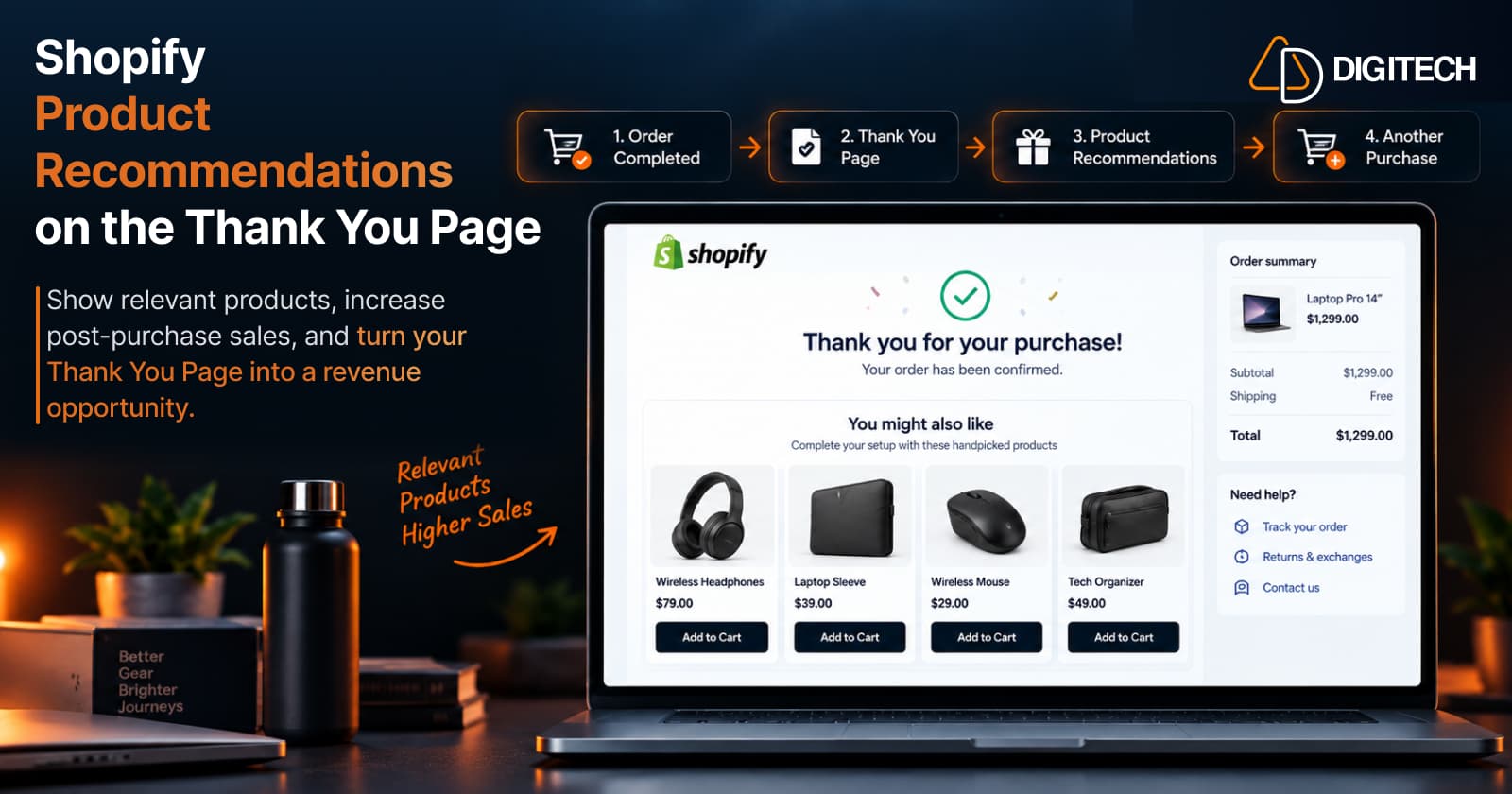
How to Add Product Recommendations to the Shopify Thank You Page
Learn how to add relevant product recommendations to your Shopify Thank You Page, choose complementary products, and improve post-purchase sales opportunities.
Read article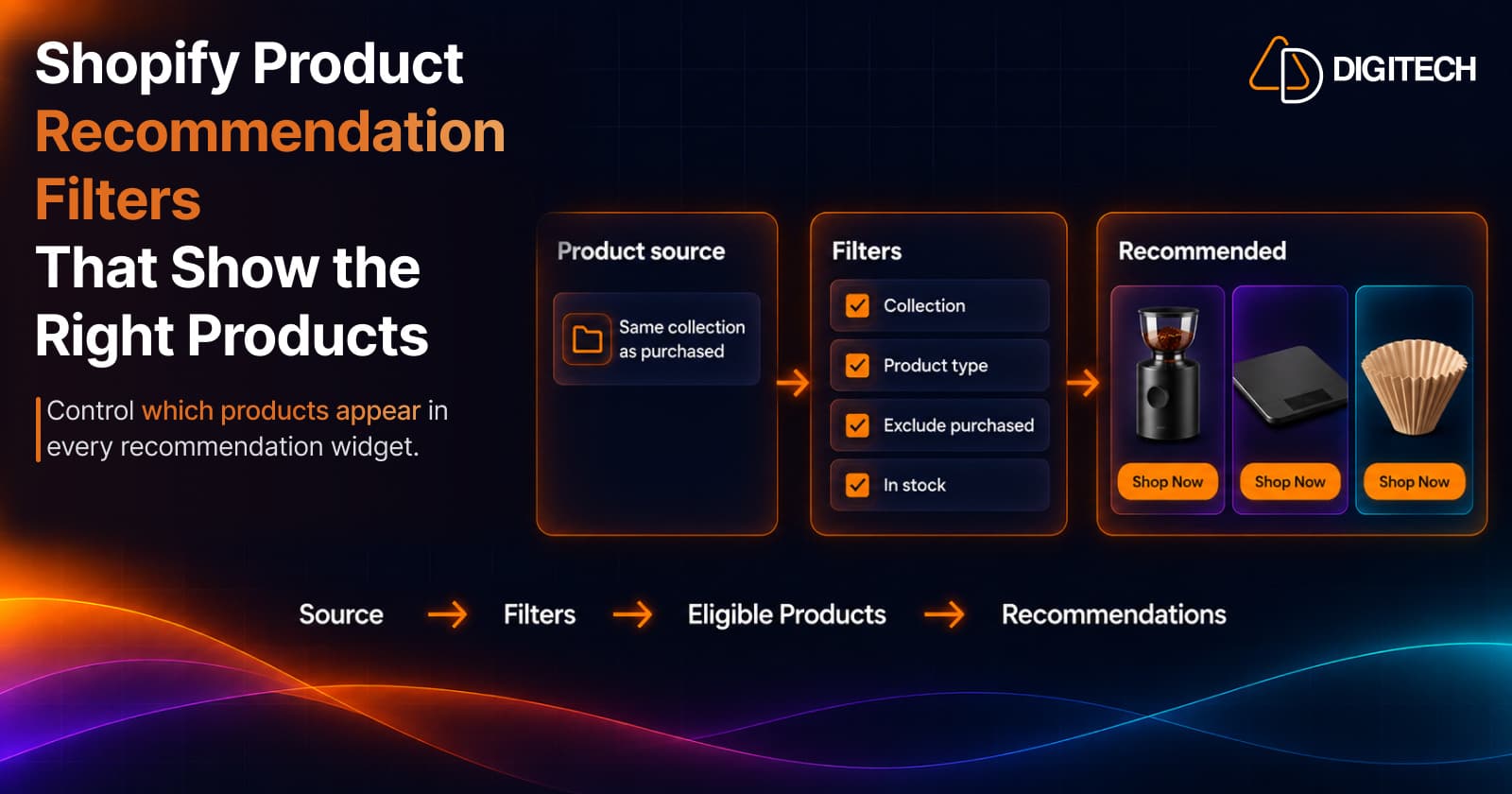
Shopify Product Recommendation Filters: How to Show the Right Products
Learn how Shopify product recommendation filters can help merchants control which products appear using collections, tags, vendors, inventory and more.
Read article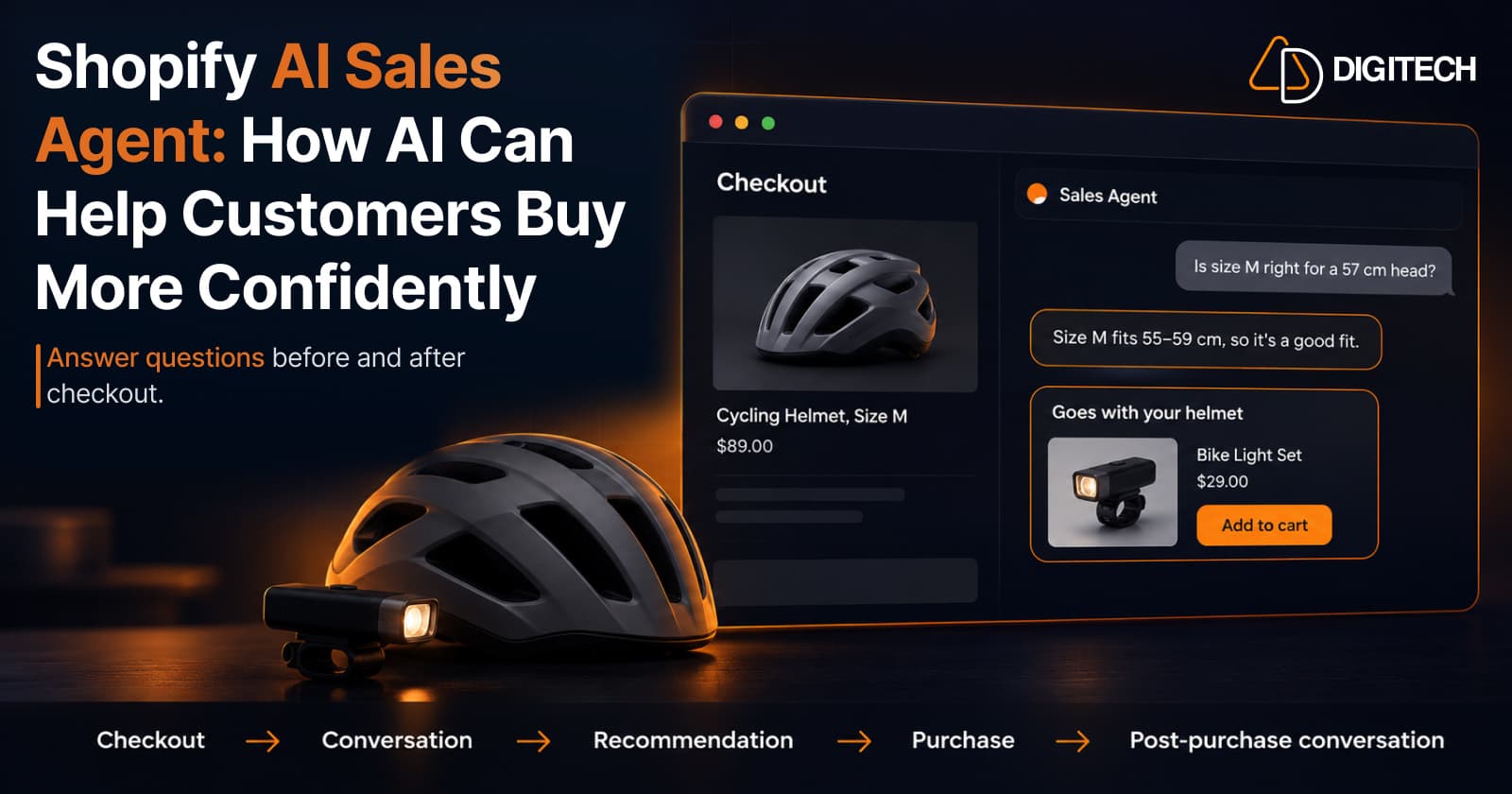
Shopify AI Sales Agent: How AI Can Help Customers Buy More Confidently
Learn how Shopify AI Sales Agents can help customers with product questions, recommendations, upsells and post-purchase conversations.
Read article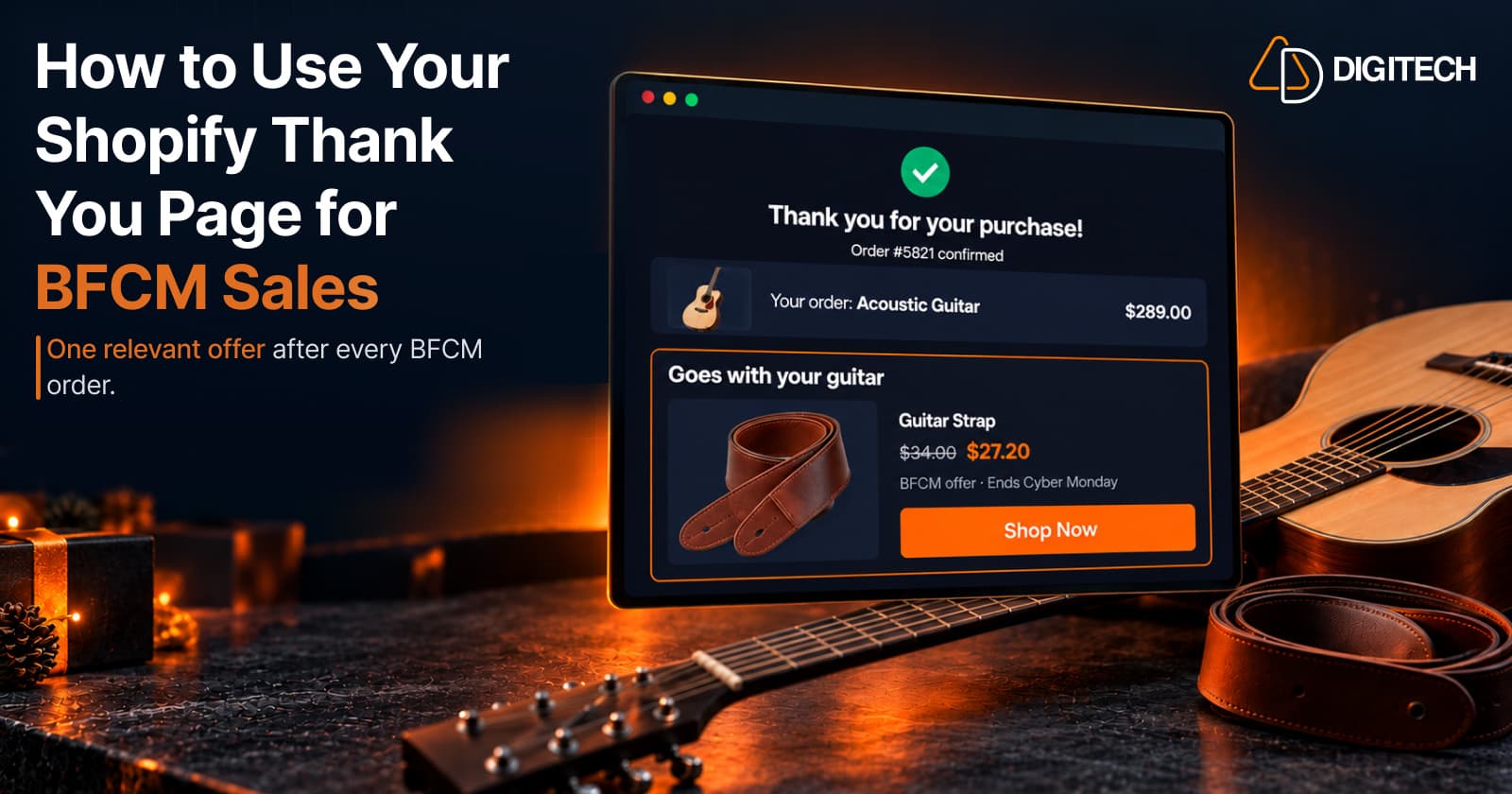
How to Use Your Shopify Thank You Page for BFCM Sales
Learn how to use the Shopify Thank You Page during BFCM with relevant upsells, product recommendations, bundles, offers and countdown timers.
Read article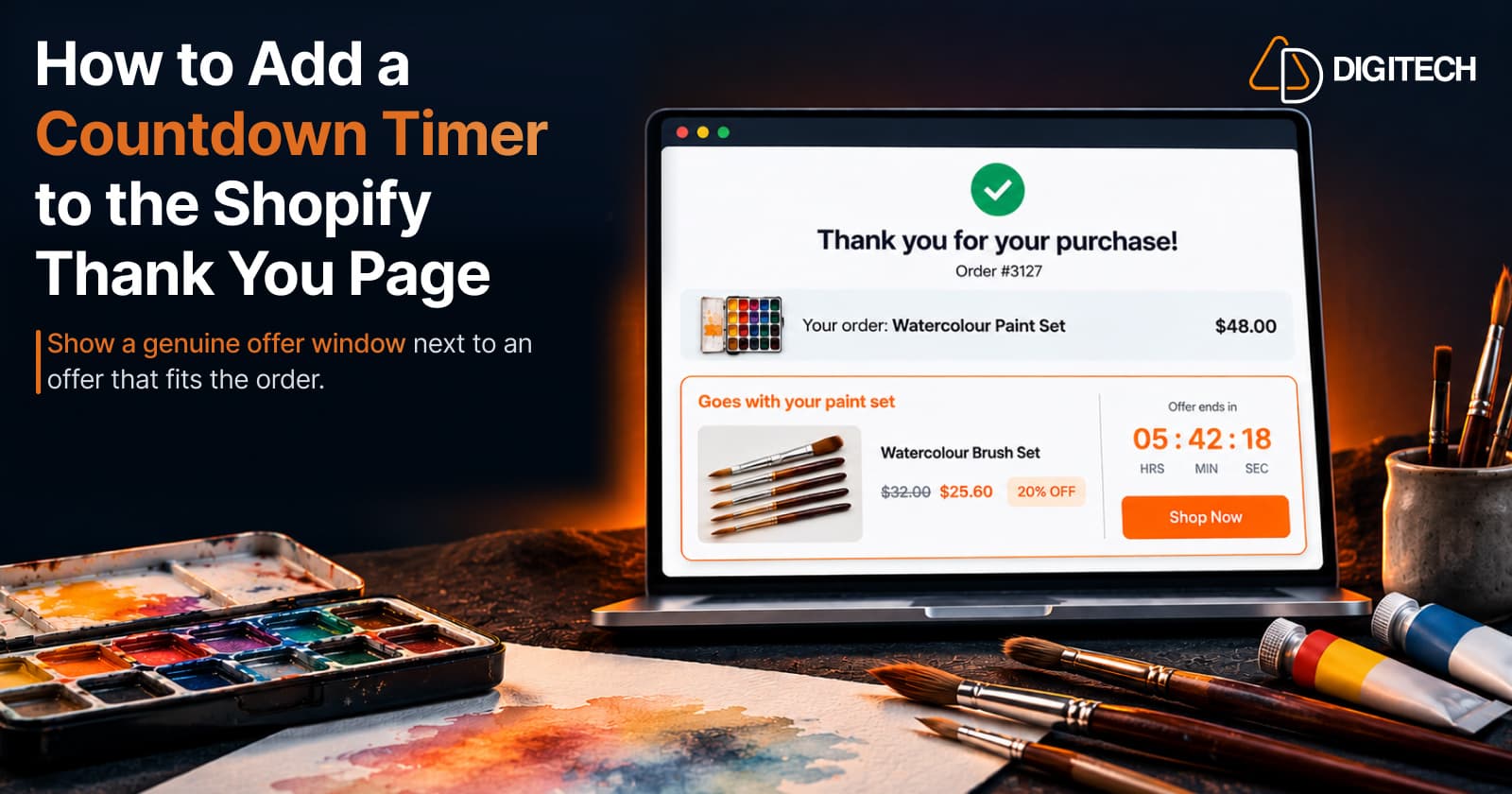
How to Add a Countdown Timer to the Shopify Thank You Page
Learn how to add a countdown timer to the Shopify Thank You Page and use time-sensitive offers, discounts and relevant products to drive post-purchase engagement.
Read article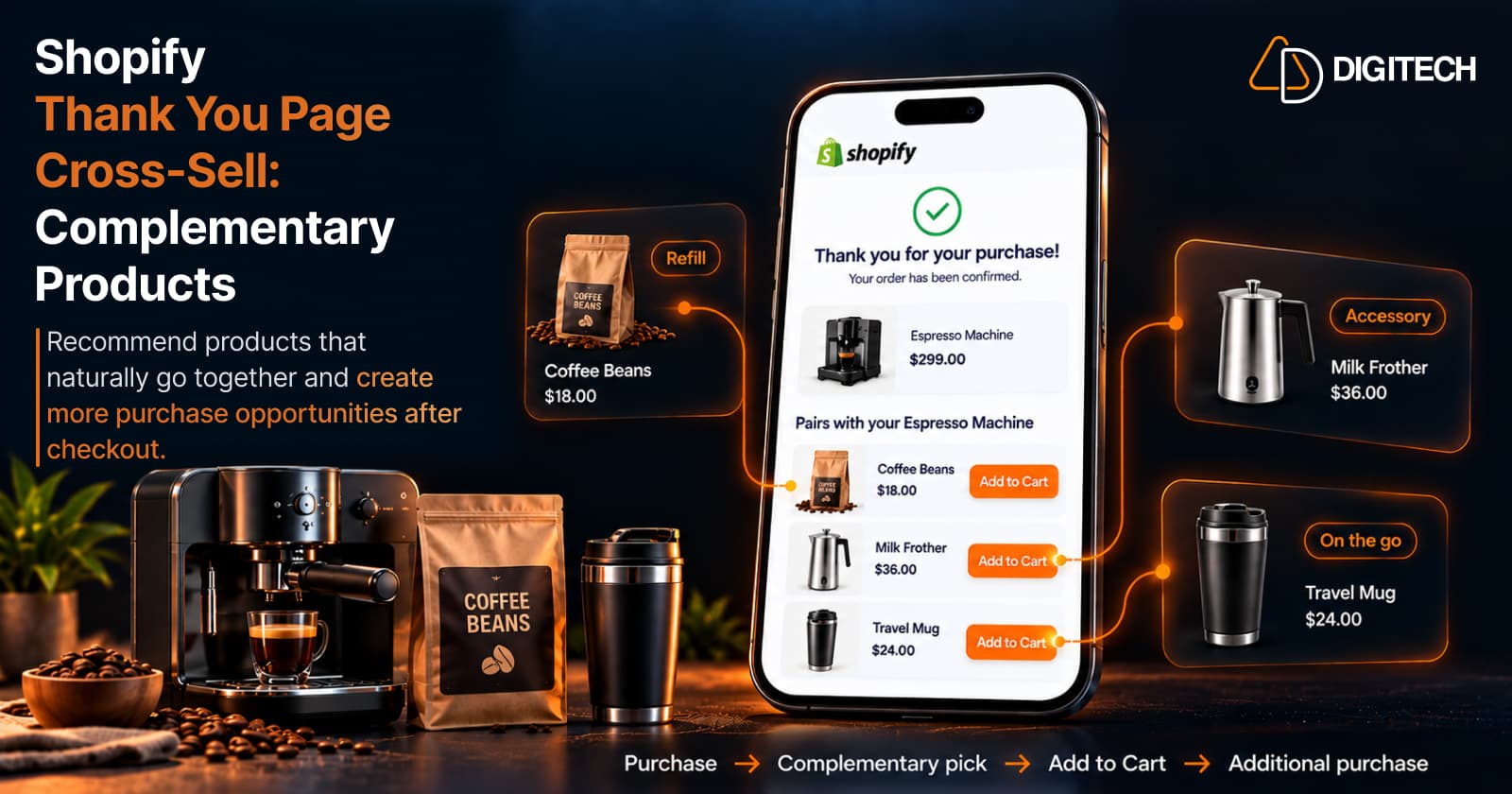
How to Cross-Sell Complementary Products on the Shopify Thank You Page
Learn how to cross-sell complementary products on the Shopify Thank You Page, choose relevant recommendations, and create additional purchase opportunities.
Read article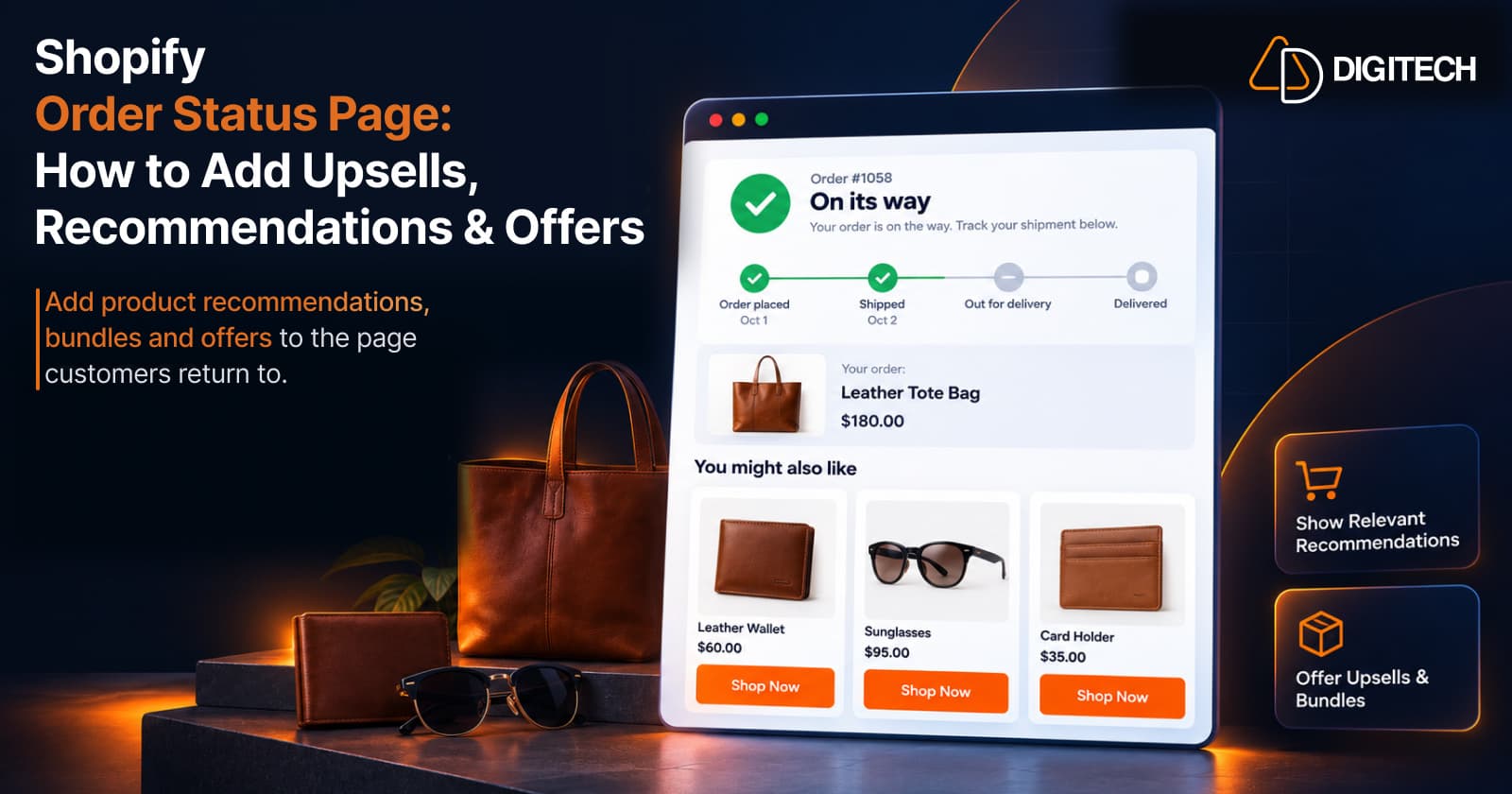
Shopify Order Status Page: How to Add Upsells, Recommendations & Offers
Learn how to customize the Shopify Order Status Page with product recommendations, upsells, bundles and offers to create better post-purchase experiences.
Read article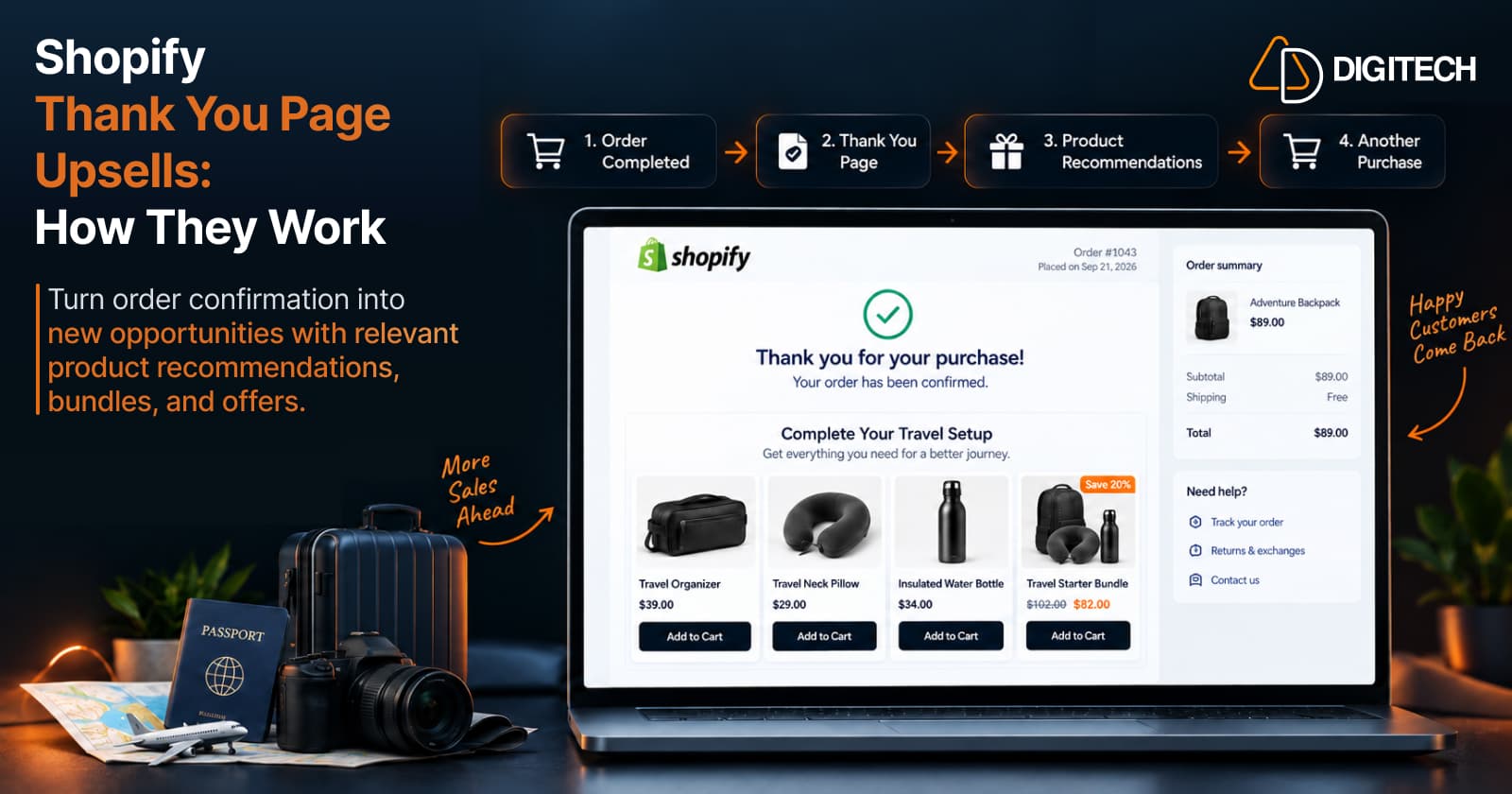
How Shopify Thank You Page Upsells Work
Learn how Shopify Thank You Page upsells work, what products to recommend, how they differ from post-purchase offers, and how to measure results.
Read article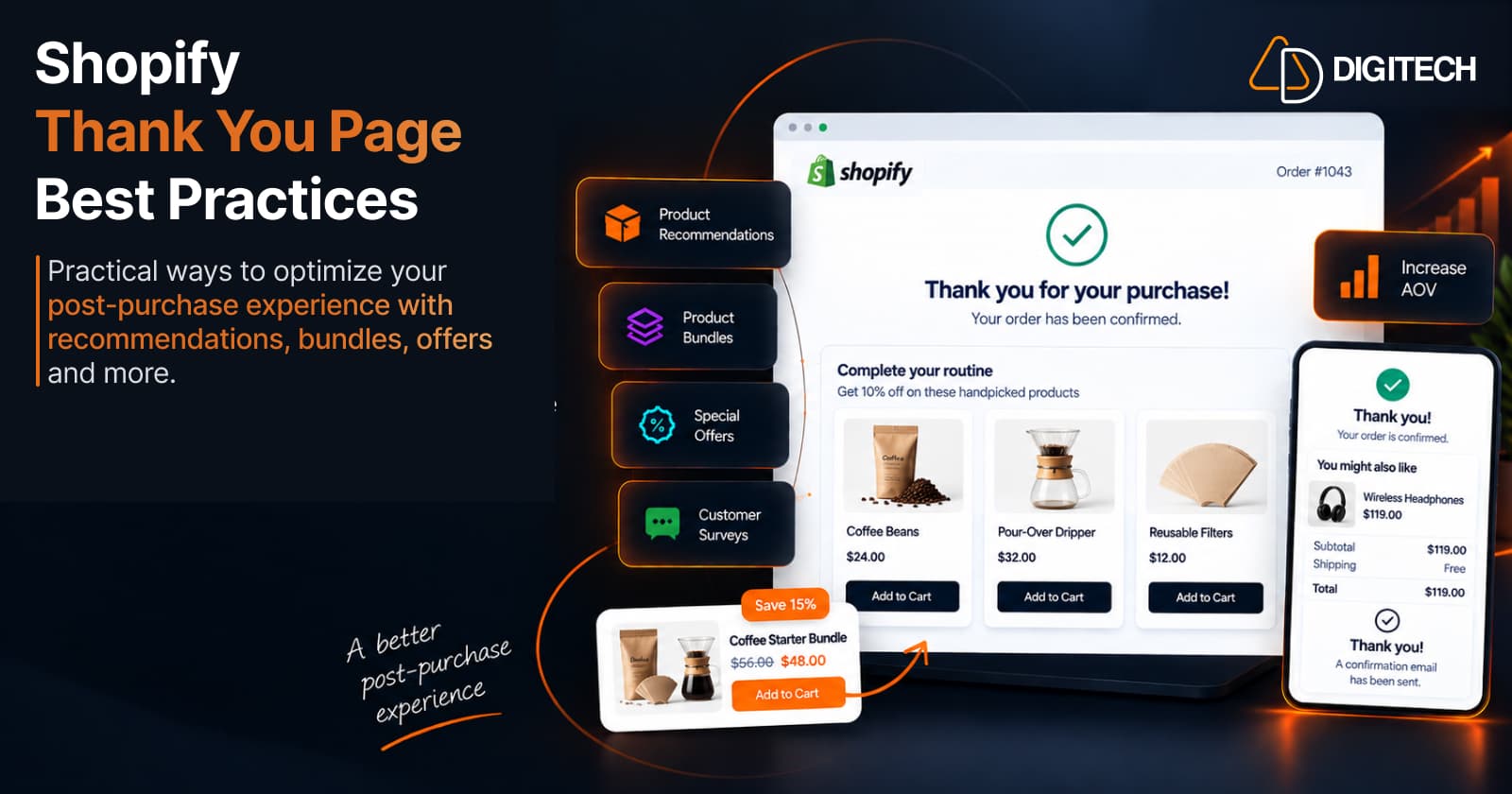
Shopify Thank You Page Best Practices for Increasing Sales
Shopify Thank You Page best practices: what to place after checkout — recommendations, cross-sells, bundles, offers and surveys — without overloading it.
Read article