Shopify Thank You Page Best Practices for Increasing Sales
Shopify Thank You Page best practices: what to place after checkout — recommendations, cross-sells, bundles, offers and surveys — without overloading it.
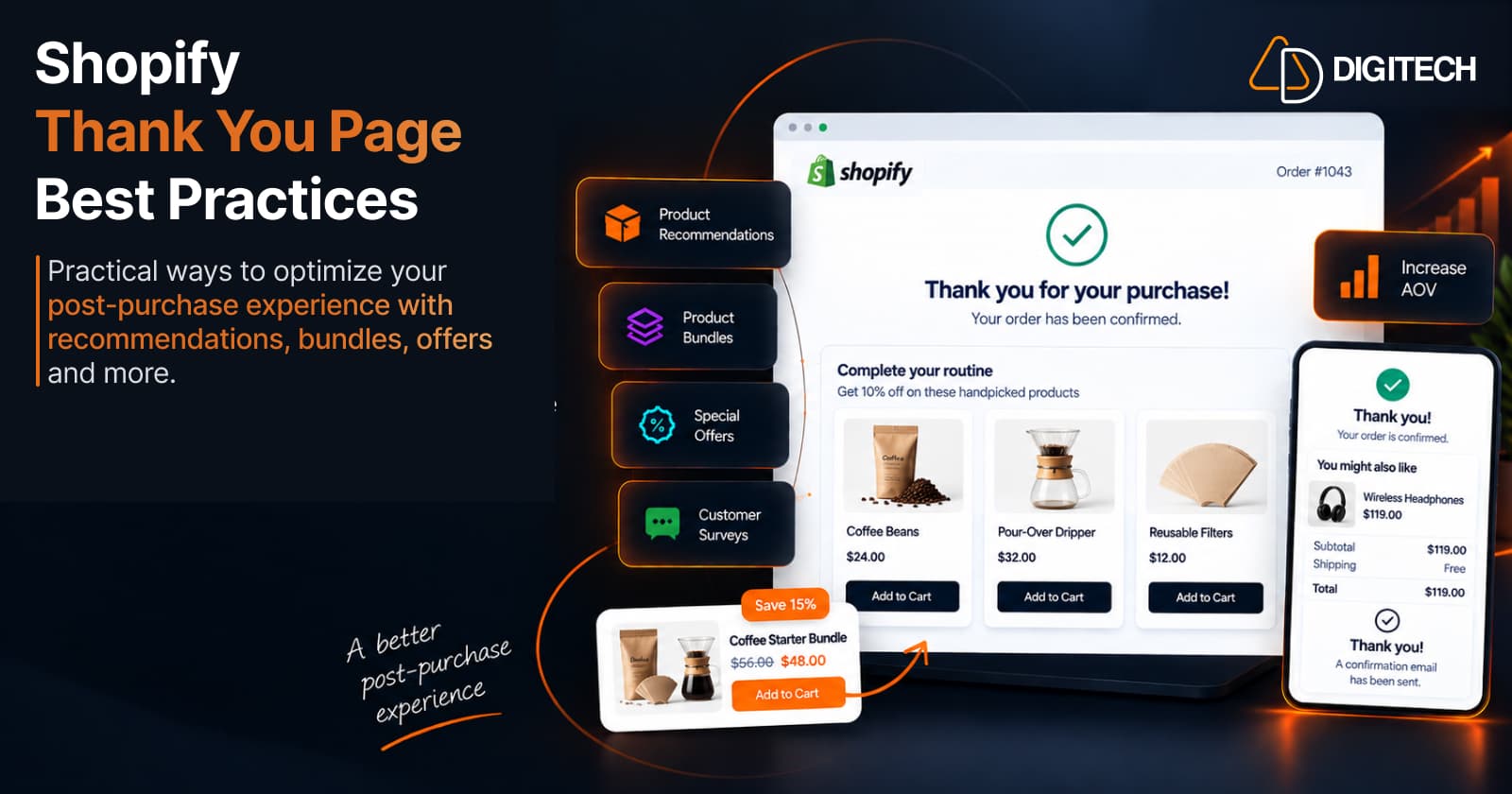
Most stores treat the Shopify Thank You Page as a dead end: an order number, a "thanks," and nothing else. But the moment right after checkout is one of the most engaged points in the entire customer journey — the purchase is confirmed, the customer is paying attention, and they're already thinking about what they bought.
Used well, that page can do more than confirm an order. It can surface a relevant recommendation, present a sensible bundle, offer a reason to come back, or ask a quick question that helps you serve customers better. This guide covers the best practices for optimizing your Thank You Page — what to put on it, what to avoid, and how to keep it genuinely useful. If you want the step-by-step setup, we've covered how to add upsells to the Shopify Thank You Page separately; this article is about doing it well.
What Is the Shopify Thank You Page?
The Shopify Thank You Page is the order-confirmation page a customer sees once, immediately after completing checkout. It confirms the purchase and shows the order details. It's easy to confuse with two nearby surfaces, so it's worth separating them:
- Thank You Page — seen once, right after payment. Customized through Shopify's checkout and accounts editor using app blocks (built on checkout UI extensions). It can display recommendations, offers, and surveys — but it doesn't edit the order the customer just completed.
- Order Status Page — the page customers return to while tracking an order. Shopify documents letting customers add products to their existing order through order editing here.
- Post-purchase page — a separate extension surface, shown between payment and the Thank You Page, for a one-click offer that can modify the order before it's finalized.
This article is about the Thank You Page. For the full breakdown of all three surfaces, see Thank You Page vs Order Status Page. One note on method: Shopify customizes these pages through the checkout and accounts editor and app blocks — not the old Additional Scripts or checkout.liquid, which have been retired.
Why Optimize Your Shopify Thank You Page?
Optimizing the page isn't about squeezing customers; it's about making a page they already see work harder. Practical reasons to bother:
- It's another customer touchpoint — a place to keep the relationship going after the sale.
- It can show relevant products the customer is likely to want next.
- It can create additional purchase opportunities from an order you've already won, without more ad spend.
- It improves post-purchase engagement — the experience feels considered rather than transactional.
- It's a good place to collect feedback while the purchase is fresh.
None of this is guaranteed to lift revenue — results depend on your catalogue, your offers, and your customers. Treat the Thank You Page as a place to test relevant ideas, not a switch that turns on more sales. For the wider case, see how the Thank You Page becomes a revenue channel.
1. Keep the Thank You Page Focused on the Customer
The page has one job before anything else: reassure the customer that their order went through. Lead with a clear confirmation and the order information they expect — what they bought, the total, and what happens next.
Then, and only then, introduce something extra. An offer should feel like a helpful addition to a completed purchase, not an obstacle between the customer and their receipt. If the confirmation is buried under promotions, you've made the page worse, not better. Confirm first, help second, sell third.
2. Recommend Relevant Products
Product recommendations are the most natural post-purchase addition — but relevance is everything. A recommendation that connects to what the customer just bought reads as thoughtful; a random popular product reads as noise.
Useful recommendation types after checkout:
- Complementary products — accessories, refills, or the item that completes the purchase.
- Products from the same collection the customer bought from.
- Best sellers — a sensible fallback when there's no obvious complement.
- New arrivals — for returning customers, or when "what's new" fits your brand.
- Higher-priced alternatives — only where a genuine upgrade makes sense.
Example: a customer buys a skincare cleanser. A relevant Thank You Page recommendation is the matching moisturizer or serum — products that extend the routine they've just started. Showing them a different cleanser, or an unrelated product, wastes the moment.
3. Use Cross-Selling Instead of Random Upselling
It helps to be precise about two terms:
- Upsell — offering a higher or upgraded version of what they bought.
- Cross-sell — offering a complementary product that pairs with it.
After checkout, cross-sells are often the stronger play. The customer has already chosen a product; pushing a pricier version of that same item can feel like second-guessing their decision. A complementary product doesn't compete with the choice they made — it builds on it.
A few Shopify examples: a phone case and screen protector after a phone; beans and a grinder after a coffee machine; a leash and treats after a dog bed. The offer works because the relationship between the products is obvious. The tactics behind pricing these offers are covered in how to increase Shopify AOV using post-purchase upsells.
4. Use Product Bundles Carefully
Bundles can raise the value of a post-purchase offer, but only when they're built around what the customer just bought. The main types:
- Fixed bundles — a set of specific products sold together (the item plus its natural companions).
- Mix-and-match bundles — the customer picks a number of items from a set.
- Volume / quantity discounts — buy more of something to save (buy-more-save-more).
Match the type to your products. Consumables suit volume offers; a starter product suits a fixed "complete the kit" bundle; a range of similar items suits mix-and-match. Not every store needs every bundle type — one well-chosen bundle beats three that don't fit.
5. Give Customers a Clear Reason to Buy
A relevant product still needs a reason to act on it now. Options that work without pressure:
- A relevant discount on the recommended product.
- Bundle savings — a clear price advantage for buying the set.
- A limited-time offer, but only when the time limit is genuine.
- A clear value proposition — one line on why the product fits.
- A simple, single CTA — one obvious next step.
Keep the incentive honest. Discounting every post-purchase offer trains customers to expect it, and it can eat into margins — worth reading alongside how to run multiple Shopify discounts without hurting your margins. If you use a countdown timer, use it only when the offer really does expire; a fake timer erodes trust faster than it earns sales.
6. Don't Overload the Thank You Page
Most Thank You Page mistakes come from doing too much. Common ones:
- Too many products — a wall of recommendations makes the next step unclear.
- Too many competing offers — the customer doesn't know what to act on.
- Too many popups or messages — the page feels busy and cheap.
- Irrelevant recommendations — anything unrelated to the purchase.
- Confusing CTAs — multiple buttons pulling in different directions.
- Excessive promotional content — the confirmation gets lost.
The page should stay easy to understand at a glance. When in doubt, remove something. One relevant offer, presented clearly, will almost always outperform five competing ones.
7. Add Customer Feedback or Surveys
The moment after checkout is a good time to ask a short question, because the customer is engaged and the purchase is top of mind. A brief post-purchase survey can help you learn:
- Why the customer purchased.
- What they might want next.
- Their product preferences.
- How the experience felt.
Keep it short — one or two questions, not a form. And treat surveys as a way to understand customers and improve, not as a revenue tactic; the value is the insight, which then makes your recommendations and merchandising sharper over time. It's a supporting use case, not the headline.
8. Make the Experience Match Your Brand
A Thank You Page that looks bolted-on undermines the trust the customer just extended by paying you. The post-purchase experience should feel like part of the same store:
- Brand colours and styling consistent with your storefront.
- Product imagery that matches your catalogue's quality.
- Consistent messaging and tone of voice.
- Clear typography that's easy to read.
- A mobile-friendly layout, since much post-purchase traffic is on phones.
Consistency signals care. When the confirmation page feels like a natural continuation of the store, any offer on it inherits that credibility.
9. Test Your Offers
Optimization is a loop, not a one-time setup. Where your tools allow it, watch the metrics that actually mean something:
- Clicks — is the offer getting attention?
- Conversions and conversion rate — are people acting on it?
- Revenue — what did the offer actually generate?
- Average order value, where relevant — is it lifting the typical order?
Compare different offers and placements over a meaningful number of orders before drawing conclusions, and keep what converts. You don't need advanced attribution to improve — you need to look at real outcomes and adjust. The same testing discipline applies across your store, from your product pages to your collection pages.
10. Shopify Thank You Page Best Practices Checklist
A quick reference:
- Confirm the purchase clearly, first.
- Recommend relevant products, not random ones.
- Use complementary products for cross-sell.
- Keep offers focused — ideally one.
- Make the CTA clear and singular.
- Use bundles where they genuinely fit.
- Avoid irrelevant recommendations.
- Keep the design on-brand.
- Optimize for mobile.
- Track clicks and conversions.
- Review revenue and AOV where relevant.
- Test different offers and placements.
How Grovia Helps Optimize the Shopify Thank You Page
If you'd rather not assemble all of this by hand, Grovia — a Shopify app built and operated by AD Digitech — is one way to apply these best practices without code. It lets Shopify merchants:
- Customize the Thank You Page and Order Status Page
- Add post-purchase upsells and cross-sell offers
- Add product recommendations using selectable source rules — complementary products, the same collection the customer bought from, best sellers, new arrivals, higher-priced alternatives, or manually chosen products
- Build product bundles — fixed, mix-and-match, and volume (buy-more-save-more)
- Add coupon codes and countdown timers
- Add images, banners, and CTAs
- Run post-purchase surveys
- Build it all with a drag-and-drop editor — no coding and no theme changes
- Track clicks, conversions, CVR, and revenue in built-in analytics
That covers the recommendations, the offers, the surveys, the on-brand design, and the measurement from one place. The Thank You Page is a small piece of real estate with an outsized opportunity — confirm the order, add one relevant, well-designed offer, keep it clean, and measure what it does. That's how a confirmation screen starts pulling its weight.
Frequently asked questions
What should I put on my Shopify Thank You Page?
Start with a clear purchase confirmation and the order details customers expect. Then, without crowding the page, you can add one focused, relevant offer — a complementary product, a small bundle, or a survey. The order of priority matters: confirm first, help second, sell third.
Can I add product recommendations to the Shopify Thank You Page?
Yes. The Thank You Page is customized through Shopify's checkout and accounts editor using app blocks, and eligible apps built for the Thank You Page can add recommendation blocks to it — no theme code required. Keep the recommendations relevant to what the customer just bought rather than showing random popular products.
What is the difference between an upsell and a cross-sell?
An upsell offers a higher or upgraded version of what the customer is buying; a cross-sell offers a complementary product that pairs with it. After checkout, cross-sells are often more relevant — someone who just bought a cleanser is a better fit for a matching moisturizer than for a pricier cleanser they've already decided against.
Are product bundles useful after checkout?
They can be, when the bundle is built around what the customer just bought. A fixed bundle of the item plus its companions, a mix-and-match set, or a buy-more-save-more offer can raise the value of a post-purchase offer while staying relevant. Not every store needs every bundle type — match it to your products.
Can I collect customer feedback on the Thank You Page?
Yes. A short post-purchase survey is a natural fit, because the customer is engaged right after buying. It can help you learn why they purchased, what they might want next, and how the experience felt. Treat it as a way to understand customers, not as a guaranteed revenue lever.
How do I measure Thank You Page performance?
Track the offer's clicks, conversions, conversion rate, and the revenue it generates, plus average order value where relevant. Judge results on real customer behaviour over enough orders to be meaningful, and — where your setup allows — compare different offers and placements to see what works.
Turn Your Thank You Page Into a Revenue Opportunity
Your Shopify thank you and order status pages can do more than confirm an order. With Grovia, add post-purchase upsells, product recommendations, bundles, offers and more — without coding.
Related reading
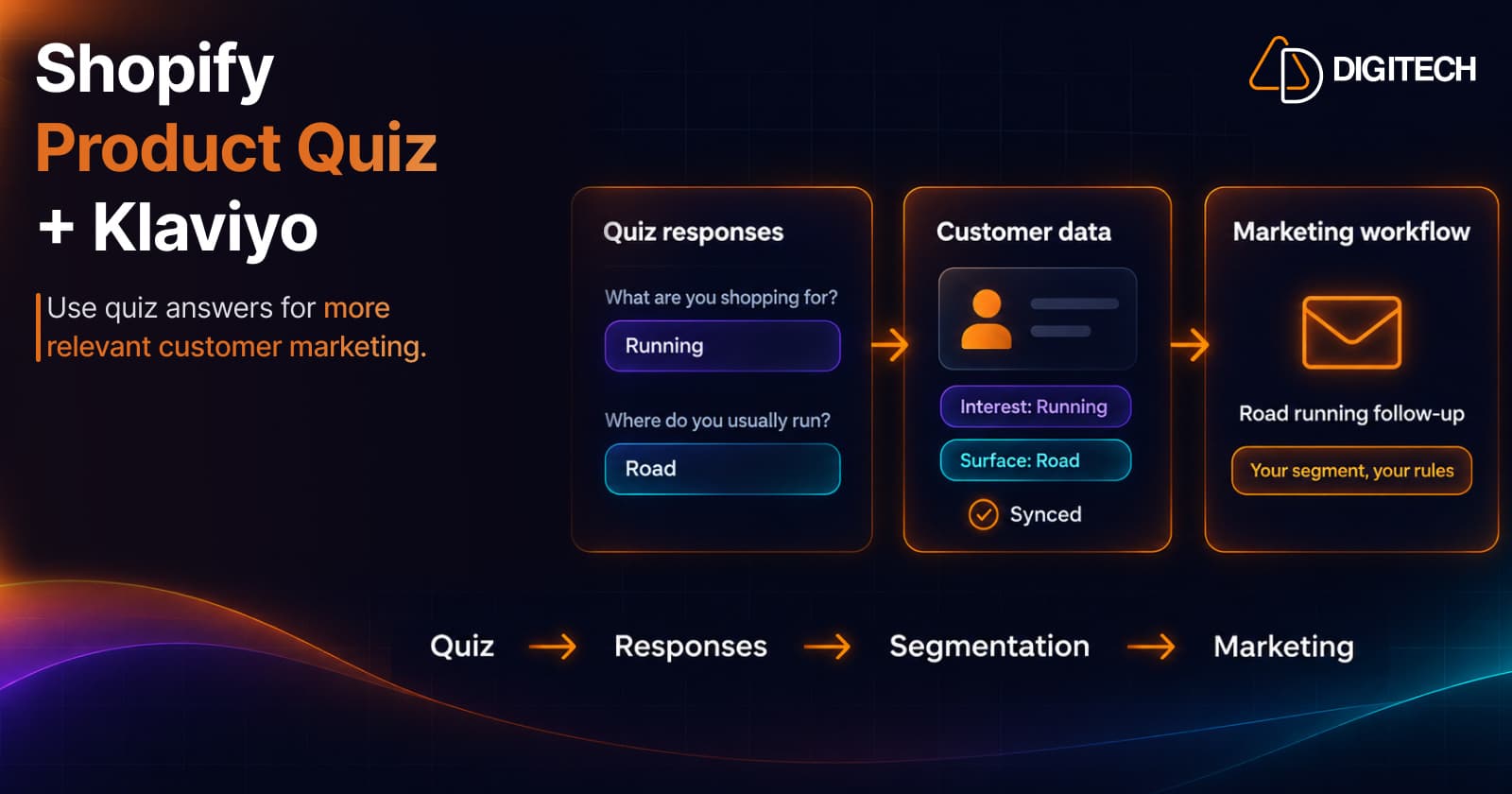
Shopify Product Quiz + Klaviyo: How to Use Quiz Answers for Better Customer Segmentation
Learn how Shopify product quizzes can collect customer preferences and sync quiz responses with Klaviyo and Omnisend for relevant marketing.
Read article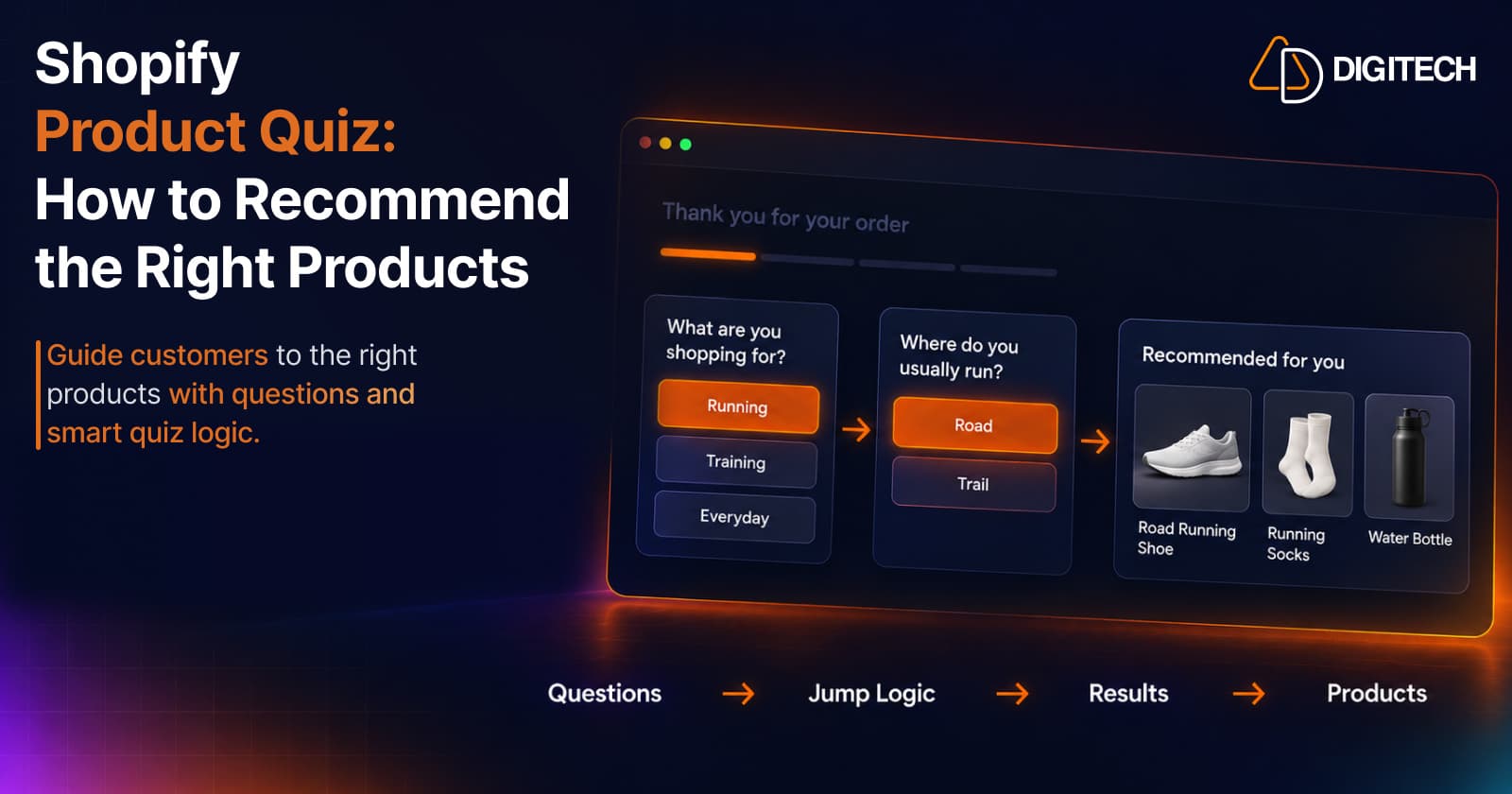
Shopify Product Quiz: How to Recommend the Right Products Based on Customer Answers
Learn how Shopify product quizzes use questions, logic and results to guide customers toward relevant products.
Read article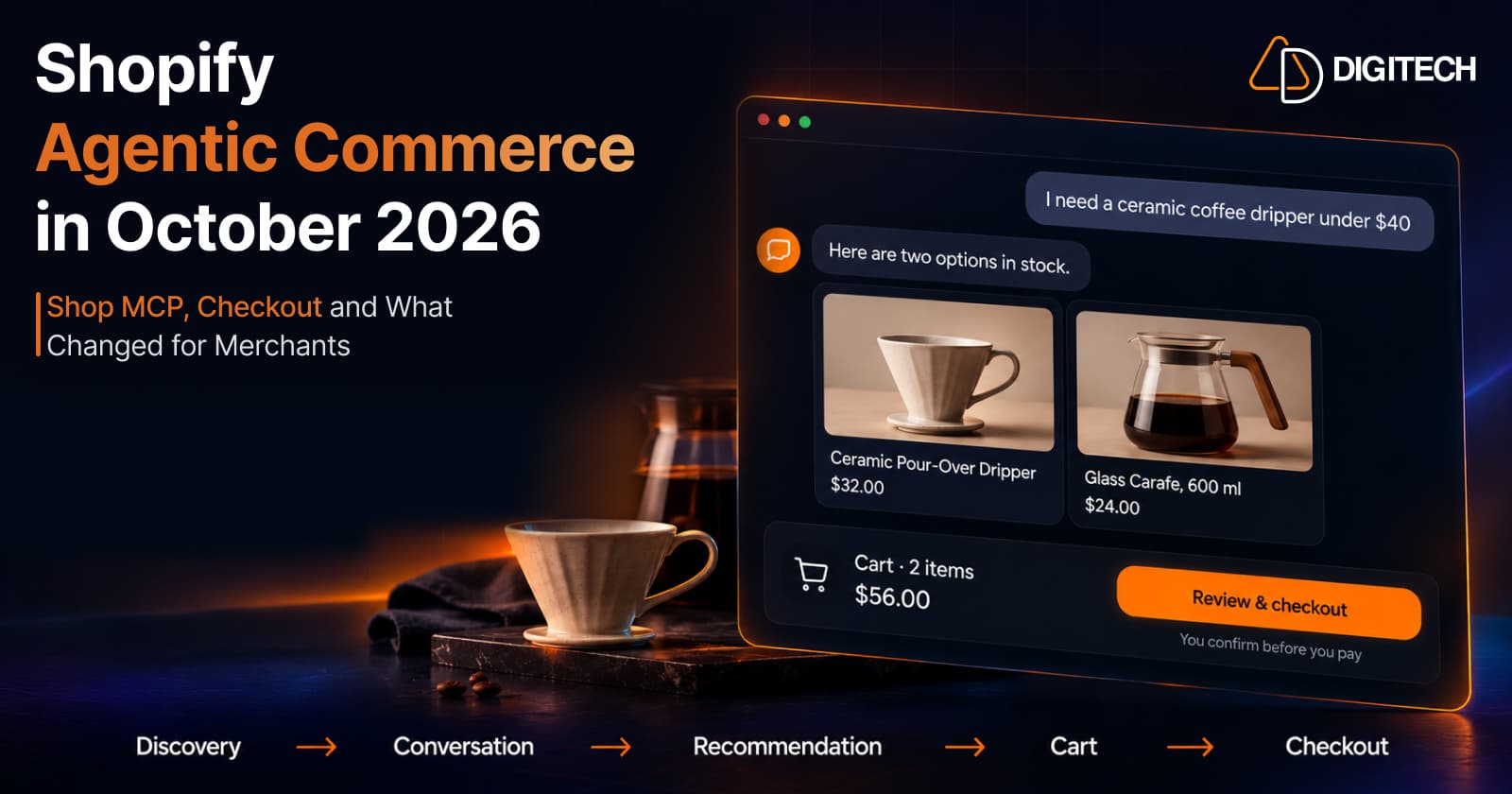
Shopify Agentic Commerce in October 2026: Shop MCP, Checkout and What Changed for Merchants
Shopify agentic commerce moved forward in September and October 2026: Shop MCP, Cart and Checkout MCP, WebMCP, buyer consent and store locations. Here's what it means for merchants.
Read article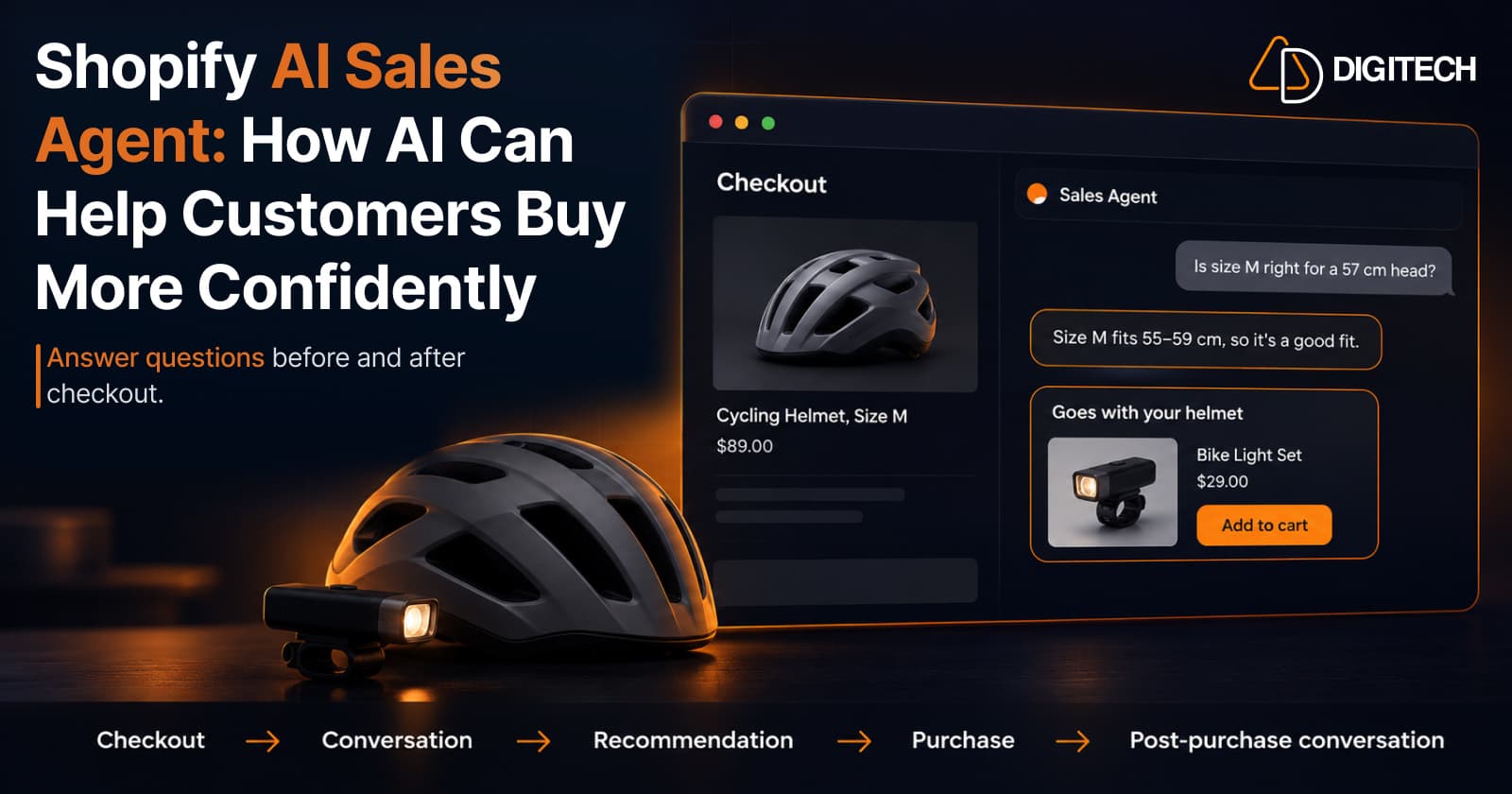
Shopify AI Sales Agent: How AI Can Help Customers Buy More Confidently
Learn how Shopify AI Sales Agents can help customers with product questions, recommendations, upsells and post-purchase conversations.
Read article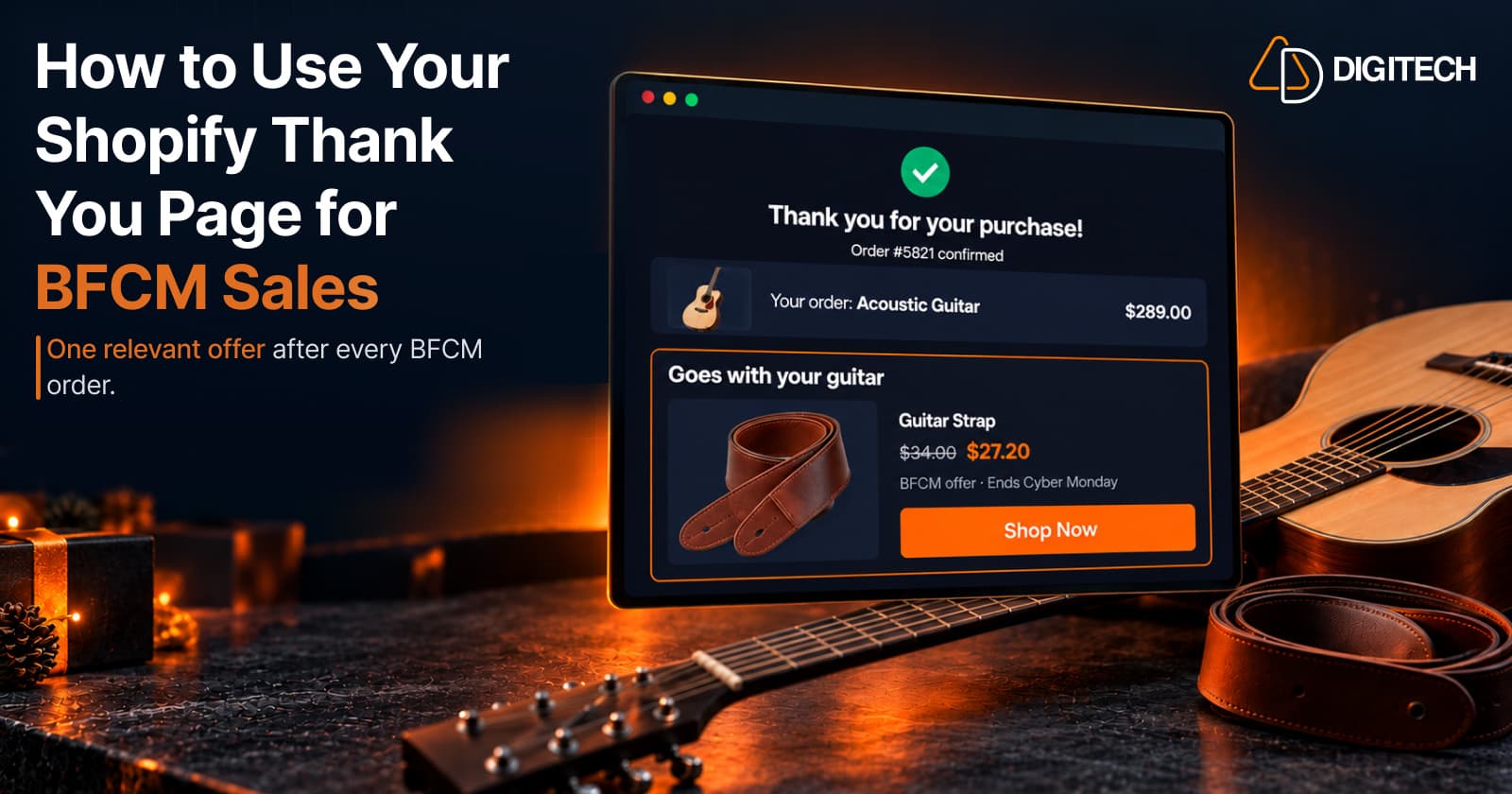
How to Use Your Shopify Thank You Page for BFCM Sales
Learn how to use the Shopify Thank You Page during BFCM with relevant upsells, product recommendations, bundles, offers and countdown timers.
Read article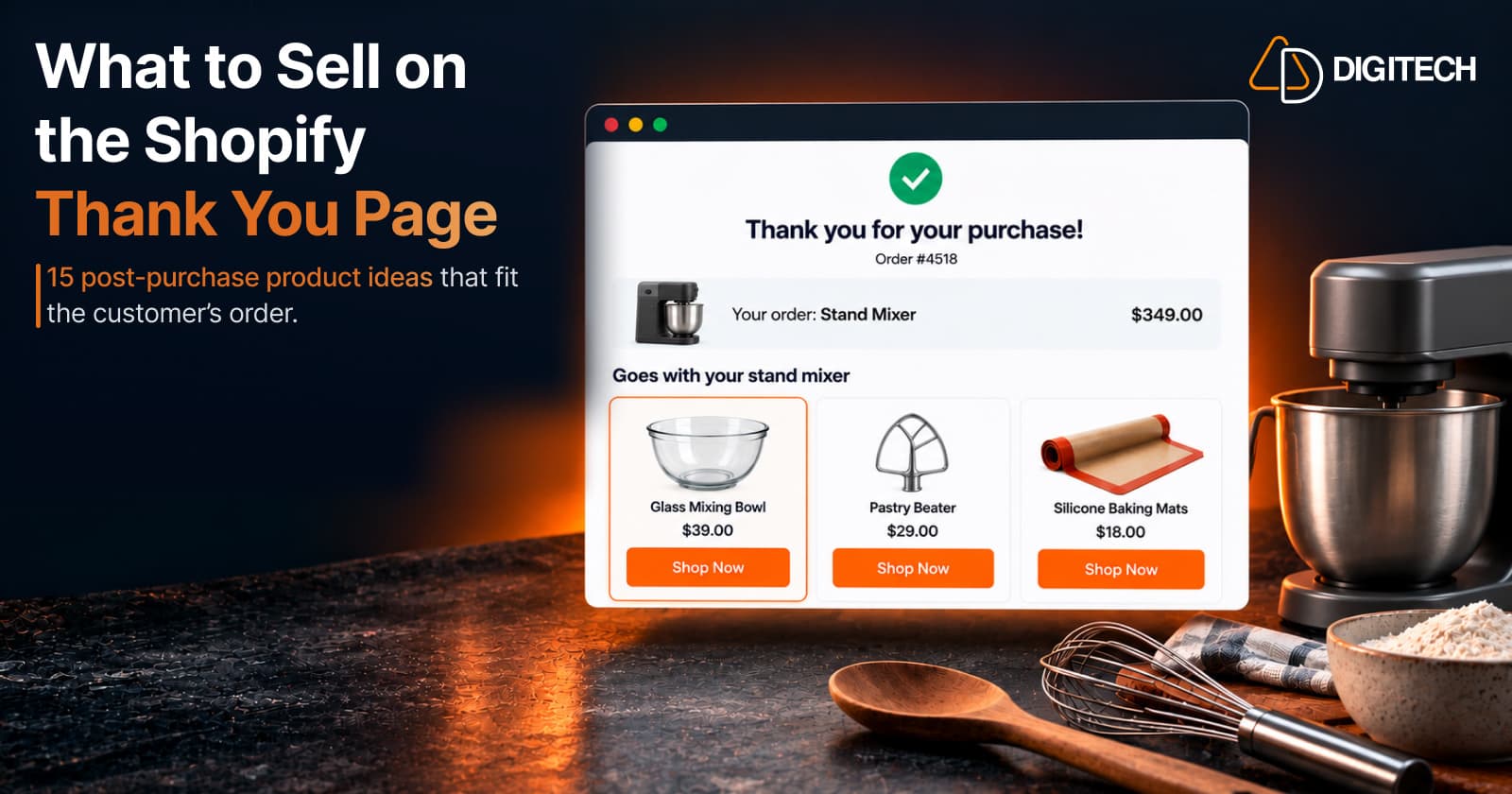
What to Sell on the Shopify Thank You Page: 15 Post-Purchase Product Ideas
Discover 15 Shopify Thank You Page product ideas, from complementary accessories and bundles to upgrades, refills and relevant post-purchase offers.
Read article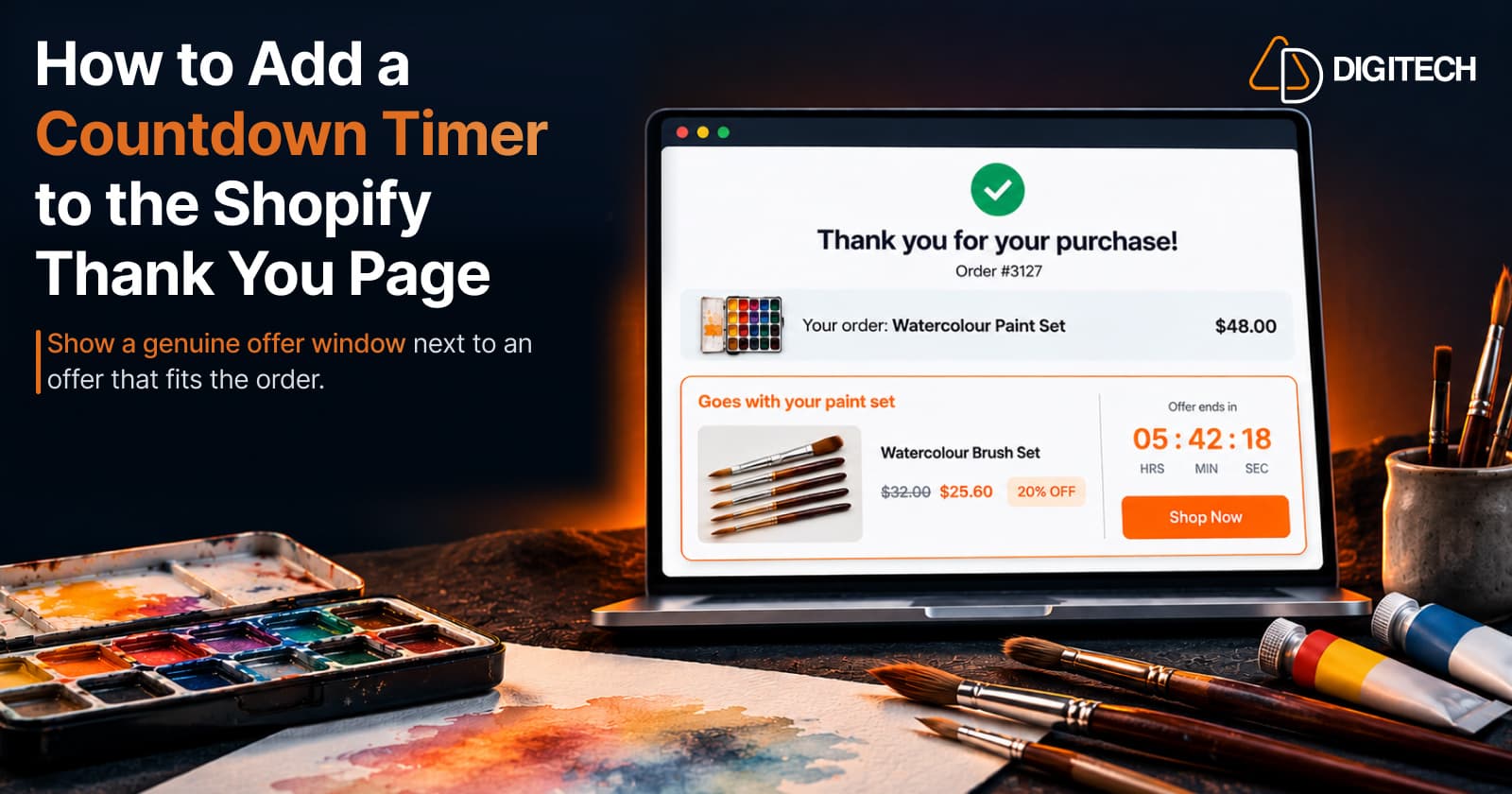
How to Add a Countdown Timer to the Shopify Thank You Page
Learn how to add a countdown timer to the Shopify Thank You Page and use time-sensitive offers, discounts and relevant products to drive post-purchase engagement.
Read article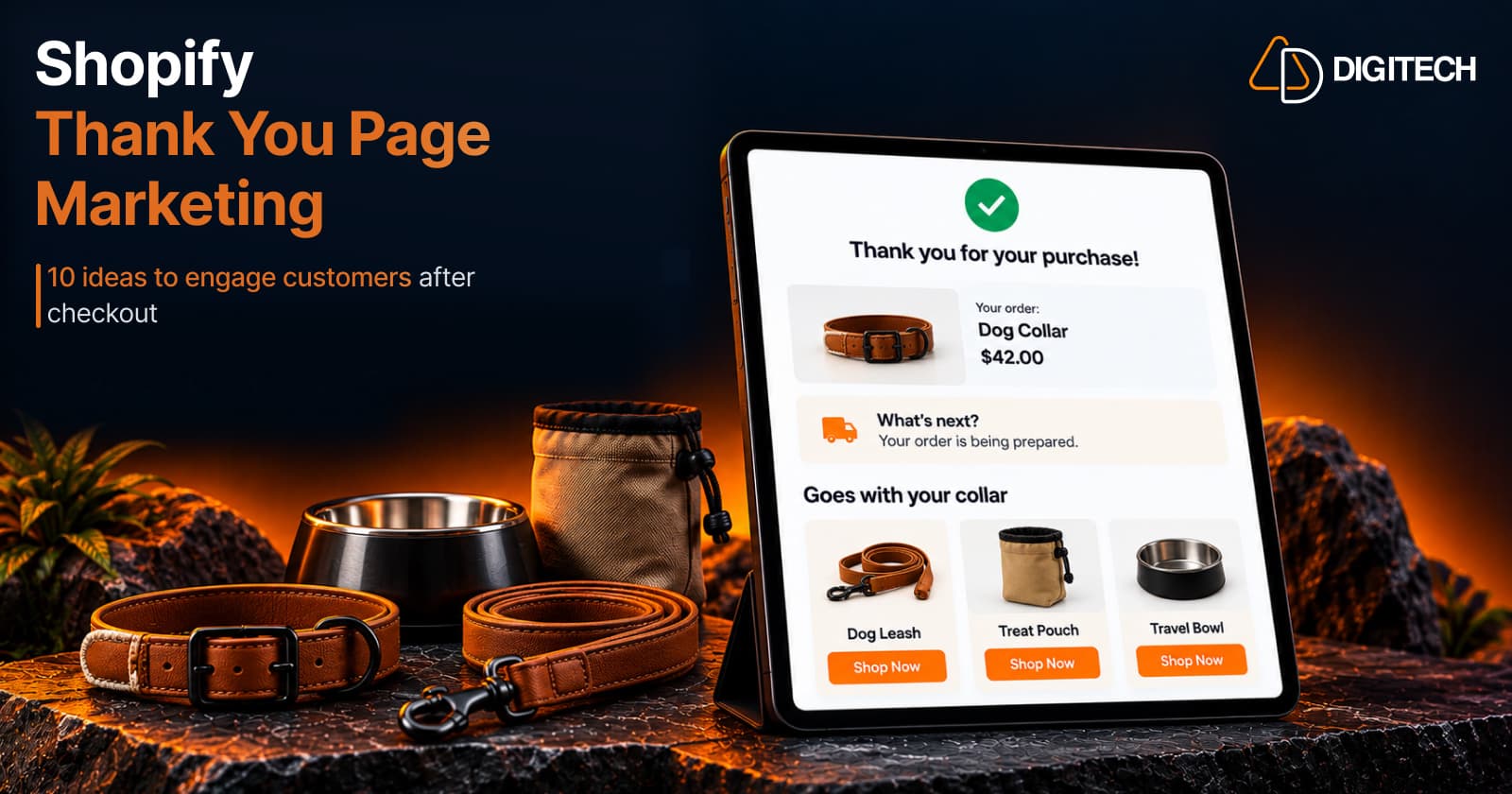
Shopify Thank You Page Marketing: 10 Ideas to Engage Customers After Checkout
Discover 10 Shopify Thank You Page marketing ideas to engage customers after checkout with recommendations, offers, bundles, feedback and useful content.
Read article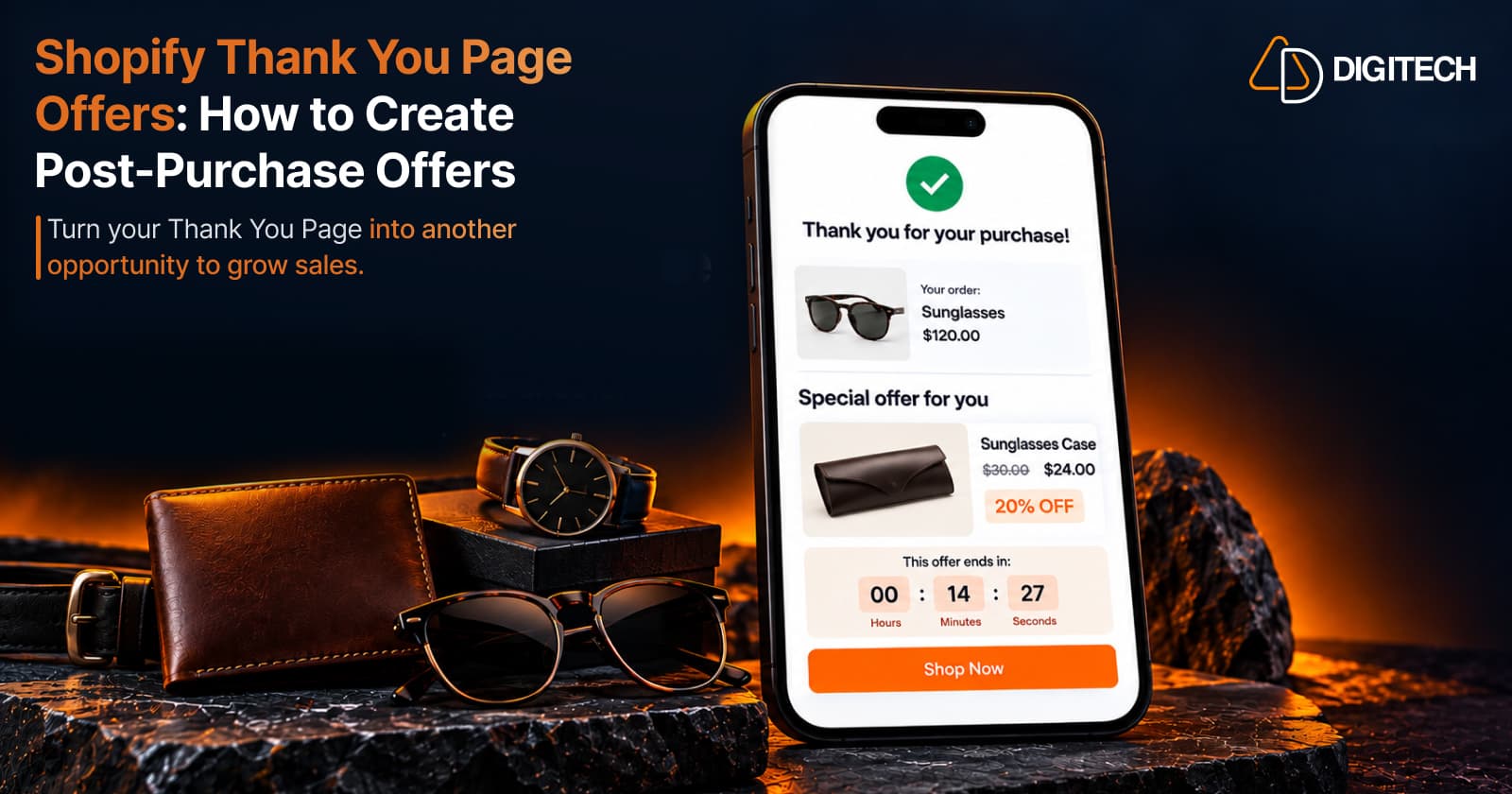
Shopify Thank You Page Offers: How to Create Post-Purchase Offers
Learn how to create Shopify Thank You Page offers with discounts, coupons, countdown timers and relevant promotions to drive additional purchases.
Read article