How to Add Product Recommendations to the Shopify Thank You Page
Learn how to add relevant product recommendations to your Shopify Thank You Page, choose complementary products, and improve post-purchase sales opportunities.
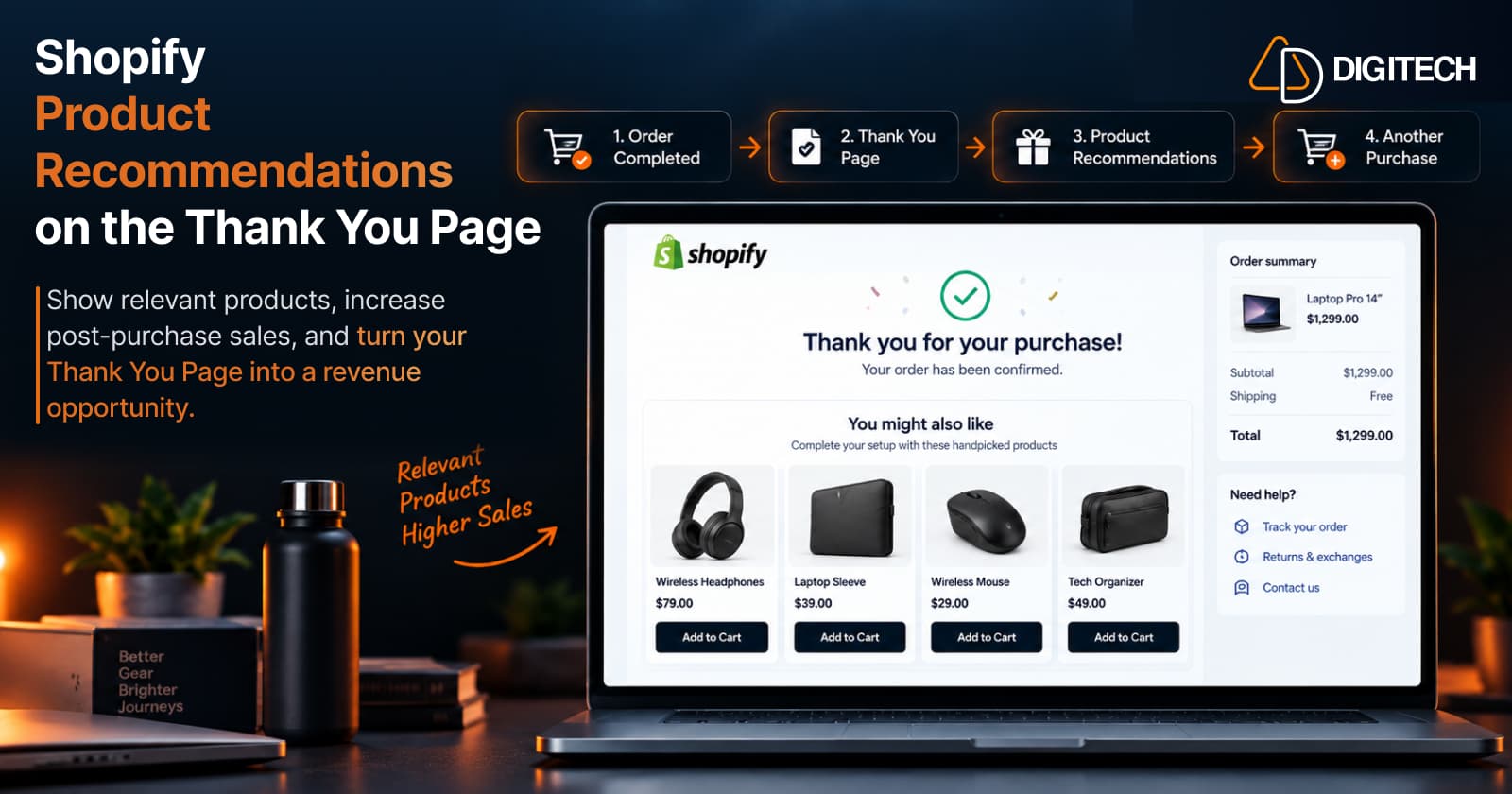
Most Shopify stores treat the Thank You Page as a full stop — the order's confirmed, and that's it. But the order-confirmation page is also a natural place to show a customer something else they might want. A product recommendation on the Thank You Page puts a relevant product in front of someone who has just bought from you, and gives them an easy way to add it as a new purchase.
This guide is specifically about that: how to recommend relevant products on the Shopify Thank You Page — what to recommend, how to pick products that actually fit, how recommendations differ from upsells and cross-sells, how to add them the current supported way, and how to measure them. If you want the upsell-specific angle, we've covered how to add upsells to the Shopify Thank You Page separately; this article is about product recommendations.
What Are Shopify Thank You Page Product Recommendations?
A Thank You Page product recommendation is a relevant product — or a small set of them — shown on the order-confirmation page after a customer completes checkout. Its purpose is to help the customer discover something that complements what they just bought, and to make it easy to buy.
The difference from a generic promotion matters. A promotion pushes whatever the store wants to move — a sitewide banner, a blanket discount code. A recommendation is chosen to fit the customer's recent purchase: a memory card for someone who bought a camera, filters for someone who bought a coffee maker. Relevance is what separates a recommendation from an advert.
One point on surfaces: payment is complete and the customer has reached the Thank You Page. A recommendation here doesn't edit the order they just placed — if they act on it, they complete a new purchase.
Why Add Product Recommendations to the Thank You Page?
Practical reasons to use the page this way:
- Create additional purchase opportunities from an order you've already won — no extra ad spend.
- Help customers discover relevant products they may not have seen.
- Cross-sell complementary items that pair with the purchase.
- Make the post-purchase experience more useful, not just a receipt.
- Increase product discovery for your catalogue.
- Potentially add revenue from existing customers.
A note on claims: these can help — none is guaranteed. Results depend on how relevant the recommendation is and on your catalogue. For the wider case for what belongs on this page, see Shopify Thank You Page best practices.
What Products Should You Recommend?
The recommendation only works if it fits the purchase. Six strategies, and when each makes sense:
- Complementary products — the natural companion to what they bought. Usually the safest, highest-relevance choice.
- Products from the same collection — items from the collection the customer purchased from, when they've shown a clear category interest.
- Best sellers — proven, broadly appealing products; a sensible fallback when there's no obvious complement.
- Higher-priced alternatives — an upgrade, where it genuinely fits — use sparingly right after a purchase.
- New arrivals — your latest products, good for returning customers or when "what's new" suits your brand.
- Manually selected products — your own curated pick for a specific purchase.
Two quick examples:
- A customer buys a travel backpack → a travel organizer, a neck pillow, an insulated water bottle, packing cubes.
- A customer buys a skincare cleanser → the matching moisturizer, a serum, an SPF.
In each case the recommendation connects to the purchase, which is what makes it feel considered rather than random.
Most stores don't rely on a single strategy — lead with a complementary product where an obvious one exists, and fall back to same-collection items or best sellers when it doesn't, so every customer sees something relevant.
Product Recommendations vs Shopify Upsells vs Cross-Sells
These three terms get mixed up. They describe intent, and they overlap in practice:
| Term | Intent | Example (after a coffee maker) |
|---|---|---|
| Recommendation | Broadly suggests a relevant product | Beans, a grinder, or filters |
| Cross-sell | Recommends a complementary product used with it | Filters and beans |
| Upsell | Encourages a higher-value or upgraded purchase | A premium grinder or a larger model |
The key thing: these aren't mutually exclusive. A complementary product is both a recommendation and a cross-sell, and a recommendation can point to an upgrade. The labels describe what you're trying to do, not rigid categories a product can only belong to one of. For the upsell angle specifically, see how Shopify Thank You Page upsells work.
How to Choose the Right Product Recommendations
A quick set of filters to run any recommendation through:
- Relevance to the purchased product — the first and most important test.
- Price relationship — keep it reasonable relative to the order; an add-on that costs more than the purchase is a hard sell.
- Product compatibility — it should actually work with what they bought.
- Customer intent — what does the purchase suggest they're doing or setting up?
- Product availability — don't recommend something that's out of stock.
- Avoid too many recommendations — a focused few beat a wall of options.
- Clear product messaging — one line on why it fits.
- Make the next action obvious — one clear call to action.
In practice, a customer who bought a $40 water bottle fits a $12 cleaning brush — compatible, well-priced, and clearly related — not a $200 unrelated product just because it's popular. Relevance and a sensible price come first.
How to Add Product Recommendations to the Shopify Thank You Page
Start with the method, because this is where a lot of older guidance is wrong. Shopify customizes the Thank You Page through the checkout and accounts editor using app blocks (built on checkout UI extensions). You don't edit theme or checkout code — the old Additional Scripts and checkout.liquid methods have been retired and are no longer the supported approach. In practice, most merchants add recommendation blocks with an eligible app.
The process:
- Decide which products to recommend.
- Choose the recommendation strategy — complementary, same collection, best sellers, and so on.
- Open Shopify's checkout and accounts editor, where the Thank You Page is customized.
- Install an eligible app that supports the Thank You Page.
- Add and place the recommendation app block (or extension) on the page.
- Configure the messaging and product selection — the products or rule, a short reason, and a clear CTA.
- Preview the Thank You Page.
- Test the customer experience on desktop and mobile, and confirm that acting on a recommendation starts a new purchase.
- Monitor performance.
One clarification on surfaces, because Shopify keeps these separate. Shopify's native post-purchase extension is a different surface — shown between payment and the Thank You Page — and it can modify the original order. That is not the Thank You Page, and it isn't what an eligible Thank You Page recommendation app provides. On the Thank You Page, a recommendation leads a customer to complete a new purchase; it doesn't edit the order they just placed.
Best Practices for Shopify Thank You Page Product Recommendations
- Recommend relevant products tied to the purchase.
- Keep the recommendation set focused — a few, not many.
- Favour complementary products as your default.
- Show clear product value — a good image and a short line.
- Use concise messaging, not a paragraph.
- Make the CTA clear and singular.
- Don't overwhelm the customer with choice.
- Test on desktop and mobile.
- Review conversion performance, not just clicks.
- Keep recommendations aligned with what the customer bought.
How to Measure Product Recommendation Performance
Track the outcome, not just the effort. Useful metrics:
- Recommendation clicks — is it getting attention?
- Click-through rate, where your app reports it.
- Conversions — how many recommendations turned into a purchase.
- Conversion rate — conversions relative to views or clicks.
- Revenue generated from recommendation interactions, where the app supports that reporting.
- Average order value, where relevant.
A simple, illustrative way to read it: if 1,000 customers see a recommendation and 60 buy from it, that's a 6% conversion rate; multiply the number who bought by the product's value to see the revenue it added. The exact figures matter less than the trend — whether one recommendation set converts better than the last.
Judge performance on real behaviour over enough orders to be meaningful, and compare different recommendation sets so you keep what works. Only rely on advanced attribution or revenue reporting if the app you use actually provides it.
How Grovia Adds Product Recommendations to the Shopify Thank You Page
Grovia — a Shopify app built and operated by AD Digitech — is one way to add these recommendations without code. Grovia customizes your Thank You Page and Order Status Page, and lets merchants add:
- Product recommendations — complementary products, the same collection the customer bought from, best sellers, new arrivals, higher-priced alternatives, or manually selected products
- Upsells and cross-sell offers
- Product bundles — fixed, mix-and-match, and volume (buy-more-save-more)
- Coupon codes and countdown timers
- Images, banners, and CTAs
- Post-purchase surveys
- A drag-and-drop editor — no code, no theme changes
- Analytics — clicks, conversions, CVR, and revenue
Grovia works on the Thank You Page and Order Status Page surfaces. The recommendations it adds encourage a new purchase and don't modify the customer's completed order — and it doesn't provide Shopify's separate native post-purchase extension. That gives you the recommendation strategy, the merchandising, and the measurement in one place, so a confirmation screen can start surfacing genuinely relevant products instead of ending the visit.
The Bottom Line
A product recommendation on the Thank You Page has a simple job: put one or a few genuinely relevant products in front of a customer who just bought, and make them easy to buy as a new purchase. Choose products that fit the order, keep the set focused, add them through Shopify's supported checkout and accounts editor rather than retired code-based methods, and measure what actually converts. Do that consistently, and the order-confirmation page becomes a place where customers discover their next purchase — not a dead end.
Frequently asked questions
Can I add product recommendations to the Shopify Thank You Page?
Yes. The Thank You Page is customized through Shopify's checkout and accounts editor using app blocks, and eligible apps can add product-recommendation blocks to it — no theme code required. The recommendations appear once the customer has completed checkout, and choosing one lets them start a new purchase.
What products should I recommend after a purchase?
Recommend products that are relevant to what the customer just bought — usually complementary items, accessories, or products from the same collection. Best sellers and new arrivals can work as a fallback, and a higher-priced alternative fits where an upgrade makes sense. Keep it to a small, relevant set rather than a long list.
What is the difference between a recommendation and a cross-sell?
A recommendation broadly suggests a relevant product; a cross-sell specifically recommends a complementary product used alongside the purchase; an upsell encourages a higher-value or upgraded option. The terms overlap — a complementary product is both a recommendation and a cross-sell — so they describe intent rather than mutually exclusive categories.
Can Thank You Page recommendations increase additional purchases?
They can, when the recommended product is genuinely relevant and easy to buy — but it isn't guaranteed. An irrelevant or overpriced recommendation won't convert. Treat Thank You Page recommendations as a way to surface relevant products, and measure the results rather than assuming a lift.
Can I customize Shopify's Thank You Page without editing theme code?
Yes. Shopify customizes the Thank You Page through the checkout and accounts editor and app blocks, so you don't edit theme or checkout code. Apps can add recommendation blocks for you. The older Additional Scripts and checkout.liquid methods have been retired and are no longer the supported approach.
Can Shopify Thank You Page recommendations be personalized?
It depends on the app. Recommendations are typically driven by rules — complementary products, the same collection, best sellers, new arrivals, or a manual pick — based on store and product data. Some tools offer more individualized selection than others, so how 'personalized' the recommendations are comes down to the app you use.
Can Grovia add product recommendations to the Thank You Page?
Yes. Grovia customizes the Thank You Page and Order Status Page and lets merchants add product recommendations — complementary products, the same collection, best sellers, new arrivals, higher-priced alternatives, or manually selected products — plus bundles, coupons, timers, banners, and surveys, with a drag-and-drop editor and no coding. It works on the Thank You and Order Status pages, not Shopify's separate native post-purchase extension.
Turn Your Thank You Page Into a Revenue Opportunity
Your Shopify thank you and order status pages can do more than confirm an order. With Grovia, add post-purchase upsells, product recommendations, bundles, offers and more — without coding.
Related reading
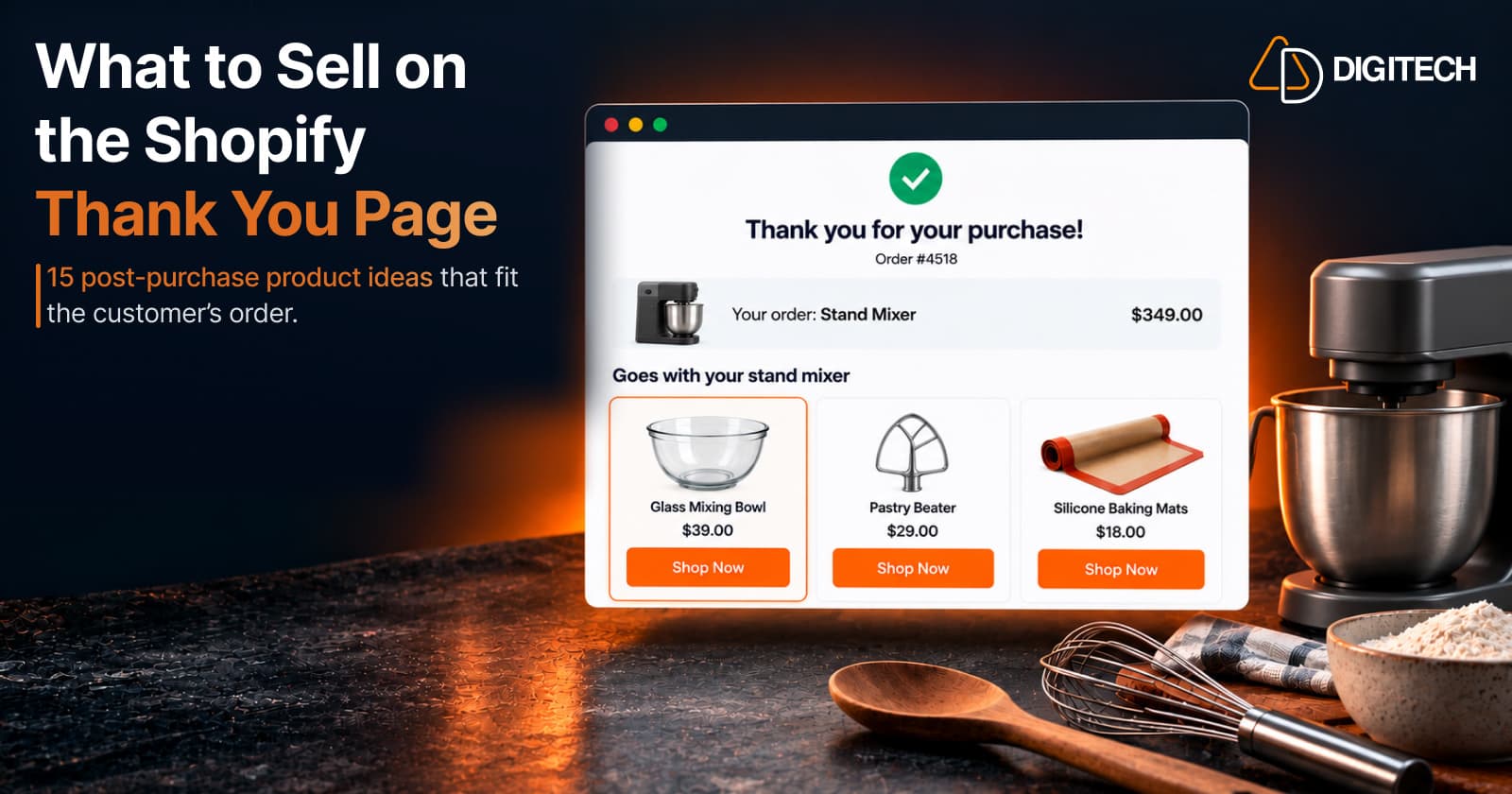
What to Sell on the Shopify Thank You Page: 15 Post-Purchase Product Ideas
Discover 15 Shopify Thank You Page product ideas, from complementary accessories and bundles to upgrades, refills and relevant post-purchase offers.
Read article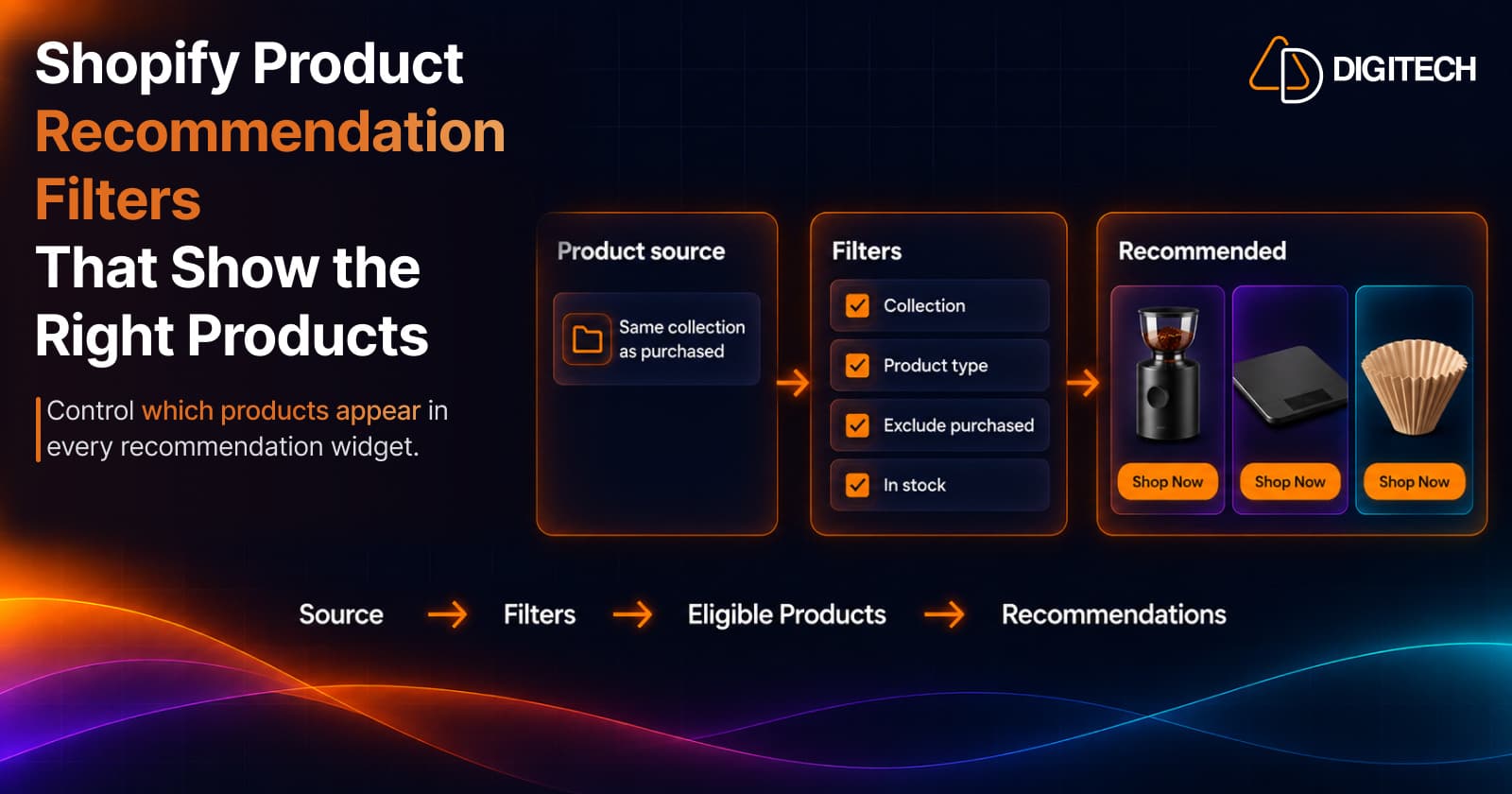
Shopify Product Recommendation Filters: How to Show the Right Products
Learn how Shopify product recommendation filters can help merchants control which products appear using collections, tags, vendors, inventory and more.
Read article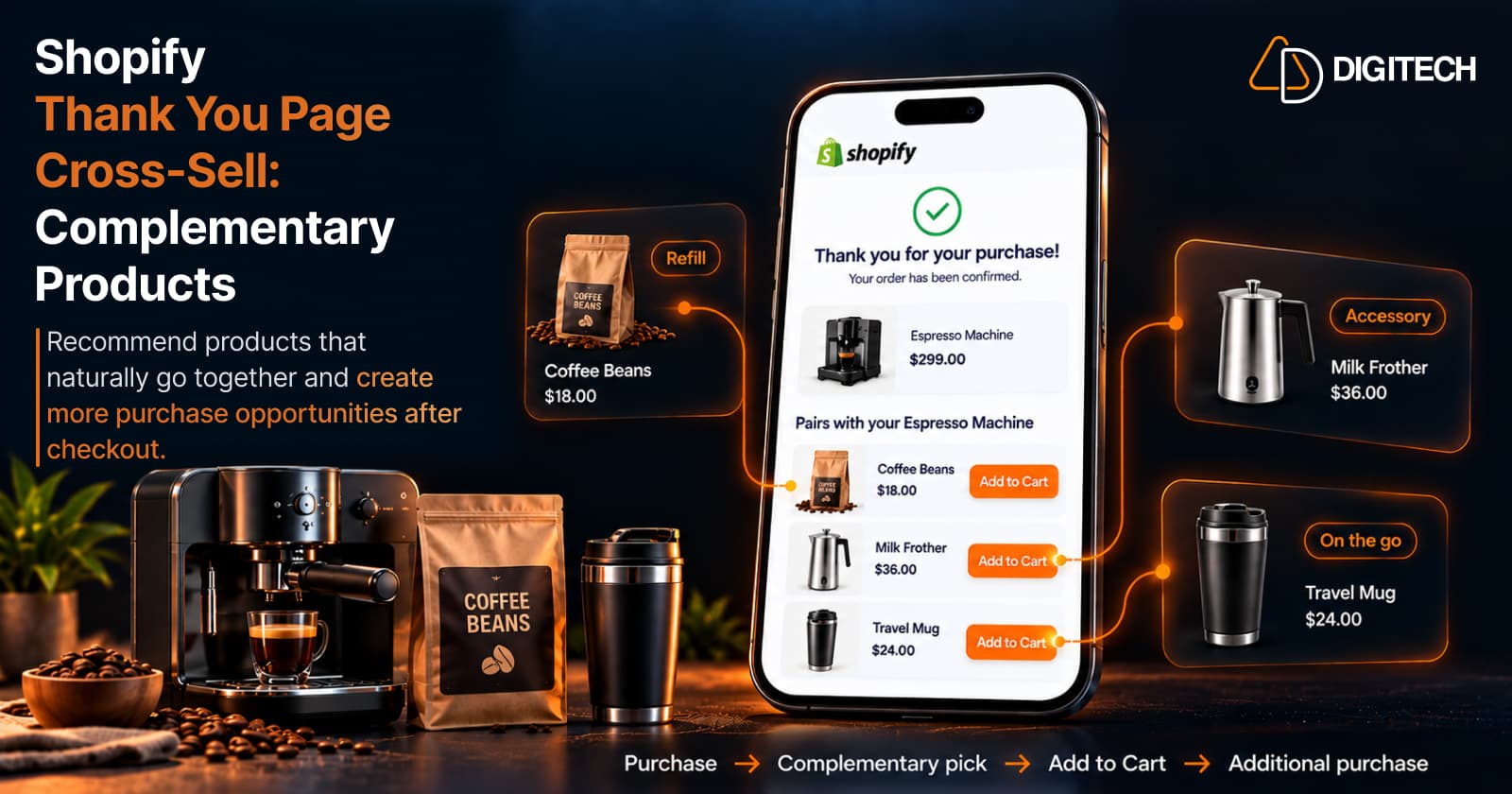
How to Cross-Sell Complementary Products on the Shopify Thank You Page
Learn how to cross-sell complementary products on the Shopify Thank You Page, choose relevant recommendations, and create additional purchase opportunities.
Read article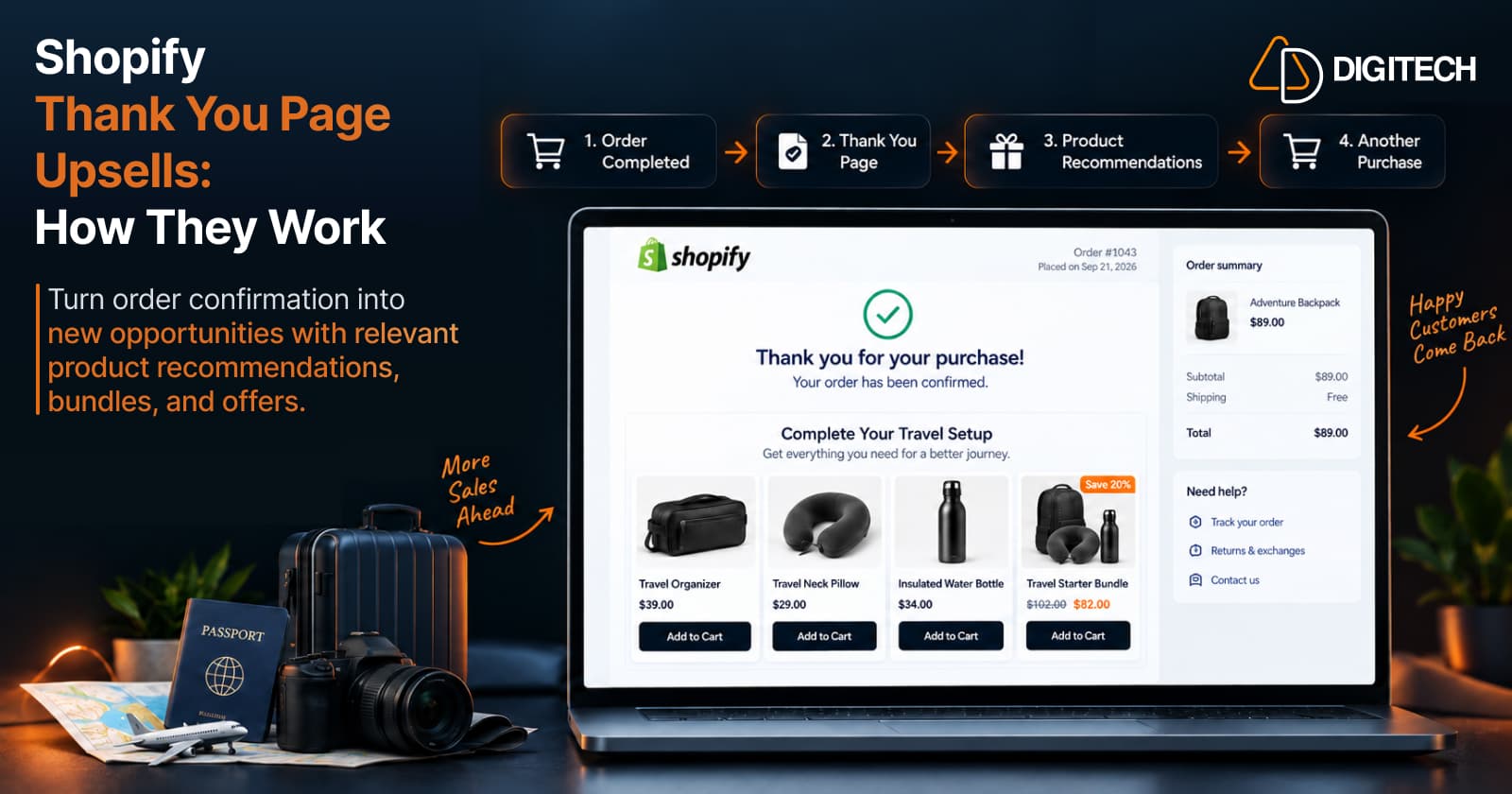
How Shopify Thank You Page Upsells Work
Learn how Shopify Thank You Page upsells work, what products to recommend, how they differ from post-purchase offers, and how to measure results.
Read article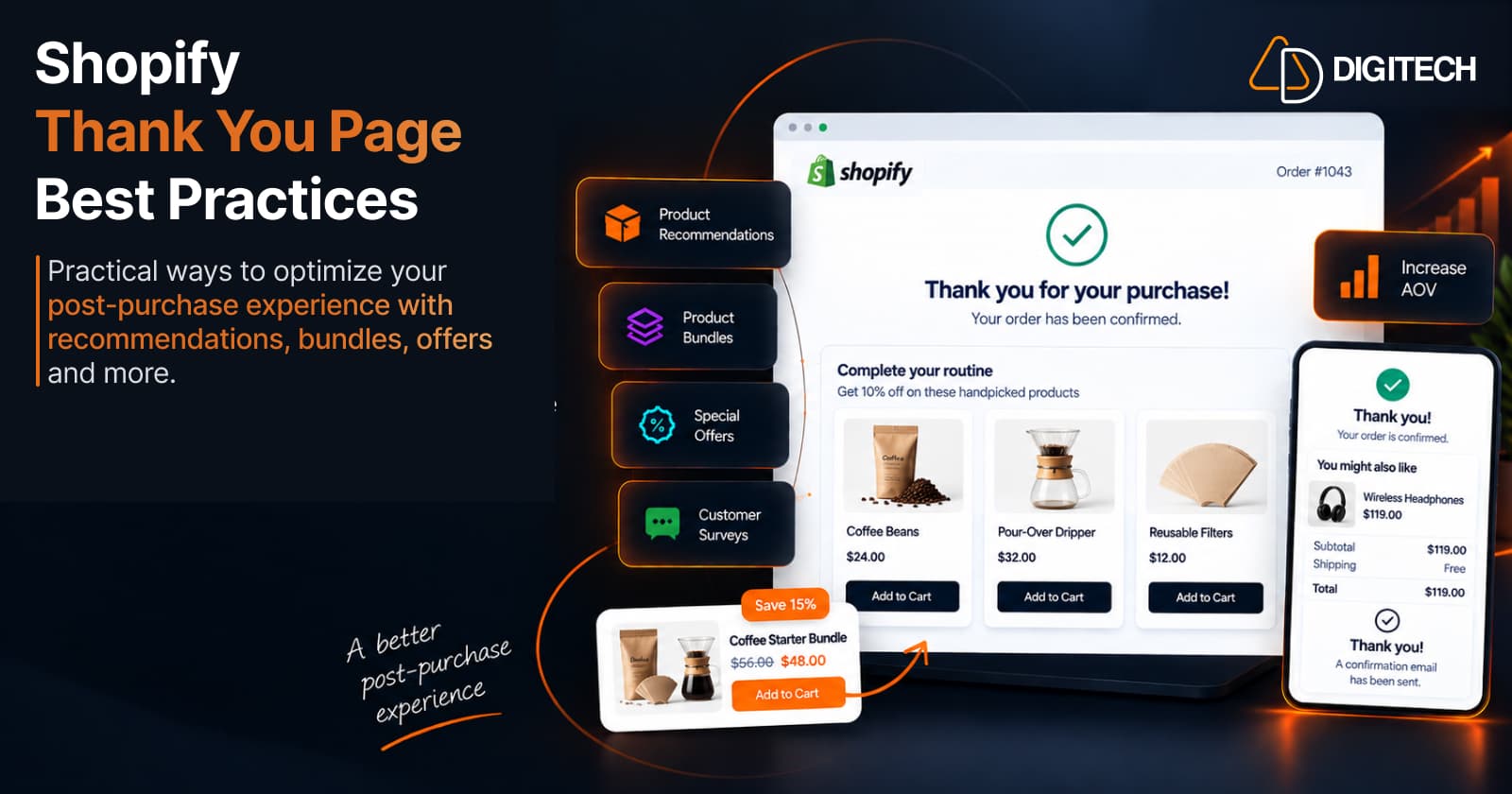
Shopify Thank You Page Best Practices for Increasing Sales
Shopify Thank You Page best practices: what to place after checkout — recommendations, cross-sells, bundles, offers and surveys — without overloading it.
Read article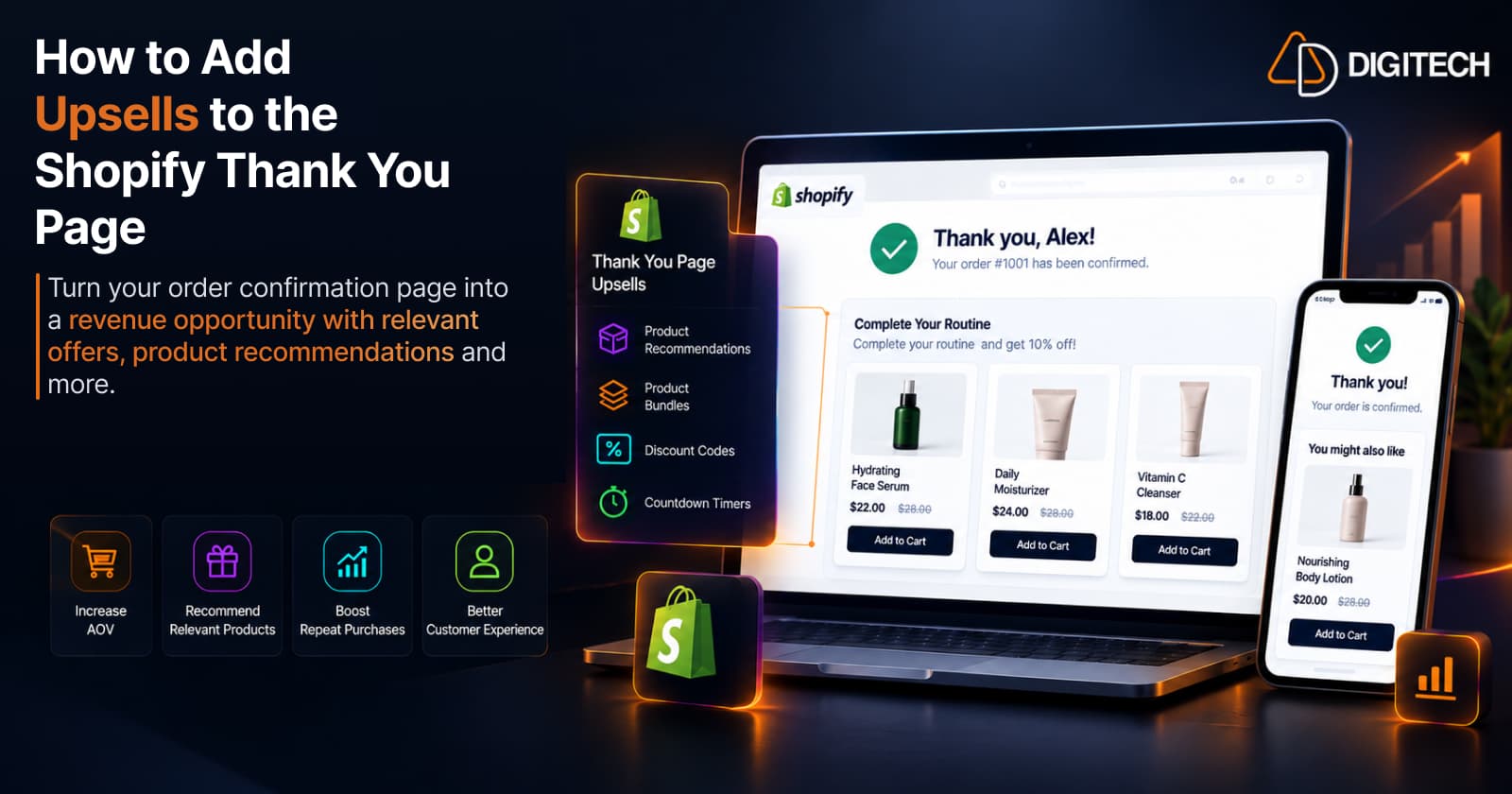
How to Add Upsells to the Shopify Thank You Page
Add post-purchase upsells to your Shopify Thank You Page the current, supported way — no theme code. Product selection, offer setup, placement, testing, and how to measure it.
Read article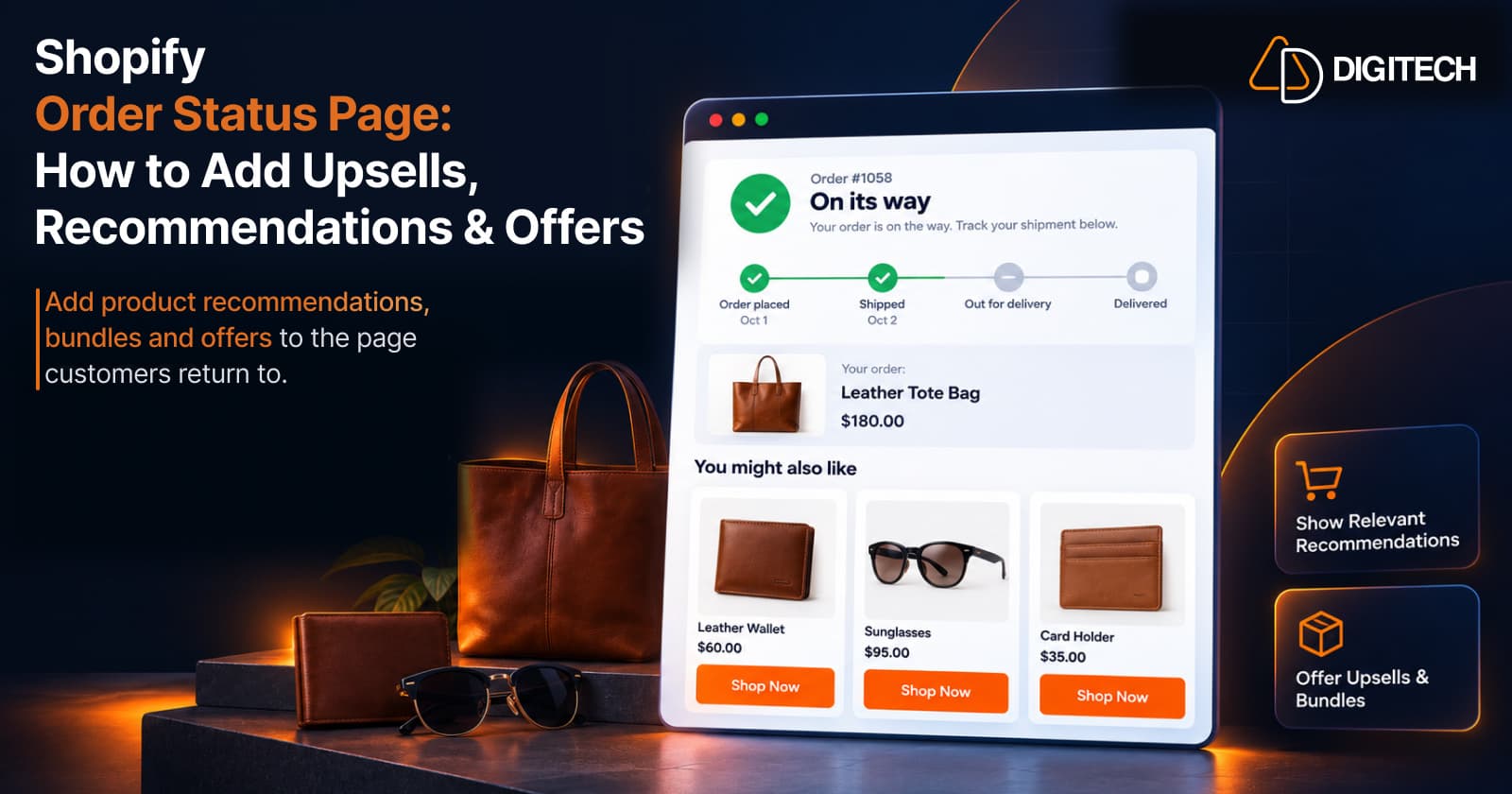
Shopify Order Status Page: How to Add Upsells, Recommendations & Offers
Learn how to customize the Shopify Order Status Page with product recommendations, upsells, bundles and offers to create better post-purchase experiences.
Read article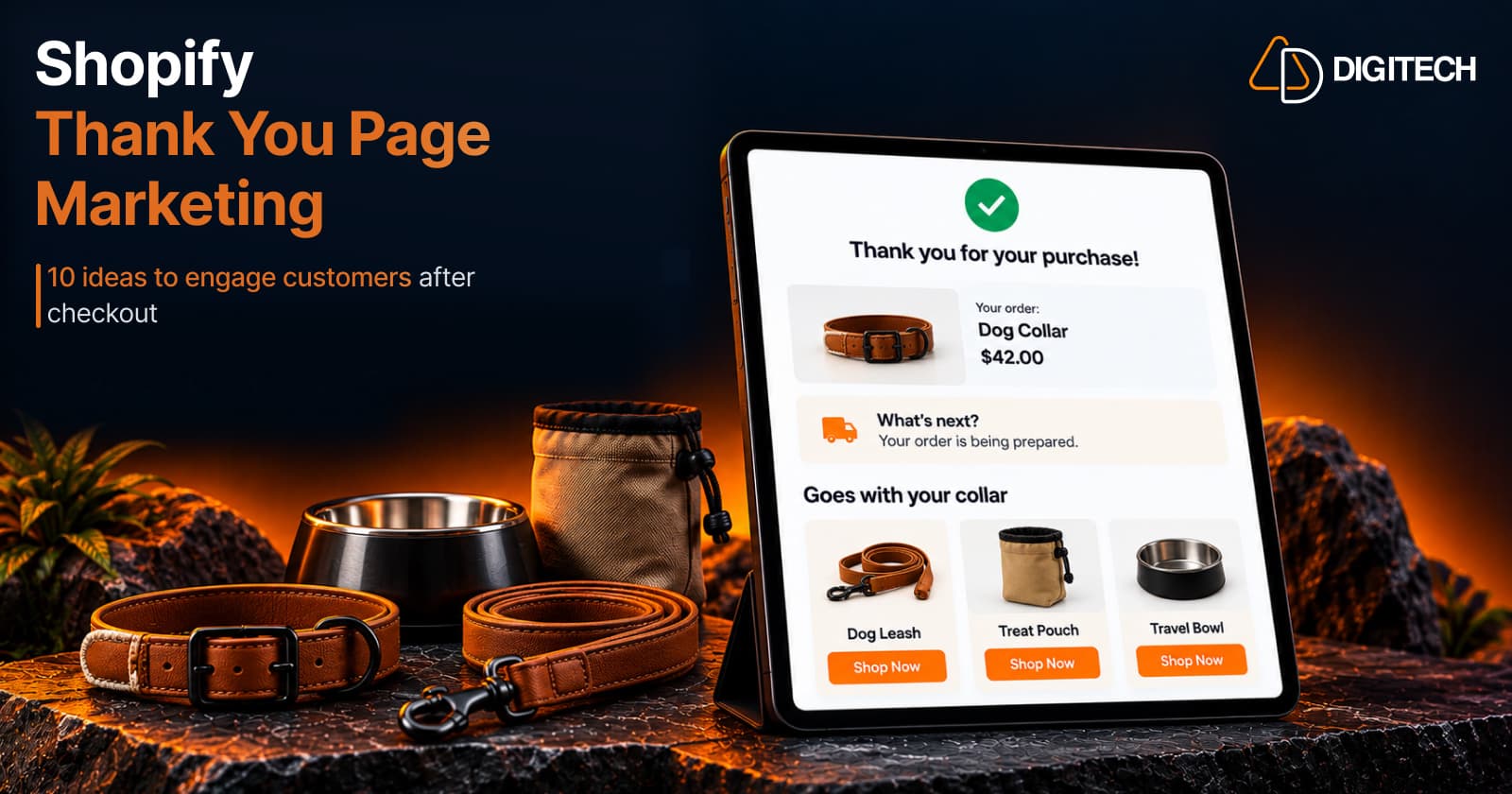
Shopify Thank You Page Marketing: 10 Ideas to Engage Customers After Checkout
Discover 10 Shopify Thank You Page marketing ideas to engage customers after checkout with recommendations, offers, bundles, feedback and useful content.
Read article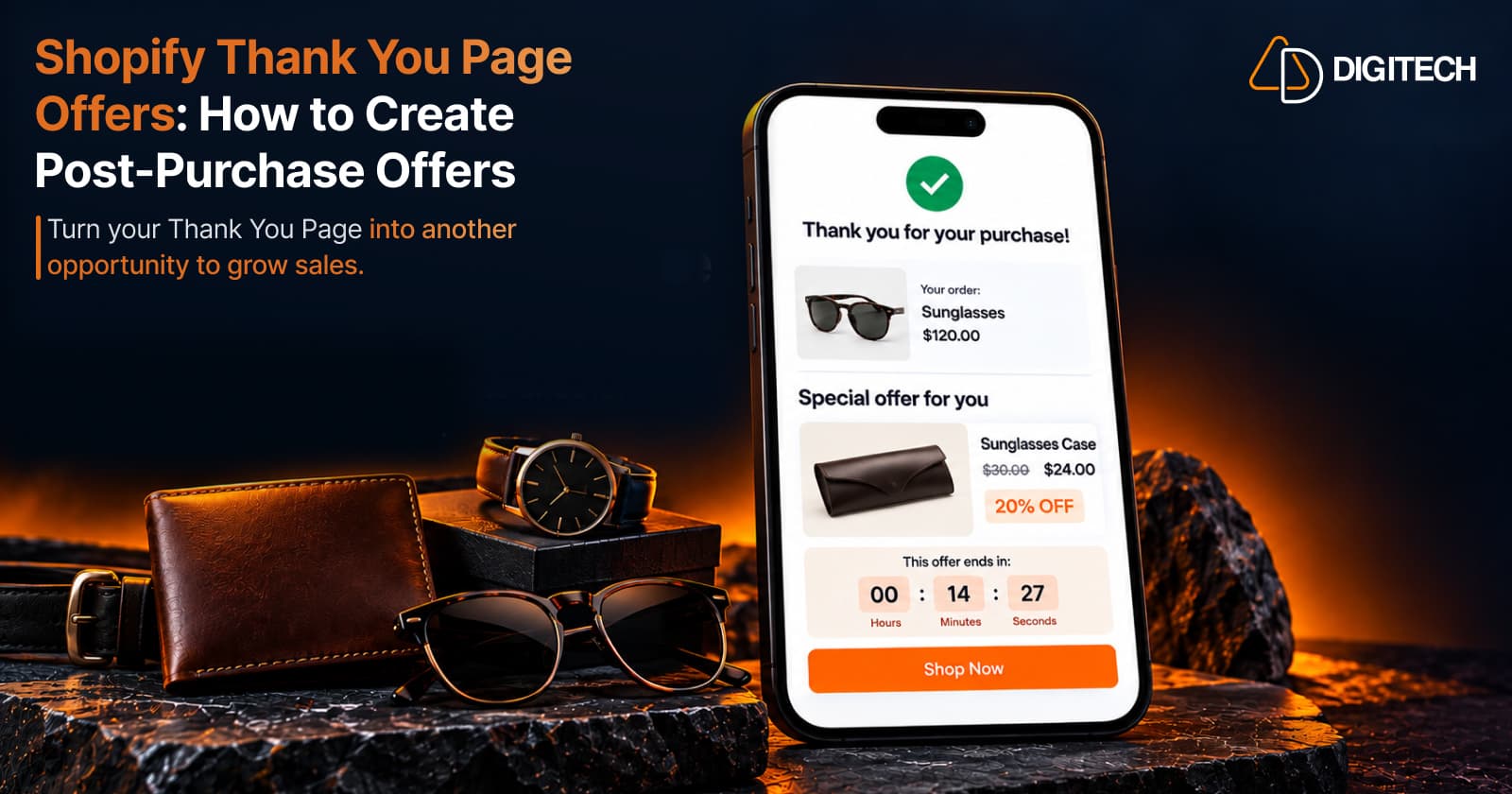
Shopify Thank You Page Offers: How to Create Post-Purchase Offers
Learn how to create Shopify Thank You Page offers with discounts, coupons, countdown timers and relevant promotions to drive additional purchases.
Read article