How Shopify Thank You Page Upsells Work
Learn how Shopify Thank You Page upsells work, what products to recommend, how they differ from post-purchase offers, and how to measure results.
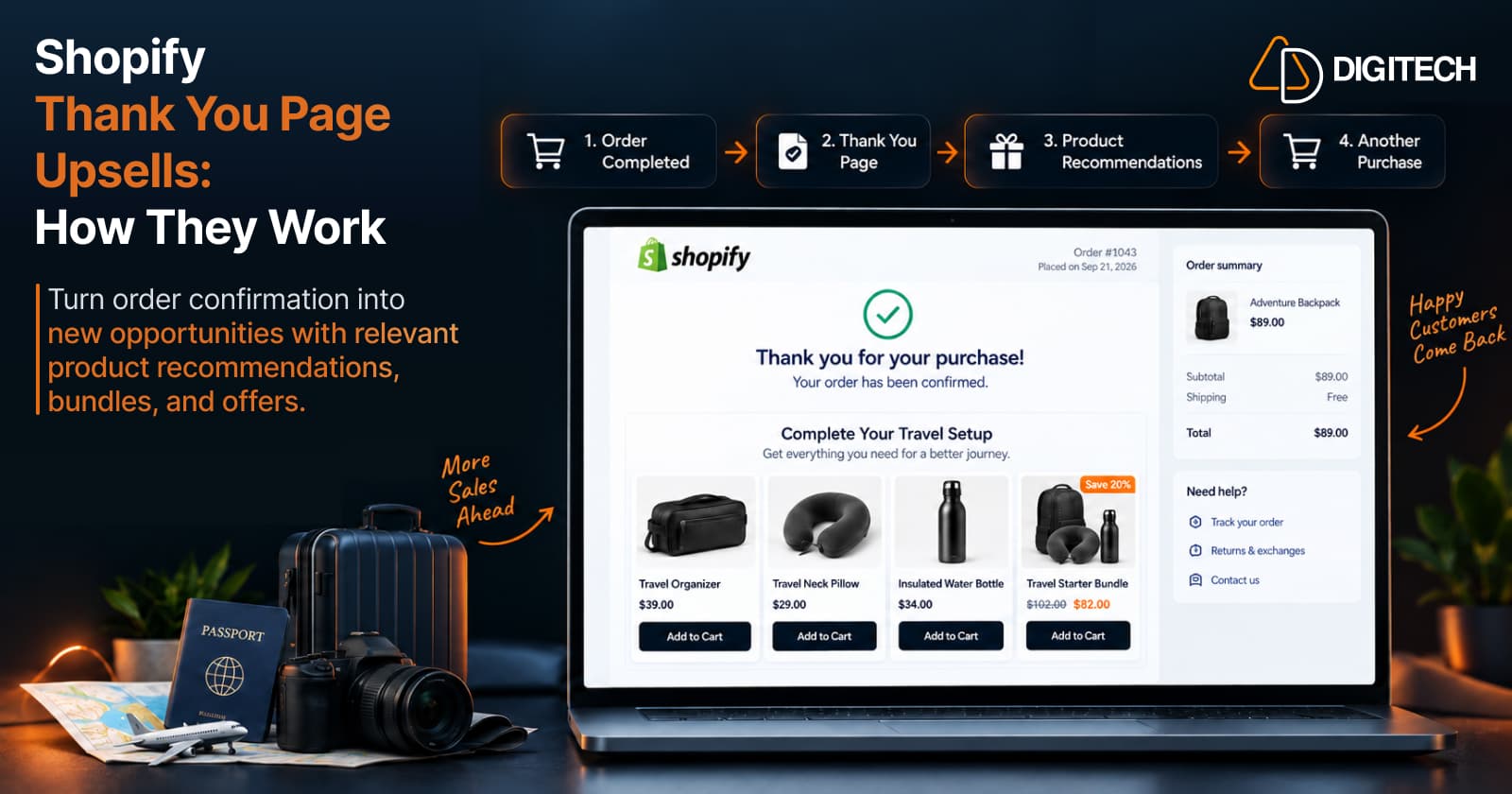
A customer completes checkout. The order is confirmed — and for a moment, they're still right there on your store, thinking about what they just bought. A Shopify Thank You Page upsell uses that moment: a relevant product, bundle, or offer shown on the order-confirmation page, inviting the customer to start one more purchase while they're still engaged.
Merchants use it to earn more from traffic they've already paid for, lift average order value (AOV) when an offer lands, recommend genuinely useful complementary products, and turn a confirmation screen into another buying opportunity. None of that is automatic — a Thank You Page upsell only helps when the recommendation is relevant and the customer chooses to act on it. This guide explains how Thank You Page upsells actually work: the flow, what to recommend, how they differ from Shopify's post-purchase extension, and how to measure results.
What Is a Shopify Thank You Page Upsell?
A Shopify Thank You Page upsell is a product recommendation or offer displayed on the order-confirmation page — the page a customer reaches once checkout is complete. It invites the customer to buy something additional: a complementary item, an upgrade, or a bundle.
For example, a customer buys a pair of running shoes. After checkout, the Thank You Page can recommend running socks, shoe cleaner, or insoles. The customer can pick one and start another purchase.
Here's the important part: this is not editing the order they just placed. A Thank You Page offer doesn't add an item to the completed checkout. When the customer taps "Add to Cart," they're beginning a new purchase. The original order is done; the upsell is a fresh, optional one shown to an engaged customer.
Because the customer has just committed to a purchase, a relevant recommendation here reads as helpful rather than pushy — it extends the choice they already made instead of interrupting a decision they're still weighing.
How Does a Thank You Page Upsell Work?
The flow is simple and worth picturing step by step:
Purchase Completed → Thank You Page → Relevant Recommendation → Add to Cart → New Purchase
- Purchase completed. The customer finishes checkout and pays. The order exists.
- Thank You Page. Shopify shows the order confirmation — the "thank you for your purchase" screen.
- Relevant recommendation. On that page, the merchant displays a related product, bundle, or offer (added through Shopify's checkout and accounts editor, or via an app).
- Add to Cart. If the customer is interested, they add the recommended product.
- New purchase. That "Add to Cart" starts a new order — it doesn't modify the one just completed.
Because the offer sits after the sale, it never competes with the original purchase decision. It simply gives an already-engaged customer an easy next step.
Thank You Page vs Post-Purchase vs Order Status Page
It's worth clearing up a common confusion here. Shopify's post-purchase extensions and Thank You Page upsells are different experiences. A post-purchase extension can appear after payment and before the Thank You Page, while a Thank You Page upsell is displayed on the order-confirmation page. Thank You Page offers encourage the customer to make an additional purchase rather than modifying the checkout they have just completed.
There are four distinct surfaces around and after checkout:
| Surface | When it appears | What it's used for | Grovia |
|---|---|---|---|
| Checkout | During payment | Completing the purchase | — |
| Post-purchase extension | After payment, before the Thank You Page | A separate Shopify capability — a one-click offer that can be added to the order just placed | Not a Grovia feature |
| Thank You Page | Once, right after checkout | Order confirmation + relevant recommendations, bundles, offers, surveys | Grovia supports this |
| Order Status Page | Revisited later to track the order | Order tracking + relevant offers | Grovia supports this |
This article — and Grovia — are about the Thank You Page (and the Order Status Page), not Shopify's post-purchase extension. For a fuller breakdown of the two later surfaces, see Thank You Page vs Order Status Page.
What Can You Recommend on the Thank You Page?
The offer only works if it fits the purchase. Practical recommendation types:
- Complementary products — the natural companion to what they bought.
- Same-collection products — items from the collection they purchased from.
- Best sellers — a sensible fallback when there's no obvious complement.
- New arrivals — for returning customers, or when "what's new" fits your brand.
- Higher-priced alternatives — an upgrade, where it genuinely fits.
- Manually selected products — your own curated pick for that purchase.
Vary the offer to the product. A few examples:
- Coffee maker → coffee beans (the consumable that makes it useful)
- Running shoes → running socks (the obvious companion)
- Camera → memory card (the essential accessory)
- Laptop → USB-C hub (the add-on that completes the setup)
In each case the recommendation connects to what the customer just bought, which is what makes it feel considered rather than like a random product wall.
Thank You Page Upsell vs Cross-Sell
The two terms get mixed up, so it's worth being precise:
- Upsell — encourages a higher-value option or an upgrade of what they bought (a larger size, a premium version, an extended warranty).
- Cross-sell — recommends a related or complementary product (the accessory, the companion item).
A Thank You Page can be used for either strategy, depending on the product relationship. After checkout, cross-sells often fit naturally — the customer has already chosen their main product, so a complementary add-on builds on that choice. But an upsell can work too when it's a clear, low-effort improvement on what they just bought.
Product Bundles on the Thank You Page
Bundles give customers a reason to pick up several related products at once. The common types:
- Fixed bundles — a set of specific products offered together (the item plus its natural companions).
- Mix-and-match bundles — the customer picks a number of items from a set.
- Volume bundles — buy more of something to save (buy-more-save-more).
A bundle built around what the customer just bought — say a "starter set" of the item plus its accessories — can lift the value of the offer while staying relevant. For a customer who bought a coffee maker, a "complete your setup" bundle of beans, filters, and a scoop is an easy, relevant add — three related products in a single decision. As with any Thank You Page offer, accepting a bundle starts a new purchase; it doesn't edit the order the customer just completed.
Why Use Thank You Page Upsells?
The appeal is revenue from attention you already have:
- Increase revenue from existing customer traffic without spending more to acquire it.
- Increase AOV where offers are relevant and accepted.
- Recommend useful complementary products the customer is likely to want.
- Improve product discovery — introduce items they might not have found.
- Create another purchase opportunity on a page most stores leave empty.
- Extend the experience after checkout so it feels considered, not transactional.
A note on claims: Thank You Page upsells can increase AOV when the offer is relevant and accepted — they don't do it automatically, and an irrelevant offer won't convert. If AOV is the goal, the pricing and relevance tactics in increase Shopify AOV: post-purchase upsells go deeper.
How to Choose the Right Thank You Page Offer
A quick framework to pressure-test any offer:
- Start with the product already purchased. That's your context.
- Find a natural complementary product. The obvious companion is usually the best answer.
- Keep the price reasonable relative to the original order — an add-on that costs more than the purchase is a hard sell.
- Make the benefit obvious. One glance should explain why it fits.
- Keep the offer focused — ideally one clear recommendation.
- Use a clear CTA — one obvious action.
- Avoid irrelevant products — anything unrelated reads as noise.
For instance, a customer who bought a coffee maker fits beans, filters, or a grinder; they don't fit an unrelated premium product priced above their order. Relevance first, then price, then a clean way to say yes.
Thank You Page Upsell Best Practices
These apply specifically to the offer on the Thank You Page:
- Keep recommendations relevant to what the customer bought.
- Favour complementary products as your default.
- Keep the offer simple — one clear recommendation, not several.
- Use a clear CTA so the next step is obvious.
- Design for mobile — much post-purchase traffic is on phones.
- Limit the choices — more options slow the decision.
- Use strong product imagery so the value reads instantly.
- Offer useful bundles where a set genuinely fits.
- Avoid irrelevant recommendations — they undermine trust.
- Test different products and rotate what isn't converting.
- Track clicks and conversions, not just impressions.
For the broader question of what belongs on the confirmation page — order info, trust, layout — see Shopify Thank You Page best practices. Here, the focus is the upsell experience itself. And if you want the practical setup, how to add upsells to the Shopify Thank You Page walks through it.
How to Measure Thank You Page Upsell Performance
You can't improve an offer you can't see, so track the outcome:
- Clicks — did the offer get attention?
- Conversions — how many customers acted on it.
- Conversion rate — conversions ÷ views × 100 (or conversions ÷ clicks × 100, if you're measuring click-to-conversion).
- Revenue — the money the offer actually added.
- AOV — where relevant, is the offer lifting the typical order?
A simple, illustrative example: if 1,000 customers see an offer and 80 buy it, that's an 8% conversion rate (80 ÷ 1,000 × 100); multiply the accepted count by the offer's value to see the revenue it added. Judge performance on real behaviour over enough orders to be meaningful, and compare offers so you keep the ones that work.
How Grovia Helps With Thank You Page Upsells
Grovia — a Shopify app built and operated by AD Digitech — is one way to build Thank You Page upsell experiences without coding or changing your theme. Grovia customizes your Thank You Page and Order Status Page, and lets merchants add:
- Post-purchase upsells and cross-sell offers on your Thank You and Order Status pages
- Product recommendations — complementary products, the same collection the customer bought from, best sellers, new arrivals, higher-priced alternatives, or manually selected products
- Product bundles — fixed, mix-and-match, and volume (buy-more-save-more)
- Coupon codes and countdown timers
- Images, banners, and CTAs
- Post-purchase surveys
- A drag-and-drop block editor — no code, no theme changes
- Analytics — clicks, conversions, CVR, and revenue
Grovia works on the Thank You Page and Order Status Page surfaces — the offers it adds encourage a new purchase and don't modify the customer's completed checkout. (It doesn't provide Shopify's separate post-purchase checkout extension that appears between payment and the Thank You Page.)
That covers the recommendation, the merchandising, the incentives, and the measurement from one place — turning a moment of high customer attention into relevant, well-designed offers you can actually track. Get the offer and the relevance right, and the Thank You Page stops being a dead end.
Frequently asked questions
What is a Shopify Thank You Page upsell?
A Shopify Thank You Page upsell is a product recommendation or offer shown on the order-confirmation page after checkout. It invites the customer to buy something additional — a complementary product, an upgrade, or a bundle. Choosing it starts a new purchase; it doesn't edit the order the customer just completed.
How do Thank You Page upsells work?
The customer completes checkout and reaches the Thank You Page, where the order confirmation appears. The merchant can display relevant products, bundles, or offers there. If the customer is interested, they tap 'Add to Cart' — which begins a new purchase rather than modifying the order they just placed.
Are Thank You Page upsells the same as Shopify post-purchase offers?
No. Shopify's post-purchase extension is a separate capability that can appear after payment and before the Thank You Page, and an accepted offer there can be added to the order just placed. A Thank You Page upsell is shown on the order-confirmation page and encourages an additional, separate purchase — it doesn't modify the completed checkout. This article (and Grovia) are about Thank You Page upsells.
What products should I recommend on a Thank You Page?
Recommend products relevant to what the customer just bought — usually complementary items, accessories, or a sensible bundle. Same-collection products, best sellers, new arrivals, a higher-priced alternative where it genuinely fits, or a manually chosen pick can all work. Keep it to one clear, relevant offer rather than a wall of choices.
Can Thank You Page upsells increase AOV?
They can increase average order value when the offer is relevant and the customer accepts it — but it isn't automatic. An irrelevant or overpriced recommendation won't convert. Treat Thank You Page upsells as a way to add relevant value, and measure the results rather than assuming a lift.
How can I add Thank You Page upsells to Shopify?
The current supported approach uses Shopify's checkout and accounts editor and app blocks to add offers to the Thank You Page, and apps can do this for you — no theme code. Don't use the retired Additional Scripts or checkout.liquid. See our guide on how to add upsells to the Shopify Thank You Page for the practical steps.
Turn Your Thank You Page Into a Revenue Opportunity
Your Shopify thank you and order status pages can do more than confirm an order. With Grovia, add post-purchase upsells, product recommendations, bundles, offers and more — without coding.
Related reading
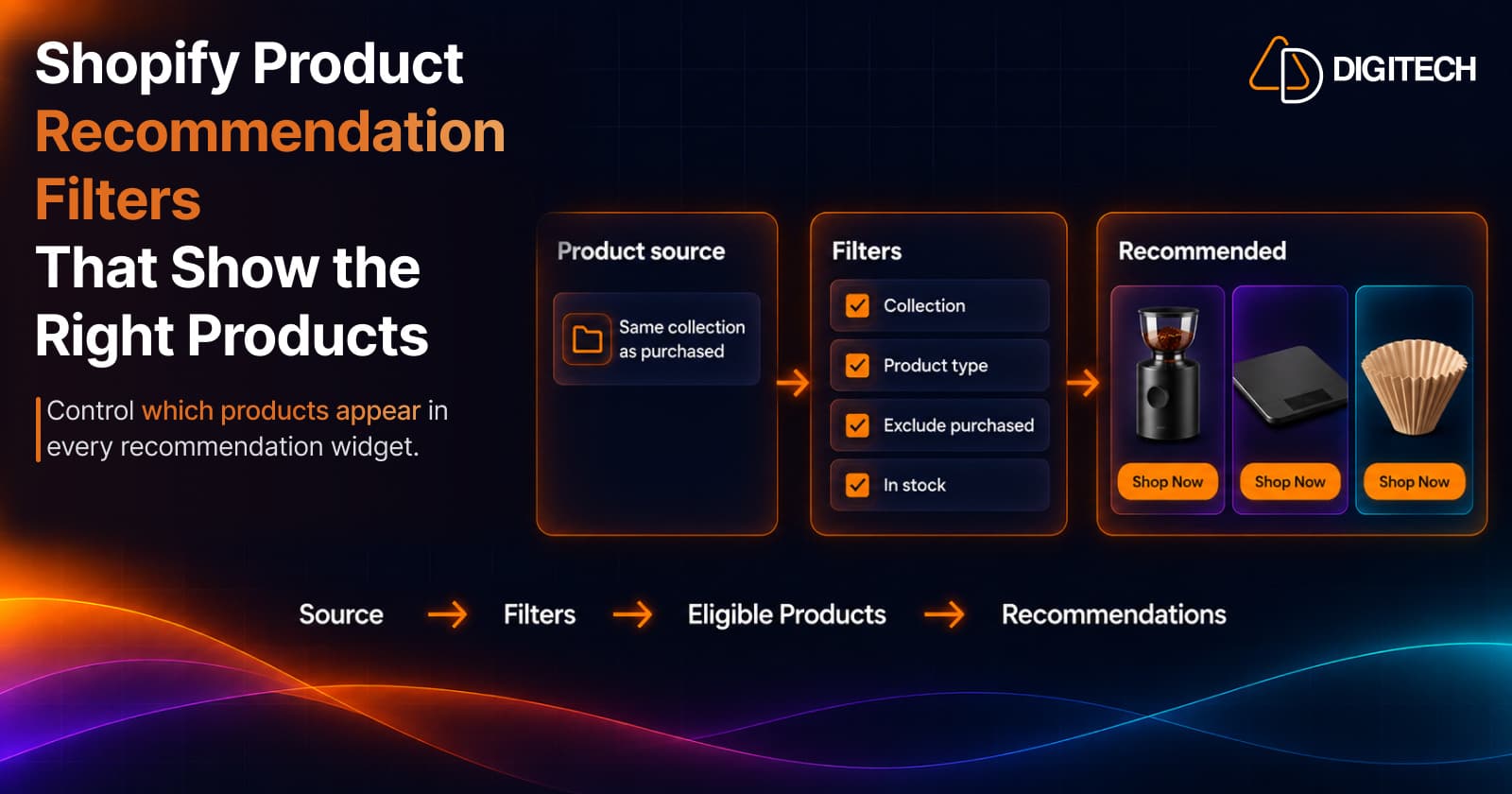
Shopify Product Recommendation Filters: How to Show the Right Products
Learn how Shopify product recommendation filters can help merchants control which products appear using collections, tags, vendors, inventory and more.
Read article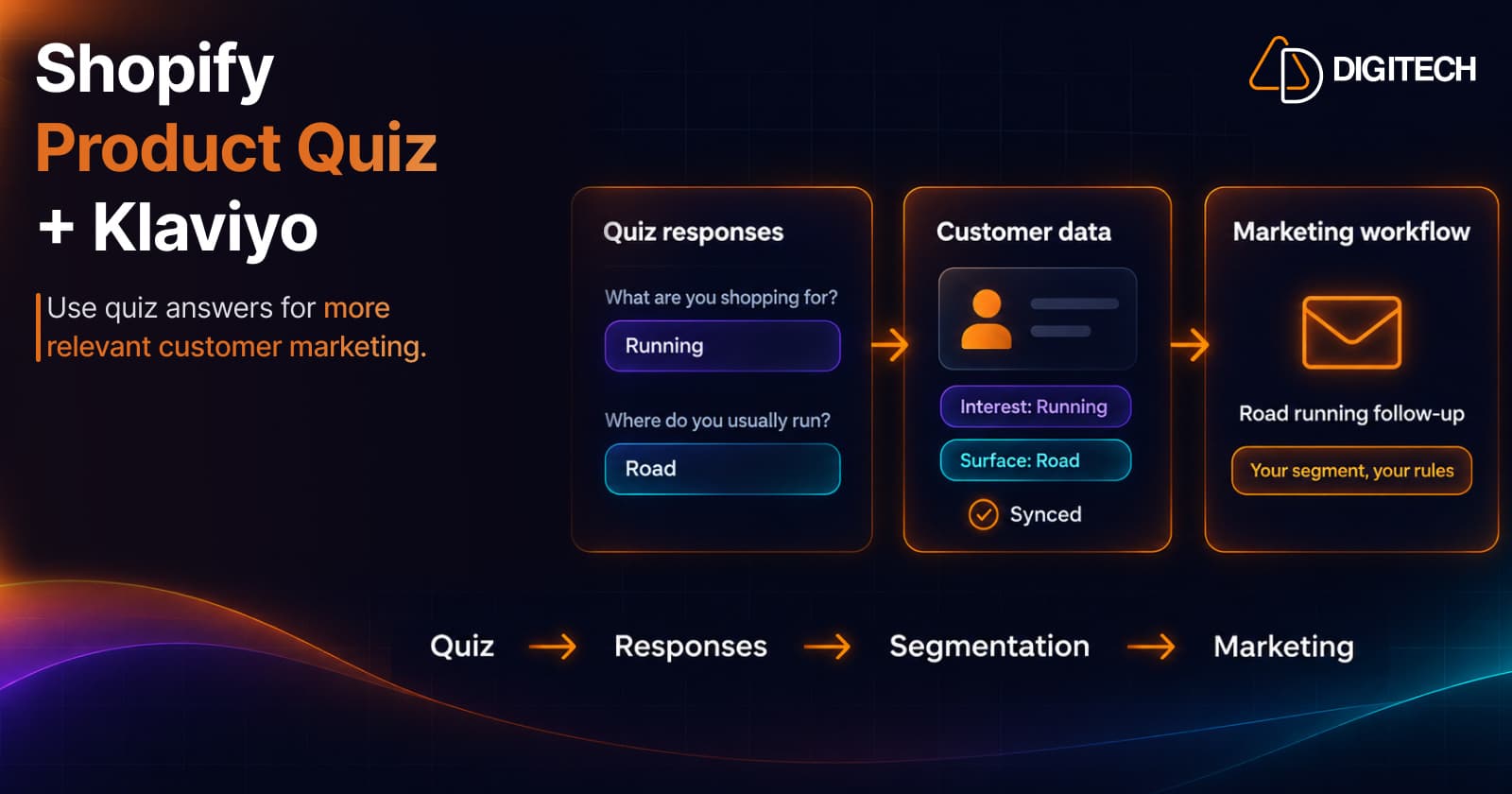
Shopify Product Quiz + Klaviyo: How to Use Quiz Answers for Better Customer Segmentation
Learn how Shopify product quizzes can collect customer preferences and sync quiz responses with Klaviyo and Omnisend for relevant marketing.
Read article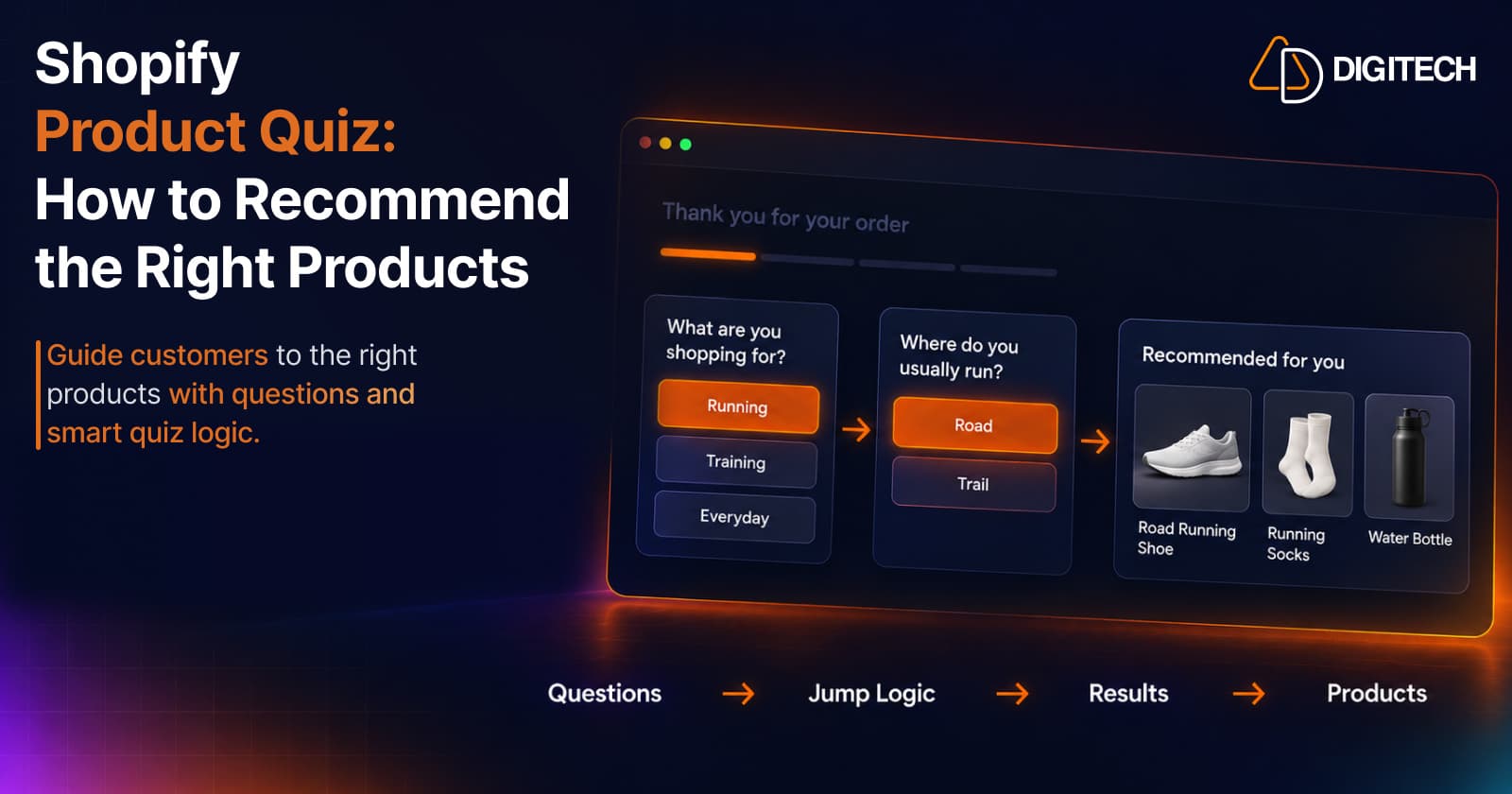
Shopify Product Quiz: How to Recommend the Right Products Based on Customer Answers
Learn how Shopify product quizzes use questions, logic and results to guide customers toward relevant products.
Read article
Shopify Agentic Commerce in October 2026: Shop MCP, Checkout and What Changed for Merchants
Shopify agentic commerce moved forward in September and October 2026: Shop MCP, Cart and Checkout MCP, WebMCP, buyer consent and store locations. Here's what it means for merchants.
Read article
Shopify AI Sales Agent: How AI Can Help Customers Buy More Confidently
Learn how Shopify AI Sales Agents can help customers with product questions, recommendations, upsells and post-purchase conversations.
Read article
How to Use Your Shopify Thank You Page for BFCM Sales
Learn how to use the Shopify Thank You Page during BFCM with relevant upsells, product recommendations, bundles, offers and countdown timers.
Read article
What to Sell on the Shopify Thank You Page: 15 Post-Purchase Product Ideas
Discover 15 Shopify Thank You Page product ideas, from complementary accessories and bundles to upgrades, refills and relevant post-purchase offers.
Read article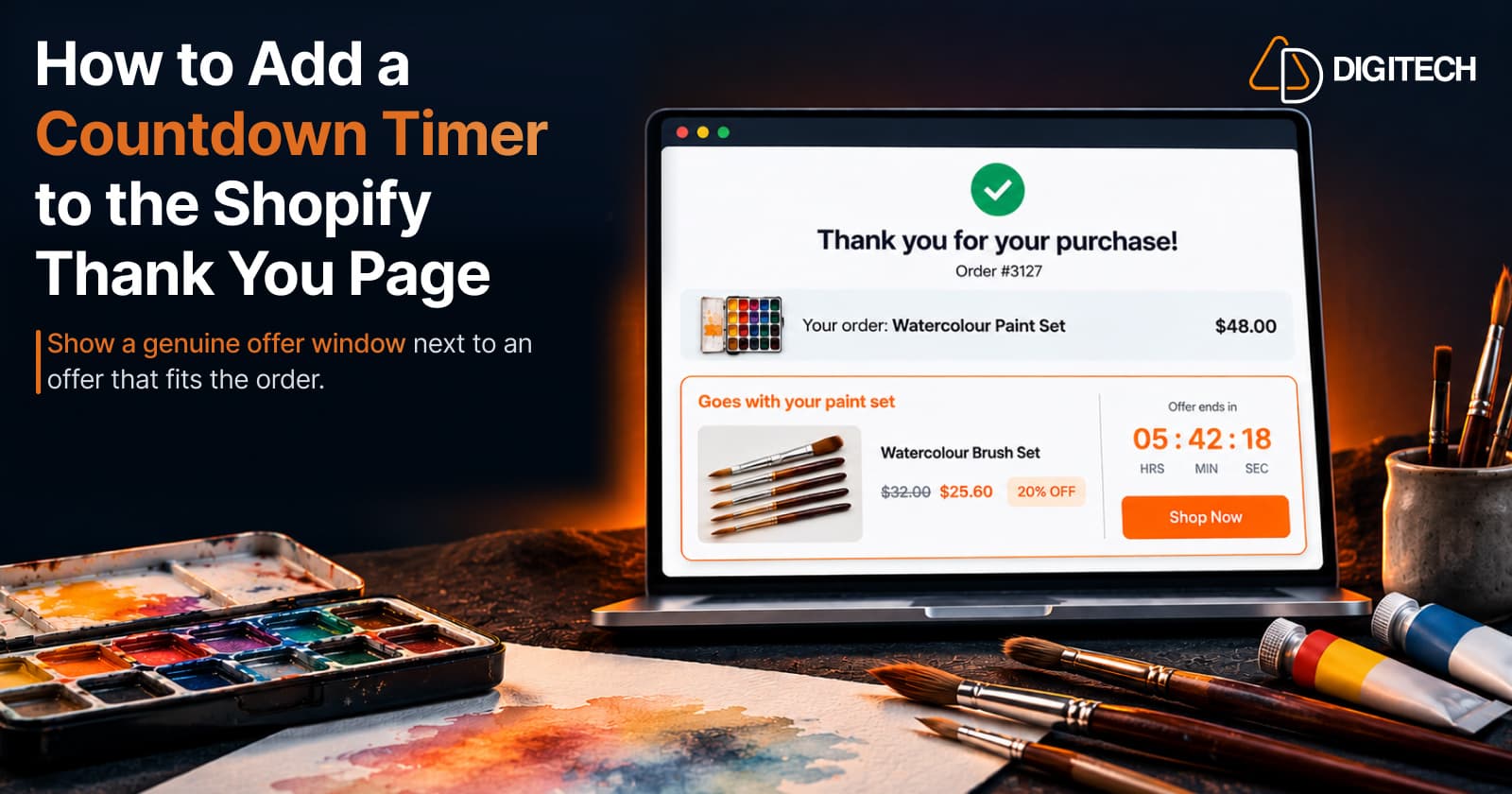
How to Add a Countdown Timer to the Shopify Thank You Page
Learn how to add a countdown timer to the Shopify Thank You Page and use time-sensitive offers, discounts and relevant products to drive post-purchase engagement.
Read article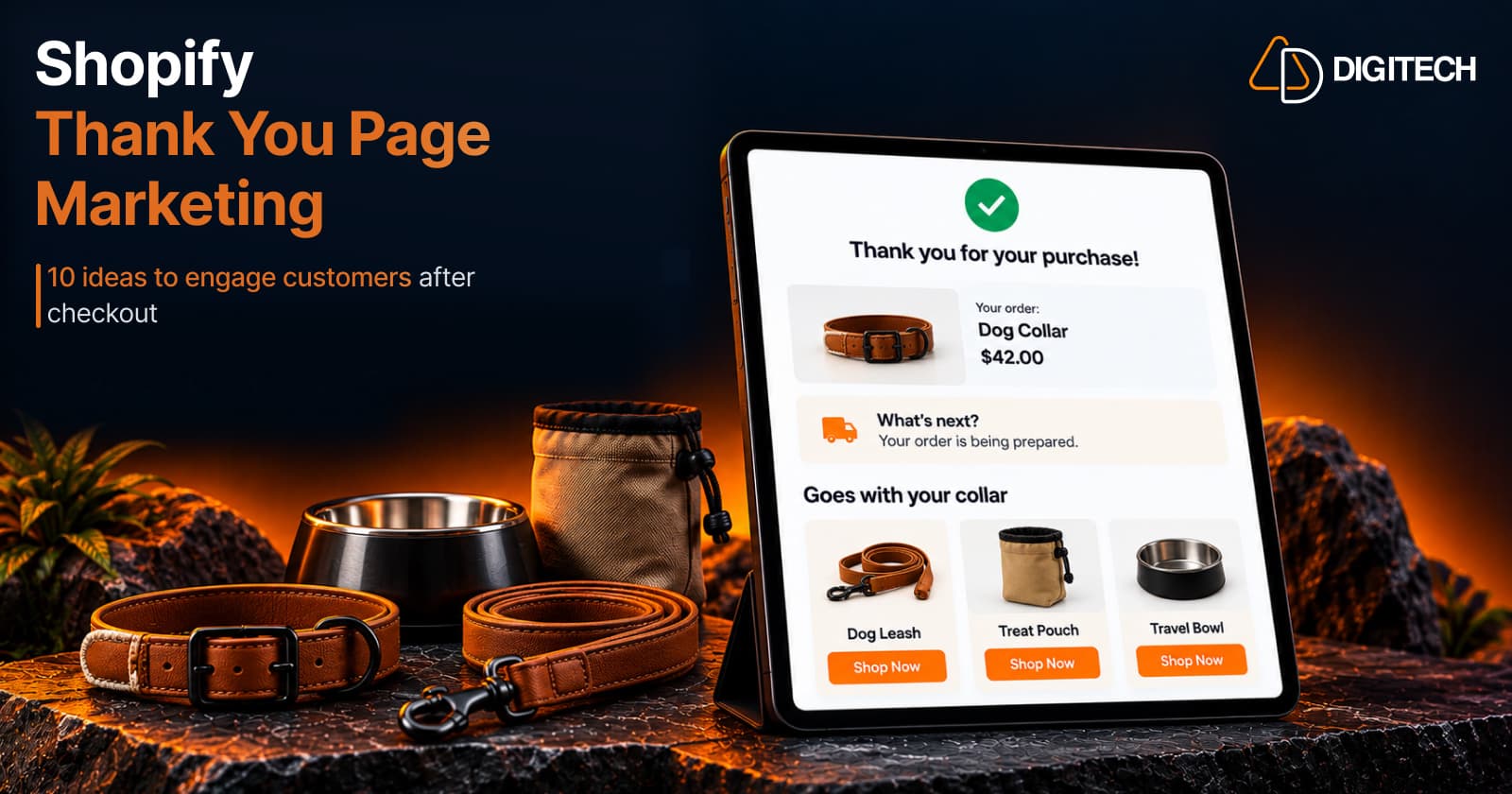
Shopify Thank You Page Marketing: 10 Ideas to Engage Customers After Checkout
Discover 10 Shopify Thank You Page marketing ideas to engage customers after checkout with recommendations, offers, bundles, feedback and useful content.
Read article