Shopify Thank You Page Offers: How to Create Post-Purchase Offers
Learn how to create Shopify Thank You Page offers with discounts, coupons, countdown timers and relevant promotions to drive additional purchases.
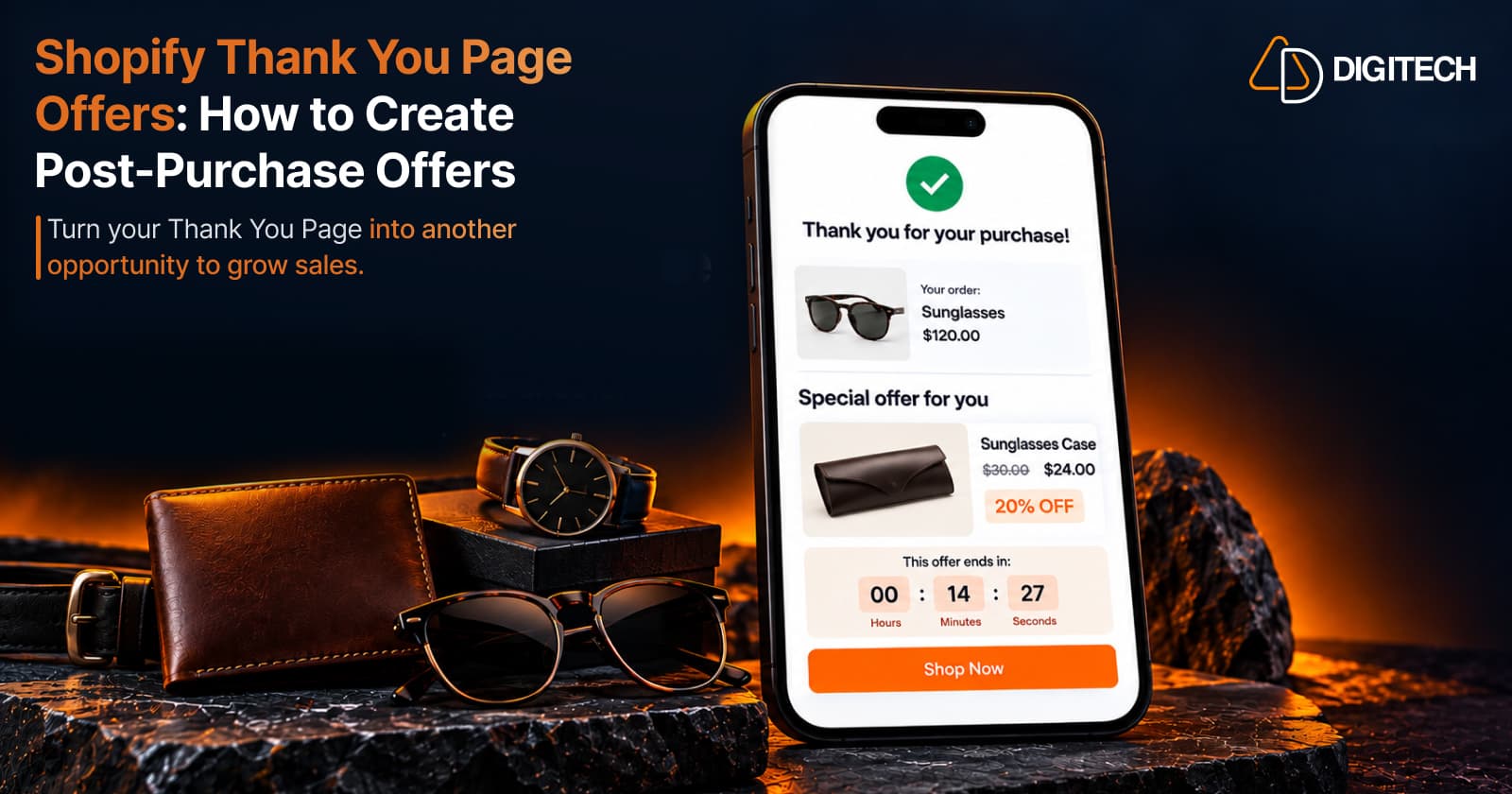
A customer has just paid. The Thank You Page confirms the order, and on most stores that's all it does. A Shopify Thank You Page offer uses that moment for one more thing: a relevant reason to buy again.
The word that matters is relevant. A discount on its own isn't much of a reason. A matching case for the sunglasses someone just bought, or a refill for the product they'll run out of, is. This guide covers what an offer on this page is, which types fit which situations, how to add urgency honestly and how to measure the result.
What Is a Shopify Thank You Page Offer?
A Thank You Page offer is a promotion shown on the confirmation page after checkout: a discount, a coupon code, a bundle or a specific product, presented as an invitation to make an additional purchase.
It differs from a normal discount in timing. A discount shown before checkout tries to win or enlarge the current order. A Thank You Page offer appears after checkout is complete, when the store knows exactly what the customer bought and can suggest something that goes with it.
It doesn't change the order being confirmed. Shopify's developer documentation says there's no support for APIs that directly mutate an order from these extensions. When a customer accepts a Thank You Page offer, they start a separate, additional purchase.
That's why the best offers complement the original purchase. The customer has already decided to buy from you; the offer should build on that decision, not compete with it.
Why Use Offers on the Shopify Thank You Page?
- It creates another purchase opportunity. The page is seen by every customer who completes checkout.
- It promotes products that fit. You know what the customer just bought.
- It encourages complementary purchases, such as accessories, refills and care products.
- It introduces related products from parts of the catalogue the customer hasn't seen.
- It makes better use of the post-purchase experience than a plain confirmation does.
- It can add urgency when there's a real reason, such as an offer that genuinely ends.
None of this guarantees more revenue. Results depend on the offer, the product fit and the customer. For the page as a whole, see Shopify Thank You Page optimization.
What Types of Offers Can You Show on the Thank You Page?
- Percentage discount. Works across products at different prices.
- Fixed-amount discount. Easier to grasp on a single, lower-priced item.
- Coupon code. Useful when the customer may come back later, since they can use the code on a future order.
- Limited-time offer. Fits a promotion that genuinely ends, such as a seasonal sale.
- Product-specific offer. Ties the discount to one product that fits the purchase.
- Complementary product offer. Shows a product that goes with the order. It may need no discount at all.
- Bundle offer. Presents a few related products as one decision. See Thank You Page product bundles.
- Volume discount / Buy More, Save More. Rewards buying more of one product, which suits consumables.
- Special promotional offer. A launch, a holiday or a loyalty reward, kept relevant to the customer.
How to Create a Relevant Thank You Page Offer
- Look at what the customer purchased. The product, its collection and its type are your starting points.
- Identify relevant complementary products. Ask what the customer will need next to use, protect or enjoy the purchase.
- Choose an appropriate offer. A refill suits a coupon; an accessory may only need a clear product card.
- Decide how much discount makes sense. Start from your margin, not from a round number.
- Add a clear CTA. One button, with wording such as "Shop Now".
- Create urgency only when it's genuine. If the offer ends, say when.
- Keep the offer simple. One product or one code, explained in a sentence.
In Shopify, a discount can be limited to specific products, to one use per customer and to a total number of uses, and it has a start and end date. Set those limits so the discount matches the offer you're describing.
Relevance beats aggressive discounting. A customer who just paid full price and sees a large discount on the same product may wonder why they didn't get it.
Shopify Thank You Page Discount vs Coupon
A discount shown on the page and a coupon code serve slightly different jobs:
| Offer Type | Best For | Example |
|---|---|---|
| Percentage discount | Offers across products at different prices | 15% off the accessories collection |
| Fixed discount | Single, lower-priced items | $5 off a phone case |
| Coupon code | A future order, used when the customer returns | Code for 10% off the next order |
| Product-specific discount | One complementary product | 20% off the matching sunglasses case |
| Limited-time promotion | Offers with a genuine end date | Seasonal offer ending Sunday |
The difference that matters most is when the customer acts. A product offer asks for a decision now. A coupon can wait for the next visit, so it needs clear terms: what it applies to and when it ends.
How to Use a Countdown Timer With a Thank You Page Offer
A countdown timer shows how long an offer stays available. It can help when the offer genuinely ends: a customer who sees the deadline knows they can't come back to it next month.
Timers fit seasonal promotions, launches and coupons with a fixed end date. They work against you when the offer doesn't really expire, or when the timer restarts each time the page loads. That's fake urgency, and customers notice.
- Support a genuine offer. Set the discount's end date in Shopify to match the timer.
- Keep the timer visually clear, close to the offer it refers to.
- Pair it with one simple CTA, so the customer knows what to do before time runs out.
A timer doesn't increase conversions by itself. It makes a real deadline visible; it can't make a weak offer worth taking.
How to Choose the Right Products for a Thank You Page Offer
The best offer is usually tied to what the customer just bought:
- Coffee machine → coffee beans, a milk frother or a travel mug
- Running shoes → running socks, a water bottle or sports accessories
- Skincare product → a complementary product from the same routine, such as a moisturizer after a cleanser
Two filters help. Don't offer something the customer just bought, and keep the price sensible next to the original order: a $15 accessory after a $120 purchase is easier to accept than a second $120 item. Cross-selling complementary products covers choosing pairs in more depth, and adding product recommendations covers recommendation sources.
Thank You Page Offers vs Upsells vs Cross-Sells
These terms overlap, but they aren't the same:
| Strategy | Main Goal | Example |
|---|---|---|
| Upsell | A higher-value alternative or upgrade | The premium version of the product purchased |
| Cross-sell | A related product that goes with the purchase | A case for the sunglasses just bought |
| Thank You Page offer | Any promotion on the page that invites an additional purchase | A coupon, a bundle or a discounted accessory |
| Product recommendation | Help customers discover relevant products, without a discount | "Pairs well with your order" |
An offer on this page can be any of the others. How to add upsells to the Thank You Page covers upsells specifically.
Best Practices for Shopify Thank You Page Offers
- Keep offers relevant to the purchase.
- Use one clear primary CTA.
- Limit the number of offers. One strong offer beats four competing ones.
- Make the discount easy to understand, with the price or saving stated plainly.
- Use urgency carefully, and only with a real end date.
- Keep the confirmation first. Customers should see the order details before any offer.
- Make the value obvious in a short headline.
- Keep the design clean, with enough space around the offer.
- Test different offers one at a time.
- Track performance so decisions rest on data.
Shopify Thank You Page best practices covers the page more broadly.
Common Shopify Thank You Page Offer Mistakes
- Showing unrelated products. A random best seller ignores the purchase.
- Offering too many discounts. Several codes on one page dilute each other.
- Using fake urgency. Timers that reset damage trust.
- Making the CTA unclear. The customer should know what happens when they click.
- Using excessive text. An offer should be readable in a few seconds.
- Offering discounts that hurt margins. Check the numbers before choosing the percentage.
- Showing the same generic offer to everyone. Use the purchase to choose what appears. Personalizing the Thank You Page explains how simple rules can do this.
- Confusing the customer about the original order. Make clear the offer is a new purchase and their order is complete.
- Treating every customer the same. A first-time buyer and a returning customer may respond to different offers, so think about who will see an offer before you choose it.
How to Measure Shopify Thank You Page Offer Performance
- Offer views, where your app reports them: how many customers saw the offer.
- Clicks: how many engaged with it.
- Conversions: how many completed an additional purchase from it.
- Conversion rate: conversions as a share of views or clicks, depending on how your app defines it.
- Revenue / purchase revenue: the value of those additional purchases.
These metrics show engagement and additional purchases linked to an offer. They don't prove the offer caused every sale; some customers would have bought again anyway. Compare offers against each other over a similar period, and change one thing at a time.
How Grovia Helps Create Shopify Thank You Page Offers
Grovia is our Shopify app for the Thank You Page and Order Status Page. With Grovia, merchants can:
- Add coupons with countdown timers to a confirmation page.
- Show product recommendations from rules you choose, such as manual picks, the same collection, best sellers or complementary products linked by tag or metafield.
- Create complementary product offers and upsells.
- Add product bundles: fixed bundles, mix-and-match, and Buy More, Save More volume pricing.
- Add banners, images, icons, trust badges and CTAs.
- Build the page with drag-and-drop blocks, without coding.
- Collect post-purchase feedback through surveys.
- View clicks, conversions, CVR and revenue in Grovia's analytics.
Grovia is designed for the Thank You Page and Order Status Page experience. It isn't Shopify's native post-purchase extension, and its offers don't modify the completed checkout. A customer who accepts an offer makes a separate, additional purchase. How Shopify Thank You Page upsells work explains the mechanics.
Shopify Thank You Page Offers vs Order Status Page Offers
Three post-purchase surfaces are worth keeping apart:
Thank You Page
- The initial confirmation shown immediately after checkout.
- Can present relevant offers and content, added as app blocks built on Checkout UI Extensions and placed using Shopify's checkout editor.
- Most useful while the purchase is fresh.
Order Status Page
- A separate page customers return to later, for example from the order confirmation email, to view and track the order.
- Part of Shopify's customer account experience, extended with Customer Account UI Extensions.
- Can also show recommendations, offers and other post-purchase content. See Order Status Page upsells and recommendations.
Native Shopify post-purchase product offers
- A separate Shopify surface, shown after the order is confirmed and before the Thank You Page.
- Built with post-purchase extensions, which Shopify still lists as beta and which need an access request on live stores.
- Can present offers that change the order, which Thank You Page offers can't.
Frequently asked questions
What is a Shopify Thank You Page offer?
It's a promotion shown on the confirmation page after checkout, such as a discount, a coupon code, a bundle or a relevant product, that invites the customer to make an additional purchase.
Can I add a discount to the Shopify Thank You Page?
Yes. Create the discount in Shopify, then display it on the Thank You Page with an app block. The discount applies to a new purchase, not to the order that was just placed.
Can I show a coupon after checkout?
Yes. A coupon code on the Thank You Page is a common offer. Set its limits in Shopify, such as one use per customer, an end date or specific products, so it matches the offer you describe.
Can I add a countdown timer to a Thank You Page offer?
Yes, with an app that supports timers. Use one only when the offer really ends, and set the discount's end date in Shopify to match the timer.
Are Thank You Page offers the same as upsells?
No. An upsell suggests a higher-value alternative. A Thank You Page offer is any promotion on that page, which can be an upsell, a cross-sell, a bundle or a coupon.
Can a Thank You Page offer modify the original order?
No. Thank You Page extensions can't change the order being confirmed. An offer accepted there leads to a separate, additional purchase.
Can I recommend complementary products with a Thank You Page offer?
Yes. Complementary products are often the most relevant offer, because they go with what the customer just bought, such as socks with running shoes.
Can I add Thank You Page offers without editing theme code?
Yes. Thank You Page content is added through app blocks built on Checkout UI Extensions and placed in Shopify's checkout editor. You don't need to edit your theme code.
Can Grovia add offers to the Shopify Thank You Page?
Yes. Grovia adds coupons with countdown timers, product recommendations, upsells and bundles to the Thank You and Order Status pages with a drag-and-drop editor.
How should I measure Thank You Page offer performance?
Track views where your app reports them, clicks, conversions, conversion rate and revenue. Use them to compare offers over time, not as proof that every sale came from the offer.
Turn Your Thank You Page Into a Better Post-Purchase Experience
With Grovia, you can add relevant offers, product recommendations, bundles, upsells and post-purchase surveys to your Shopify Thank You Page — without coding.
Related reading
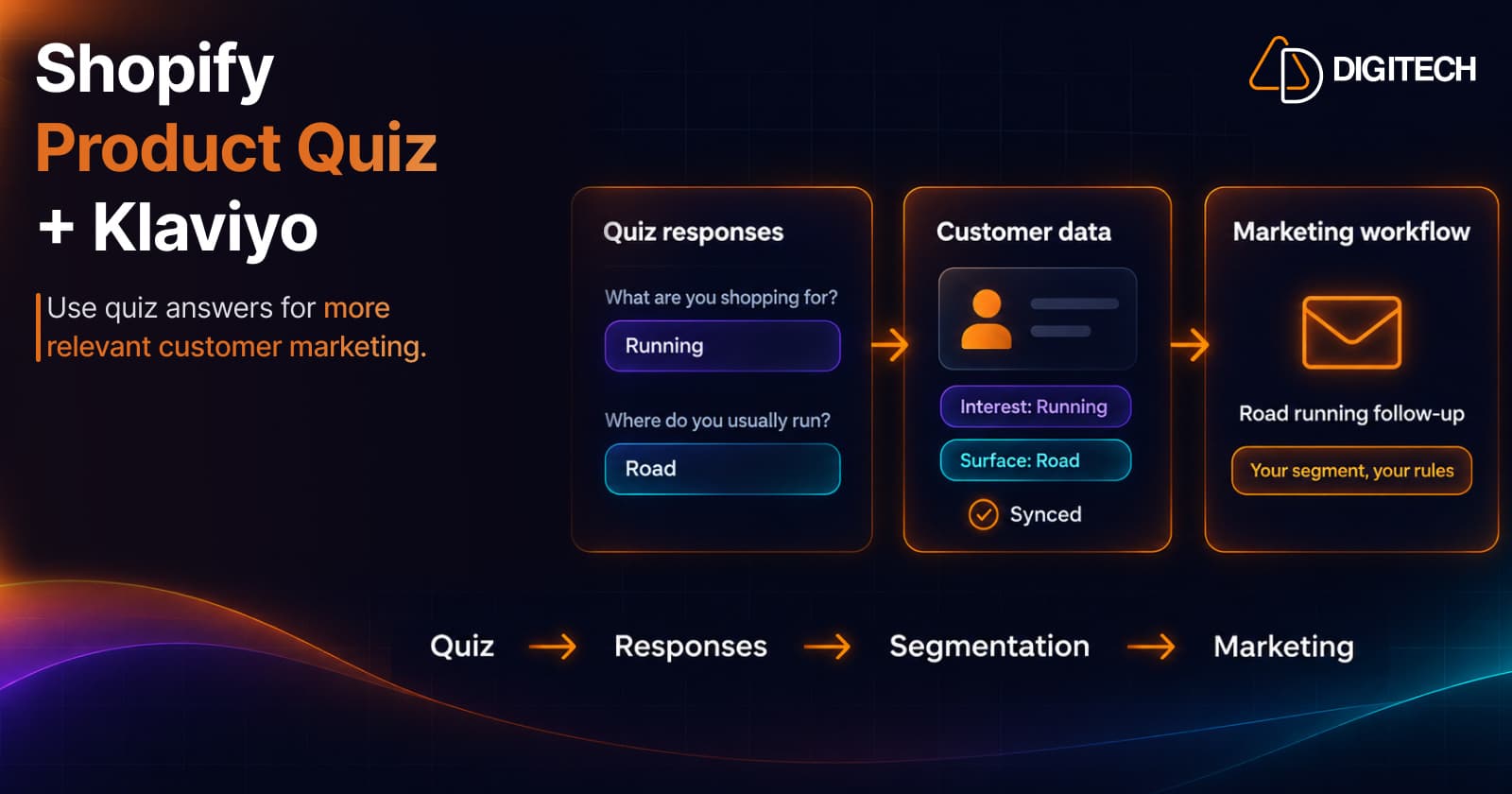
Shopify Product Quiz + Klaviyo: How to Use Quiz Answers for Better Customer Segmentation
Learn how Shopify product quizzes can collect customer preferences and sync quiz responses with Klaviyo and Omnisend for relevant marketing.
Read article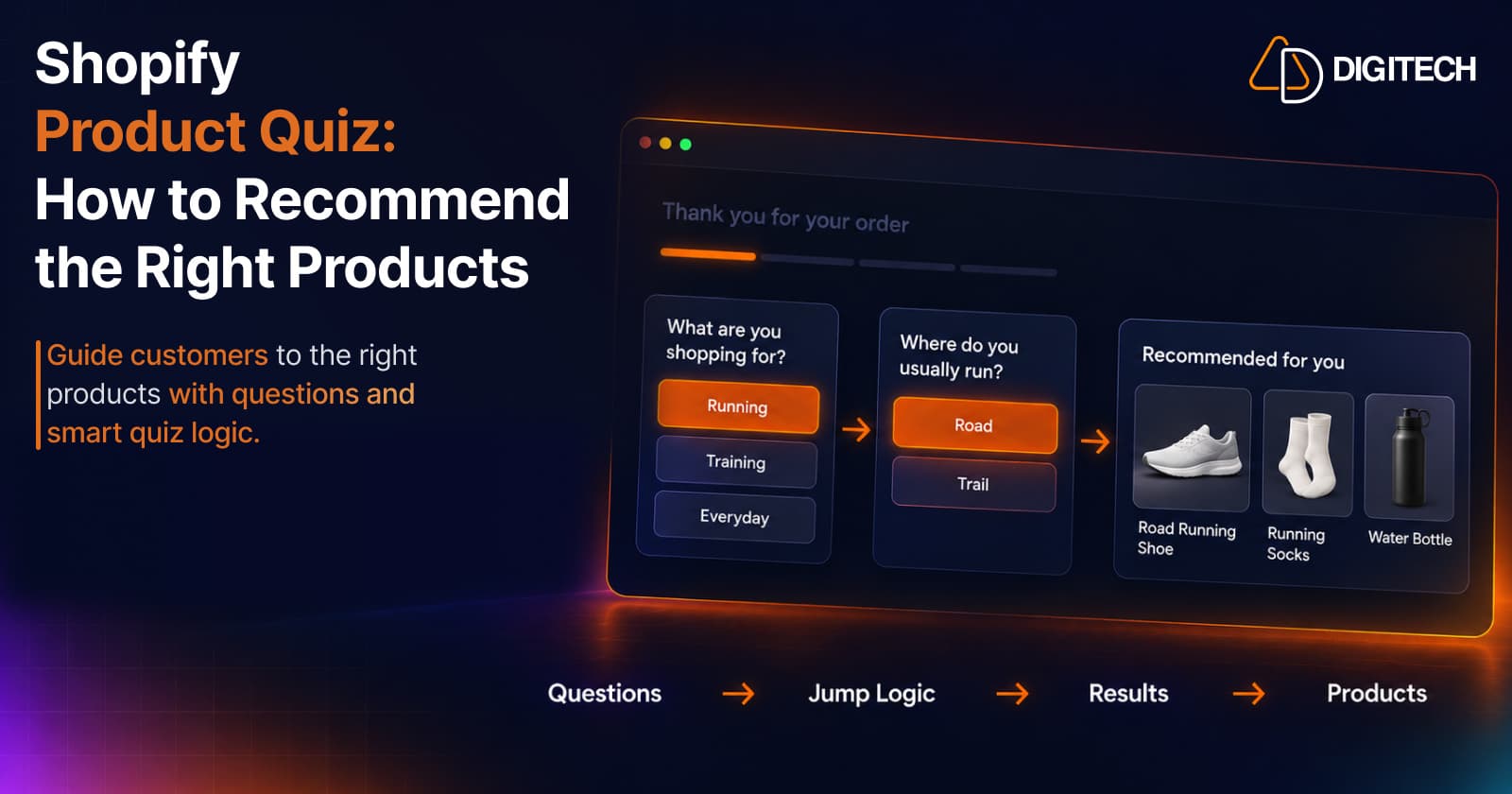
Shopify Product Quiz: How to Recommend the Right Products Based on Customer Answers
Learn how Shopify product quizzes use questions, logic and results to guide customers toward relevant products.
Read article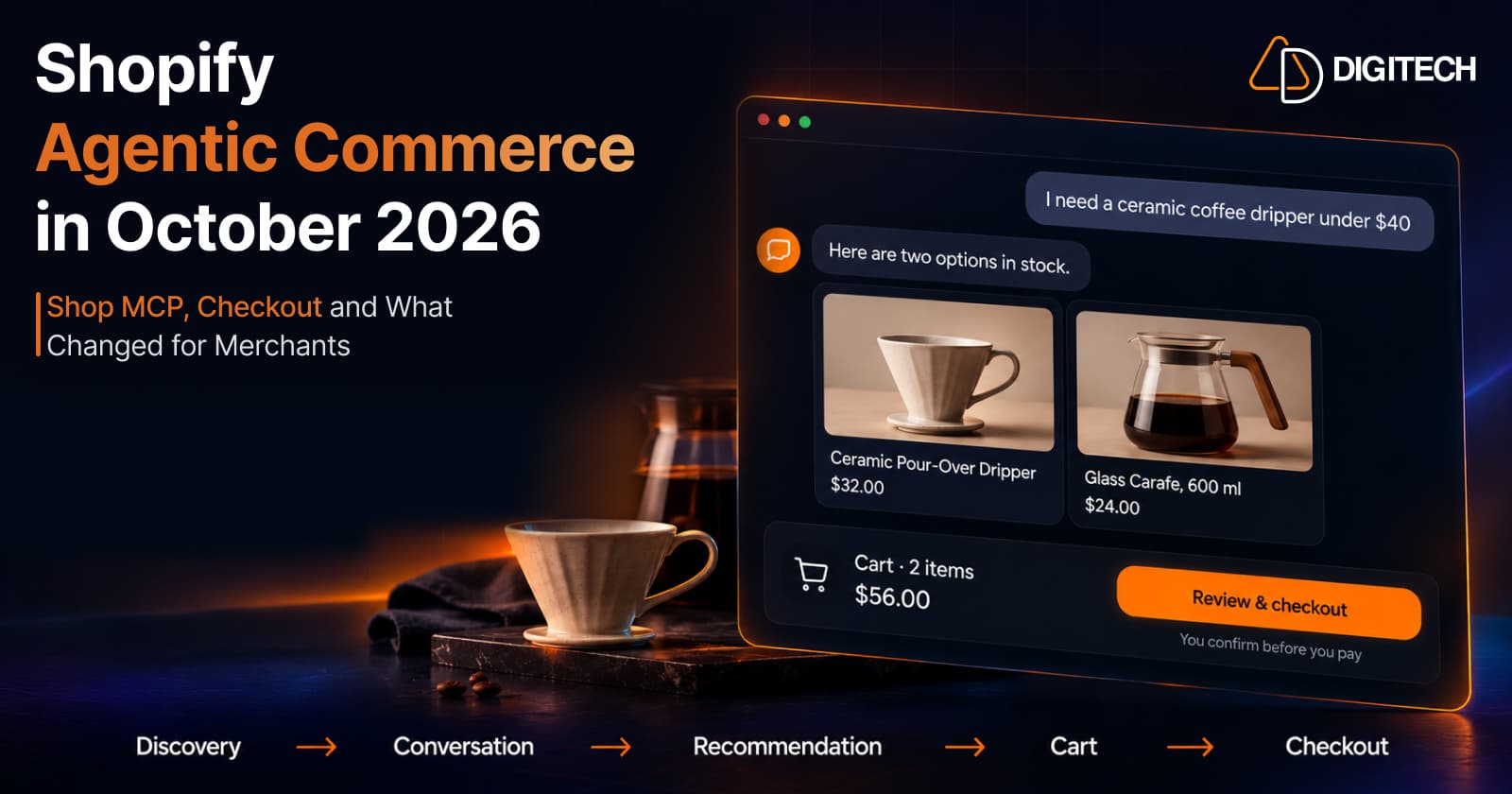
Shopify Agentic Commerce in October 2026: Shop MCP, Checkout and What Changed for Merchants
Shopify agentic commerce moved forward in September and October 2026: Shop MCP, Cart and Checkout MCP, WebMCP, buyer consent and store locations. Here's what it means for merchants.
Read article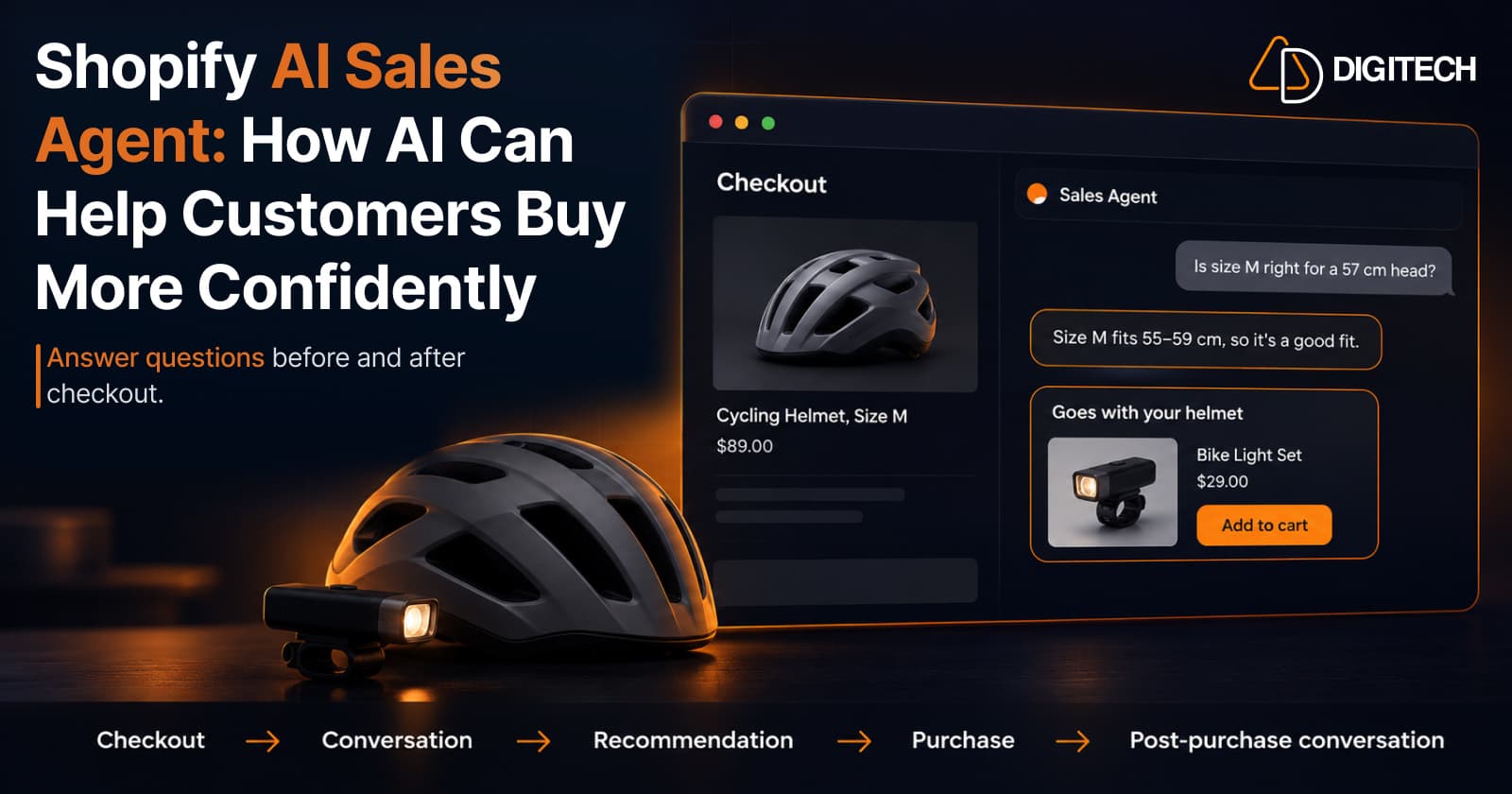
Shopify AI Sales Agent: How AI Can Help Customers Buy More Confidently
Learn how Shopify AI Sales Agents can help customers with product questions, recommendations, upsells and post-purchase conversations.
Read article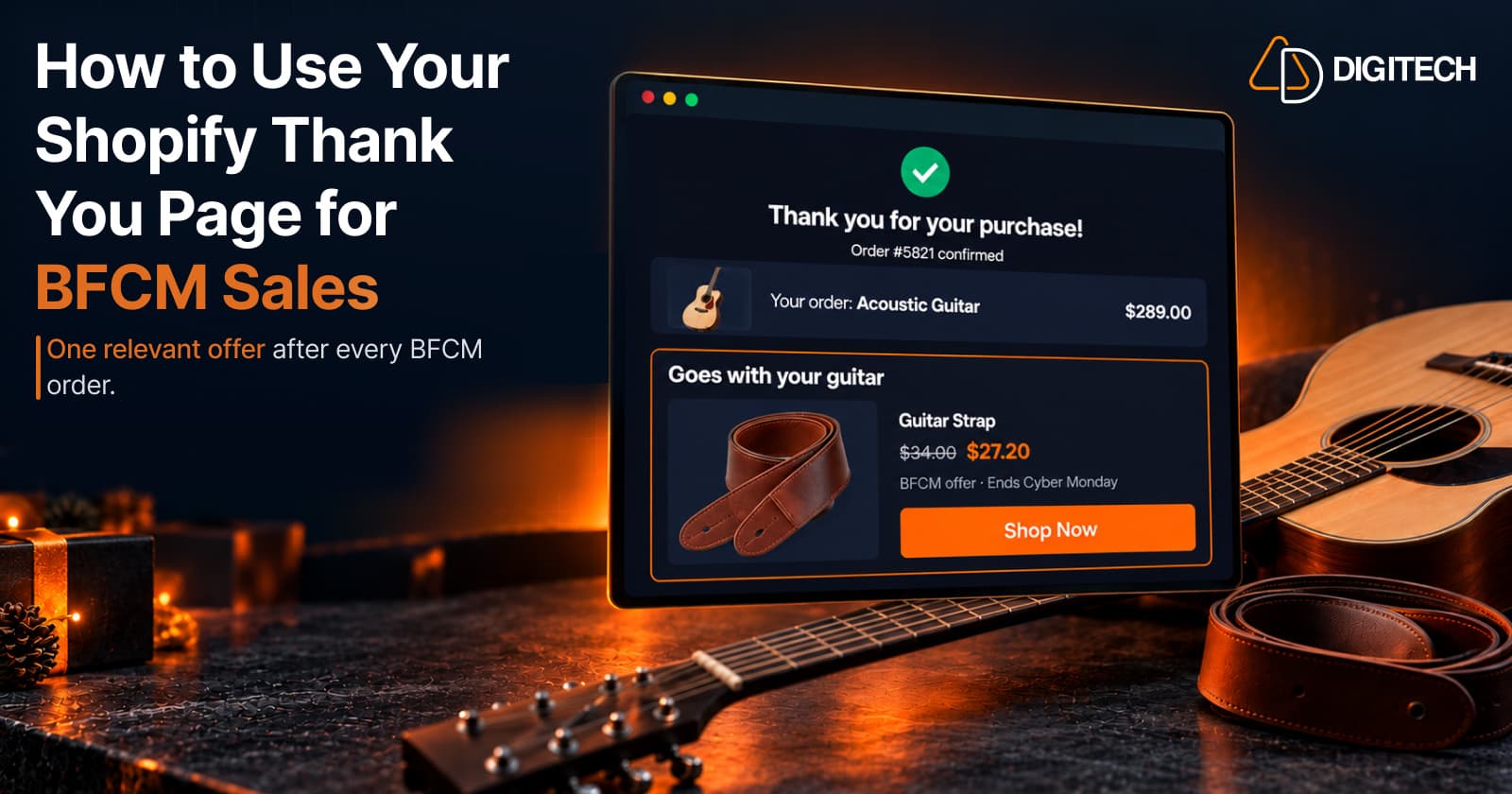
How to Use Your Shopify Thank You Page for BFCM Sales
Learn how to use the Shopify Thank You Page during BFCM with relevant upsells, product recommendations, bundles, offers and countdown timers.
Read article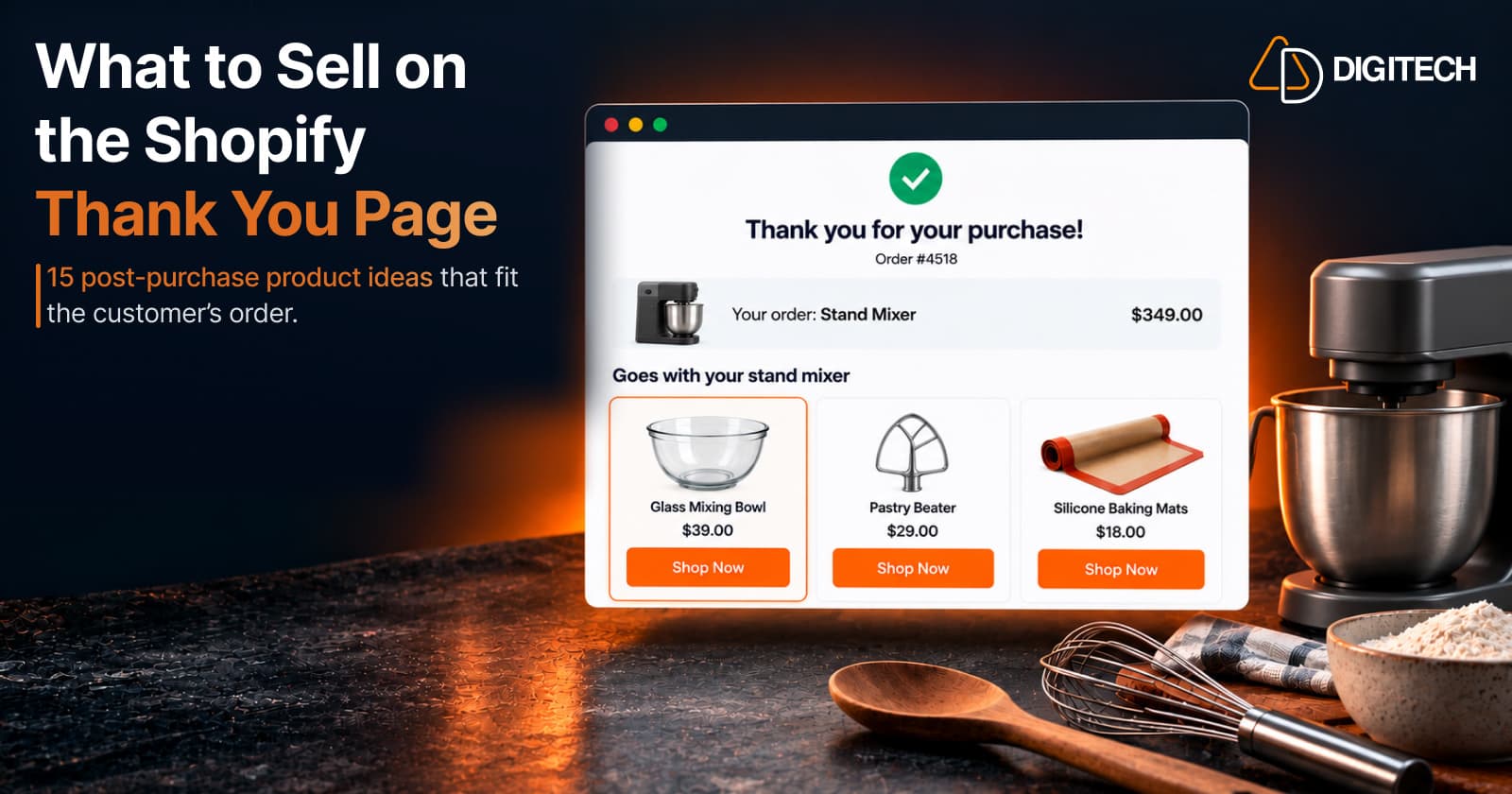
What to Sell on the Shopify Thank You Page: 15 Post-Purchase Product Ideas
Discover 15 Shopify Thank You Page product ideas, from complementary accessories and bundles to upgrades, refills and relevant post-purchase offers.
Read article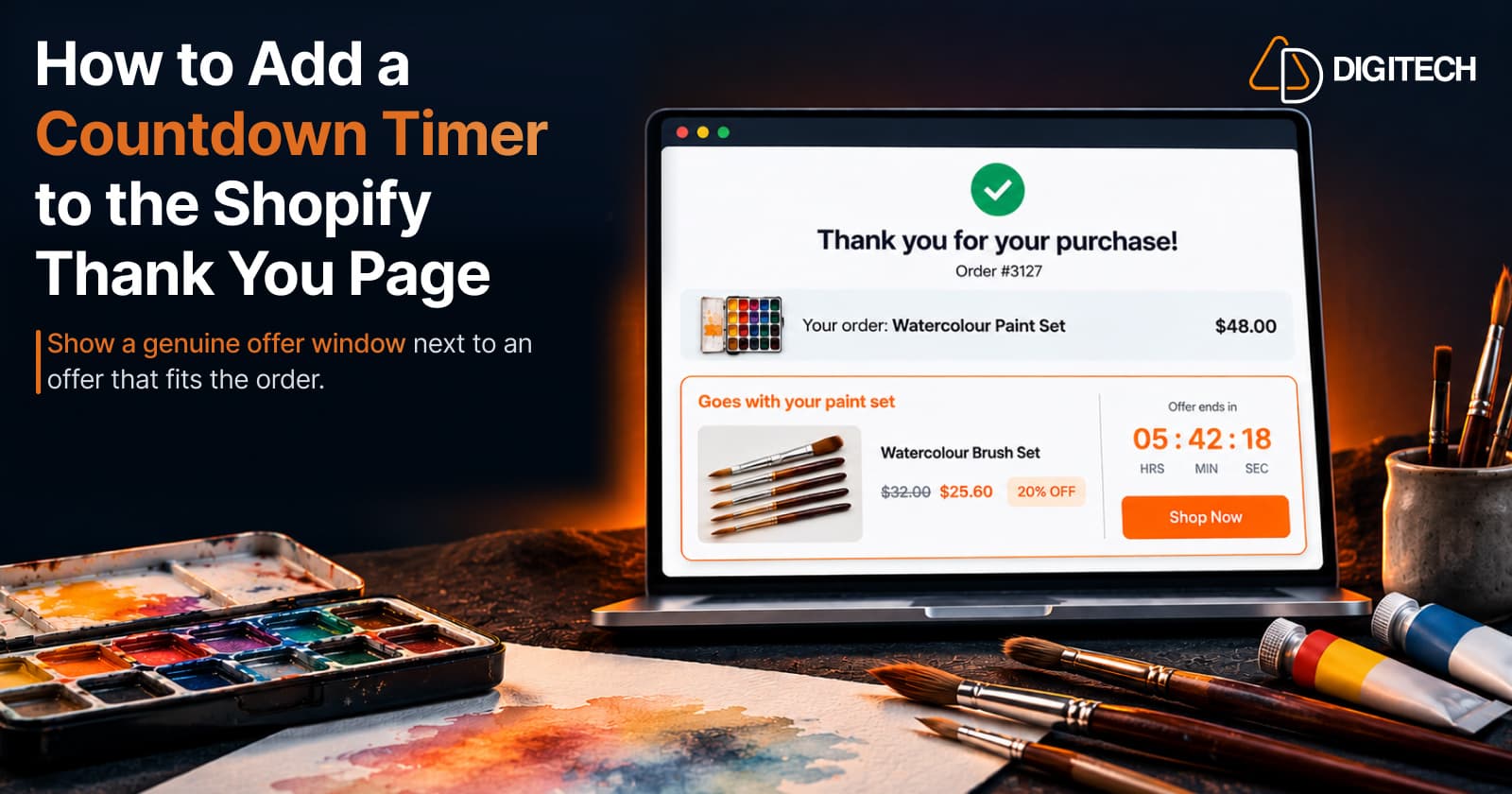
How to Add a Countdown Timer to the Shopify Thank You Page
Learn how to add a countdown timer to the Shopify Thank You Page and use time-sensitive offers, discounts and relevant products to drive post-purchase engagement.
Read article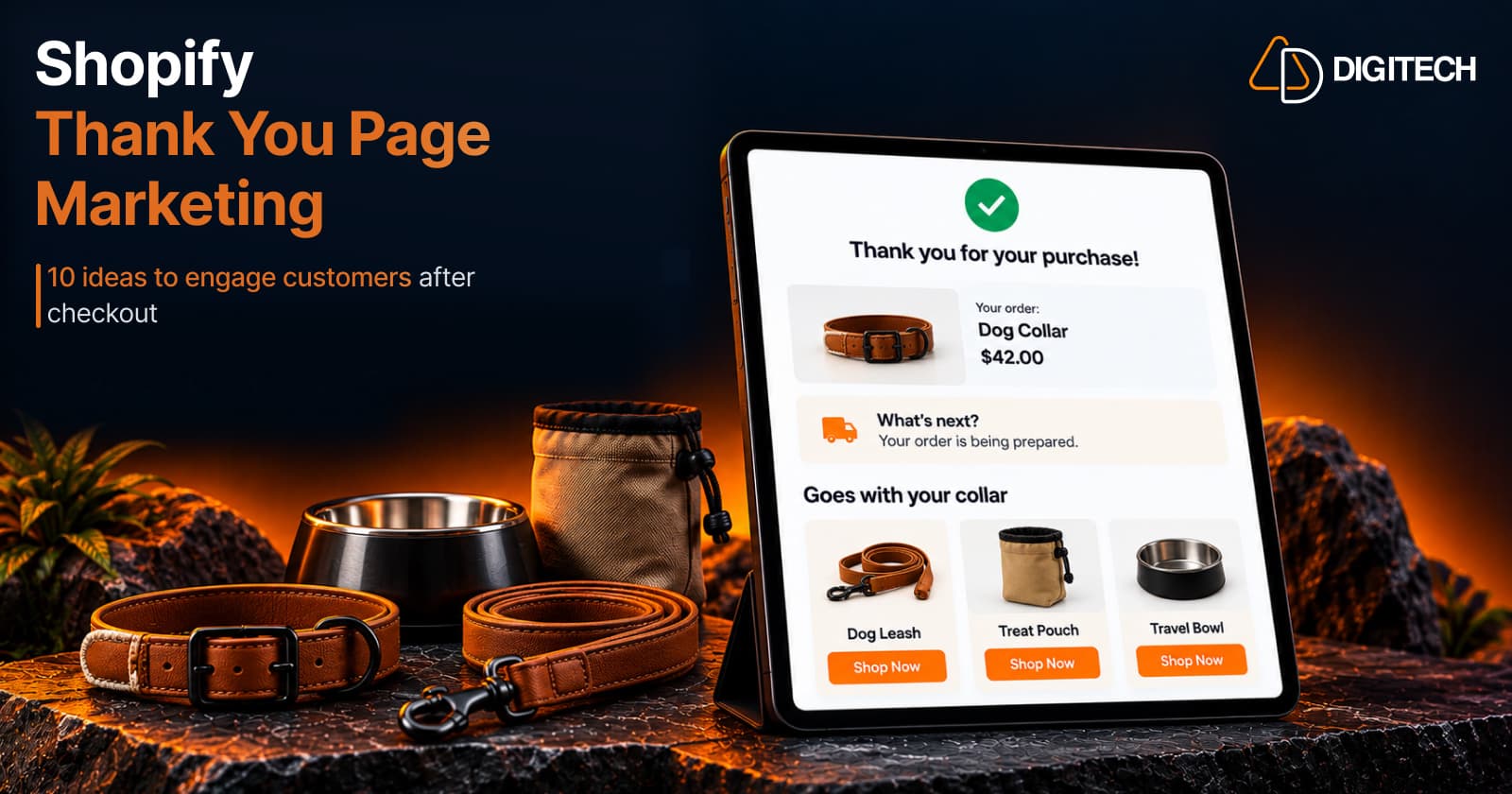
Shopify Thank You Page Marketing: 10 Ideas to Engage Customers After Checkout
Discover 10 Shopify Thank You Page marketing ideas to engage customers after checkout with recommendations, offers, bundles, feedback and useful content.
Read article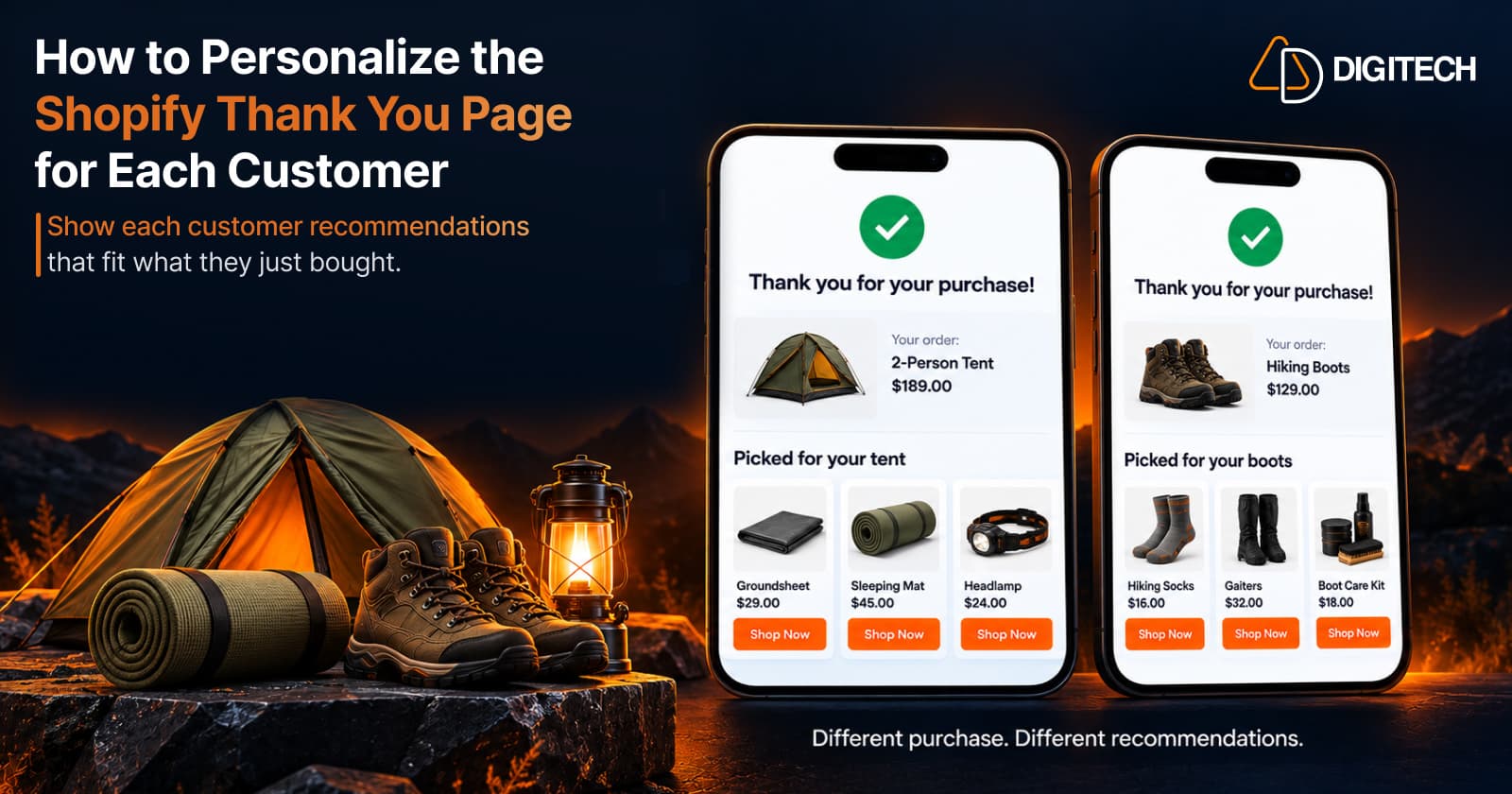
How to Personalize the Shopify Thank You Page for Each Customer
Learn how to personalize the Shopify Thank You Page with relevant recommendations, cross-sells, bundles, offers and post-purchase content.
Read article