Shopify Thank You Page Optimization: How to Increase Engagement & Revenue
Learn how to optimize your Shopify Thank You Page with recommendations, upsells, bundles, offers and surveys to create a better post-purchase experience.
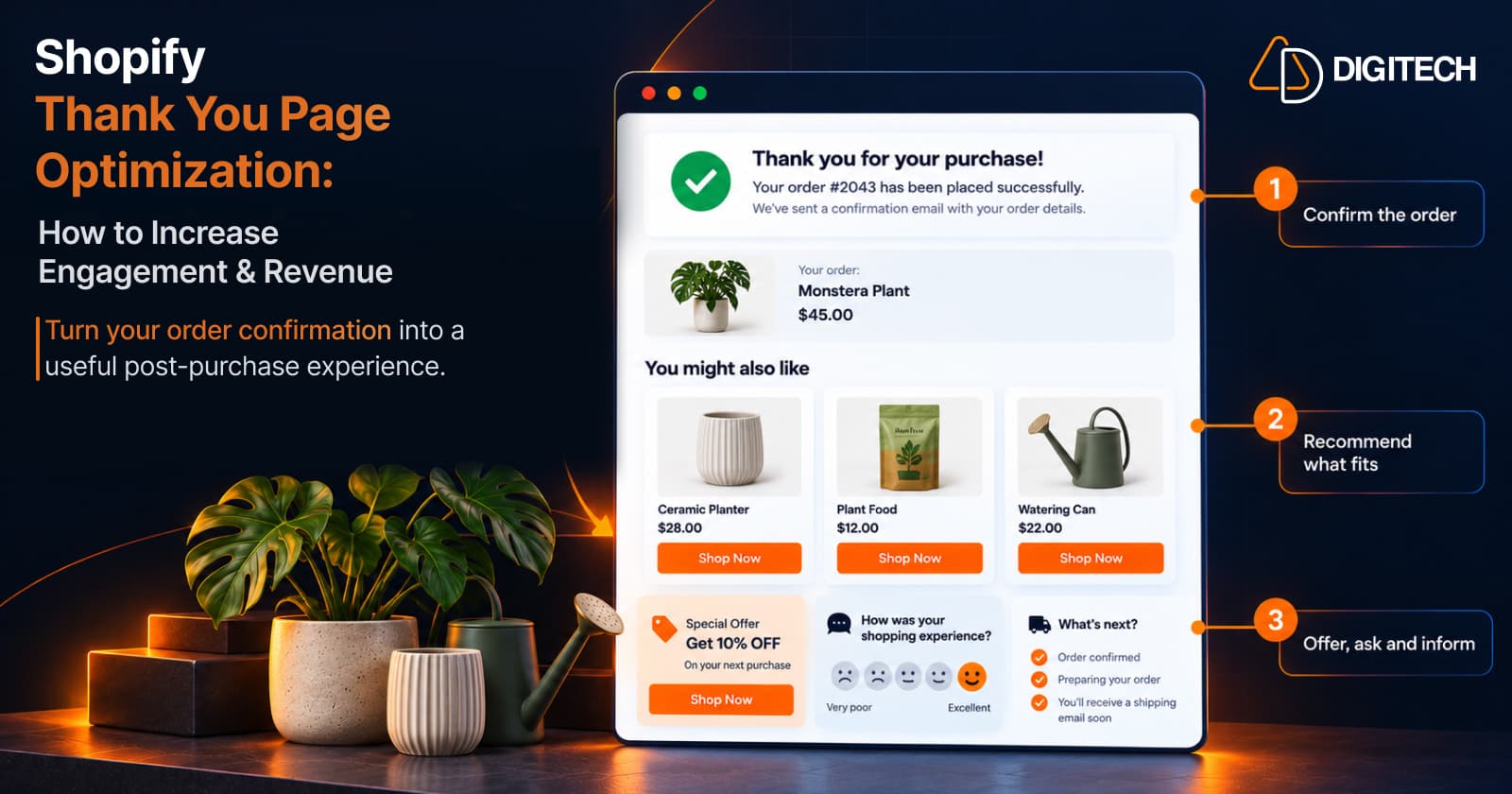
Most Shopify stores treat the Thank You Page as the end of the sale: a confirmation message and an order summary. It's also the first page of the post-purchase experience, and one of the few pages every customer sees.
Optimizing it means deciding what that page should do once it has confirmed the order, then arranging the content so it does that without getting in the customer's way. This guide looks at the page as a whole, not at one feature.
What Is Shopify Thank You Page Optimization?
Shopify Thank You Page optimization is the work of improving what the page does for the customer, and for the store, after checkout. It's broader than adding an upsell. It covers:
- Page layout: what comes first, second and last.
- Relevant content: information tied to what the customer bought.
- Product discovery: helping customers find products they didn't see before.
- Additional purchase opportunities: offers a customer can choose to act on.
- Customer feedback: a short survey.
- Calls to action: one clear next step.
- Trust and reassurance: confirming the order is in good hands.
- Post-purchase engagement: a reason to come back.
A simple way to think about layout is in three zones. The confirmation comes first and stays uncluttered. One primary content area follows, usually the most relevant recommendation or offer. Supporting content, such as a survey or a banner, sits below.
Technically, the Thank You Page is customized with app blocks built on Shopify's Checkout UI Extensions and placed using Shopify's checkout editor. Three surfaces are easy to confuse:
- The Thank You Page is the immediate confirmation after checkout.
- The Order Status Page is what customers return to later to track the order.
- Shopify's native post-purchase extension is a separate step that can appear after payment and before the Thank You Page.
Content on the Thank You Page doesn't change the completed checkout. An offer shown there leads to a new purchase.
Why Should You Optimize Your Shopify Thank You Page?
- The customer has just completed checkout. The decision to buy from you is already made.
- It's a chance to continue the engagement instead of ending it at "order confirmed".
- It supports product discovery. Many customers buy from one collection and never see the rest of your catalogue.
- It creates additional purchase opportunities, for customers who want them.
- It improves the experience. Clear next steps and delivery information reduce uncertainty.
- It's a place for useful post-purchase information, such as how to use or care for the product.
None of this guarantees more sales. A well-organized page gives relevant content a fair chance of being noticed, and a cluttered one doesn't.
What Can You Add to a Shopify Thank You Page?
The examples below use a store that sells houseplants.
| Element | Purpose | Example |
|---|---|---|
| Product recommendations | Help customers discover relevant products | "You may also like", with three plants from the same collection |
| Complementary products | Show what goes with the purchase | A ceramic planter for the plant they bought |
| Upsell offers | Introduce a higher-priced alternative for a future purchase | A larger version of the same plant |
| Product bundles | Present related products as one decision | Planter, plant food and watering can together |
| Discounts and coupon offers | Give a reason to return | 10% off the next order |
| Countdown timers | Show when an offer ends | "Offer ends in 24 hours" |
| Images and banners | Reinforce the brand or announce something | A seasonal collection banner |
| Calls to action | Point to one next step | "Shop plant care" |
| Customer surveys | Learn about the customer | "How did you hear about us?" |
| Trust badges | Reassure after payment | Returns policy and secure payment |
| Useful post-purchase content | Help the customer use what they bought | A link to a care guide |
Not every element is a sales tool. A care guide or a returns reminder earns its place by being helpful, which makes the rest of the page easier to trust.
How to Optimize Product Recommendations
A recommendation block is only as good as the rule behind it. Common sources:
- Complementary products: items that go with the purchase.
- Same collection: more from the category the customer chose.
- Best sellers: a sensible default when there's no obvious pairing.
- New arrivals: useful for returning customers.
- Higher-priced alternatives: a premium option for next time.
Start from the customer's purchase. Someone who bought a plant is more likely to want a planter than an unrelated best seller.
Relevance matters more than quantity. Three well-chosen products usually serve the page better than a grid of eight. For how each source works, see how to add product recommendations to the Shopify Thank You Page.
How to Use Upsells and Cross-Sells Without Overwhelming Customers
The three terms overlap, so it helps to be precise:
- Cross-sell: a complementary product related to the purchased item.
- Upsell: a higher-priced alternative or an upgrade.
- Product recommendation: the broader category, which includes both, plus best sellers and new arrivals.
Three principles keep these useful:
- Relevance. The offer should connect to the order.
- Simplicity. One offer, one sentence of reason, one button.
- Timing. The customer has just paid, so a cross-sell that adds to the purchase usually fits better than an upgrade of the item they chose a minute ago.
For the full method, see how to add upsells to the Shopify Thank You Page and how to cross-sell complementary products. If you're unsure how these differ from Shopify's native post-purchase offers, how Shopify Thank You Page upsells work explains it.
How Product Bundles Can Improve the Post-Purchase Experience
A bundle turns several decisions into one, which can make the page simpler, not busier.
- Fixed bundles suit products that clearly belong together, such as a planter, plant food and a watering can.
- Mix-and-match bundles suit ranges where preferences vary, such as choosing any three small plants.
- Volume discounts suit a single product that customers buy in quantity, such as plant food.
Use a bundle when the products are genuinely used together. A bundle of unrelated items reads as stock clearance. Our guide to Shopify Thank You Page product bundles covers how to choose between the types.
Use Offers Carefully on the Thank You Page
Offers can give customers a reason to return, but they cost margin, so use them deliberately.
- Keep discounts relevant. A coupon for plant care suits someone who just bought a plant.
- Make limited-time offers real. If a timer says 24 hours, the offer should end in 24 hours.
- Use countdown timers sparingly. They draw attention, and too many compete with each other.
- Give one clear CTA per offer.
- Avoid excessive discounts. A customer who was willing to pay full price today may not need a large discount to come back.
- Protect your margins. Check what an offer costs you after the discount, not only whether it gets clicks.
A discount or a countdown doesn't raise conversions by default. Some customers respond to them and some ignore them, which is why measurement matters.
Use the Thank You Page to Collect Customer Feedback
The Thank You Page is a natural place for a short survey, because the purchase is fresh. Shopify's own example for this page is a survey asking how the customer heard about the store.
A survey can help you understand:
- Customer satisfaction with the buying process.
- Purchase motivation: why they chose this product.
- Discovery source: where they found you.
- Shopping experience: what was easy or difficult.
- Areas for improvement.
Keep it to one or two questions, and place it below the confirmation so it doesn't compete with it. See how to add a post-purchase survey to the Shopify Thank You Page for question types and wording.
Shopify Thank You Page Optimization Best Practices
- Keep the confirmation experience clear. It comes first.
- Prioritize relevant content over more content.
- Avoid too many competing CTAs.
- Keep offers easy to understand.
- Match recommendations to the purchased product.
- Use strong visual hierarchy, so the page reads top to bottom.
- Keep the experience mobile-friendly.
- Make additional offers optional. Nothing should block the customer.
- Test different placements and content, one change at a time.
- Monitor clicks, conversions and revenue.
Our Thank You Page best practices guide goes through each of these in more depth.
How to Measure Shopify Thank You Page Performance
Optimization needs a baseline. Useful metrics:
- Views or impressions, where your app reports them.
- Clicks: whether a block gets attention.
- Click-through rate: clicks as a share of views.
- Conversions: how many customers acted on a block.
- Conversion rate: conversions as a share of views or clicks.
- Revenue from the offers a block presents.
- Survey response rate: responses as a share of customers who saw the survey.
Read them together. A block with many clicks and few conversions may be showing the right idea with the wrong product. A block with few clicks may be placed too low.
Change one thing at a time and give it enough orders before judging. These numbers describe activity on the page. They don't prove that every sale was caused by a block.
Shopify Thank You Page vs Order Status Page
| Feature | Thank You Page | Order Status Page |
|---|---|---|
| When customers see it | Once, immediately after checkout | Later, from an order notification or their account |
| Main purpose | Confirm the purchase | View and track the order |
| Customer journey stage | The moment of purchase | Waiting for delivery, and after it |
| Content opportunities | A relevant offer, discovery and a short survey | Tracking first, then products that fit once the order is underway |
| Extension architecture | Checkout UI Extensions | Customer Account UI Extensions |
They're separate pages in the checkout and accounts editor, so content added to one doesn't appear on the other. Our guide to the Shopify Order Status Page covers that page in detail.
How Grovia Helps Optimize the Shopify Thank You Page
Grovia is a Shopify app built by AD Digitech for the Thank You Page and Order Status Page. It lets you build both pages from blocks:
- Product recommendations, including complementary products, same collection, best sellers, new arrivals, higher-priced alternatives and manual selection
- Post-purchase upsells and cross-sells
- Product bundles: fixed, mix-and-match and volume discount
- Coupons and countdown timers
- Images, banners, CTAs and trust badges
- Post-purchase surveys, with question types including radio, checkbox, dropdown, short answer, paragraph, linear scale and rating, and responses available in your Shopify admin
- Analytics: clicks, conversions, CVR and revenue
Everything is arranged in a drag-and-drop editor, with no coding required. Grovia isn't Shopify's native post-purchase extension, and its blocks don't modify the completed order. They give customers relevant options after it.
Frequently asked questions
What is Shopify Thank You Page optimization?
It's the practice of improving what the Thank You Page does after it confirms an order: its layout, the content it shows, the products it helps customers discover, the offers it presents and the feedback it collects.
What can I add to a Shopify Thank You Page?
Product recommendations, complementary products, upsell offers, bundles, coupons, countdown timers, images and banners, calls to action, surveys, trust badges and useful post-purchase content such as care guides.
Can I add product recommendations to the Shopify Thank You Page?
Yes. Recommendations can be added as app blocks built on Shopify's Checkout UI Extensions and placed on the Thank You Page using Shopify's checkout editor.
Can I add upsells and cross-sells to the Shopify Thank You Page?
Yes. A cross-sell shows a complementary product and an upsell shows a higher-priced alternative. On the Thank You Page both encourage a new purchase. They don't change the order the customer just placed.
Can I add product bundles to the Shopify Thank You Page?
Yes. With a compatible app you can show fixed bundles, mix-and-match bundles and volume discounts as a block on the Thank You Page.
Can I collect customer feedback on the Thank You Page?
Yes. A short post-purchase survey can ask how customers found your store, why they bought, or how the shopping experience went.
Can Shopify Thank You Page content be customized without editing theme code?
Yes. The Thank You Page can be customized using Shopify's Checkout UI Extensions and app blocks through Shopify's checkout editor, so theme code isn't required.
What is the difference between the Thank You Page and Order Status Page?
The Thank You Page is the confirmation shown once, immediately after checkout. The Order Status Page is the page customers return to later to view and track the order. They're customized separately.
How do I measure Thank You Page performance?
Track clicks, conversions, conversion rate and revenue for each block, plus views where your app reports them and the response rate for surveys. Compare blocks over enough orders to be meaningful.
Can Grovia optimize the Shopify Thank You Page?
Yes. Grovia lets you build the Thank You Page from blocks, including recommendations, upsells, bundles, coupons, countdown timers, banners, CTAs, trust badges and surveys, in a drag-and-drop editor with no coding.
Turn Your Thank You Page Into a Better Post-Purchase Experience
Your Shopify Thank You Page can do more than confirm an order. With Grovia, you can add product recommendations, bundles, upsells, offers and post-purchase surveys without coding.
Related reading
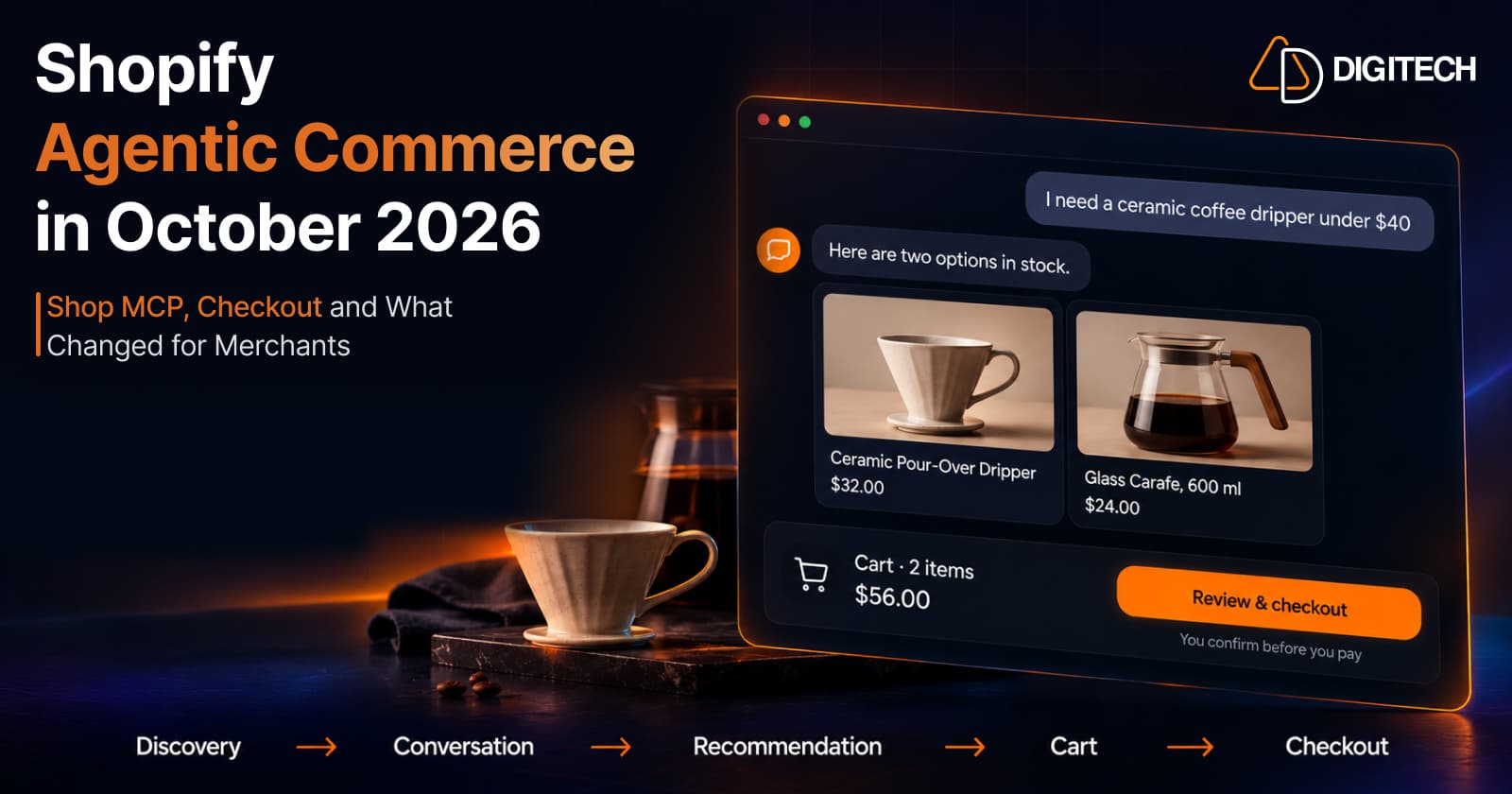
Shopify Agentic Commerce in October 2026: Shop MCP, Checkout and What Changed for Merchants
Shopify agentic commerce moved forward in September and October 2026: Shop MCP, Cart and Checkout MCP, WebMCP, buyer consent and store locations. Here's what it means for merchants.
Read article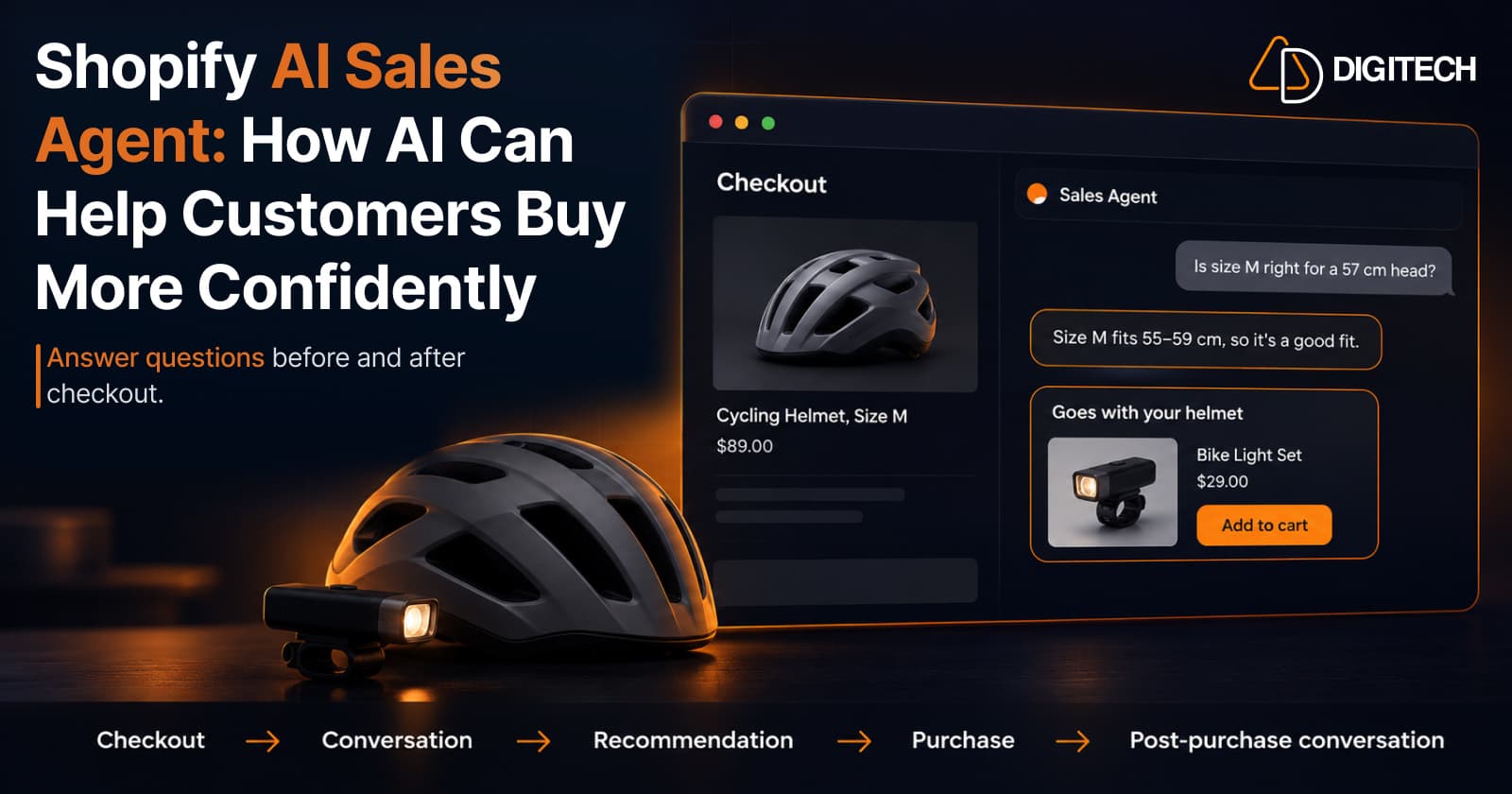
Shopify AI Sales Agent: How AI Can Help Customers Buy More Confidently
Learn how Shopify AI Sales Agents can help customers with product questions, recommendations, upsells and post-purchase conversations.
Read article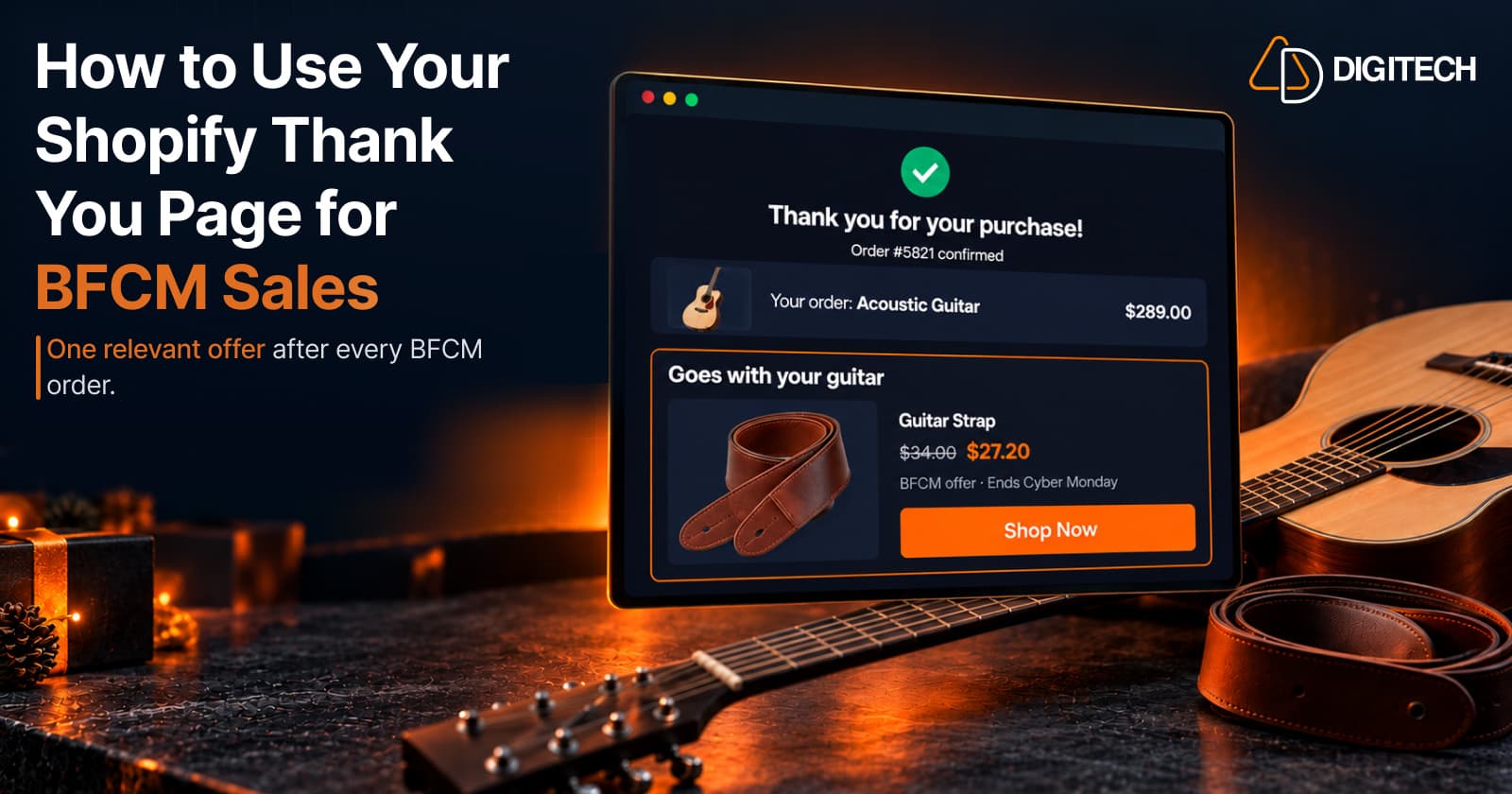
How to Use Your Shopify Thank You Page for BFCM Sales
Learn how to use the Shopify Thank You Page during BFCM with relevant upsells, product recommendations, bundles, offers and countdown timers.
Read article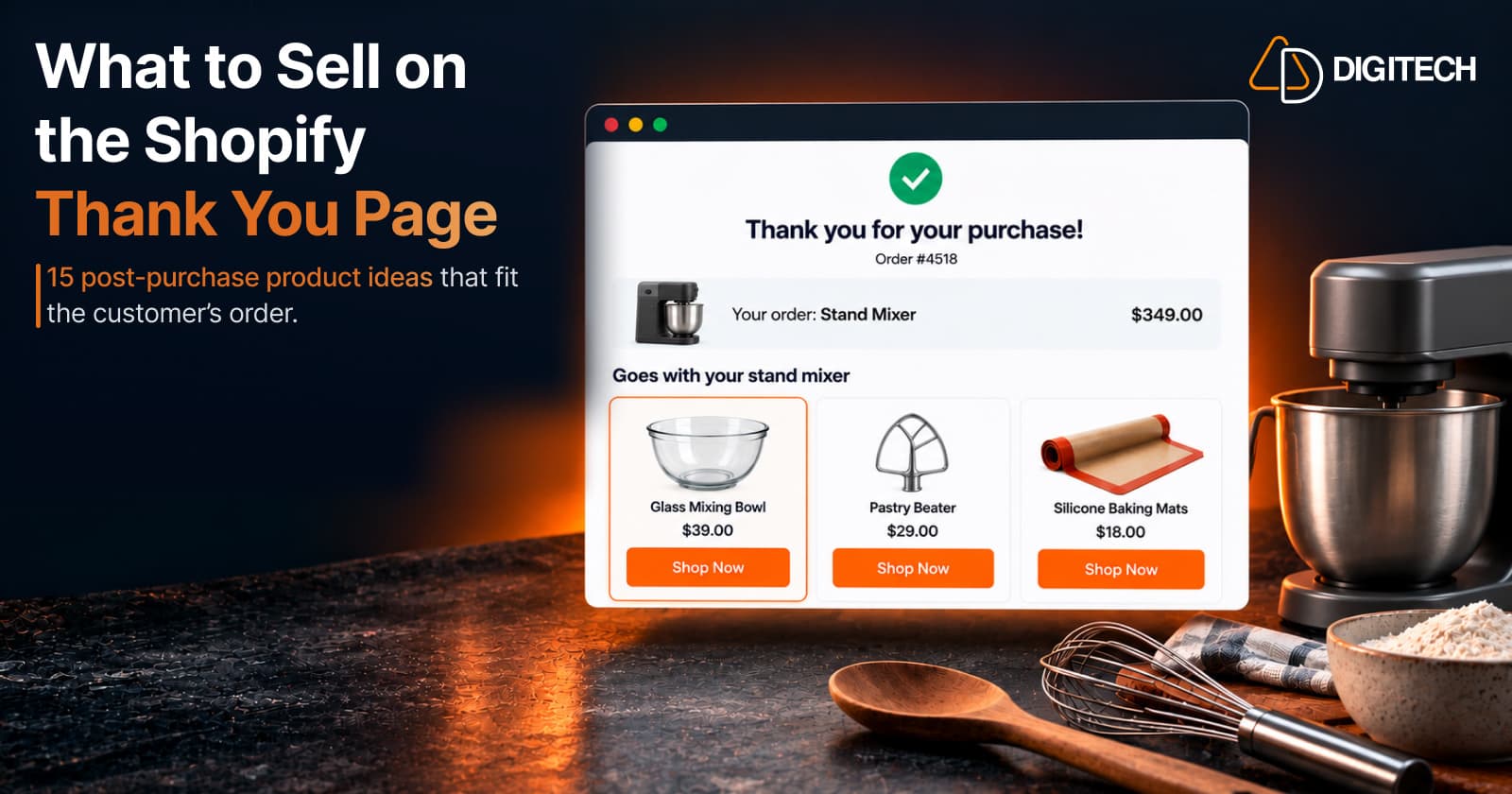
What to Sell on the Shopify Thank You Page: 15 Post-Purchase Product Ideas
Discover 15 Shopify Thank You Page product ideas, from complementary accessories and bundles to upgrades, refills and relevant post-purchase offers.
Read article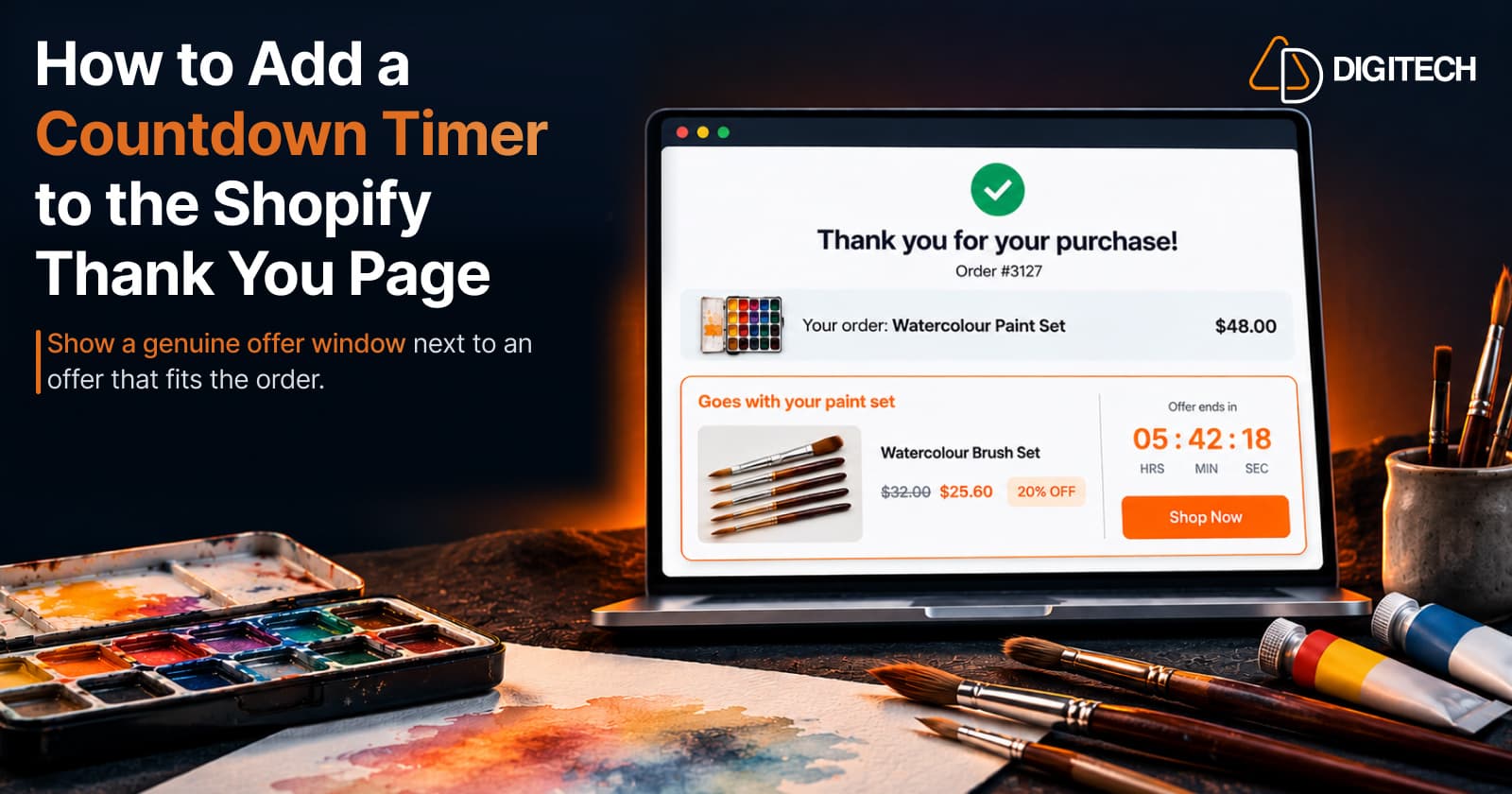
How to Add a Countdown Timer to the Shopify Thank You Page
Learn how to add a countdown timer to the Shopify Thank You Page and use time-sensitive offers, discounts and relevant products to drive post-purchase engagement.
Read article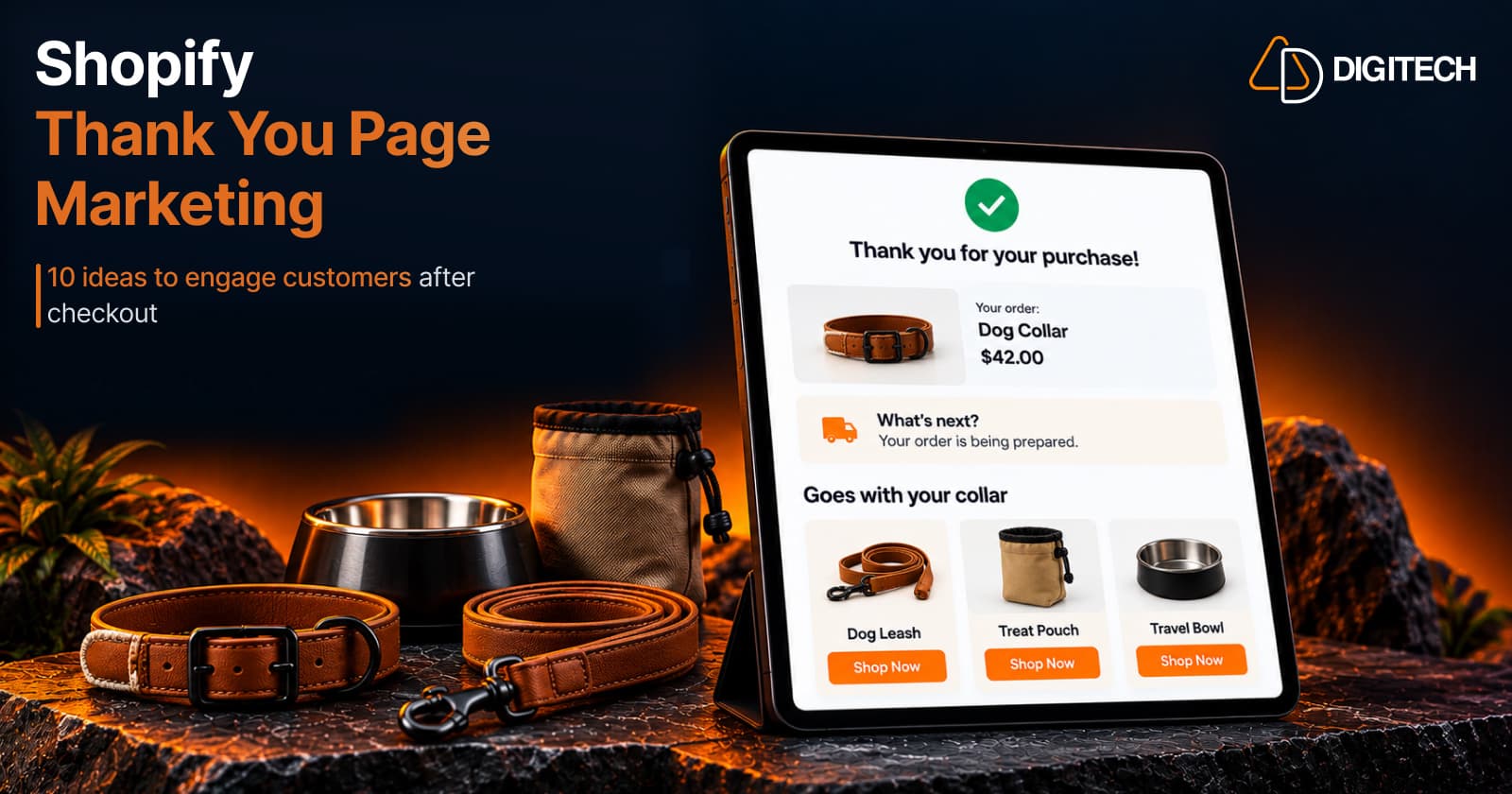
Shopify Thank You Page Marketing: 10 Ideas to Engage Customers After Checkout
Discover 10 Shopify Thank You Page marketing ideas to engage customers after checkout with recommendations, offers, bundles, feedback and useful content.
Read article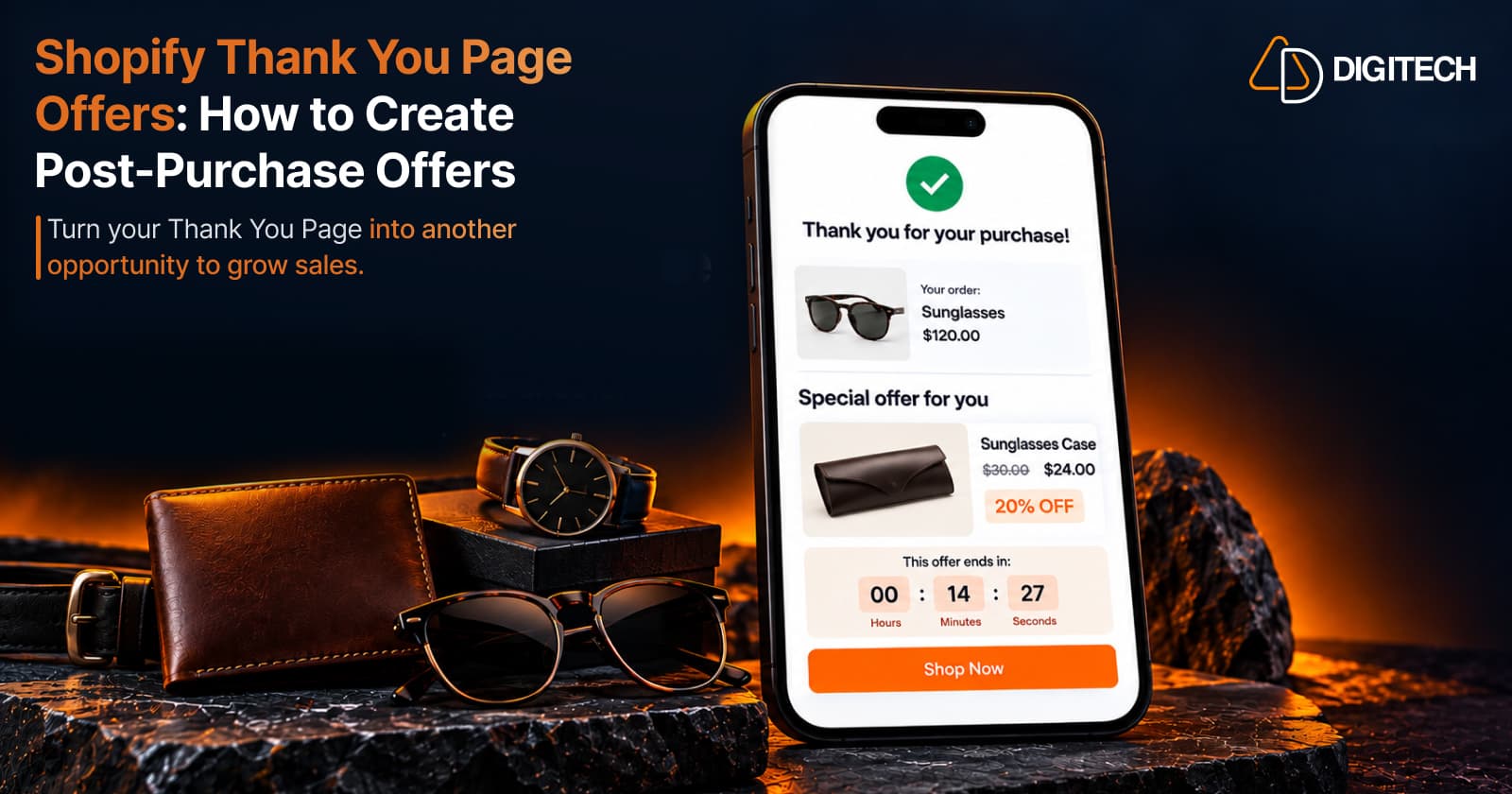
Shopify Thank You Page Offers: How to Create Post-Purchase Offers
Learn how to create Shopify Thank You Page offers with discounts, coupons, countdown timers and relevant promotions to drive additional purchases.
Read article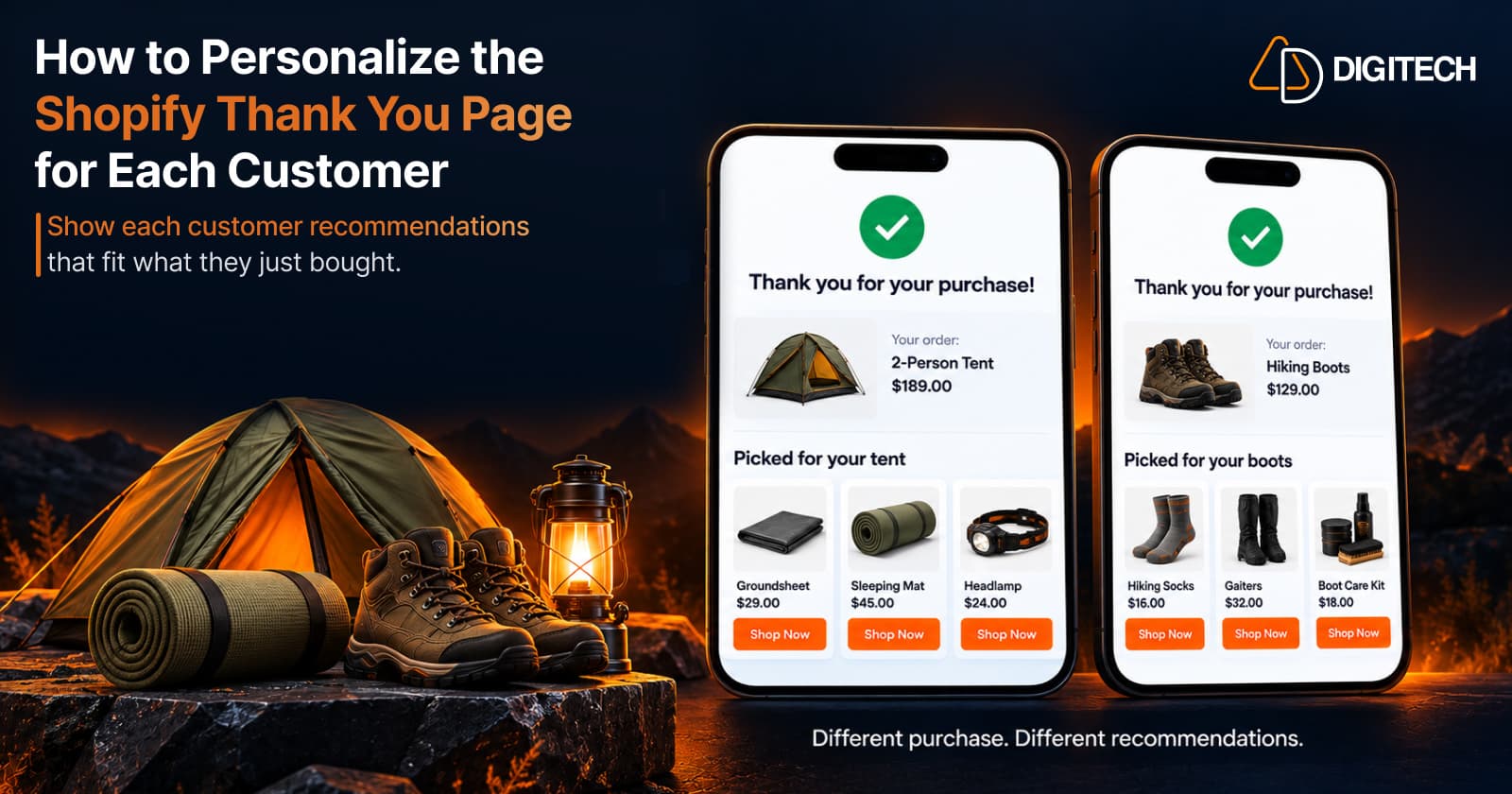
How to Personalize the Shopify Thank You Page for Each Customer
Learn how to personalize the Shopify Thank You Page with relevant recommendations, cross-sells, bundles, offers and post-purchase content.
Read article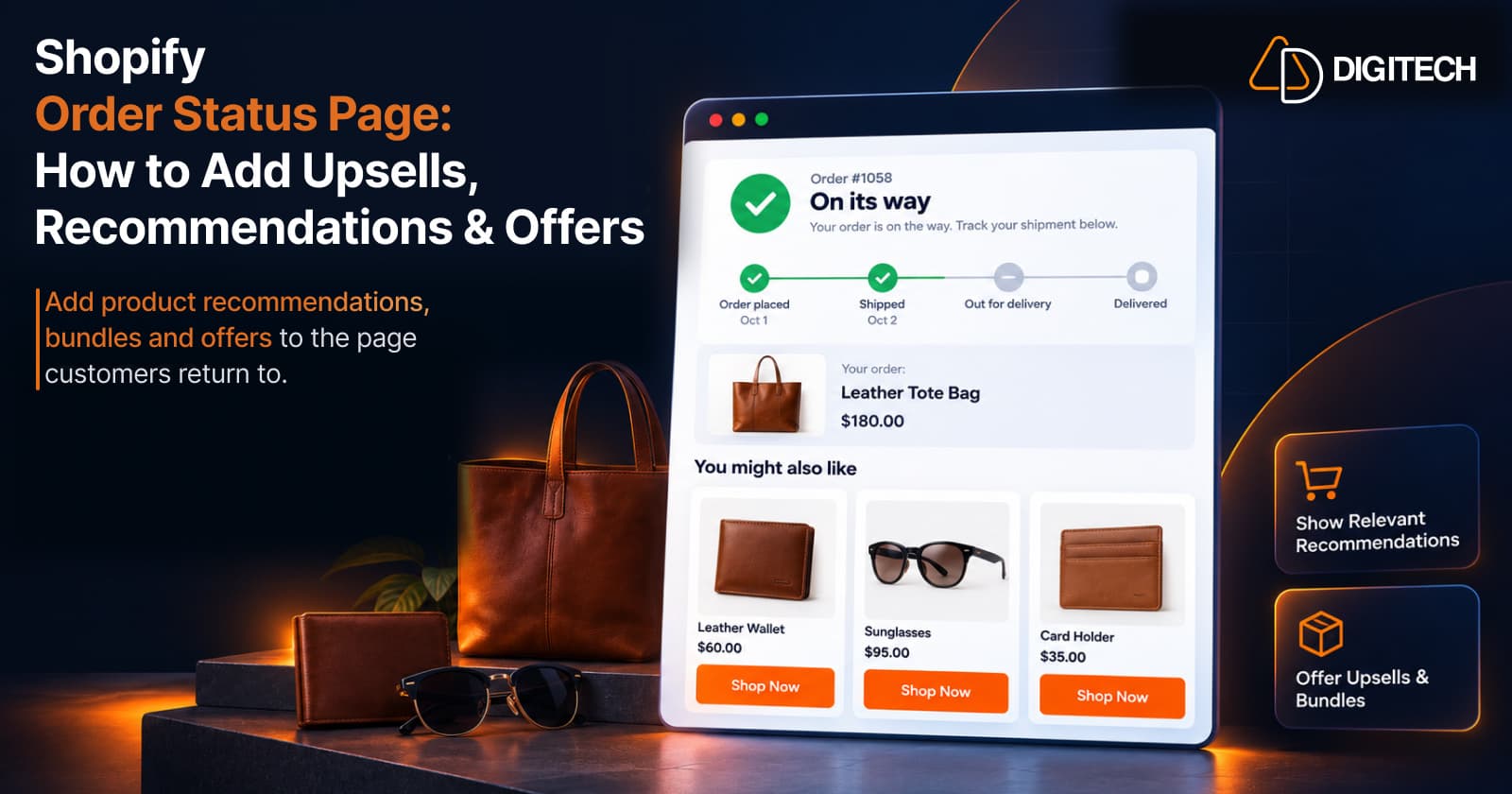
Shopify Order Status Page: How to Add Upsells, Recommendations & Offers
Learn how to customize the Shopify Order Status Page with product recommendations, upsells, bundles and offers to create better post-purchase experiences.
Read article