How to Personalize the Shopify Thank You Page for Each Customer
Learn how to personalize the Shopify Thank You Page with relevant recommendations, cross-sells, bundles, offers and post-purchase content.
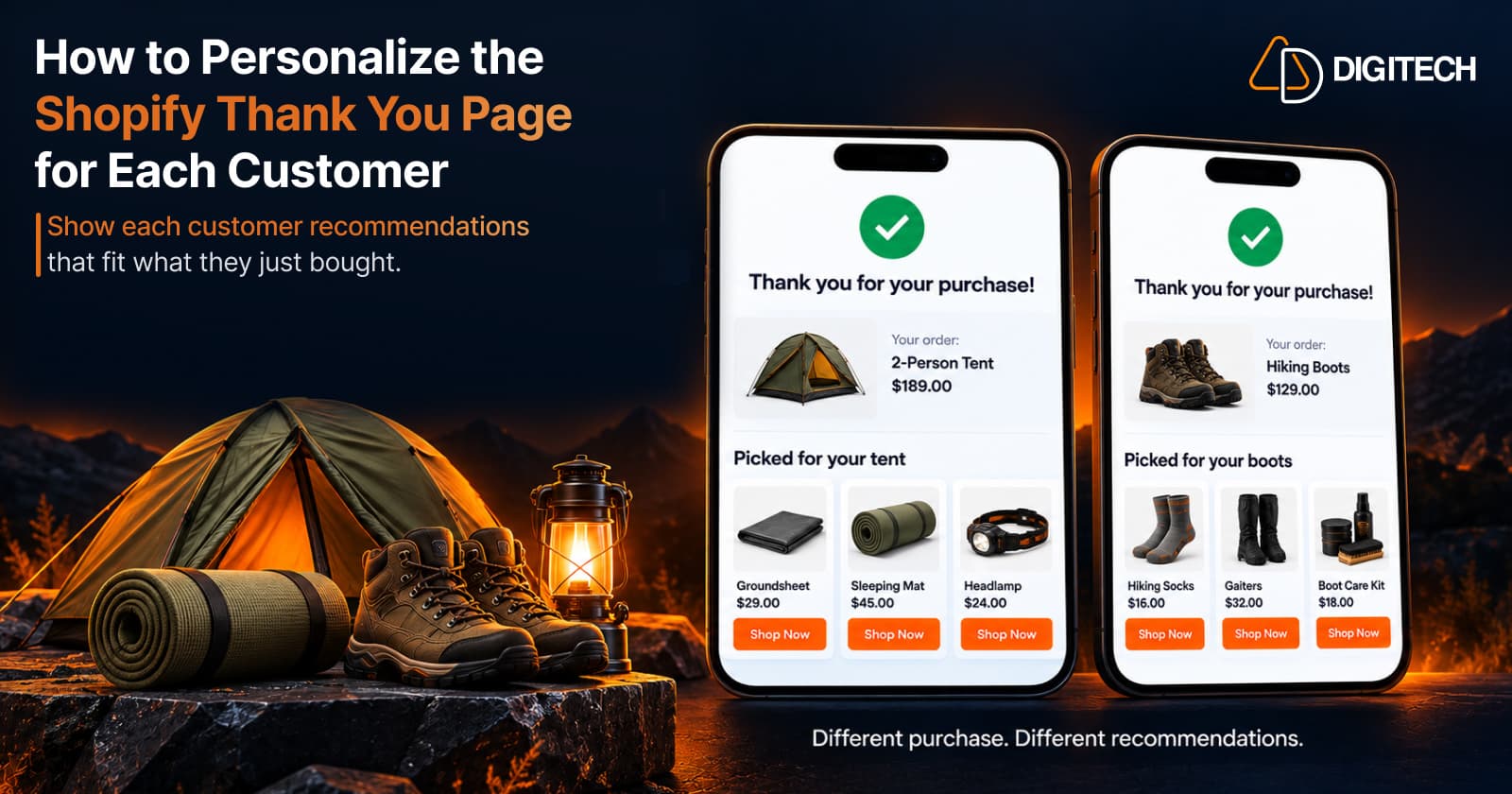
One customer buys a two-person tent. Another buys a pair of hiking socks. On most Shopify stores, both land on the same Thank You Page, with the same message, the same recommendations and the same offer.
That page ignores the one thing the store knows for certain at that moment: what each customer just bought. Personalizing the Thank You Page means using that information to make the page more relevant. It doesn't guarantee more sales. It gives the customer a reason to keep reading.
What Is Shopify Thank You Page Personalization?
Shopify Thank You Page personalization is the practice of choosing what the page shows based on the purchase that led to it. It helps to separate three levels:
- A generic Thank You Page shows the same content to everyone.
- A relevant Thank You Page selects content from the purchase context: the product, its collection or its type.
- A personalized post-purchase experience goes a step further. Recommendations, offers, messages and information all fit the customer's purchase and where they are in the journey.
Practical personalization doesn't require AI or one-to-one prediction. Most of it comes from simple rules, such as "show products from the same collection". It works at the level of the order: two customers who buy the same tent see the same page, and that page is still more relevant than one that ignores what they bought.
Technically, this content is added as app blocks built on Shopify's Checkout UI Extensions and placed using Shopify's checkout editor. Three surfaces are worth keeping apart:
- The Thank You Page is the confirmation shown immediately after checkout.
- The Order Status Page is a separate page customers return to later to view or track the order.
- Shopify's native post-purchase product offers are a separate extension surface, shown after payment and before the Thank You Page.
A recommendation or offer on the Thank You Page doesn't modify the order that was just placed. It's an opportunity for a separate, additional purchase. How Shopify Thank You Page upsells work explains the mechanics.
Why Personalize the Shopify Thank You Page?
- It makes the experience more relevant. Content tied to the purchase reads as help, not as advertising.
- It continues the engagement after checkout.
- It improves product discovery. Customers often buy from one part of the catalogue and never see the rest.
- It presents useful complementary products when the customer knows what they own.
- It highlights relevant bundles.
- It shows appropriate offers, matched to the purchase.
- It's a natural moment to collect feedback.
- It creates a better post-purchase experience overall.
None of this is guaranteed. Relevance improves the chance that a customer notices and uses what's on the page.
What Can You Personalize on the Shopify Thank You Page?
The examples below use a store that sells camping gear.
| Element | Personalization Approach | Example |
|---|---|---|
| Product recommendations | Draw from the purchased product's collection or type | More shelter products after a tent |
| Complementary products | Show the item that fits what was bought | A groundsheet sized for that tent |
| Product bundles | Build around the customer's next need | Sleeping mat, pillow and repair kit |
| Offers and discounts | Tie the offer to a related category | 10% off sleeping gear on the next order |
| Images and banners | Match the season or the main category | A banner for the summer camping range |
| Calls to action | Point to the most relevant next step | "Complete your camp kit" |
| Customer surveys | Ask something connected to the purchase | "What kind of trip is this for?" |
| Useful post-purchase information | Help the customer use the product | A link to a tent setup and care guide |
Some elements can be set up to follow the order, such as recommendations. Others, such as a banner or a survey question, may be the same for every customer, depending on your tool. Write those so they suit anyone who buys from you. For survey wording, see how to add a post-purchase survey to the Shopify Thank You Page.
How to Personalize Product Recommendations
Recommendations are the easiest element to personalize. Merchants can use the customer's purchase context, such as the products or categories they purchased, to present more relevant recommendations. Shopify doesn't personalize Thank You Page recommendations for each customer automatically. You choose the rule in your app, and the app applies it to each order. Sources that reflect the purchase:
- Complementary products: items used with the purchased product.
- Same collection: more from the category the customer chose.
- Higher-priced alternatives: a premium version of the same product type, for a future purchase.
- Products commonly considered with the item: your own manual picks.
Sources that don't depend on the purchase:
- Best sellers: a sensible fallback when a product has no obvious pairing.
- New arrivals: useful for returning customers.
Treat the second group as a fallback, not as the default.
Relevance matters more than the number of products. Three products that clearly connect to the order are easier to scan and easier to trust than a grid of ten.
For setup, see how to add product recommendations to the Shopify Thank You Page.
How to Personalize Cross-Sell Offers
A cross-sell is personalized when it's chosen from the original purchase, not from a list of products you'd like to move.
- Laptop → laptop sleeve
- Coffee machine → coffee beans
- Running shoes → running socks
- Camera → memory card
Each pairing passes a simple test: would this customer reasonably use the two together? Compatibility counts too. A sleeve in the wrong size isn't a relevant offer.
Our guide to cross-selling complementary products on the Shopify Thank You Page covers how to choose pairings.
How to Personalize Product Bundles
A bundle is relevant when it starts from the purchased product and answers the customer's likely next need.
- Fixed bundles work when the next need is predictable. After a tent: a groundsheet, extra pegs and a repair kit.
- Mix-and-match bundles work when preferences vary. After a camping stove: any three pieces of cookware.
- Volume discount bundles work for one product bought in quantity, such as freeze-dried meals.
A bundle assembled from slow-moving stock isn't personalization. See Shopify Thank You Page product bundles for how the three types compare.
How to Personalize Offers and Discounts
Not every customer needs the same offer, and some don't need a discount at all.
- Relevant product offers. Attach the offer to a product or category connected to the purchase.
- Appropriate discounts. Size the discount to the product, not to a round number.
- Limited-time offers. If the offer has an end date, make it a real one.
- Countdown timers. One timer shows urgency. Several cancel each other out.
- A clear CTA. One button that says what happens next.
- Protecting margins. Work out what the offer costs after the discount.
- Avoiding unnecessary discounting. A customer who just paid full price may not need one.
Personalizing an offer doesn't automatically raise conversions. It gives the offer a clear reason to exist. For choosing and wording an offer, see how to add upsells to the Shopify Thank You Page.
How to Personalize the Content Around the Offer
Personalization isn't only about which products appear. The words and images around them matter as much.
- Messaging. "Complete your camp kit" says more than "You may also like".
- Banners and images. Use imagery from the category customers buy most, or from the current season.
- Calls to action. Name the action and the category: "Shop sleeping gear".
- Product context. One line on why the product fits: "Protects the tent floor".
- Useful post-purchase information. Setup instructions, care advice or delivery expectations.
You don't need a different page for every product. Start with your largest categories. For everything else, a clear, neutral message is better than a specific one that's wrong.
Shopify Thank You Page Personalization Best Practices
- Start with purchase context. What was bought is the strongest signal you have.
- Keep recommendations relevant.
- Limit competing CTAs.
- Avoid overwhelming customers.
- Match offers to the product.
- Make the next action clear.
- Keep the confirmation easy to understand. It comes first.
- Design for mobile.
- Avoid unnecessary discounts.
- Test different content, one change at a time.
- Monitor performance.
- Update recommendations when your product strategy changes. New ranges and discontinued products change which pairings make sense.
Our Thank You Page best practices guide covers these in more depth, and Shopify Thank You Page optimization covers page layout.
Common Shopify Thank You Page Personalization Mistakes
- Showing unrelated products. It tells the customer the page isn't about them.
- Showing too many recommendations. More choices mean less attention for each.
- Offering discounts too aggressively. It can teach customers to wait for a code.
- Using the same message for every purchase. "You may also like" wastes the context you have.
- Adding too many CTAs. Each extra button weakens the others.
- Making the confirmation difficult to find. Customers want to see that the order went through.
- Ignoring the mobile experience. Blocks stack vertically on a phone, so their order matters.
- Assuming personalization requires AI. A clear rule based on the purchase does most of the work.
How to Measure Personalized Thank You Page Performance
- Views or impressions, where your app reports them.
- Clicks: whether a block gets attention.
- Click-through rate: clicks as a share of views.
- Conversions: how many customers acted on a block.
- Conversion rate: conversions as a share of views or clicks.
- Revenue generated from applicable offers.
- Survey response rate, where a survey is used.
Compare a personalized block with the generic block it replaced, over a similar number of orders, to see which content performs better. These metrics describe activity on the page. They don't predict what an individual customer will do, or prove that a block caused every sale.
Shopify Thank You Page Personalization vs Generic Content
| Feature | Generic Thank You Page | Personalized Experience |
|---|---|---|
| Product recommendations | The same products for every order | Products connected to the purchase |
| Offers | One offer for everyone | An offer tied to a related product or category |
| Messaging | "Thank you for your order" and little else | Copy that refers to what the customer bought |
| Product relevance | Left to chance | Follows from the purchase |
| Customer engagement | Ends at the confirmation | Continues with a reason to explore |
| Product discovery | Limited to what the customer already saw | Introduces related parts of the catalogue |
| Post-purchase experience | Functional | Functional and useful |
Shopify Thank You Page vs Order Status Page
These are two separate Shopify surfaces.
- The Thank You Page is the immediate confirmation after checkout. Customers see it once.
- The Order Status Page is where customers return later to view or track the order. It's part of Shopify's customer account experience and is extended with Customer Account UI Extensions.
Both offer post-purchase engagement opportunities, but they're customized separately. Our guide to the Shopify Order Status Page covers that page in detail.
How Grovia Helps Create More Relevant Thank You Page Experiences
Grovia is a Shopify app built by AD Digitech for customizing the Thank You Page and the Order Status Page. It gives you the tools to make both more relevant:
- Product recommendations from sources you choose: manual selection, same collection, best sellers, complementary products, higher-priced alternatives and new arrivals
- Product bundles: fixed, mix-and-match and volume discount
- Coupons and countdown timers
- Images, banners, CTAs and trust badges
- Post-purchase surveys with multiple question types, and responses available in your Shopify admin
- Analytics: clicks, conversions, CVR and revenue
You arrange these in a drag-and-drop editor, with no coding required.
Grovia's recommendations follow rules you set. They don't predict individual customer behavior or personalize the page for each person. Grovia's Pro plan separately adds an AI Sales Agent for customer conversations. Grovia also isn't Shopify's native post-purchase extension, and its blocks don't modify the completed order. They offer the customer a separate, additional purchase.
Frequently asked questions
What is Shopify Thank You Page personalization?
It's choosing what the Thank You Page shows based on the customer's purchase, such as related recommendations, offers and information, instead of showing everyone the same content.
Can I personalize the Shopify Thank You Page based on what a customer purchased?
Yes. App blocks on the Thank You Page can use the purchase context, for example by recommending products from the same collection as the purchased item.
Can I personalize product recommendations on the Thank You Page?
Yes. With a compatible app you choose a recommendation source, such as complementary products, the same collection, higher-priced alternatives or products you select manually.
Can I show complementary products after a purchase?
Yes. A complementary product block shows items that go with the purchase. It leads to a separate additional purchase and doesn't change the order just placed.
Can I personalize Shopify Thank You Page offers?
Yes. You can tie a coupon or offer to a product or category related to the purchase. Keep discounts in line with your margins.
Can I personalize product bundles on the Thank You Page?
Yes. Build the bundle around the purchased product's likely next need, using a fixed bundle, a mix-and-match bundle or a volume discount.
Does Thank You Page personalization require AI?
No. Most practical personalization comes from simple rules based on the purchase, such as showing products from the same collection.
Can I customize the Shopify Thank You Page without editing theme code?
Yes. The Thank You Page is customized with app blocks built on Shopify's Checkout UI Extensions and placed using Shopify's checkout editor, so theme code isn't required.
What is the difference between the Thank You Page and Order Status Page?
The Thank You Page is the confirmation shown immediately after checkout. The Order Status Page is a separate page customers return to later to view or track the order.
Can Grovia personalize the Shopify Thank You Page?
Grovia gives you the tools to make it more relevant: rule-based product recommendations, bundles, coupons, banners, CTAs and surveys, in a drag-and-drop editor. Its recommendations follow rules you set rather than predicting individual customer behavior. Grovia's Pro plan also adds an AI Sales Agent for customer conversations.
Turn Your Thank You Page Into a More Relevant Post-Purchase Experience
With Grovia, you can customize your Shopify Thank You Page with relevant product recommendations, bundles, upsells, offers and post-purchase surveys — without coding.
Related reading
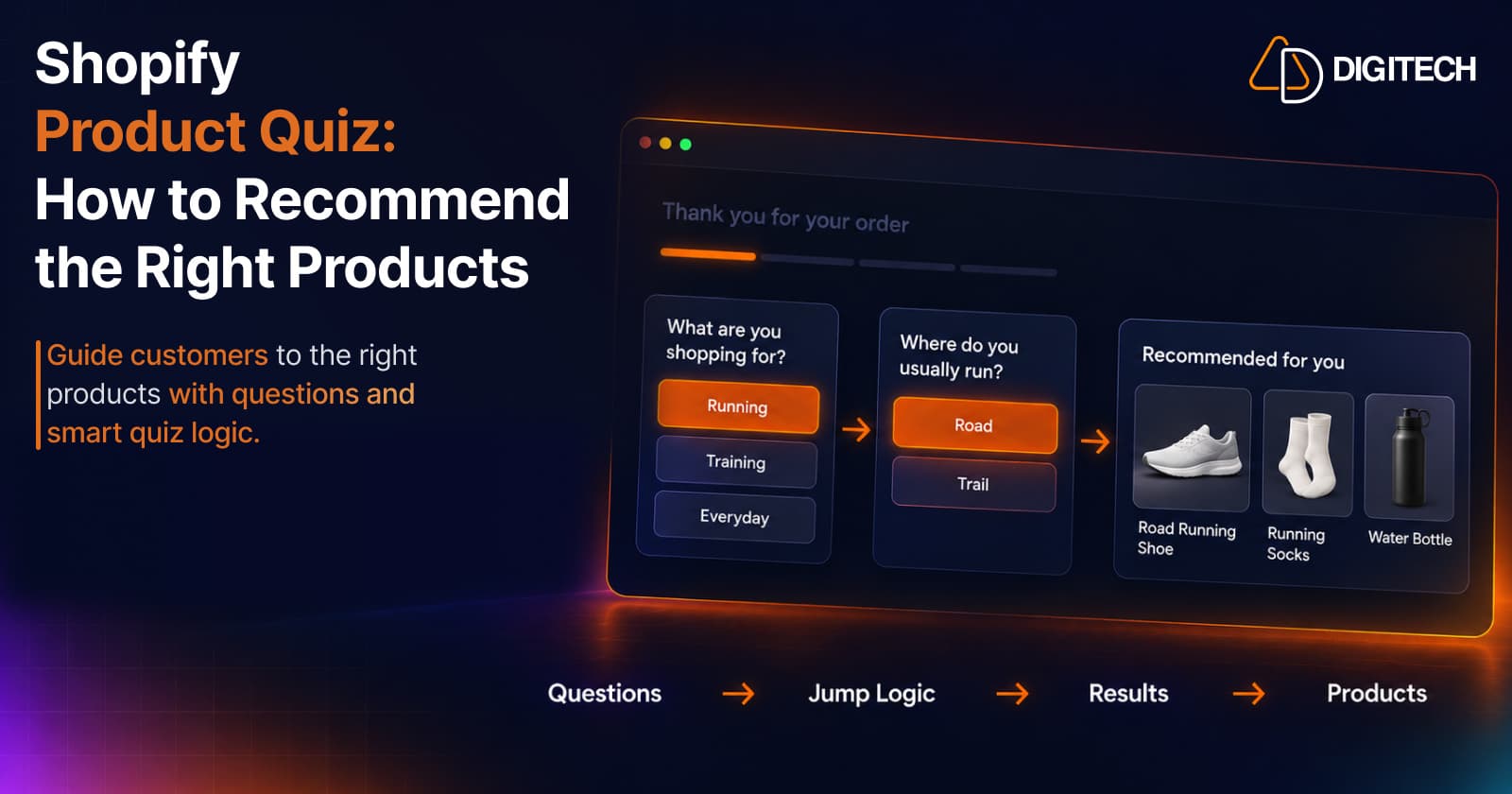
Shopify Product Quiz: How to Recommend the Right Products Based on Customer Answers
Learn how Shopify product quizzes use questions, logic and results to guide customers toward relevant products.
Read article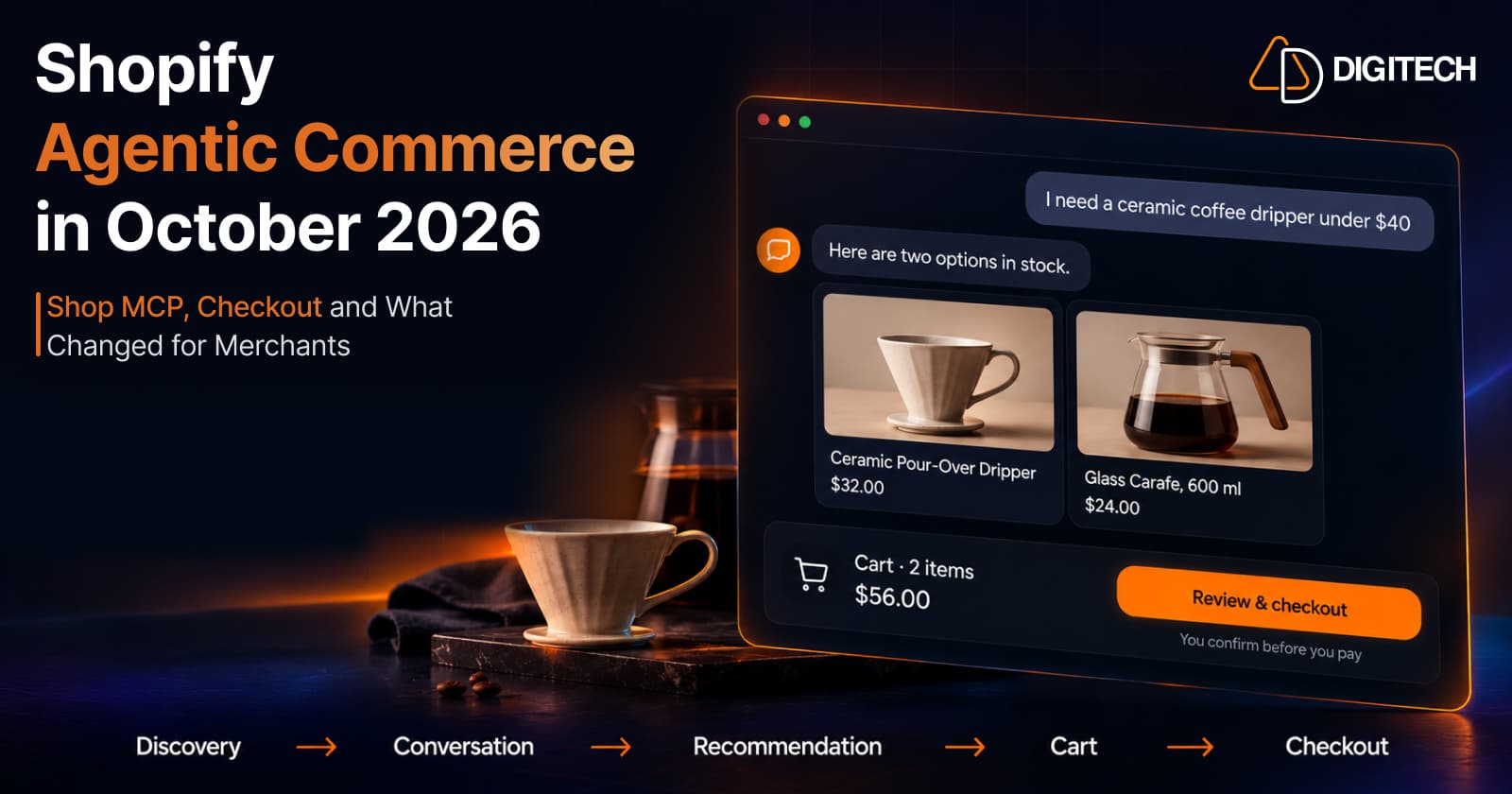
Shopify Agentic Commerce in October 2026: Shop MCP, Checkout and What Changed for Merchants
Shopify agentic commerce moved forward in September and October 2026: Shop MCP, Cart and Checkout MCP, WebMCP, buyer consent and store locations. Here's what it means for merchants.
Read article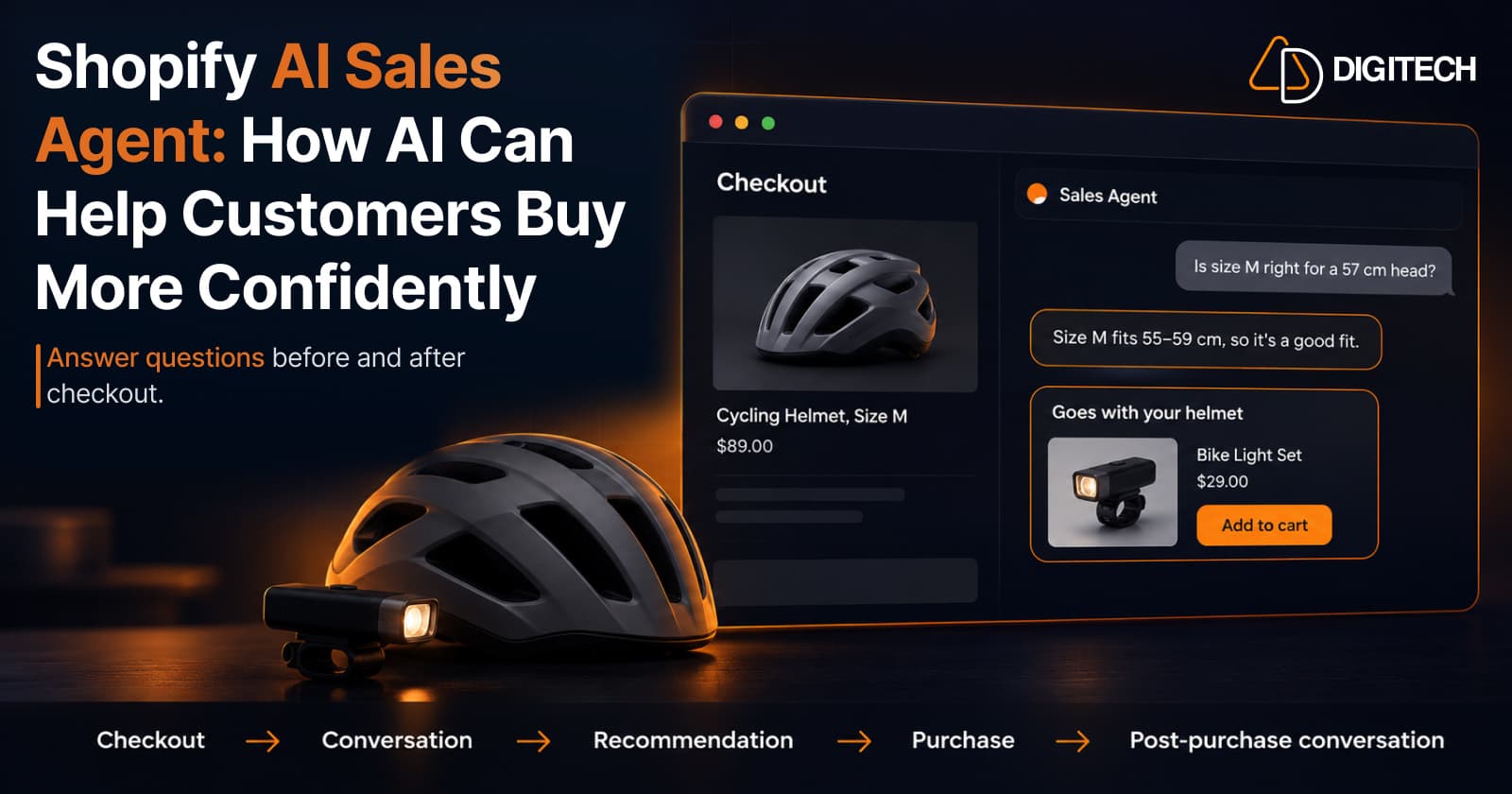
Shopify AI Sales Agent: How AI Can Help Customers Buy More Confidently
Learn how Shopify AI Sales Agents can help customers with product questions, recommendations, upsells and post-purchase conversations.
Read article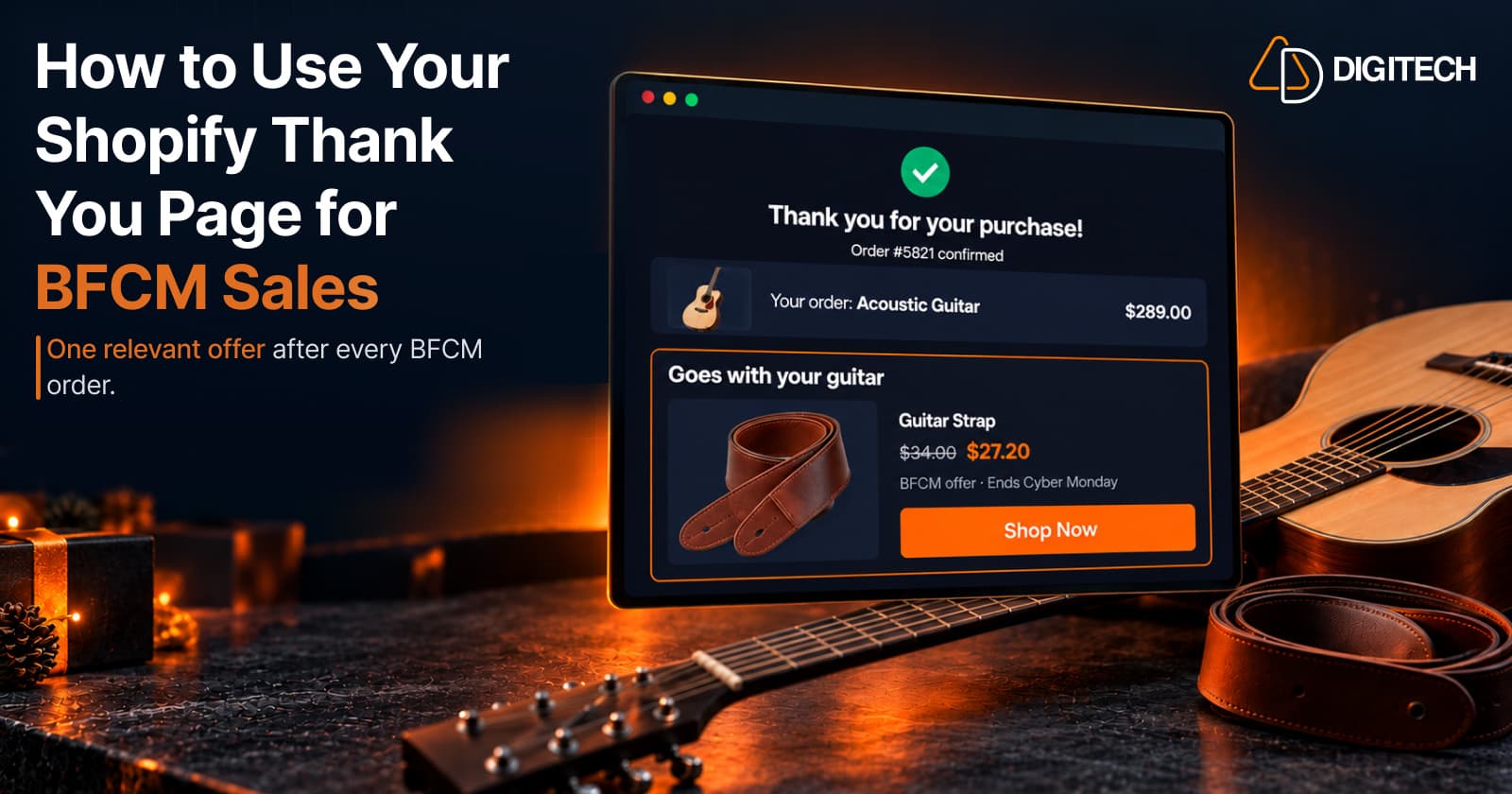
How to Use Your Shopify Thank You Page for BFCM Sales
Learn how to use the Shopify Thank You Page during BFCM with relevant upsells, product recommendations, bundles, offers and countdown timers.
Read article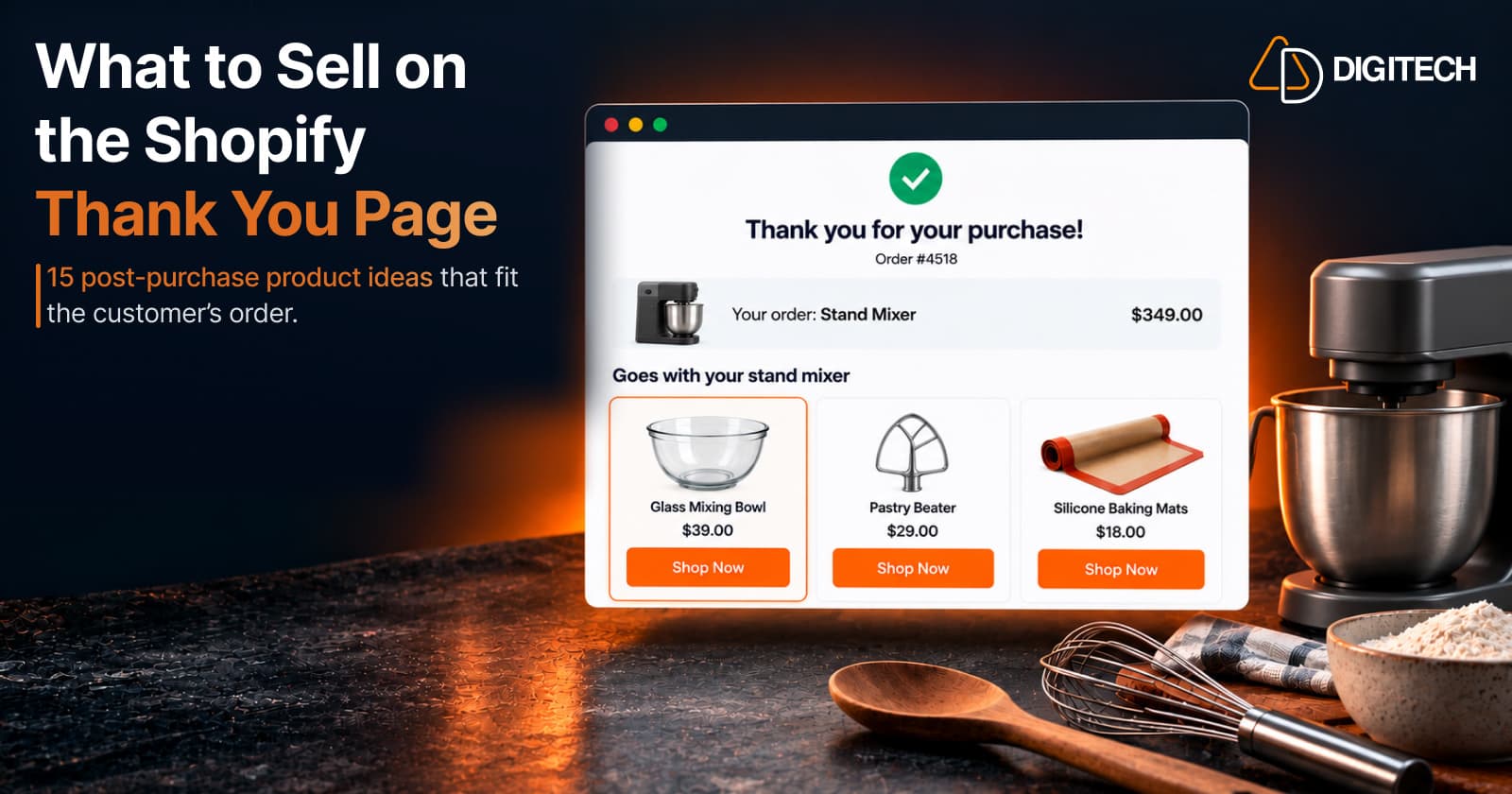
What to Sell on the Shopify Thank You Page: 15 Post-Purchase Product Ideas
Discover 15 Shopify Thank You Page product ideas, from complementary accessories and bundles to upgrades, refills and relevant post-purchase offers.
Read article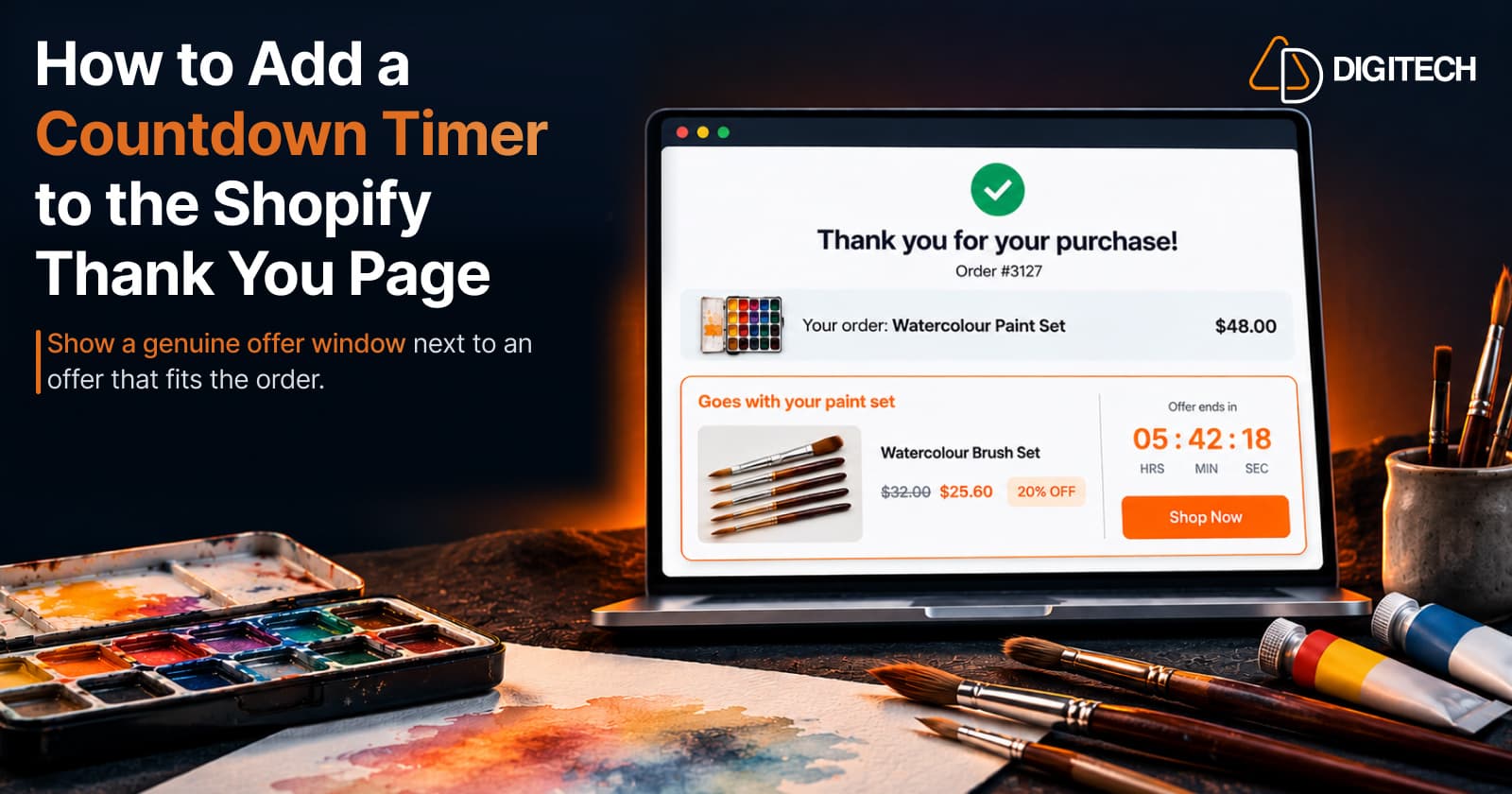
How to Add a Countdown Timer to the Shopify Thank You Page
Learn how to add a countdown timer to the Shopify Thank You Page and use time-sensitive offers, discounts and relevant products to drive post-purchase engagement.
Read article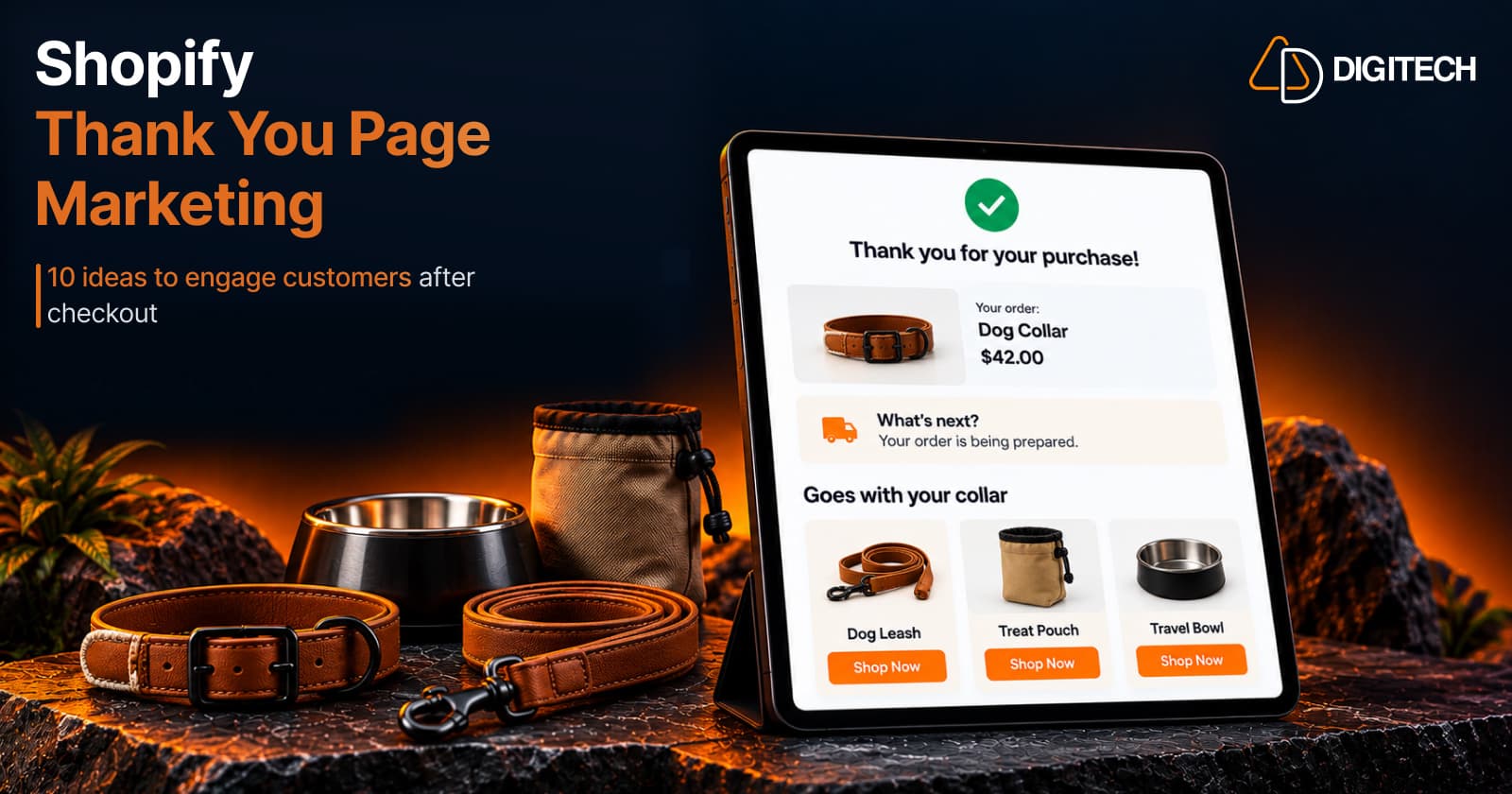
Shopify Thank You Page Marketing: 10 Ideas to Engage Customers After Checkout
Discover 10 Shopify Thank You Page marketing ideas to engage customers after checkout with recommendations, offers, bundles, feedback and useful content.
Read article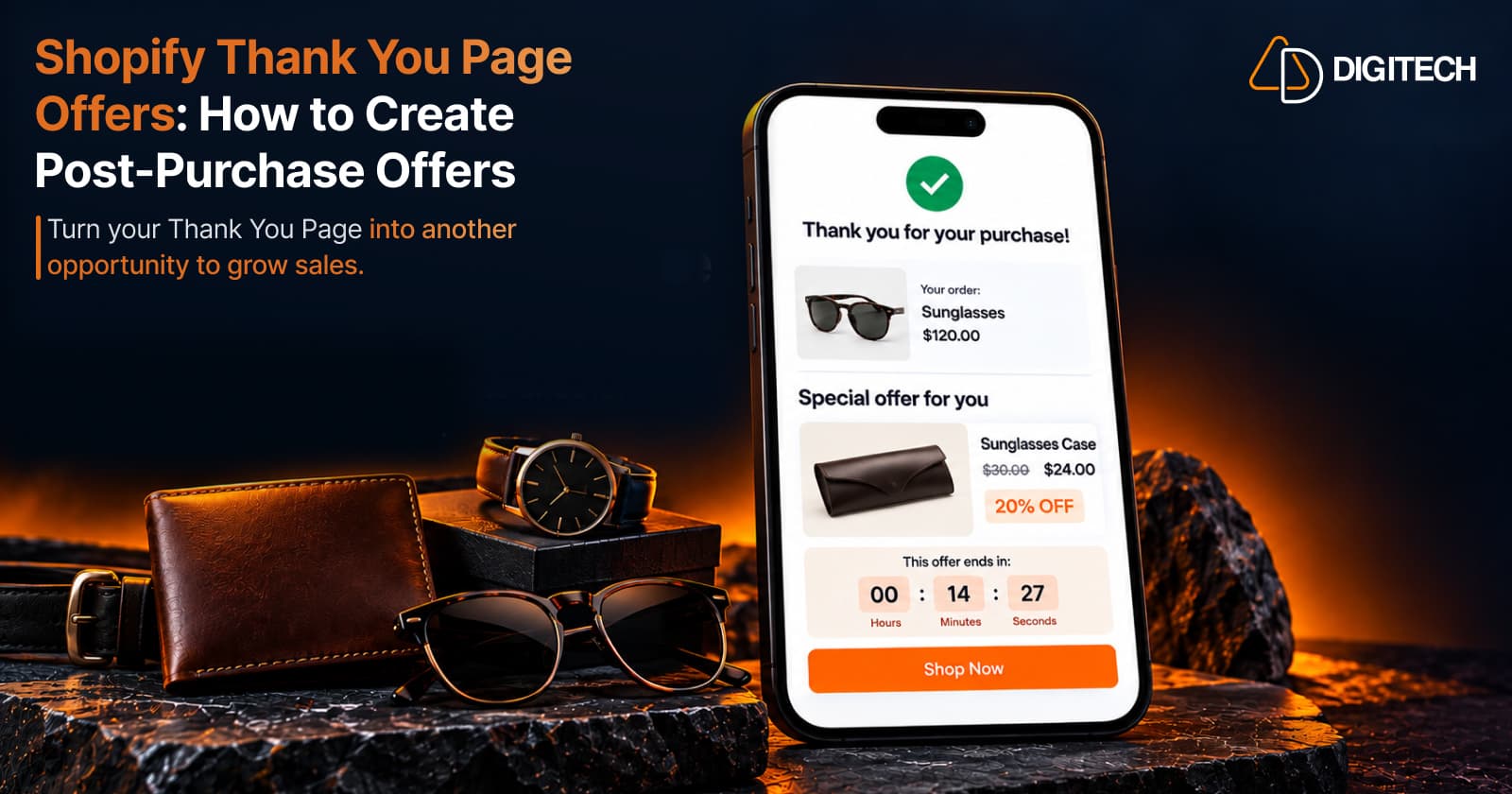
Shopify Thank You Page Offers: How to Create Post-Purchase Offers
Learn how to create Shopify Thank You Page offers with discounts, coupons, countdown timers and relevant promotions to drive additional purchases.
Read article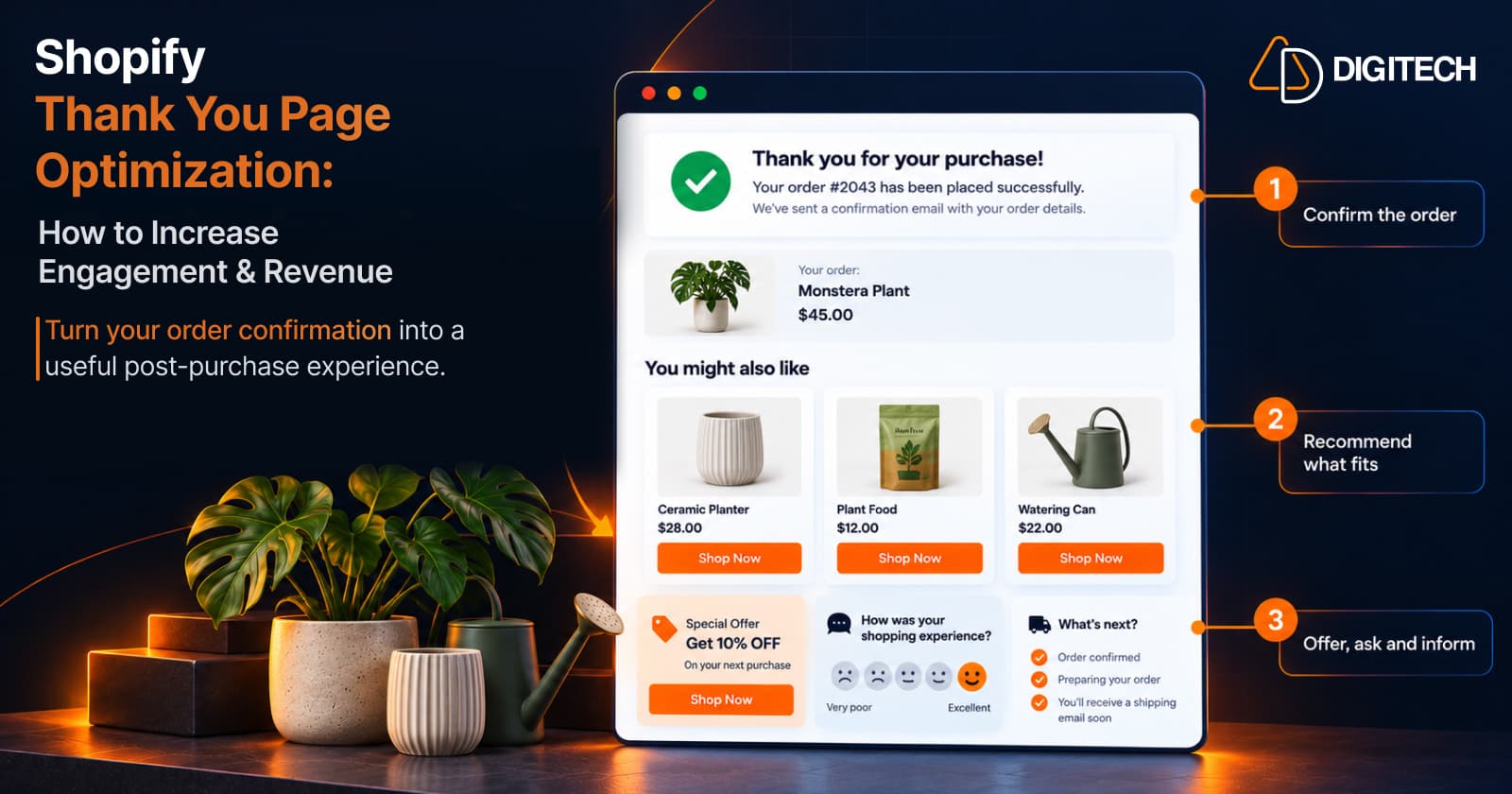
Shopify Thank You Page Optimization: How to Increase Engagement & Revenue
Learn how to optimize your Shopify Thank You Page with recommendations, upsells, bundles, offers and surveys to create a better post-purchase experience.
Read article