Shopify Post-Purchase Survey Questions: What to Ask Customers After Checkout
15 post-purchase survey questions for Shopify stores, grouped by goal, with answer options, formats, when to ask each one and how to use the answers.
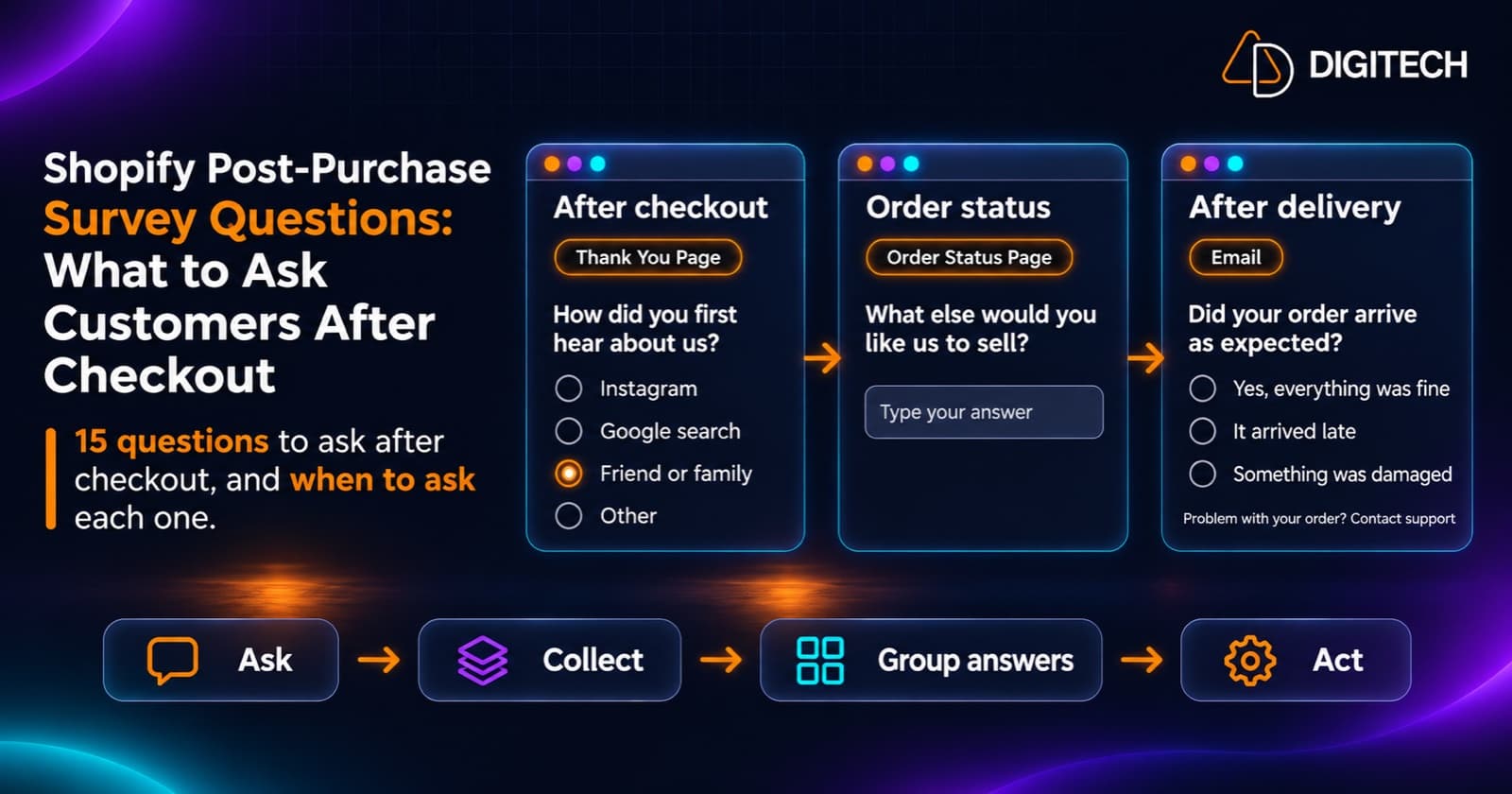
Most post-purchase surveys fail for the same reason: they ask the wrong question at the wrong moment. "How satisfied are you with your product?" on a page the customer sees seconds after paying can't be answered honestly, because the product hasn't arrived. "How did you hear about us?" asked three weeks later gets a vaguer answer than it would have at checkout.
This guide is about the questions themselves: what to ask, when to ask it and what to do with the answers. If you need the setup steps, such as adding a survey block and placing it in Shopify's checkout and accounts editor, start with our guide on how to add a post-purchase survey to the Shopify Thank You Page, then come back here to choose the questions.
Start With the Decision, Not the Question
Every question should feed a decision you're willing to make. Before writing one, finish this sentence: "If most customers answer X, we will…"
- If most new customers say a friend recommended you, you might invest in a referral program.
- If many say shipping cost nearly stopped them, you might review your free-shipping threshold or show costs earlier.
- If a large share are buying gifts, you might add gift messages or gift wrap.
If no answer would change anything, cut the question. A short survey with two questions you act on is worth more than ten you file away.
Two Moments to Ask: After Checkout and After Delivery
The customer knows different things at different points, so the moment you ask decides which questions make sense.
| Right after checkout | After delivery | |
|---|---|---|
| Where | Thank You Page | An email or review request timed after delivery |
| What the customer knows | Why they bought, how they found you, how buying felt | Whether the order arrived well and how the product is so far |
| Good questions | Discovery, motivation, friction, checkout ease, who it's for | Delivery experience, product satisfaction, what to improve |
| Avoid | Product quality or satisfaction | Detailed questions about how they found you |
The Thank You Page is, in Shopify's words, "displayed to a customer as an initial purchase confirmation after they complete a checkout." It appears once. Shopify lists asking a customer "to complete a survey after they've completed checkout" as a Thank You Page use case. Memory of the purchase decision is fresh here, so it's the best place for discovery and motivation questions.
The Order Status Page is where customers return later. Shopify says that if a customer tries to return to the Thank You Page "or check their order status later on, then they're shown the Order status page instead." Shopify's survey tutorial pairs a Thank You Page survey asking how the customer heard about the store with an Order Status Page survey asking "how the customer is enjoying their purchase after the order has been delivered."
Three caveats for the Order Status Page:
- It isn't the same as "after delivery". Customers can open the Order Status Page at any point, including while the order is still on its way. A survey placed there may be seen before the product arrives.
- Not everyone comes back. Customers often arrive from order notifications, so a post-delivery question only reaches customers who open the page again.
- Not every visit can show a survey. Shopify's documentation says the unauthenticated version of the page, opened by anyone with a direct link, "doesn't support extensions." Customers who arrive from an order notification or who are logged in can see app blocks.
For questions that only make sense once the order has arrived, send them in an email or review request timed after delivery, using your email or review tool. On the Order Status Page, ask questions that make sense whether or not the order has arrived yet. Our guide to the Thank You Page vs the Order Status Page covers how the two pages differ in more detail.
15 Post-Purchase Survey Questions, Grouped by Goal
Each question below shows a recommended format, sample answer options and when to ask it. Adapt the options to your store; the examples assume a general online store.
Goal 1: Understand how customers found you
1. How did you first hear about us?
- Format: single choice, with "Other" as a short answer
- Options: Instagram, TikTok, Google search, Friend or family, YouTube or podcast, Online ad, Other
- When: Thank You Page
- Use it for: spotting word of mouth and channels your analytics can't see. Compare the answers with your tracked traffic sources rather than replacing them; customers report what they remember, which is often the first touch, not the last click.
2. What made you decide to buy today?
- Format: single choice
- Options: I needed it now, A sale or discount, A recommendation, It's a gift, It was back in stock, Other
- When: Thank You Page
- Use it for: a rough sense of how many customers say a promotion drove their purchase. It can't tell you who would have bought without the discount, so treat it as one input when you plan your next promotion, alongside your sales data.
3. Did you compare us with other stores before buying?
- Format: single choice
- Options: No, this was my first choice; Yes, one or two others; Yes, several
- When: Thank You Page
- Use it for: knowing how competitive your category feels to customers. If most compared several stores, your product pages need to answer comparison questions clearly.
Goal 2: Find what nearly stopped the sale
4. What almost stopped you from buying?
- Format: checkbox (several can apply)
- Options: Shipping cost, Delivery time, Price, Unsure about size or fit, Returns policy, Payment options, Nothing, Other
- When: Thank You Page
- Use it for: the most actionable question on this list. Repeated answers point to specific fixes, such as showing delivery dates earlier or making the returns policy easier to find. Remember these are customers who bought anyway; the people who left over the same issue aren't in the sample.
5. Which of these helped you decide?
- Format: checkbox
- Options: Customer reviews, Product photos, Product description, Size guide, Free shipping, Discount, Brand values, Other
- When: Thank You Page
- Use it for: knowing which parts of your product page earn their place, and where to invest in better photos or content.
6. Who is this purchase for?
- Format: single choice
- Options: Me, A gift, Someone in my household, My business
- When: Thank You Page
- Use it for: understanding gift share, which affects gift options, seasonal messaging and how you read purchase history. A gift buyer's order doesn't say much about their own taste; our post on recommending products after a gift purchase explains why.
Goal 3: Measure the shopping and checkout experience
7. How easy was it to find what you were looking for?
- Format: linear scale, 1 (very hard) to 5 (very easy)
- When: Thank You Page
- Use it for: a simple navigation and search score to track over time. A falling average after a theme or menu change is worth investigating.
8. How easy was checkout?
- Format: linear scale, 1 (very hard) to 5 (very easy)
- When: Thank You Page
- Use it for: catching friction from checkout changes, apps or payment options. Low scores deserve a follow-up question or a look at the checkout yourself.
9. Was there anything you looked for but couldn't find?
- Format: short answer, optional
- When: Thank You Page
- Use it for: missing products, sizes, information or filters. Even a handful of repeated answers can point to a gap in your catalogue or navigation.
Goal 4: Learn about customer needs and preferences
10. What will you mainly use this for?
- Format: single choice, with options specific to your products
- Options (coffee store example): Espresso, Filter coffee, Cold brew, Not sure yet
- When: Thank You Page
- Use it for: future merchandising and product recommendations. Answers describe groups of customers, not a guaranteed next purchase for each person.
11. How often do you buy products like this?
- Format: single choice
- Options: Every week, Every month, A few times a year, This is my first time
- When: Thank You Page
- Use it for: a rough sense of replenishment timing and of how many customers are new to the category, who may need more guidance.
12. What else would you like us to sell?
- Format: short answer, optional
- When: Thank You Page or Order Status Page (it works before or after delivery)
- Use it for: product ideas from customers who already trust you enough to buy.
Goal 5: Hear about delivery and the product
13. Did your order arrive as expected?
- Format: single choice
- Options: Yes, everything was fine; It arrived late; Something was damaged; Something was missing or wrong
- When: after delivery, by email or review request
- Use it for: spotting carrier, packing or fulfillment patterns.
- Add a support line: next to this question, tell customers what to do if something went wrong, for example "Damaged, missing or wrong item? Contact our support team" with your support email or contact page. A survey answer isn't a support ticket, and nobody may read it for days.
14. How would you rate your purchase so far?
- Format: rating, 1 to 5 stars
- When: after delivery, by email or review request
- Use it for: an early product signal before formal reviews arrive. If you prefer a "How likely are you to recommend us?" question on a 0 to 10 scale, check that your survey tool supports that range.
15. What could we do better?
- Format: paragraph, optional
- When: after delivery, by email or review request
- Use it for: the reasons behind low scores, in the customer's own words. Pair it with question 13 or 14 rather than asking it alone.
A Short Survey Template You Can Adapt
Shopify's UX guidelines for post-checkout survey apps say to "display only one survey per session." That's a design recommendation, not a platform restriction, but it's sound advice: one short survey at a time keeps the page calm. A practical starting point is one short survey right after checkout, an optional question on the Order Status Page, and a separate after-delivery request. Use required questions only where appropriate.
Thank You Page survey: "Quick question before you go"
- How did you first hear about us? (single choice, required) Options: Instagram / TikTok / Google search / Friend or family / Online ad / Other
- What almost stopped you from buying? (checkbox, optional) Options: Shipping cost / Delivery time / Price / Unsure about size or fit / Nothing
Order Status Page survey: "Help us stock what you need" (works before or after delivery)
- What else would you like us to sell? (short answer, optional)
After-delivery email or review request: "How did we do?"
- Did your order arrive as expected? (single choice, required) Options: Yes, everything was fine / It arrived late / Something was damaged / Something was missing or wrong
- What could we do better? (paragraph, optional)
Add a line under the first question: "Damaged, missing or wrong item? Contact our support team", linked to your support email or contact page.
Swap in other questions from the list when you have a different goal, but change one thing at a time so you can tell what made the difference. Run a question long enough to collect a meaningful number of answers before you replace it.
How to Use the Answers
Collecting answers is the easy part. Using them takes a routine.
- Review on a schedule. Weekly for a busy store, monthly for a smaller one. Answers nobody reads are wasted space on the page.
- Group open answers into themes. "Shipping took ages", "slow delivery" and "arrived late" are one theme. A simple tally of themes is usually enough.
- Compare with your other data. Set acquisition answers next to your analytics, and delivery answers next to fulfillment and carrier data. Where they disagree, find out why rather than picking the answer you prefer.
- Turn a repeated answer into one change. If "unsure about size" keeps coming up, improve the size guide on the products customers mention, then watch whether the answer becomes less common.
- Close the loop. Share what customers said with the people who can act on it: marketing, product, fulfillment and support.
Keep one limit in mind: survey answers are what customers remember and choose to tell you. They're good at explaining why, but they aren't tracked attribution and they don't prove that a change caused a result.
Common Survey Mistakes
- Asking about the product before it arrives. Satisfaction questions belong after delivery.
- Asking for what you already know. You have their email, order and items; don't ask for them again.
- Leading questions. "How much did you love checkout?" pushes customers toward a positive answer.
- Double questions. "How were the price and delivery?" can't be answered with one score.
- Too many questions. Every extra question lowers the chance someone finishes.
- Collecting sensitive personal information you don't need and haven't told customers how you'll use.
- Using the survey instead of support. Customers with a damaged, missing or incorrect order need a clear way to reach your support team, not just a survey field.
- Letting the survey crowd the confirmation. On the Thank You Page, the order details come first. Our guide to Thank You Page optimization covers how to balance the page.
Surveys vs Quizzes
A survey and a product quiz both ask questions, but they do different jobs. A survey collects feedback that the merchant reviews. A product quiz guides the customer through questions to a result, such as recommended products. If you want answers to change what the customer sees, you need a quiz rather than a survey. If you want to send quiz answers to your email platform for segmentation, see our guide on using quiz answers in Klaviyo and Omnisend.
How Grovia Fits
Grovia, our app for Shopify's Thank You and Order Status pages, includes post-purchase surveys on every plan: Starter, Growth and Pro. With Grovia you can:
- Build a survey in Grovia's editor, without writing code.
- Show it on the Thank You Page, the Order Status Page or both. Grovia shows the survey when the customer views the page; it doesn't wait for the order to be delivered. Keep after-delivery questions for an email or review request, as described above.
- Use multiple question types, so each question can use a format close to the ones recommended here. Check the editor for the formats available.
- See survey insights in the Grovia app, which the App Store listing describes as real-time insights.
Jump Logic, which branches to different questions based on an answer, and score-based, answer-based or product-match results are listed as quiz features on the Growth plan and above. You don't need them for the questions in this guide. Grovia's App Store listing describes syncing quiz responses with Klaviyo and Omnisend; it doesn't describe a survey sync.
You can find Grovia on the Shopify App Store, where Starter and Growth come with a 7-day free trial.
Frequently asked questions
What are the best questions to ask in a post-purchase survey?
It depends on what you want to learn. Right after checkout, ask about discovery, motivation and the buying experience, such as how the customer heard about you or what almost stopped them buying. After delivery, ask about the product and the order arriving as expected. Pick one or two questions for one goal rather than asking everything.
How many questions should a Shopify post-purchase survey have?
One to three is usually enough. The customer has just finished paying and isn't obliged to answer anything. A single well-chosen question with an optional follow-up tends to collect more useful answers than a long form that most people abandon.
Should I ask about product satisfaction on the Thank You Page?
No. On the Thank You Page the customer hasn't received the product yet, so a satisfaction question can only measure expectations. Ask about the product after delivery, for example in a review request or an email sent once the order has arrived. A survey on the Order Status Page can be seen before the order arrives, so it isn't a reliable after-delivery moment on its own.
Can a survey appear on the Shopify Order Status Page?
Yes, through an app or custom extension. Shopify's developer tutorial builds one extension that shows a survey on the Thank You Page and another on the Order Status Page. The Order Status Page doesn't support extensions when someone opens it as an unauthenticated public link, so not every visitor will see the survey.
What format should post-purchase survey questions use?
Use single-choice questions for one clear answer, checkboxes when several answers can apply, a scale or rating for a quick score, and a short or paragraph text field for the reason behind an answer. Put the quick question first and make the open question optional.
How should I use post-purchase survey answers?
Read them regularly, group them into themes, and turn repeated answers into specific changes, such as clearer delivery information or a new acquisition channel to test. Treat answers as what customers remember and choose to say, not as tracked attribution or proof that a change caused a result.
Does Grovia support branching or scoring in surveys?
Grovia's App Store listing includes post-purchase surveys on every plan. Jump Logic and score-based, answer-based or product-match results are listed separately, as quiz features on the Growth plan and above. The questions in this guide don't need branching or scoring; check your plan in the app if you want them.
Ask Better Post-Purchase Questions on Your Thank You and Order Status Pages
With Grovia, add a short survey to your Shopify Thank You and Order Status pages, use multiple question types and see survey insights in the Grovia app, without coding.
Related reading
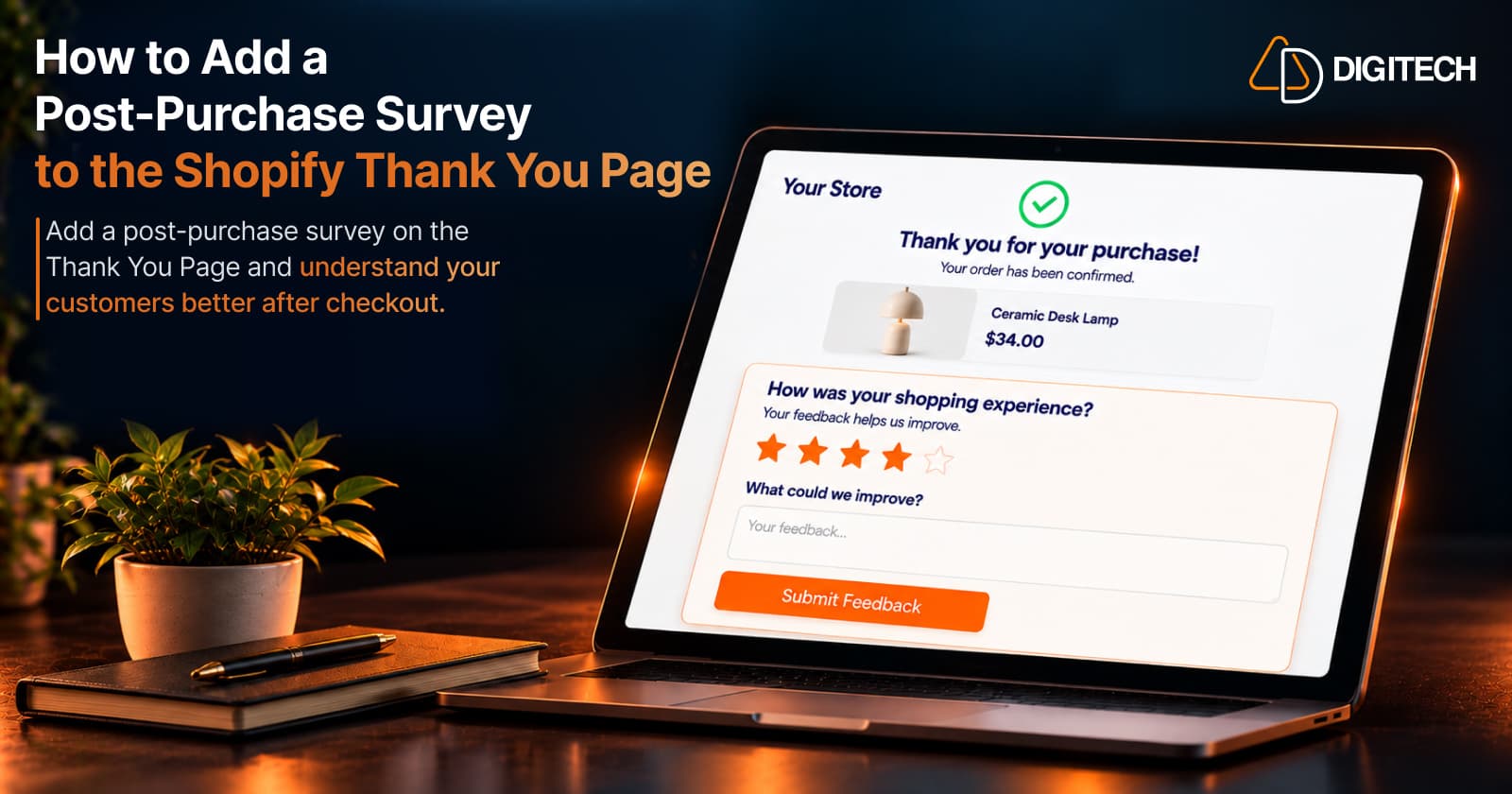
How to Add a Post-Purchase Survey to the Shopify Thank You Page
Learn how to add a Shopify Thank You Page survey, choose better post-purchase questions, collect customer feedback and use responses to improve your store.
Read article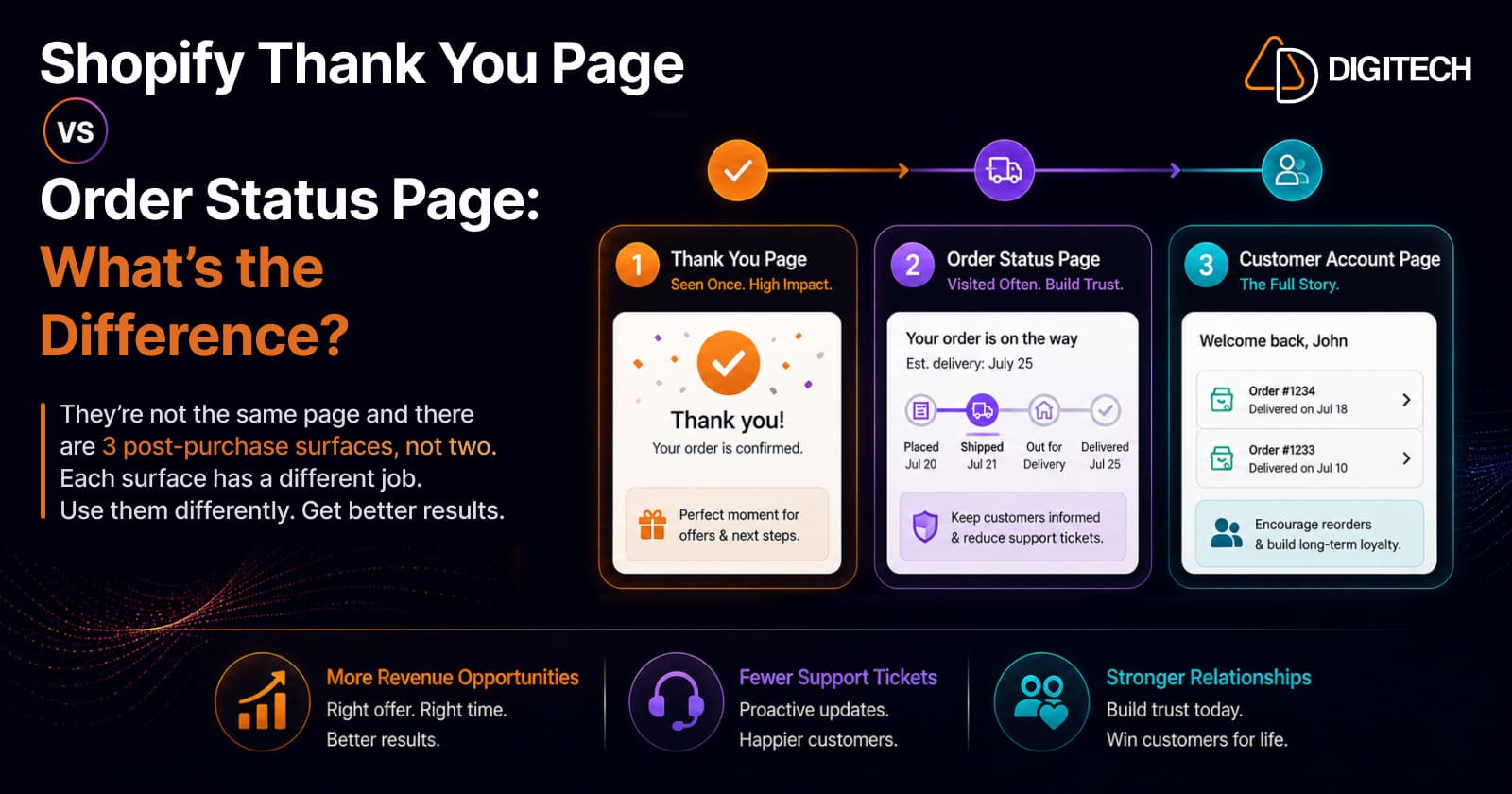
Shopify Thank You Page vs Order Status Page: What's the Difference?
They're not the same page — and there are three post-purchase surfaces, not two. The thank you page is seen once at peak attention, the order status page is returned to repeatedly while they wait, and the customer account page lasts the whole relationship. Separate extension targets, different jobs — putting identical content on all three wastes the difference.
Read article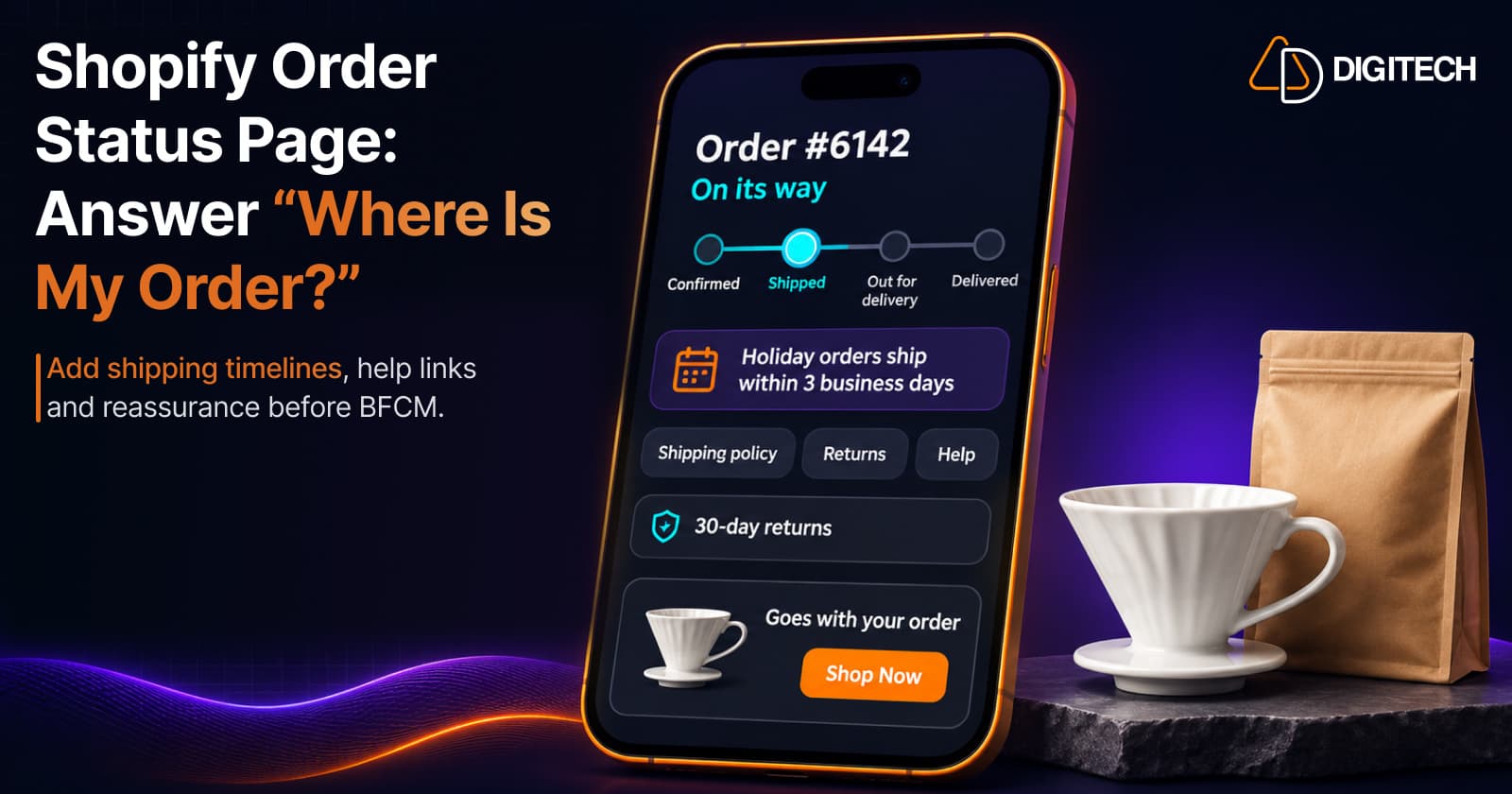
Shopify Order Status Page: How to Answer "Where Is My Order?" Before Customers Ask
During BFCM, "Where is my order?" can become your most common support question. Here's what Shopify's Order Status Page already shows, what it doesn't, and how to add shipping timelines, help links and reassurance to the Thank You and Order Status pages.
Read article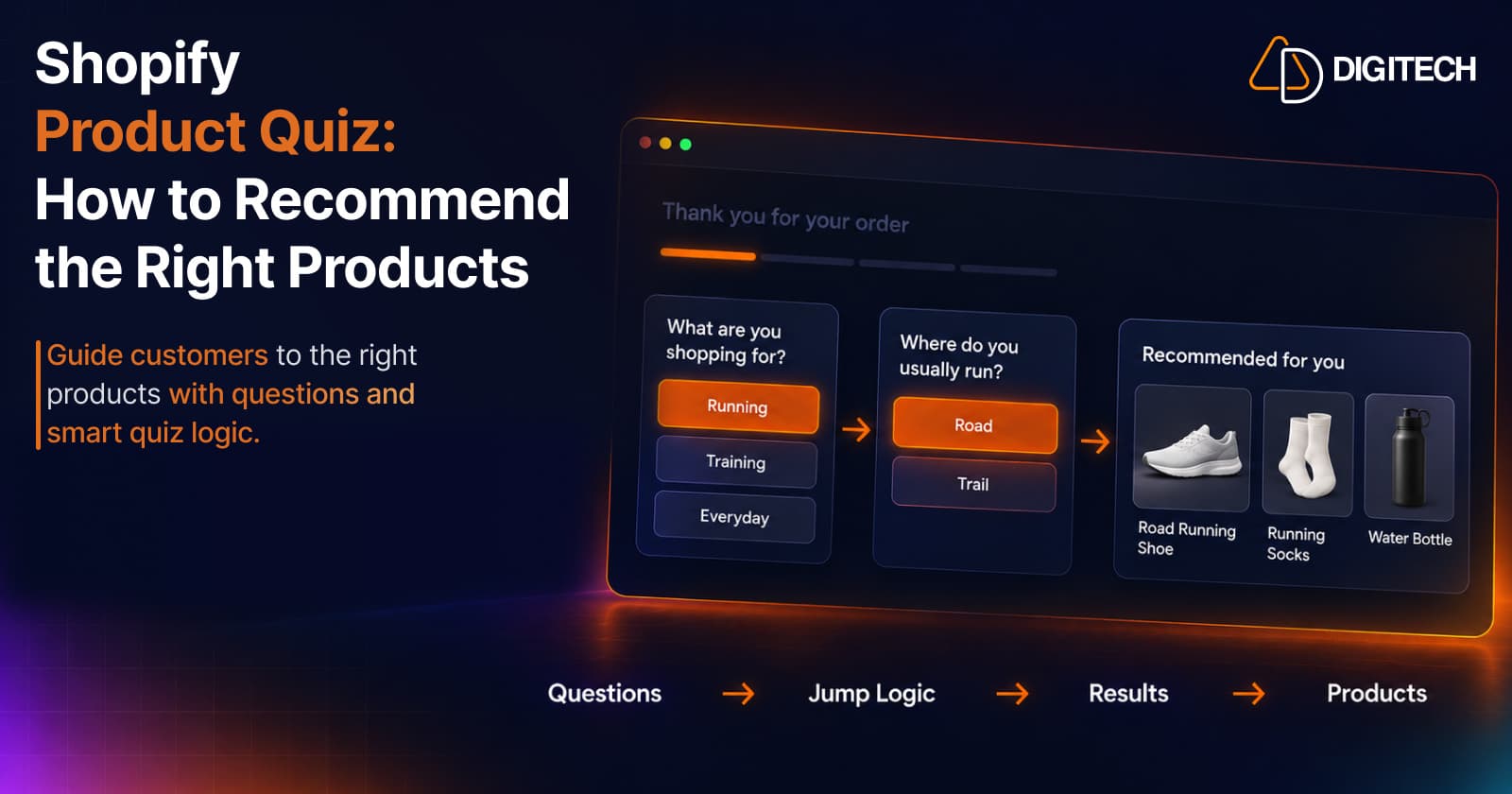
Shopify Product Quiz: How to Recommend the Right Products Based on Customer Answers
Learn how Shopify product quizzes use questions, logic and results to guide customers toward relevant products.
Read article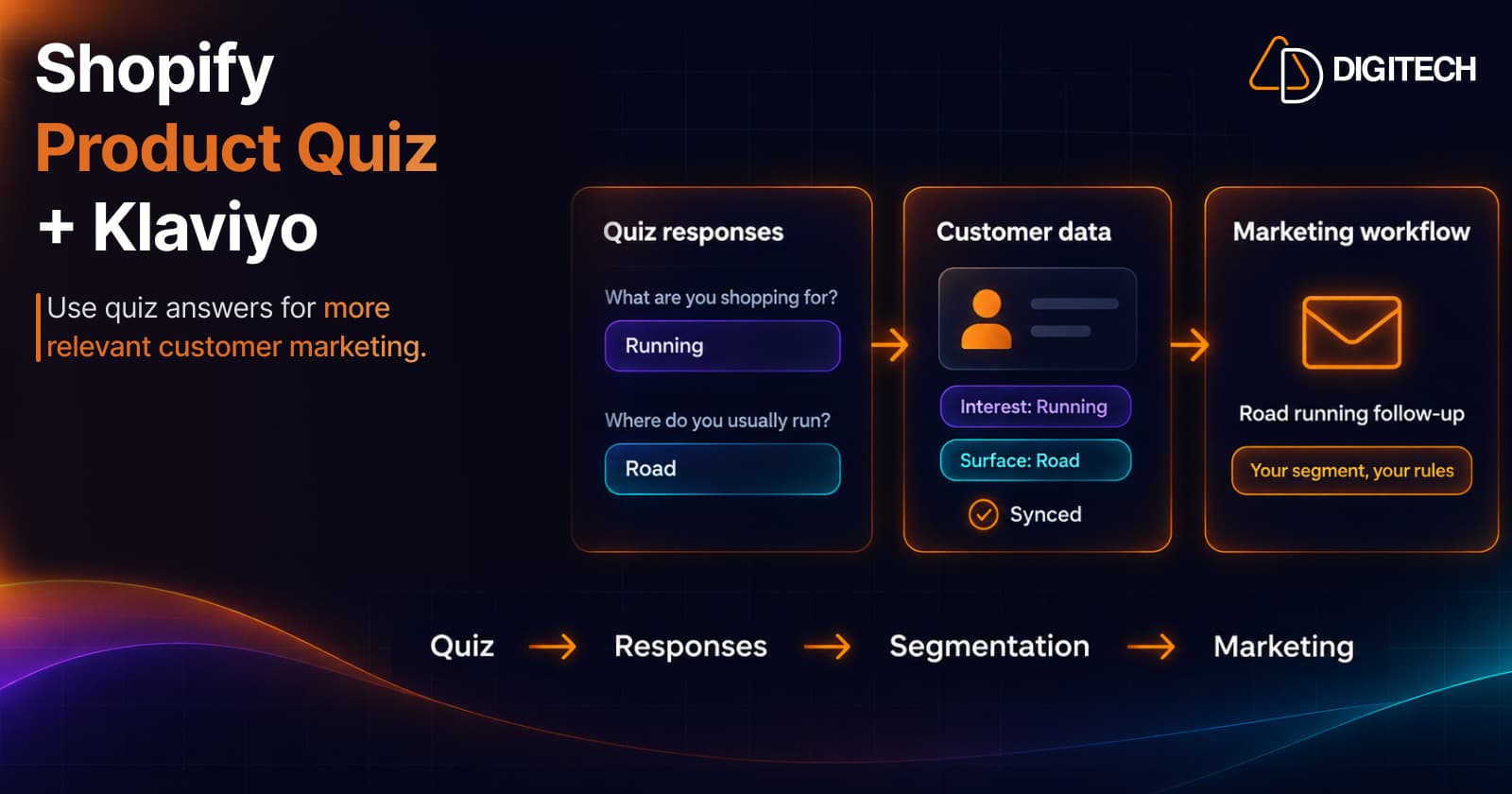
Shopify Product Quiz + Klaviyo: How to Use Quiz Answers for Better Customer Segmentation
Learn how Shopify product quizzes can collect customer preferences and sync quiz responses with Klaviyo and Omnisend for relevant marketing.
Read article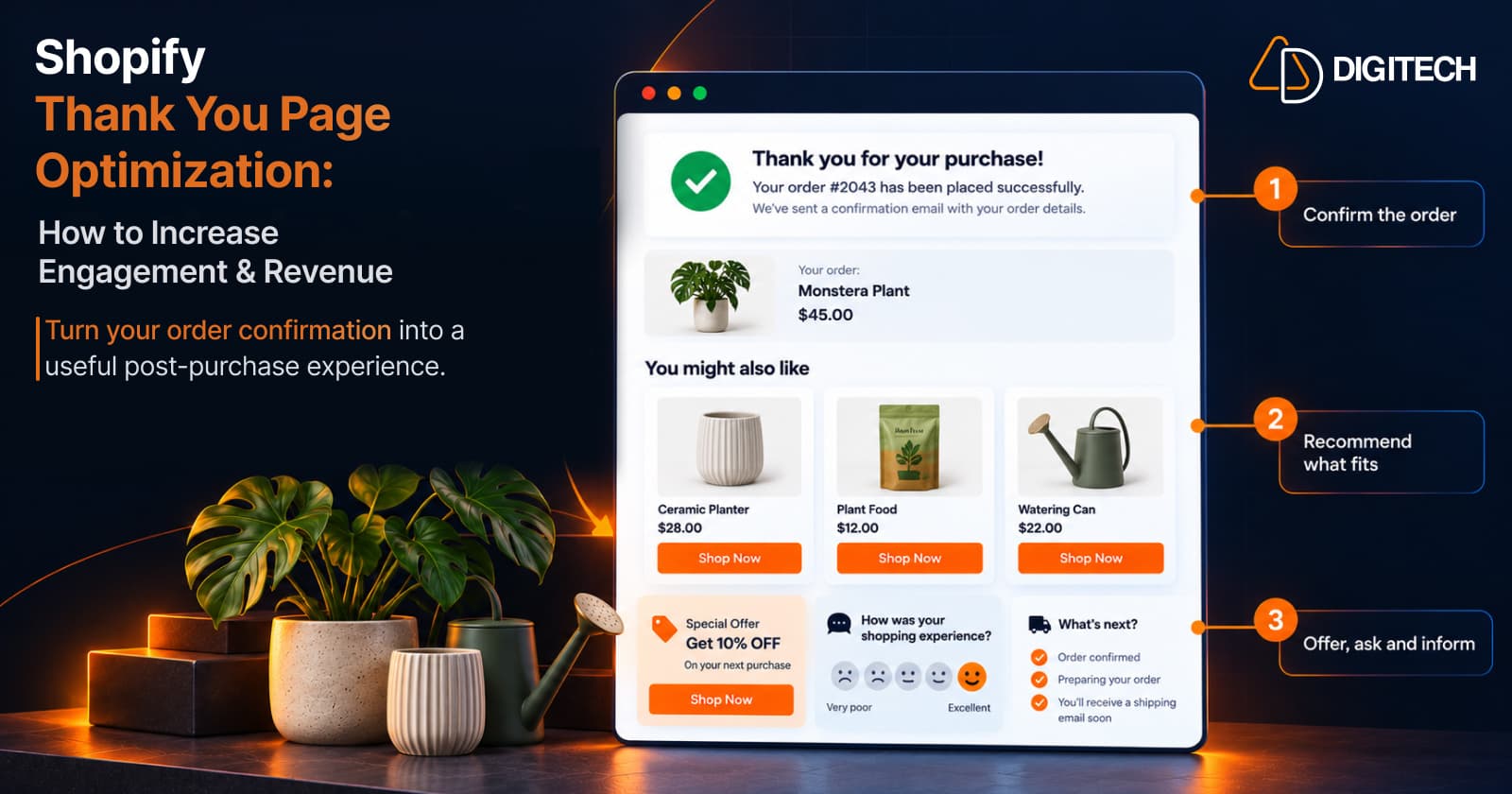
Shopify Thank You Page Optimization: How to Increase Engagement & Revenue
Learn how to optimize your Shopify Thank You Page with recommendations, upsells, bundles, offers and surveys to create a better post-purchase experience.
Read article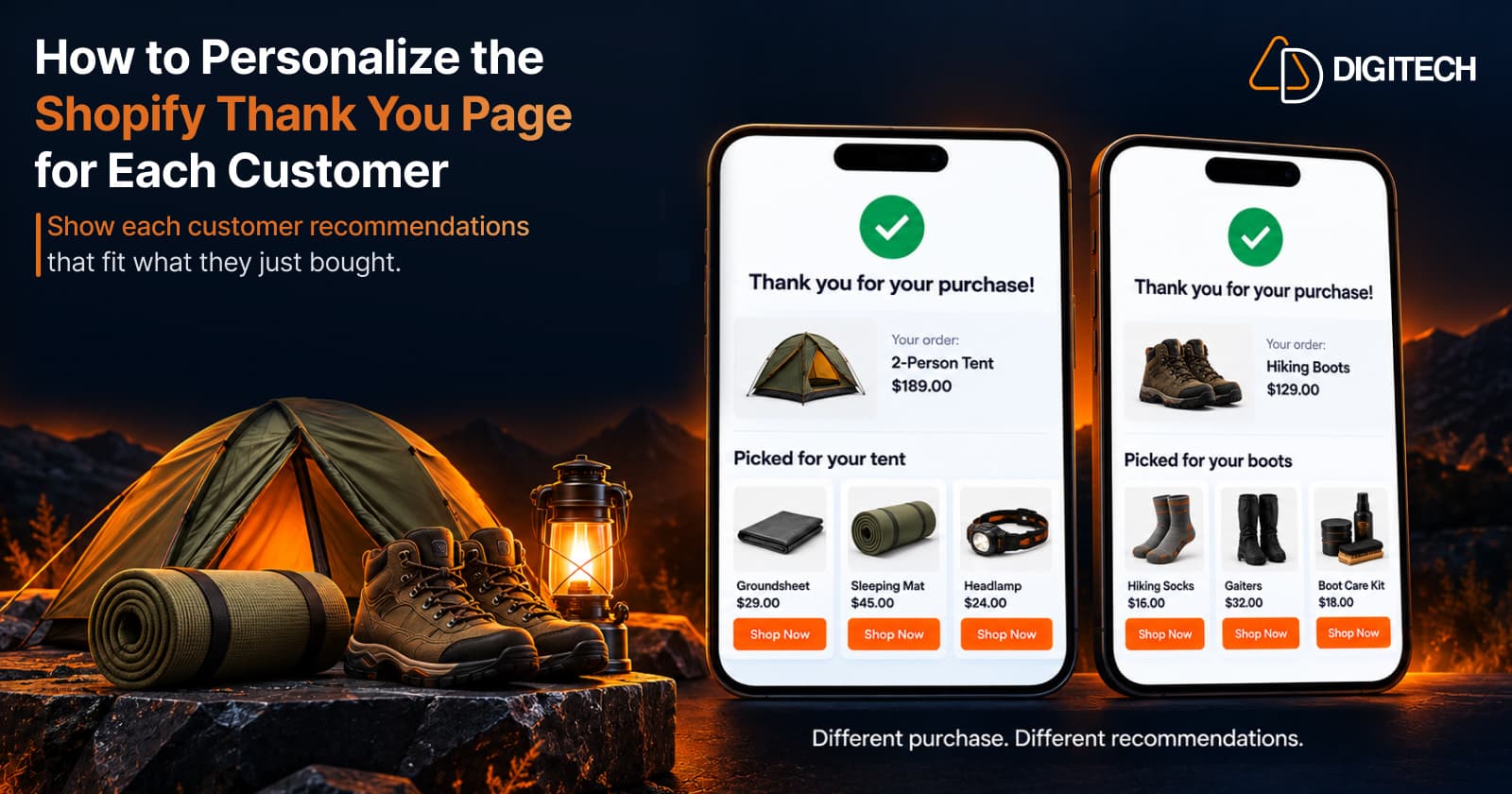
How to Personalize the Shopify Thank You Page for Each Customer
Learn how to personalize the Shopify Thank You Page with relevant recommendations, cross-sells, bundles, offers and post-purchase content.
Read article
Shopify Thank You Page Marketing: 10 Ideas to Engage Customers After Checkout
Discover 10 Shopify Thank You Page marketing ideas to engage customers after checkout with recommendations, offers, bundles, feedback and useful content.
Read article
How to Add Product Recommendations to the Shopify Thank You Page
Learn how to add relevant product recommendations to your Shopify Thank You Page, choose complementary products, and improve post-purchase sales opportunities.
Read article