Shopify Product Quiz: How to Recommend the Right Products Based on Customer Answers
Learn how Shopify product quizzes use questions, logic and results to guide customers toward relevant products.
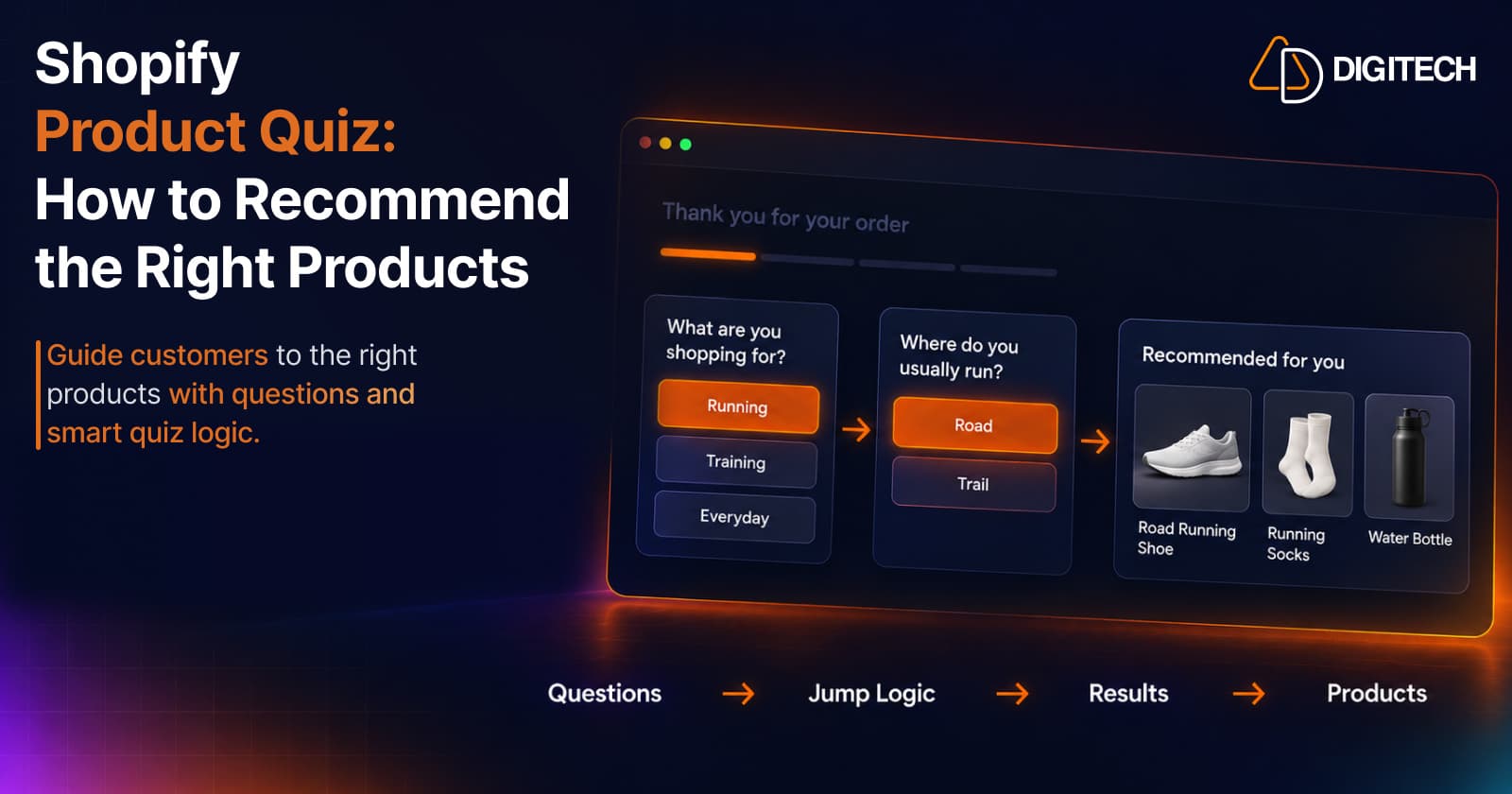
Many shoppers know roughly what they need but not which product is right. "I need a moisturizer, but which one?" "I want running shoes, but for road or trail?" Filters and collections help people who already know the details. Everyone else scrolls, compares, and often leaves.
A Shopify product quiz turns that uncertainty into a short guided conversation: a few questions, a path that adapts to each answer, and a result that points to relevant products. This guide explains how product quizzes work, how to structure the questions, how Jump Logic and different result types fit in, and how to connect results to products. It finishes with how Grovia's Quiz Builder supports that workflow.
What Is a Shopify Product Quiz?
A product quiz is a short set of questions that guides a shopper toward products that fit their answers. Shopify doesn't include a universal built-in quiz; merchants add one through an app or custom storefront work.
It's easiest to understand next to the tools stores already use:
- Product filters let shoppers narrow a collection by attributes they already understand, such as size, colour or price. They work when the shopper knows which attribute matters.
- Collection navigation groups products into categories. It helps shoppers browse, but doesn't help them choose.
- Static product recommendations show the same suggestions to everyone who views a product or page.
- A product quiz asks about needs and preferences, and uses the answers to decide what to show. The shopper doesn't need to know which attribute matters; the questions handle that.
Why Shopify Stores Use Product Quizzes
Quizzes address a specific problem: choice without enough knowledge to choose.
- Guided product discovery. Instead of scanning every product, the shopper answers questions in plain language.
- Less uncertainty. Products with meaningful differences, such as skin types, sizes or use cases, become easier to compare when the quiz explains which one fits.
- A more personal experience. Different answers lead to different results, so the store feels less like a catalogue and more like advice.
- Narrower choices. A short list of relevant products is easier to act on than a full collection.
A quiz doesn't guarantee more sales. It's a way to help shoppers who would otherwise struggle to choose, and whether it helps your store is something to measure.
When Should You Use a Product Recommendation Quiz?
A product recommendation quiz makes sense when:
- Your catalog is large enough that browsing is slow.
- Products differ in ways that matter to the customer, such as formulas, fits, sizes or use cases.
- Customers have different needs, so the right product depends on who's buying.
- The choice takes several questions, which a single filter can't capture.
It may not be worth it when you sell a handful of products, when the difference is mainly price, or when customers already know exactly what they want. In those cases, clear product pages and good filters often do more.
How a Shopify Product Quiz Works
Every product quiz follows the same basic flow:
Question → Customer answer → Next question → Result → Product recommendation
Example for a skincare store:
- Question: "What is your primary skin concern?"
- Answer: "Dryness"
- Next question: "How sensitive is your skin?"
- Answer: "Quite sensitive"
- Result: a fragrance-free hydrating range
- Recommendation: a gentle cleanser and a fragrance-free moisturizer
The quiz doesn't diagnose anything. It matches answers to the products the merchant has decided suit them.
How to Structure Shopify Quiz Questions
Good quizzes are short and purposeful. A few principles:
- Start with a useful question. The first question should split shoppers into meaningfully different groups, such as what they're shopping for or their main concern.
- Ask one decision at a time. "What's your skin type and main concern?" is two questions. Separate them.
- Remove questions that don't change the result. If every answer leads to the same products, the question only adds effort.
- Use the customer's language. "Do you run on roads or trails?" is clearer than "Select terrain category."
- Keep answers distinct. Overlapping options, such as "Sometimes" and "Occasionally", make customers hesitate.
- Explain why you ask, where useful. A short line such as "This helps us pick the right fit" builds trust.
What Is Jump Logic in a Shopify Quiz?
Jump Logic, also called conditional branching, means the customer's answer decides the next question. Instead of everyone answering the same list, each customer follows a path that fits their earlier answers.
Example for an athletic store:
- Question 1: "What are you shopping for?"
- Customer selects "Running" → the quiz asks running-specific questions, such as road or trail, and weekly distance.
- Customer selects "Training" → the quiz asks training-specific questions, such as gym classes or weightlifting.
Why it matters:
- Fewer irrelevant questions. A trail runner isn't asked about gym classes.
- Shorter paths. Each customer answers only what's relevant to them.
- More relevant results, because later questions build on earlier answers.
The trade-off is complexity. Every branch is another path to test, so use Jump Logic where answers genuinely lead to different needs.
Score-Based vs Answer-Based Quiz Results
Once the questions are answered, the quiz needs a rule for choosing the result. Two common approaches:
| Score-Based Results | Answer-Based Results | |
|---|---|---|
| How it works | Each answer adds points; the total decides the result | Specific answers, or combinations of answers, decide the result |
| Best when | Results sit on a scale, such as beginner to advanced | Results map to clear categories, such as skin type or pet size |
| Example | A fitness store scores experience level and recommends a starter, intermediate or advanced kit | A pet store shows small-breed products when the answer is "Under 10 kg" |
| Watch for | Point values need careful setup so totals land in the right ranges | Many answers can create many combinations to configure |
Neither is better in general. Score-based results suit questions that add up to a level; answer-based results suit questions that point directly to a category. Some quizzes use one for the overall result and refine the products within it.
How to Connect Quiz Results to Product Recommendations
The result is only useful if it leads somewhere relevant:
Customer answers → Quiz logic → Result → Relevant product, bundle or offer
- Products: each result maps to a small set of products the merchant has chosen. Two or three focused suggestions are easier to act on than a long list.
- Bundles: a result can point to a set that works together, such as a cleanser, serum and moisturizer for one skin type.
- Discounts: a result can include a discount code, where it makes sense for your margins.
- Messages: sometimes the best result is advice, such as "Here's how to choose your size", rather than a product.
Keep results easy to read: say why these products fit, using the customer's own answers ("For dry, sensitive skin…").
Shopify Product Quiz Examples
These are illustrative examples, not templates from a specific app:
- Skincare
- Opening question: "What's your main skin concern?"
- Example answer: "Dryness"
- Example result: a hydrating cleanser and fragrance-free moisturizer
- Apparel
- Opening question: "What will you wear this for most?"
- Example answer: "Hiking"
- Example result: a moisture-wicking base layer and a lightweight shell jacket
- Pet products
- Opening question: "How big is your dog?"
- Example answer: "Under 10 kg"
- Example result: a small-breed harness and a small chew toy set
- Home products
- Opening question: "Which room are you decorating?"
- Example answer: "Bedroom"
- Example result: a linen duvet cover and matching pillowcases
- Electronics
- Opening question: "What will you mainly use headphones for?"
- Example answer: "Commuting"
- Example result: noise-cancelling over-ear headphones and a travel case
- Beauty
- Opening question: "What finish do you prefer for foundation?"
- Example answer: "Natural"
- Example result: a light-coverage tinted base and a matching concealer
Best Practices for Shopify Product Quizzes
- Keep quizzes focused on one decision, such as choosing a moisturizer, not the whole store.
- Ask meaningful questions that change the result.
- Use Jump Logic where paths genuinely differ.
- Avoid too many questions; stop when you can make a confident recommendation.
- Make results easy to understand, with a short reason for each suggestion.
- Recommend relevant products that are in stock.
- Give customers a clear next step, such as a product link or add-to-cart option.
- Test the quiz on mobile, where long answer lists and small buttons cause problems.
- Review quiz responses to see which answers are common and which results get used.
- Update questions as the catalog changes, so results never point to discontinued products.
Common Shopify Product Quiz Mistakes
- Asking questions that don't affect results.
- Making every customer follow the same path when their needs differ.
- Showing too many products in the result.
- Using vague answers that overlap.
- Making results unclear, with no reason why products fit.
- Overcomplicating the logic with branches nobody needs.
- Forgetting mobile UX.
- Not testing every possible path, including the unusual ones.
How Grovia's Shopify Quiz Builder Works
Grovia's Quiz Builder is a rule-based quiz builder for Shopify: merchants configure the logic and the results. It doesn't use AI to analyze answers or choose products.
One thing to know first: Grovia works on your Thank You Page and Order Status Page, so its quizzes reach customers right after they've ordered. That makes them a fit for post-purchase questions, such as helping a customer find what to buy next or learning more about their needs, rather than a pre-purchase product finder on your storefront.
The workflow:
- Create the quiz in Grovia's editor.
- Add questions and answers, choosing the answer type for each question.
- Configure Jump Logic so different answers lead to different next questions.
- Set up results, score-based or answer-based.
- Connect each result to an outcome: product recommendations, a bundle, a discount code or a message.
- Publish the quiz on the page you want.
- Review the customer experience, test each path, and check quiz responses.
The Quiz Builder is part of Grovia's Growth plan and above, and quiz responses can be synced to Klaviyo and Omnisend. Grovia also covers other post-purchase experiences, such as product recommendations on the Thank You Page, cross-sells, bundles, offers and surveys, and its Pro plan adds a separate AI Sales Agent for customer conversations. The Quiz Builder itself is rule-based. For more ways to use these pages, see our guide to Shopify Thank You Page marketing.
Conclusion
A Shopify product quiz helps customers who know the category but not the product. Ask a few questions that matter, use Jump Logic where needs differ, choose score-based or answer-based results to match your products, and connect each result to a small, relevant set of products. Test every path, review the answers, and keep the quiz up to date as your catalog changes.
Frequently asked questions
What is a Shopify product quiz?
A short set of questions that guides a shopper toward relevant products based on their answers. Shopify merchants add quizzes through apps or custom storefront work.
What is a product recommendation quiz?
A quiz whose result is a product suggestion. The merchant decides which answers or scores lead to which products, bundles or messages.
How does Shopify quiz logic work?
The merchant sets rules in the quiz builder: which question comes next for each answer, and which result each score or answer combination leads to. The quiz follows those rules.
What is Jump Logic in a Shopify quiz?
Conditional branching. A customer's answer decides the next question, so different customers follow different paths instead of answering every question.
What is the difference between score-based and answer-based results?
Score-based results add up points from each answer and show the result that matches the total. Answer-based results depend on which specific answers, or combination of answers, the customer chose.
How many questions should a product quiz have?
As few as it takes to make a confident recommendation. Every question should change the result; if it doesn't, remove it.
Can a Shopify product quiz recommend products?
Yes. The merchant connects each result to relevant products. Recommendations come from the rules the merchant configured, not from the quiz guessing.
Can a product quiz show bundles or discounts?
It can, if the quiz tool supports those outcomes. Grovia's Quiz Builder can show product recommendations, bundles, discount codes or messages as results.
Build a Better Shopify Product Quiz with Grovia
Create interactive product quizzes with questions, Jump Logic, score-based or answer-based results, and product recommendations — all designed to help customers find the right products.
Related reading
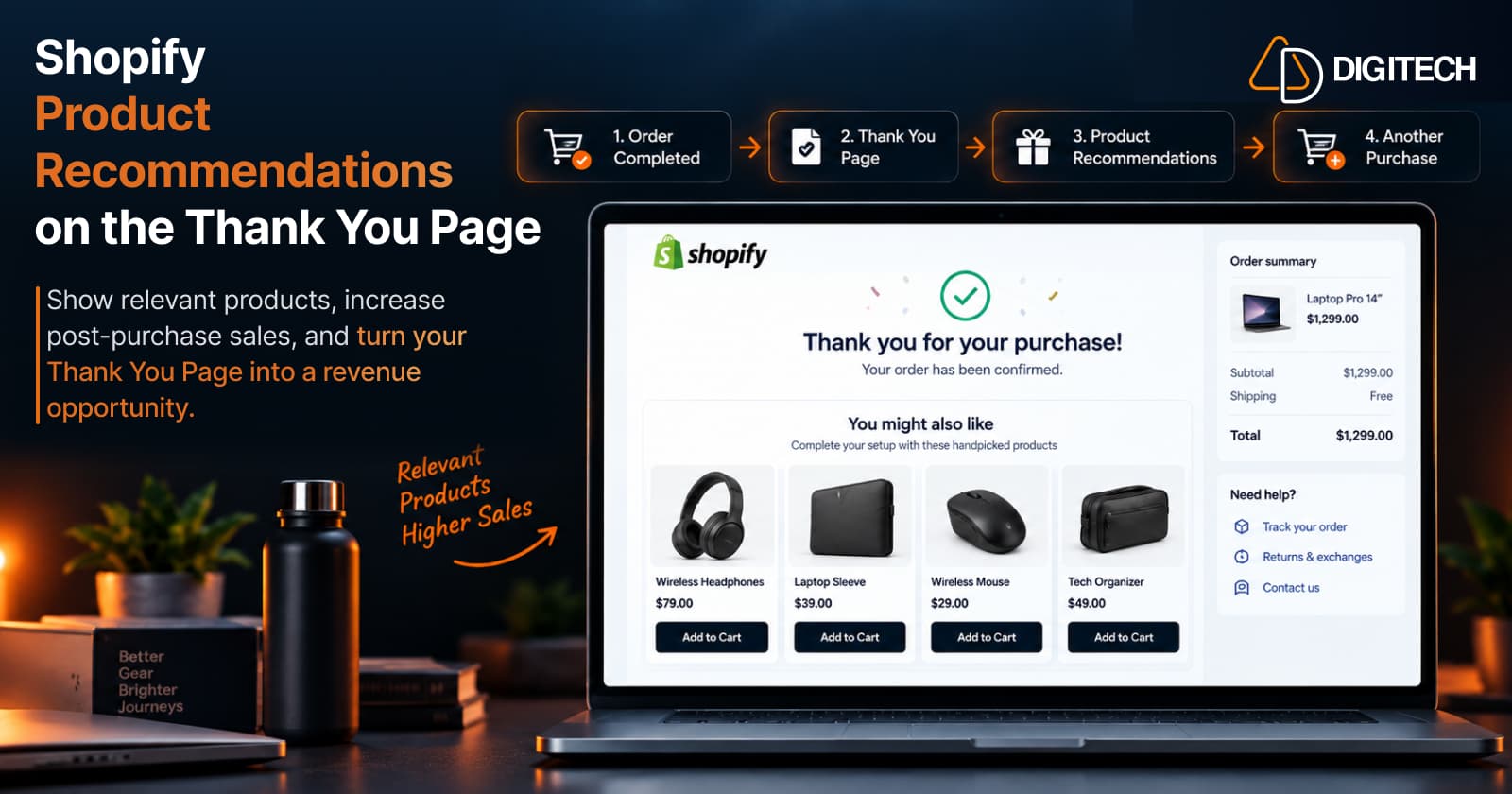
How to Add Product Recommendations to the Shopify Thank You Page
Learn how to add relevant product recommendations to your Shopify Thank You Page, choose complementary products, and improve post-purchase sales opportunities.
Read article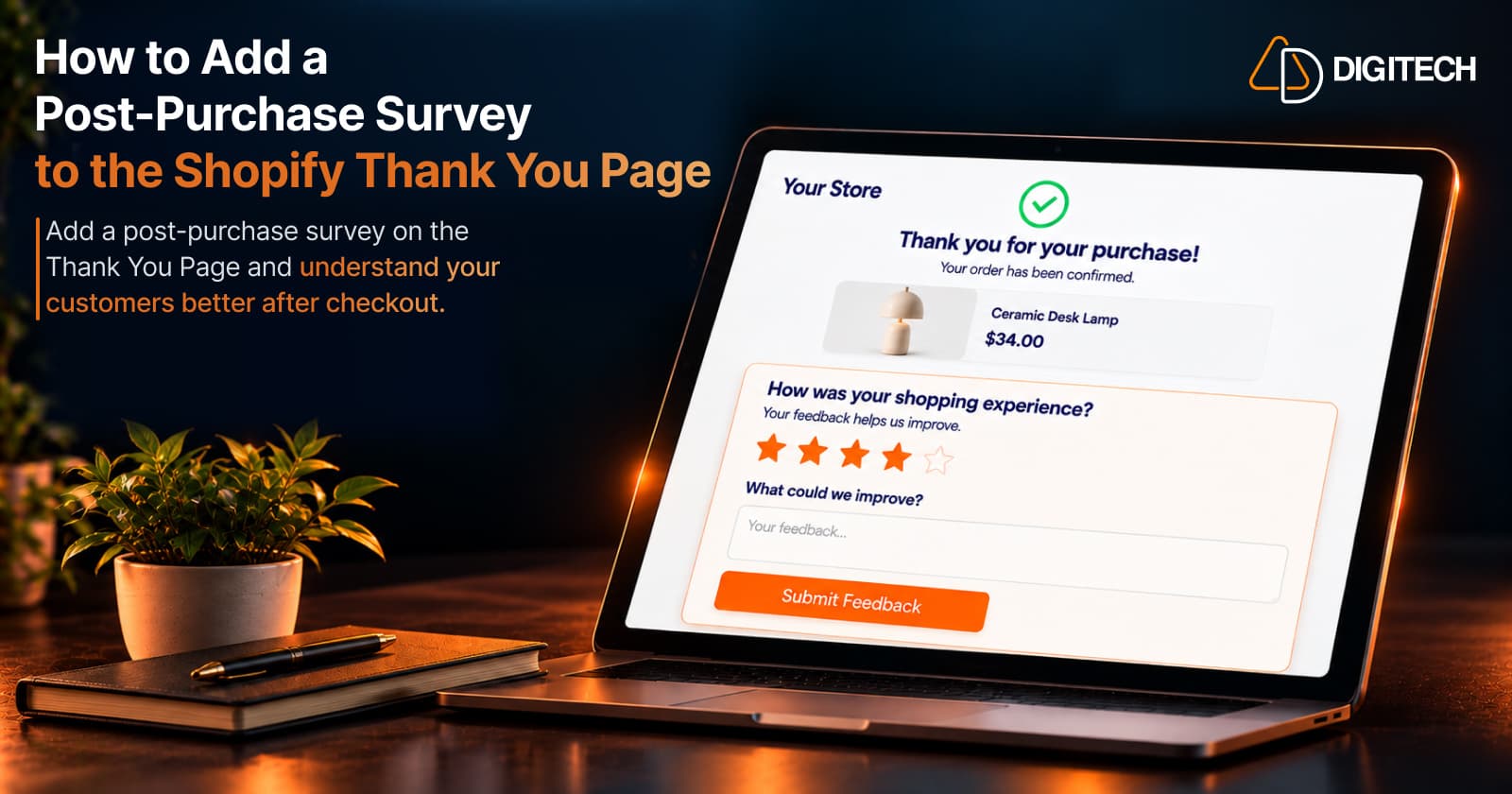
How to Add a Post-Purchase Survey to the Shopify Thank You Page
Learn how to add a Shopify Thank You Page survey, choose better post-purchase questions, collect customer feedback and use responses to improve your store.
Read article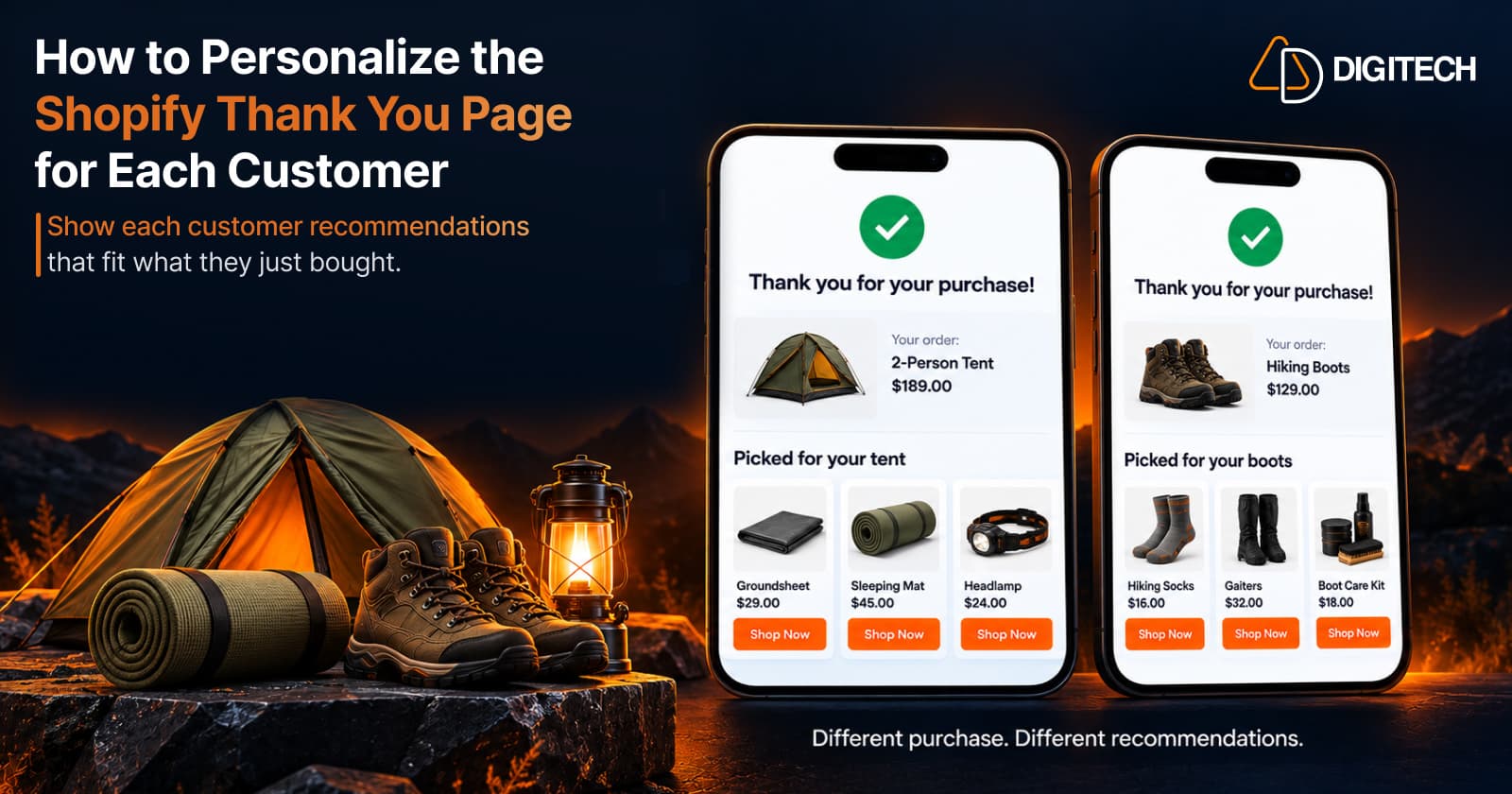
How to Personalize the Shopify Thank You Page for Each Customer
Learn how to personalize the Shopify Thank You Page with relevant recommendations, cross-sells, bundles, offers and post-purchase content.
Read article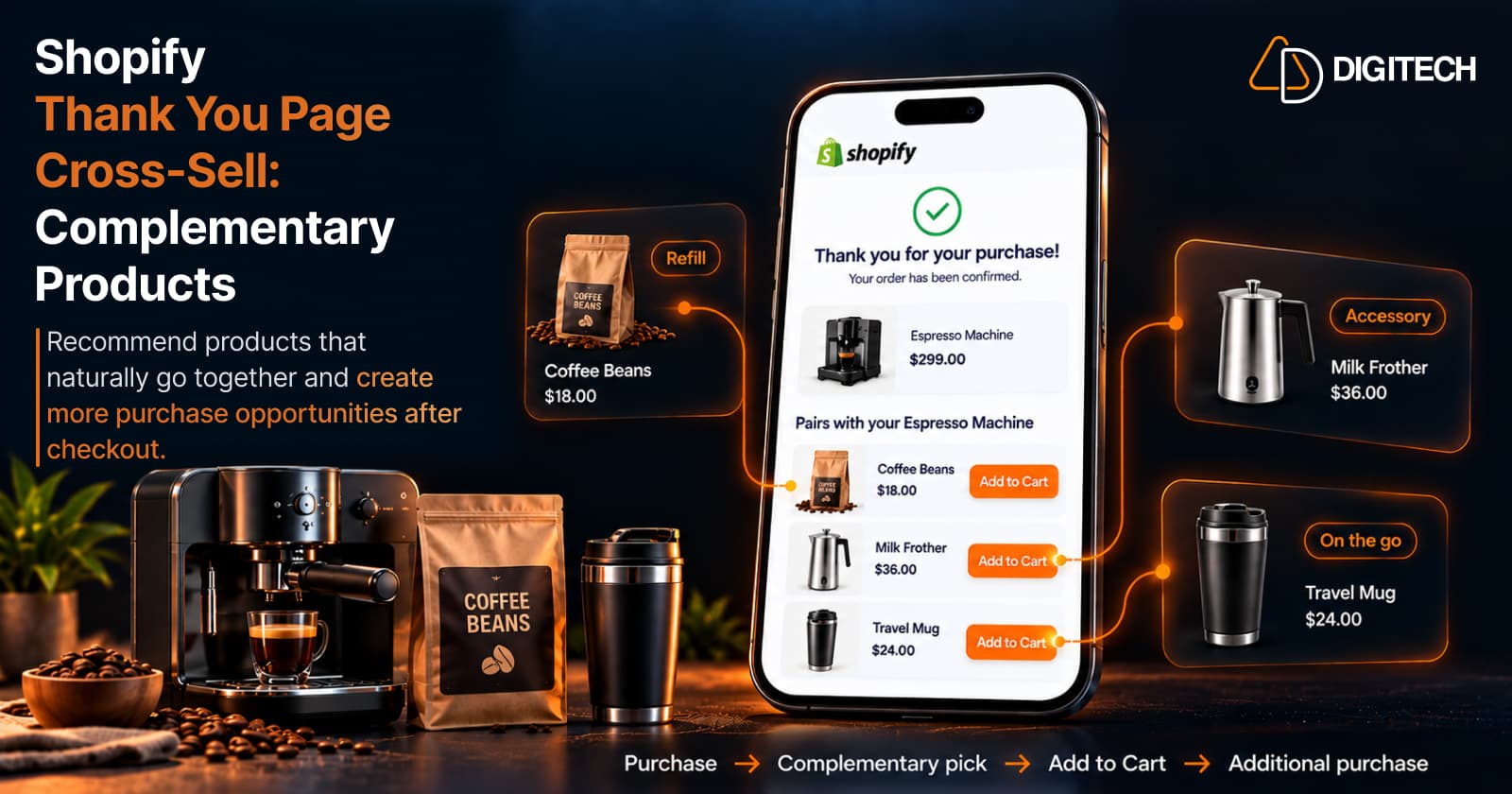
How to Cross-Sell Complementary Products on the Shopify Thank You Page
Learn how to cross-sell complementary products on the Shopify Thank You Page, choose relevant recommendations, and create additional purchase opportunities.
Read article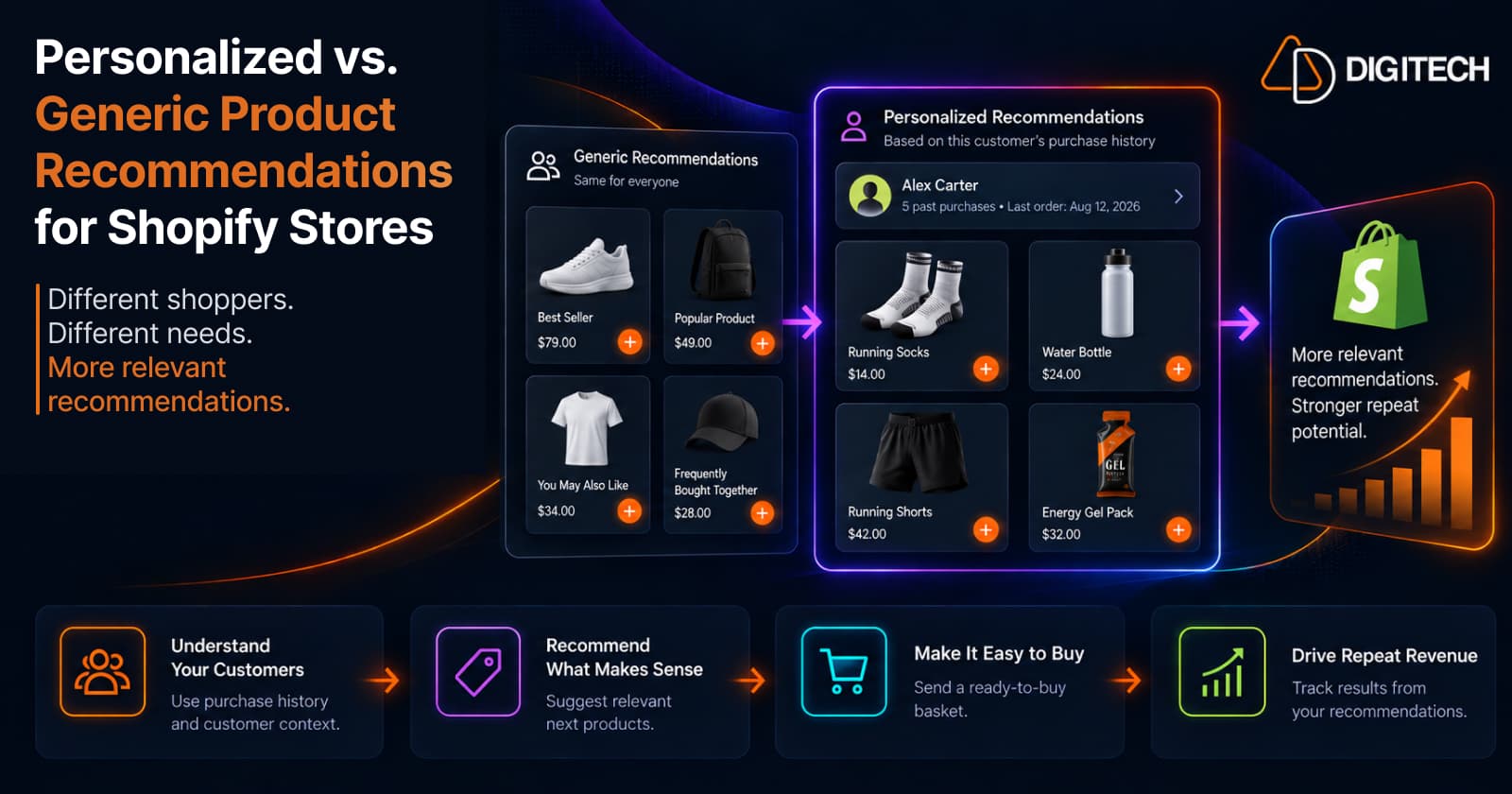
Personalized vs. Generic Product Recommendations for Shopify Stores
Generic vs personalized product recommendations for Shopify: what each one is, when to use them, and how a customer's purchase history makes recommendations more relevant.
Read article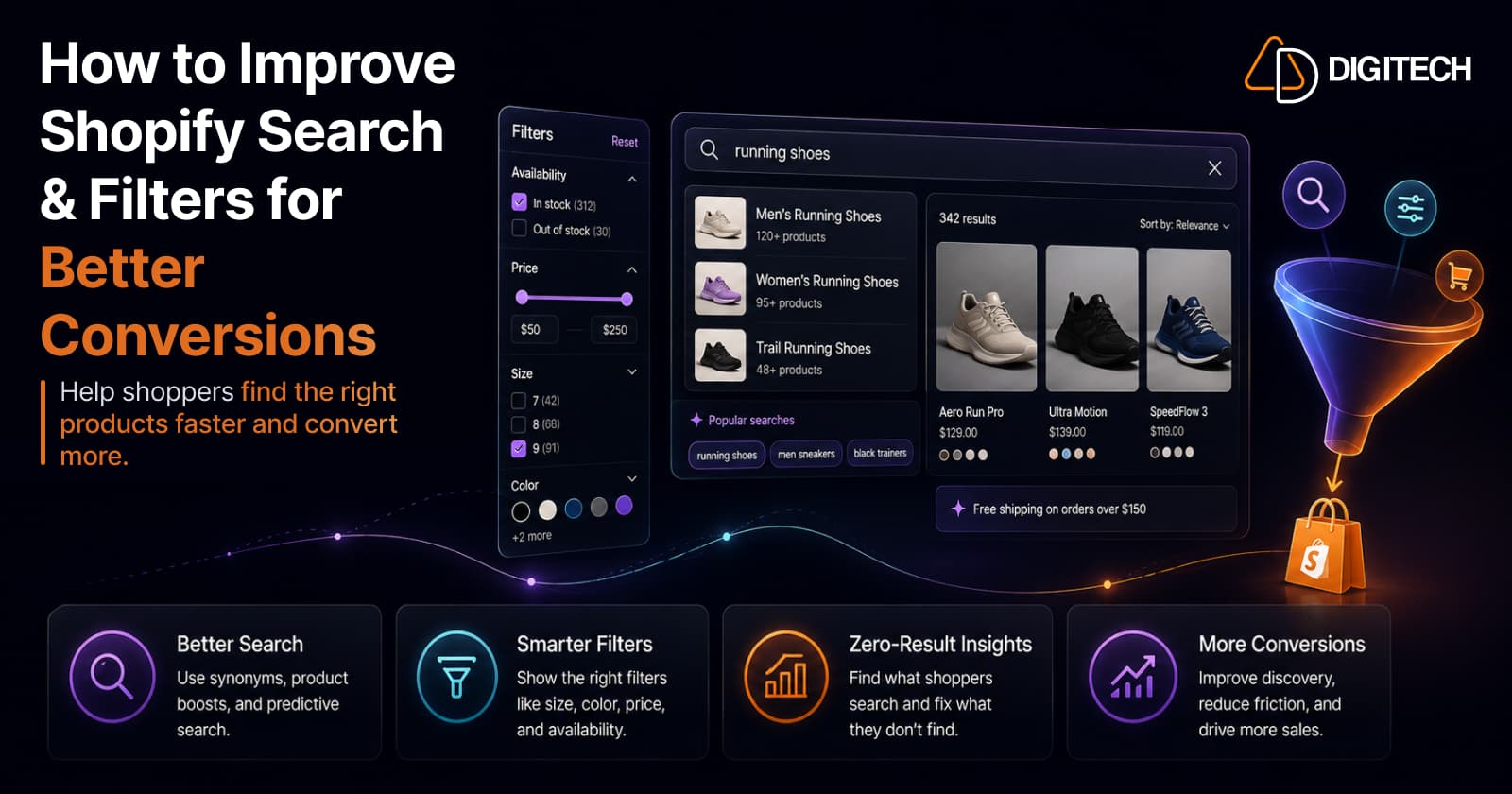
How to Improve Shopify Search & Filters for Better Conversions
Shoppers can't buy what they can't find. A merchant-first guide to improving Shopify search, filters, and product discovery so buying intent turns into sales.
Read article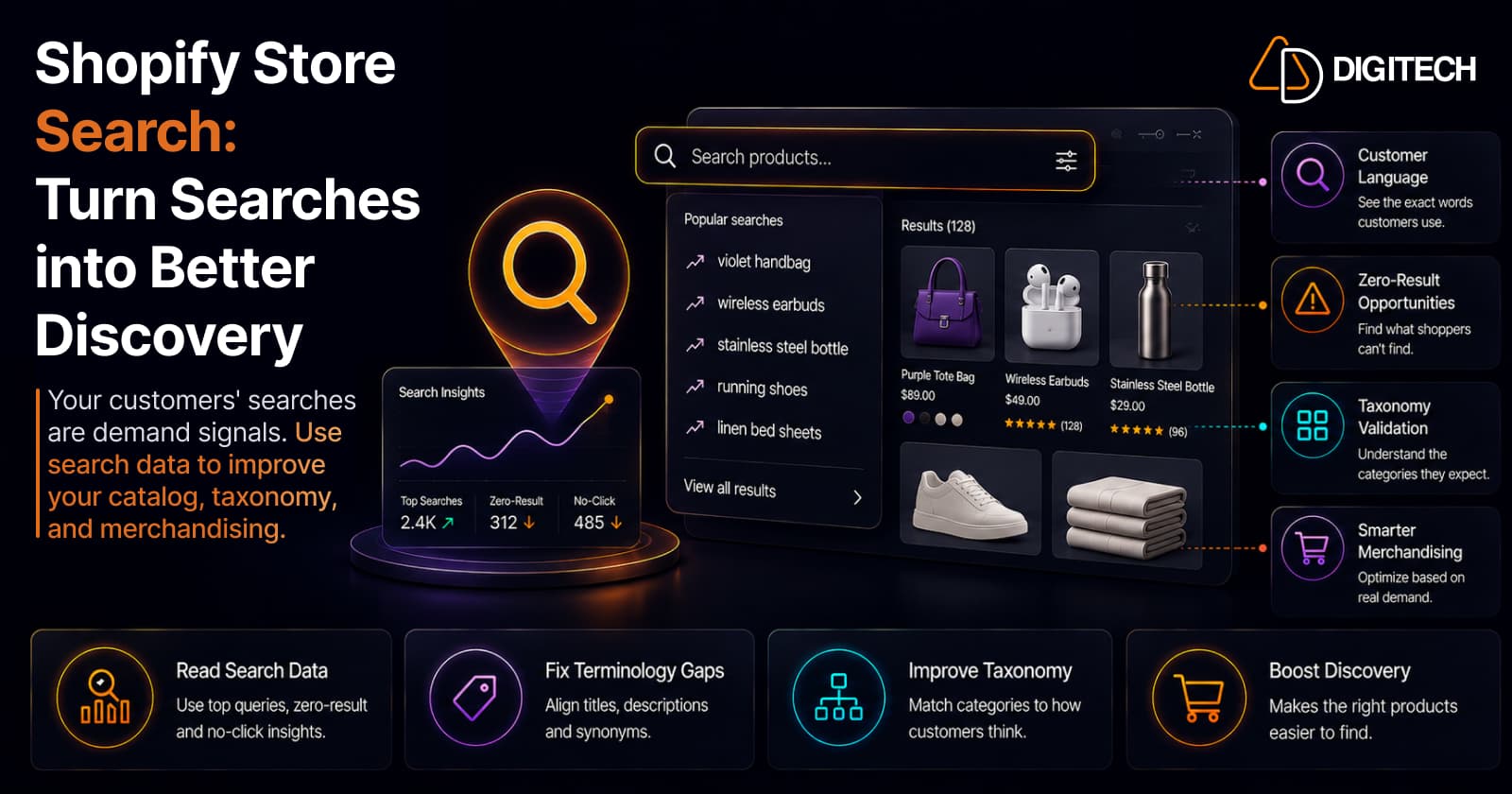
Shopify Store Search: How to Turn Customer Searches Into Better Product Discovery
Your customers' searches are demand signals. How to read Shopify search data — top queries, zero-result searches, terminology — to improve your catalog, taxonomy, and merchandising.
Read article