Shopify Product Quiz + Klaviyo: How to Use Quiz Answers for Better Customer Segmentation
Learn how Shopify product quizzes can collect customer preferences and sync quiz responses with Klaviyo and Omnisend for relevant marketing.
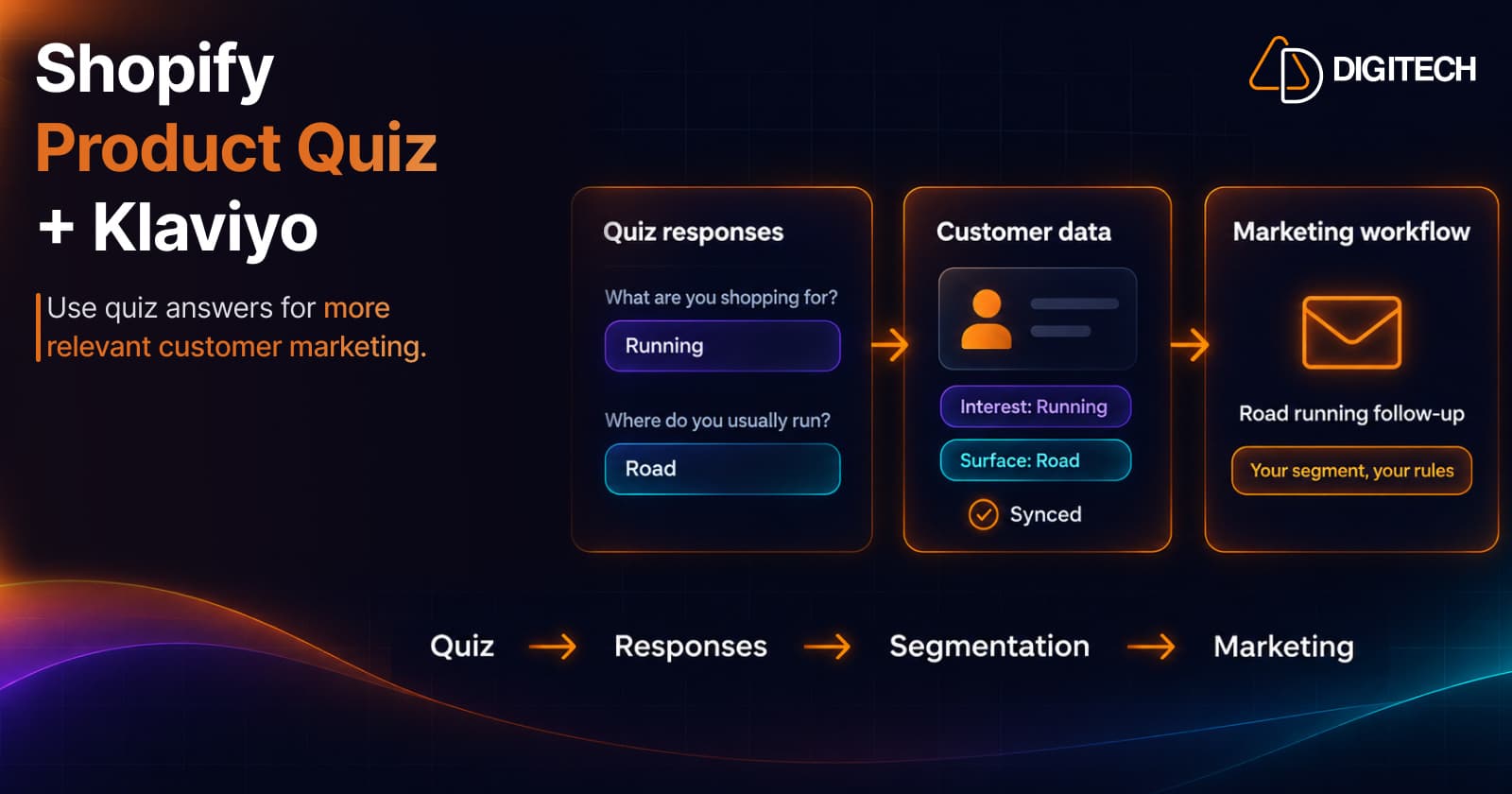
A Shopify product quiz answers one question for the customer: which product fits? But the answers themselves are worth keeping. A customer who says they run on roads, or have dry skin, or are shopping for a gift has told you something you can use later.
That's where Shopify product quiz + Klaviyo (or Omnisend) comes in. If quiz responses reach your marketing platform, your follow-up can reflect what customers actually told you instead of guessing from order history alone.
This guide explains what quiz responses are useful for, how they fit into segmentation, how Klaviyo and Omnisend fit into the workflow, and what to consider before you connect them.
Why Shopify Quiz Responses Matter After the Quiz
A quiz answer is information the customer chose to give you. Depending on your questions, it can tell you about:
- Preferences: style, color, scent, fit.
- Product needs: a skin type, a dog's size, a running surface.
- Shopping intent: buying for themselves or as a gift.
- Use cases: daily commuting, weekend training, travel.
- Product interests: a category they want to explore next.
Order history shows what someone bought. A quiz answer can show why, and what they might want next. Neither is perfect on its own, and a quiz answer is a moment in time, but together they give you more context than either alone.
What Is Shopify Customer Segmentation?
Segmentation means grouping customers by characteristics or behavior so your marketing can be more relevant to each group. For example:
- Customers interested in running products
- Customers interested in skincare for dry skin
- Customers shopping for gifts
- Customers interested in premium products
- Customers interested in a specific product category
Shopify has its own customer segments for data it already holds, such as orders and amount spent. Our guide to customer segmentation for personalized recommendations covers those. Quiz answers add something Shopify doesn't capture by default: what customers say they want.
How a Product Quiz Can Collect Customer Preferences
Here's a simple quiz path:
- Question: "What are you shopping for?" Answer: Running
- Next question: "Where do you usually run?" Answer: Road
- Result: Road Running Products
The result helps the customer right now. The answers, "Running" and "Road", are useful later: they tell you this customer runs on roads, which is a better basis for a follow-up email than "bought something from the store".
For more on building the quiz itself, see our guide to Shopify product quizzes.
How Shopify Product Quiz + Klaviyo Can Work Together
Conceptually, the flow looks like this:
Quiz → Customer answers → Quiz response data → Klaviyo → Your marketing workflow
The quiz collects the answers. Your quiz app syncs them to Klaviyo. What happens next is up to you and your Klaviyo setup.
Klaviyo describes segments as "groupings of contacts defined by a set of conditions" that are dynamic, growing "as people meet the segments' conditions." Conditions can be based on properties about someone or on what they've done (Klaviyo Help Center). So once quiz responses are available in Klaviyo, merchants can use synced quiz response data within their Klaviyo workflows, depending on how the integration and Klaviyo account are configured.
Potential uses:
- Relevant email follow-up: a road-running customer hears about road shoes, not trail gear.
- Product education: care guides or how-to content for the product type they chose.
- Category-specific campaigns: include or exclude people based on stated interest.
- Follow-up recommendations: feature products that match their answers.
- Content based on stated preferences: a style, scent or size they selected.
The sync makes the data available. It doesn't build segments or send emails by itself; you set those up in Klaviyo.
Shopify Product Quiz + Omnisend
The same idea applies to Omnisend:
Quiz → Responses → Omnisend → Your marketing workflow
Omnisend segments can filter contacts by data such as custom properties and tags (Omnisend segment filters). With quiz responses synced, you can use them in:
- Follow-up campaigns for customers with a particular stated interest.
- Product education that matches what they're using.
- Category-specific messaging instead of storewide sends.
- Promotional communication, where it's relevant and the customer has agreed to marketing.
As with Klaviyo, check how the responses appear in your Omnisend account before planning segments around them.
Klaviyo vs Omnisend for Shopify Quiz Data
| Klaviyo | Omnisend | |
|---|---|---|
| Marketing platform | Email, SMS and other channels for ecommerce | Email, SMS and other channels for ecommerce |
| Quiz response use | Available once synced from your quiz app | Available once synced from your quiz app |
| Segmentation | Dynamic segments built from conditions | Segments built from filters, including custom properties and tags |
| Campaigns | One-off sends to lists or segments | One-off sends to segments |
| Automation workflows | Flows triggered by events or segment changes | Automation workflows with conditional paths |
| Best fit | The platform your team already uses and knows | The platform your team already uses and knows |
For quiz data, the right platform is usually the one you already run your email on. The quiz responses are only useful where your team builds its campaigns.
What Quiz Questions Should You Sync?
Prioritize questions that could change what you send someone:
- Product preference: "Which type of product are you looking for?"
- Use case: "How will you use it?"
- Preference: "Which style do you prefer?"
- Budget (optional): "What price range are you comfortable with?"
A budget question isn't required, and some customers prefer not to answer it. Include it only if it would genuinely change your recommendations, and consider making it skippable.
Questions that only help pick the on-screen result, such as a tie-breaker, may not be worth syncing at all.
Examples of Shopify Quiz Segmentation
These are illustrative. In each case, the quiz collects the answer, and you decide in your marketing platform how to use it.
| Store | Quiz answer | Possible marketing context |
|---|---|---|
| Beauty | "Dry skin" | Hydration-focused product content |
| Pet | "Large dog" | Large-dog product recommendations |
| Apparel | "Running" | Running product content |
| Gifts | "Gift for partner" | Gift-focused product content |
Note the gift case: a customer buying for a partner may not want the same product for themselves, so treat a gift answer as context about the next occasion, not a personal preference.
How Jump Logic Improves Quiz Data Quality
Jump Logic changes the next question based on the previous answer. It can:
- Ask more relevant follow-up questions.
- Skip questions that don't apply.
- Create different paths for different shoppers.
- Collect more context where it matters.
For example, a customer who chooses "Running" can then be asked "Where do you usually run?", while someone who chooses "Everyday" skips it. Fewer irrelevant questions means a shorter quiz, and answers that actually describe the customer.
Quiz Results vs Quiz Responses
These are easy to mix up, and the difference matters when you connect a quiz to marketing:
- Quiz responses: what the customer answered. "Running", "Road".
- Quiz results: what the quiz logic you configured shows the customer. "Road Running Products".
The result depends on how you set up the quiz, and it can change if you edit the quiz later. The responses are what the customer actually said. For segmentation, responses are usually the more reliable signal. Before you build segments, check which of the two your integration syncs.
How Grovia Connects Product Quizzes With Klaviyo and Omnisend
Grovia is a Shopify app for the Thank You and Order Status pages. Its Quiz Builder runs on those pages, so the quiz reaches customers who have just bought, or who come back to check their order. The quiz logic and results are set up by the merchant; nothing is generated automatically.
The steps:
- Create the quiz in Grovia.
- Add questions and answer choices.
- Configure Jump Logic where needed.
- Configure score-based or answer-based results, or product-match results where supported, including product recommendations.
- Connect Klaviyo or Omnisend.
- Sync quiz responses with Klaviyo or Omnisend.
- Use the available data in your marketing workflows.
Quizzes with Jump Logic are on Grovia's Growth plan and above. Grovia also offers product recommendations, upsells, bundles and surveys on the same pages; our guide to product recommendations on the Thank You page covers those.
Best Practices for Using Quiz Data in Marketing
- Ask questions with a clear purpose. Each one should affect the result or your marketing.
- Don't collect unnecessary information.
- Keep the quiz short enough to finish.
- Use Jump Logic to avoid irrelevant questions.
- Keep product recommendations relevant to the answers.
- Explain why you're asking, where appropriate, especially for personal questions.
- Don't over-message. One relevant follow-up beats several generic ones.
- Respect marketing consent. Marketing emails should go only to customers who agreed to receive them, and you're responsible for the rules that apply to your store.
- Test the integration with a test response before launch.
- Review synced data regularly to make sure it still matches your quiz.
Common Mistakes
- Asking questions that don't influence anything.
- Collecting too much information.
- Creating overly broad segments, such as "took the quiz", that don't change the message.
- Assuming every answer needs a campaign.
- Sending irrelevant follow-ups that ignore what the customer said.
- Confusing quiz results with customer segments.
- Not testing data synchronization after you edit the quiz.
- Ignoring consent and privacy considerations.
Conclusion
A Shopify product quiz + Klaviyo or Omnisend setup works best when you treat quiz answers as customer information, not just a way to pick a product on screen. Ask questions with a purpose, keep the quiz short, sync the responses you'll use, and build segments and follow-ups in your marketing platform around what customers told you.
None of this guarantees more sales. It gives your marketing better context to work from. For more ways to use the post-purchase moment, see our Thank You page marketing ideas.
Frequently asked questions
Can a Shopify product quiz send responses to Klaviyo?
It depends on the quiz app. Shopify doesn't include a product quiz of its own, so the connection comes from the app you use. Grovia supports syncing quiz responses with Klaviyo. How the responses appear in Klaviyo and how you use them depends on the integration and your Klaviyo setup, so check both before you plan campaigns around them.
Can Shopify quiz responses be used with Omnisend?
Yes, if your quiz app connects to Omnisend. Grovia supports syncing quiz responses with Omnisend. Omnisend segments can filter contacts by data such as custom properties and tags, so check how the synced responses appear in your account before building segments.
What information can a product quiz collect?
Whatever you ask. Common examples are the type of product a customer wants, how they'll use it, style preferences, the problem they're solving and, if it's useful, a price range. Collect only what you'll actually use.
Can quiz answers be used for customer segmentation?
They can be a useful input. Once responses are available in your marketing platform, you can group customers by stated preferences, such as interest in running products or skincare for dry skin, using that platform's segmentation tools.
Does a product quiz automatically create Klaviyo segments?
Don't assume it does. Syncing quiz responses makes the data available; building segments is a separate step in Klaviyo. Klaviyo segments are defined by conditions you set, such as properties about someone or what they've done, and update as people meet them.
Can quiz responses be used for product recommendations?
Yes, in two ways. On the page itself, the quiz shows the result you configured, which can include recommended products. Later, synced responses can inform which products you feature in follow-up marketing.
What is Jump Logic?
Jump Logic lets a quiz show a different next question depending on the answer. Someone who chooses Running can be asked where they run, while someone who chooses Everyday skips that question. It keeps the quiz shorter and the answers more relevant.
Should every quiz question be synced to a marketing platform?
Only sync what you'll use. A question that helps choose the result on screen may not be useful for marketing, and storing more data than you need makes segments harder to manage.
Connect Your Shopify Quiz to Your Marketing Workflow
With Grovia, you can create product quizzes with Jump Logic, configured results, product recommendations, and quiz response syncing with Klaviyo and Omnisend.
Related reading
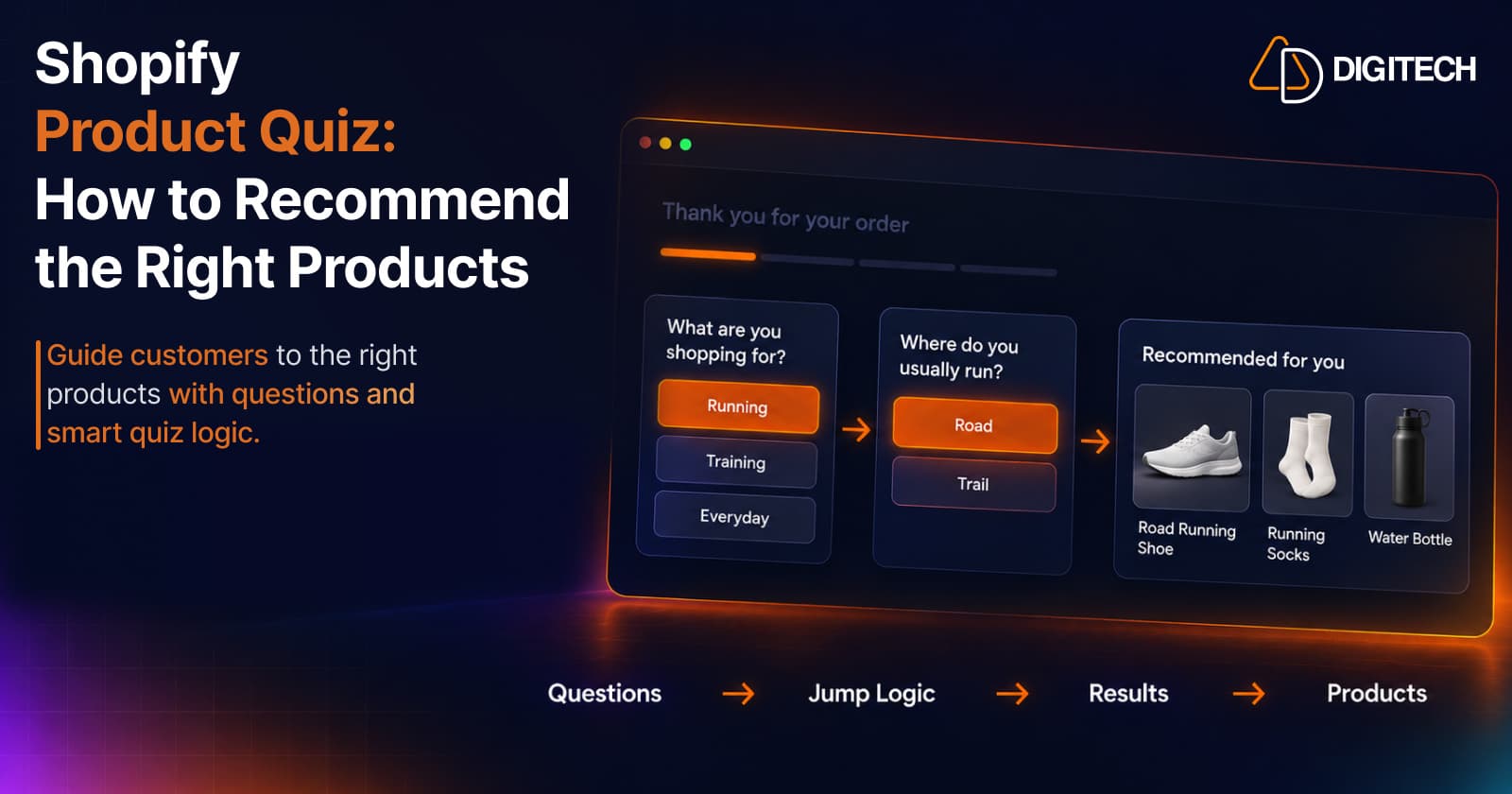
Shopify Product Quiz: How to Recommend the Right Products Based on Customer Answers
Learn how Shopify product quizzes use questions, logic and results to guide customers toward relevant products.
Read article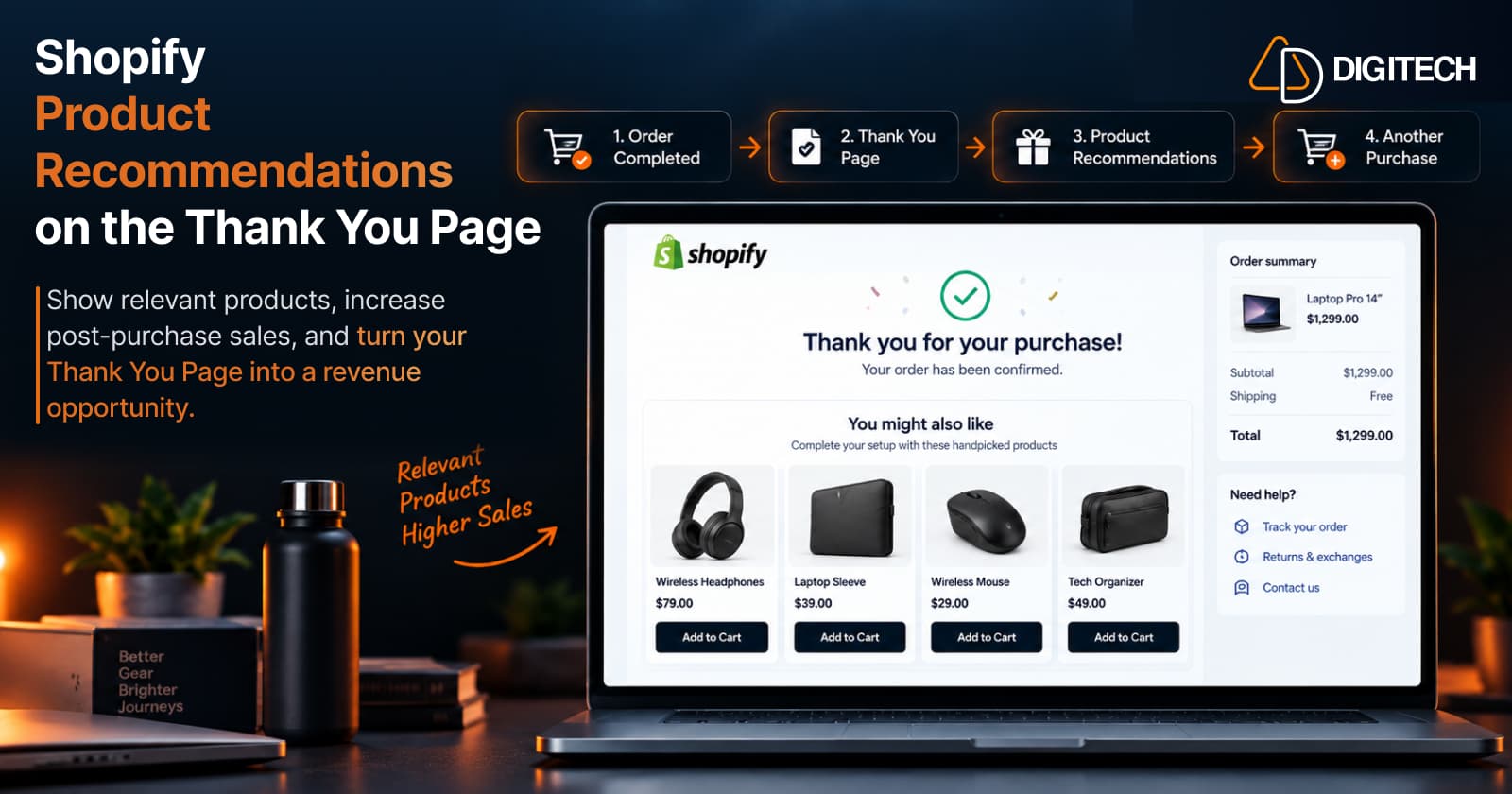
How to Add Product Recommendations to the Shopify Thank You Page
Learn how to add relevant product recommendations to your Shopify Thank You Page, choose complementary products, and improve post-purchase sales opportunities.
Read article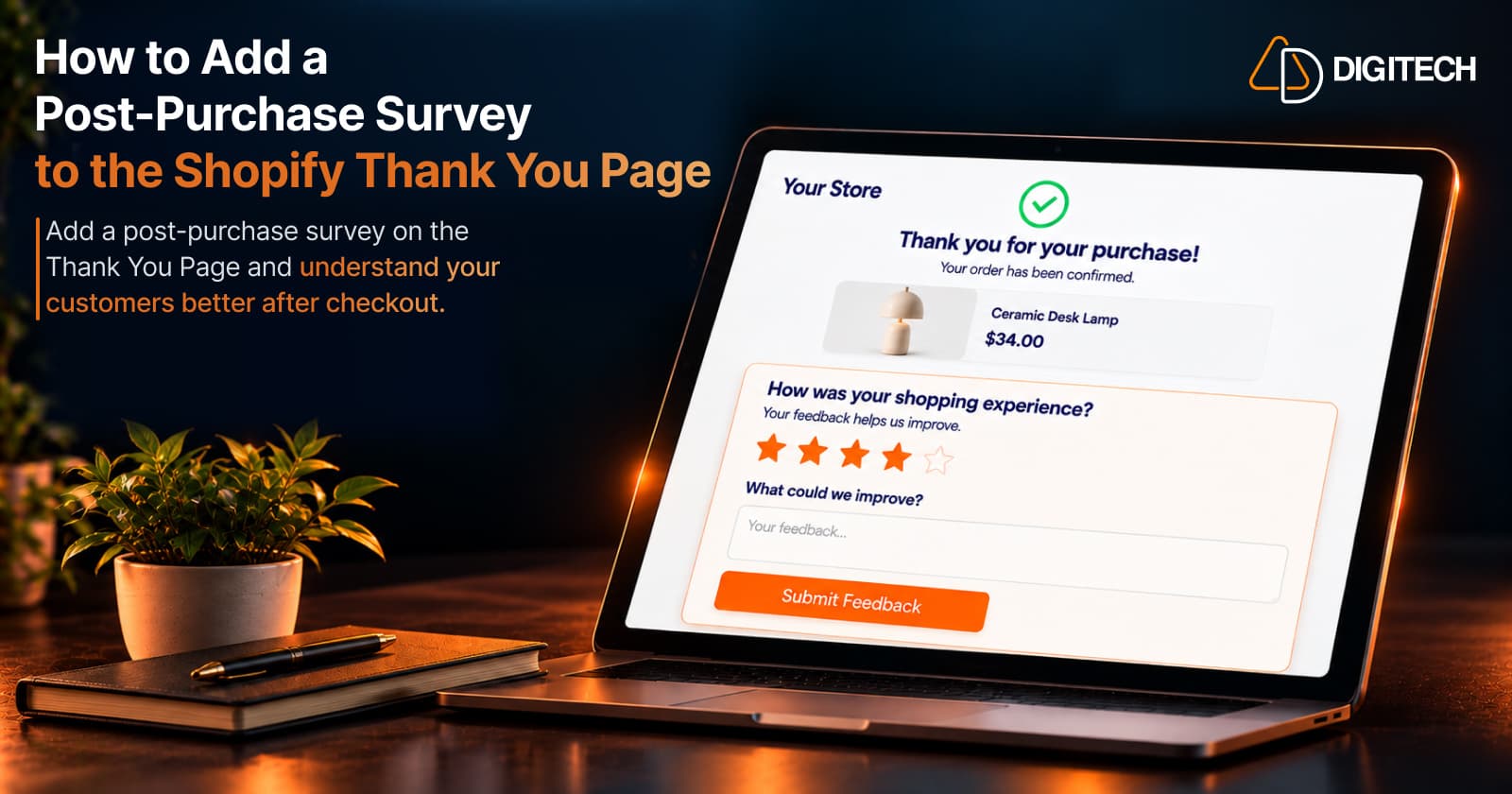
How to Add a Post-Purchase Survey to the Shopify Thank You Page
Learn how to add a Shopify Thank You Page survey, choose better post-purchase questions, collect customer feedback and use responses to improve your store.
Read article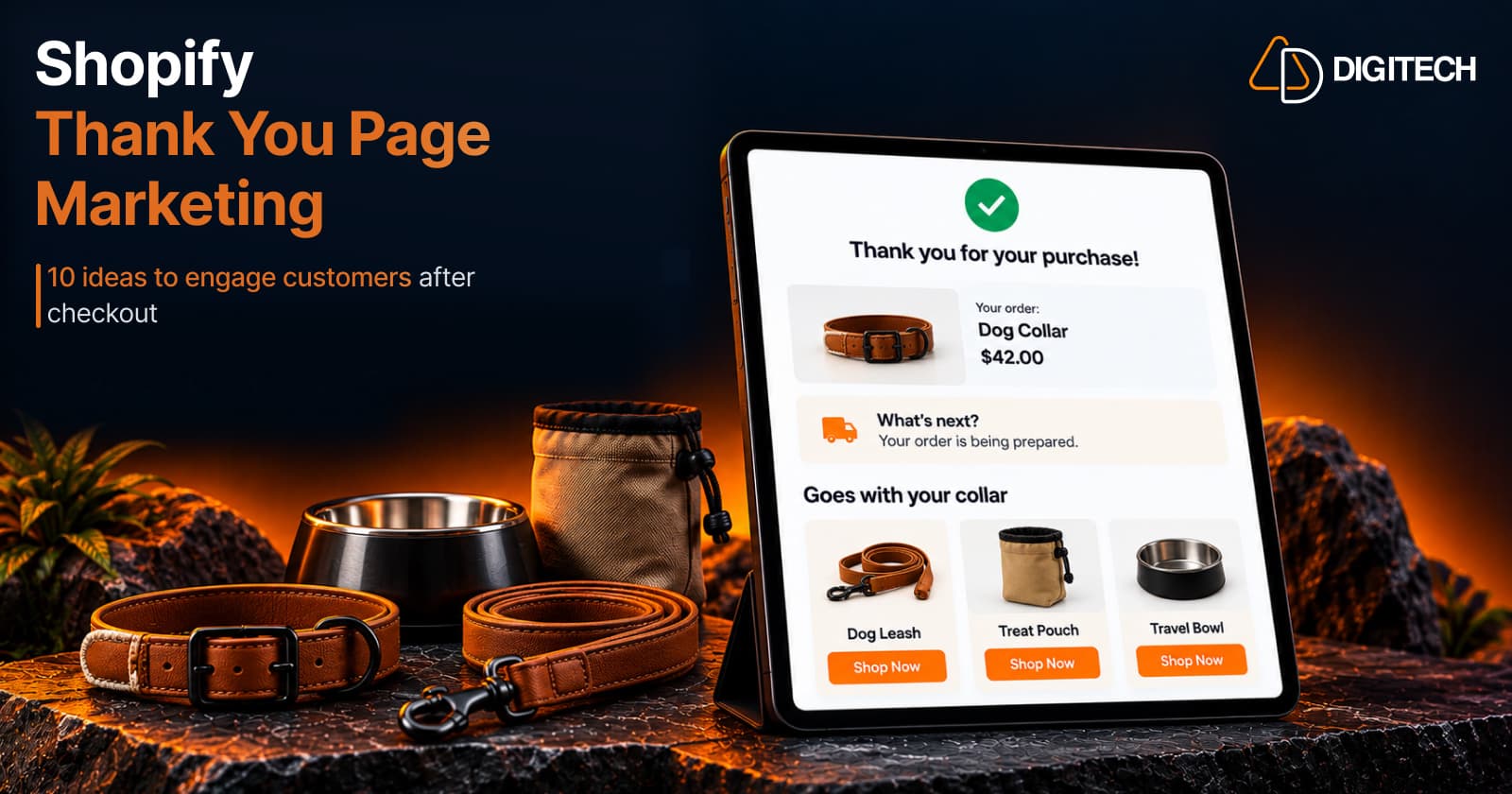
Shopify Thank You Page Marketing: 10 Ideas to Engage Customers After Checkout
Discover 10 Shopify Thank You Page marketing ideas to engage customers after checkout with recommendations, offers, bundles, feedback and useful content.
Read article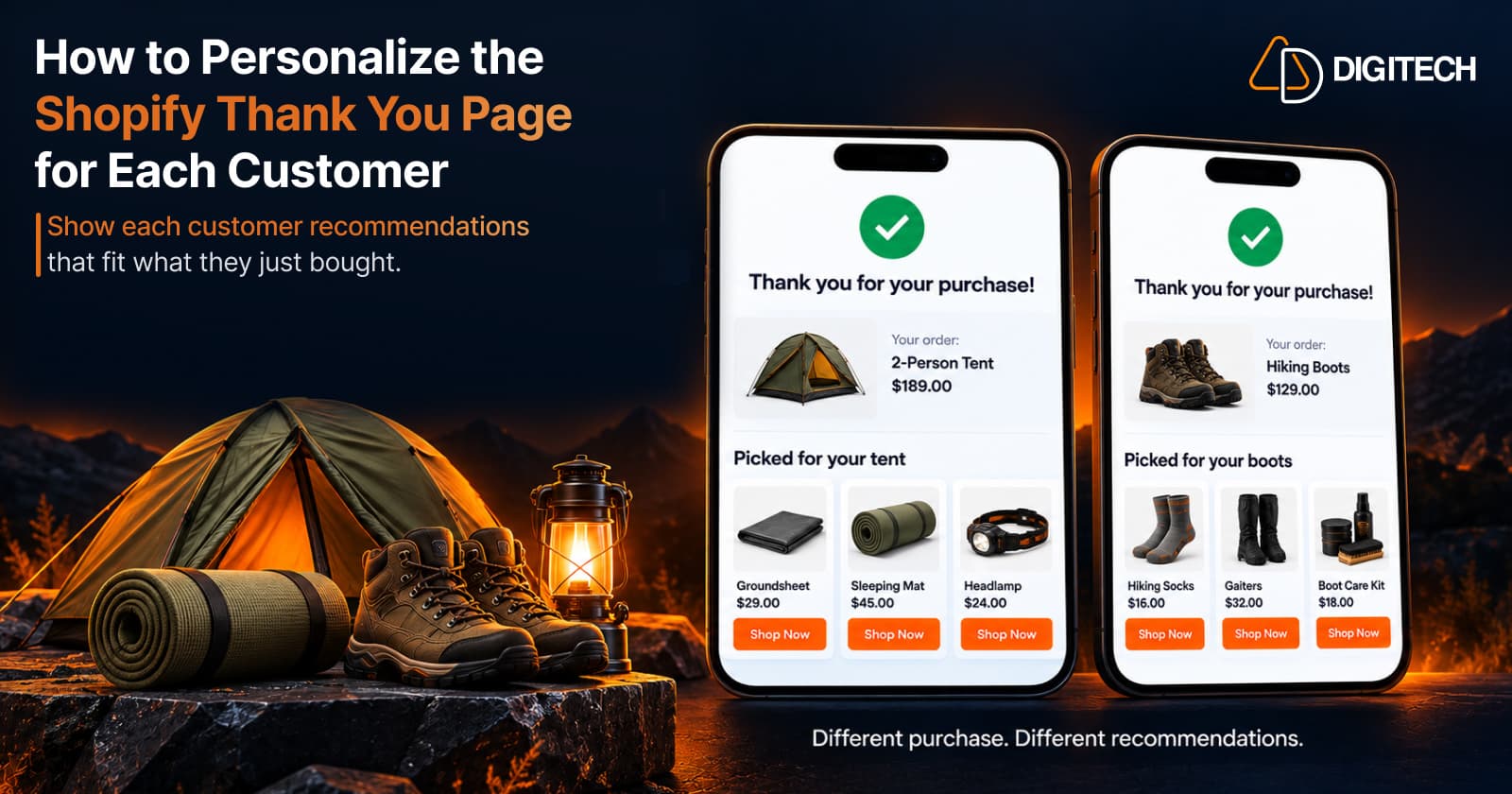
How to Personalize the Shopify Thank You Page for Each Customer
Learn how to personalize the Shopify Thank You Page with relevant recommendations, cross-sells, bundles, offers and post-purchase content.
Read article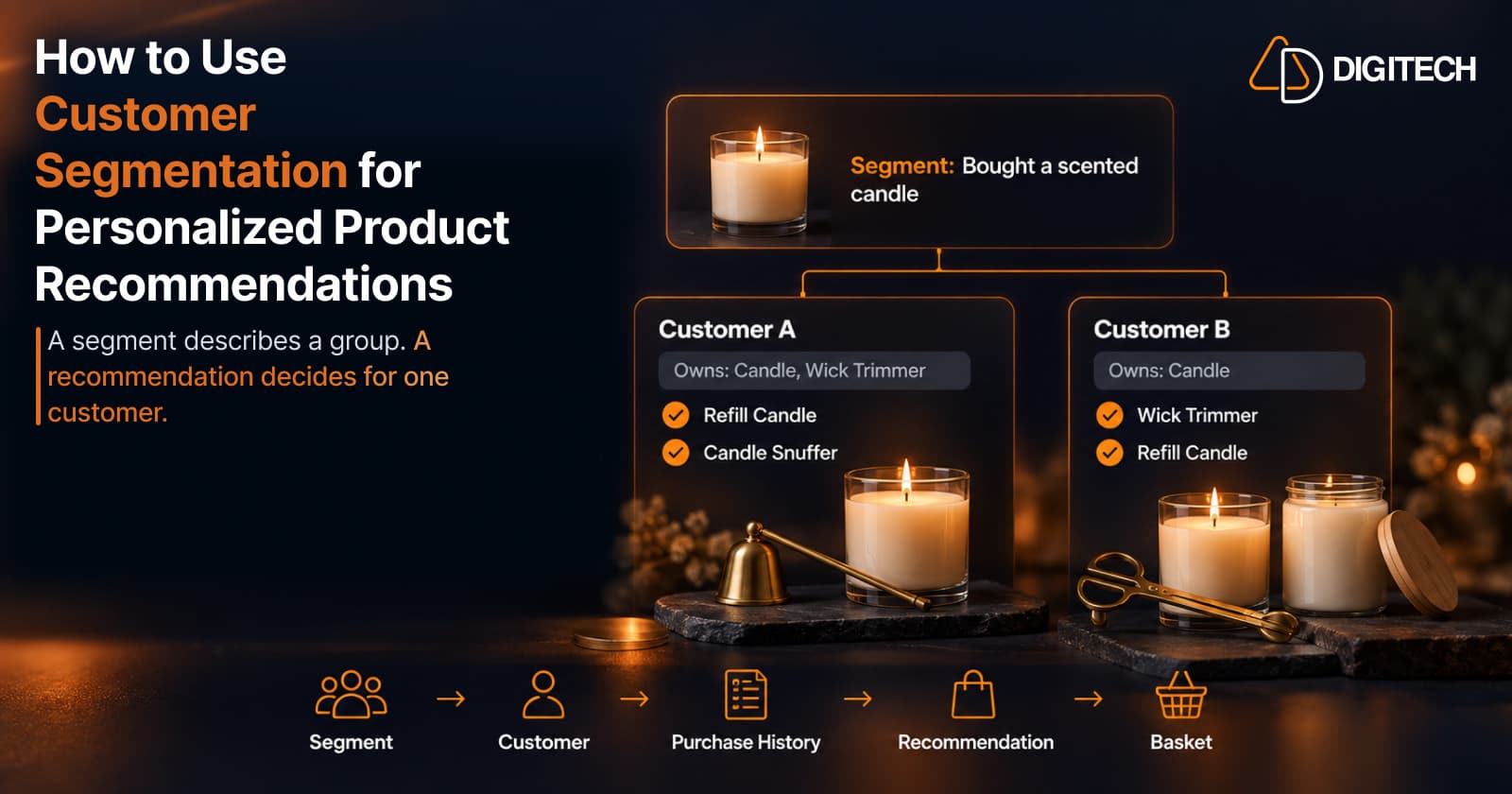
How to Use Customer Segmentation for Personalized Product Recommendations on Shopify
Learn how to use Shopify customer segments to make product recommendations more relevant, and how to turn a segment-level insight into a recommendation for one customer.
Read article