Shopify Thank You Page Marketing: 10 Ideas to Engage Customers After Checkout
Discover 10 Shopify Thank You Page marketing ideas to engage customers after checkout with recommendations, offers, bundles, feedback and useful content.
Checkout is complete, and the customer lands on the Thank You Page. On many stores, that's where the conversation ends: an order number, a confirmation message, nothing else.
The customer journey doesn't have to end there. Shopify Thank You Page marketing means using that page for something relevant to the purchase that was just made: a useful product, a clear next step, a question about the experience. Done well, it feels like good service. Done badly, it feels like a pop-up ad on a receipt.
This guide covers ten ideas, how to keep them relevant, and how to measure what works. Most stores shouldn't use all ten at once.
What Is Shopify Thank You Page Marketing?
Shopify Thank You Page marketing is the practice of adding relevant content to the confirmation page shown after checkout. That content can sell, such as a recommendation or an offer, or it can help, such as delivery information or care instructions.
Technically, content on this page is added as app blocks built on Shopify's Checkout UI Extensions and placed using Shopify's checkout editor. Three post-purchase surfaces are worth keeping apart:
- The Thank You Page is the initial confirmation shown immediately after checkout.
- The Order Status Page is a separate page customers return to later to view and track the order.
- Shopify's native post-purchase product offers are a separate surface, shown after checkout and before the Thank You Page.
Marketing on the Thank You Page doesn't modify the checkout being confirmed. Any offer or recommendation a customer acts on there leads to a separate, additional purchase.
Why Use the Thank You Page for Marketing?
- The customer has just trusted you. They know the store and have already made a buying decision.
- You know what they bought. That's the most useful context you'll ever have for choosing what to show.
- It's a natural place for next steps: what happens now, how to use the product, where to get help.
- It can start the next purchase, without interrupting the one that just finished.
- It's a moment to listen. A short question can tell you how customers found you.
None of this guarantees more revenue. The value depends on how relevant the content is. Shopify Thank You Page optimization covers structuring the page as a whole.
10 Shopify Thank You Page Marketing Ideas
1. Show Relevant Product Recommendations
Recommendations work best when they follow the purchase. A store can use purchase and product context to decide what to show:
- Coffee machine → coffee beans, a milk frother, a travel mug
- Running shoes → running socks, a water bottle, sports accessories
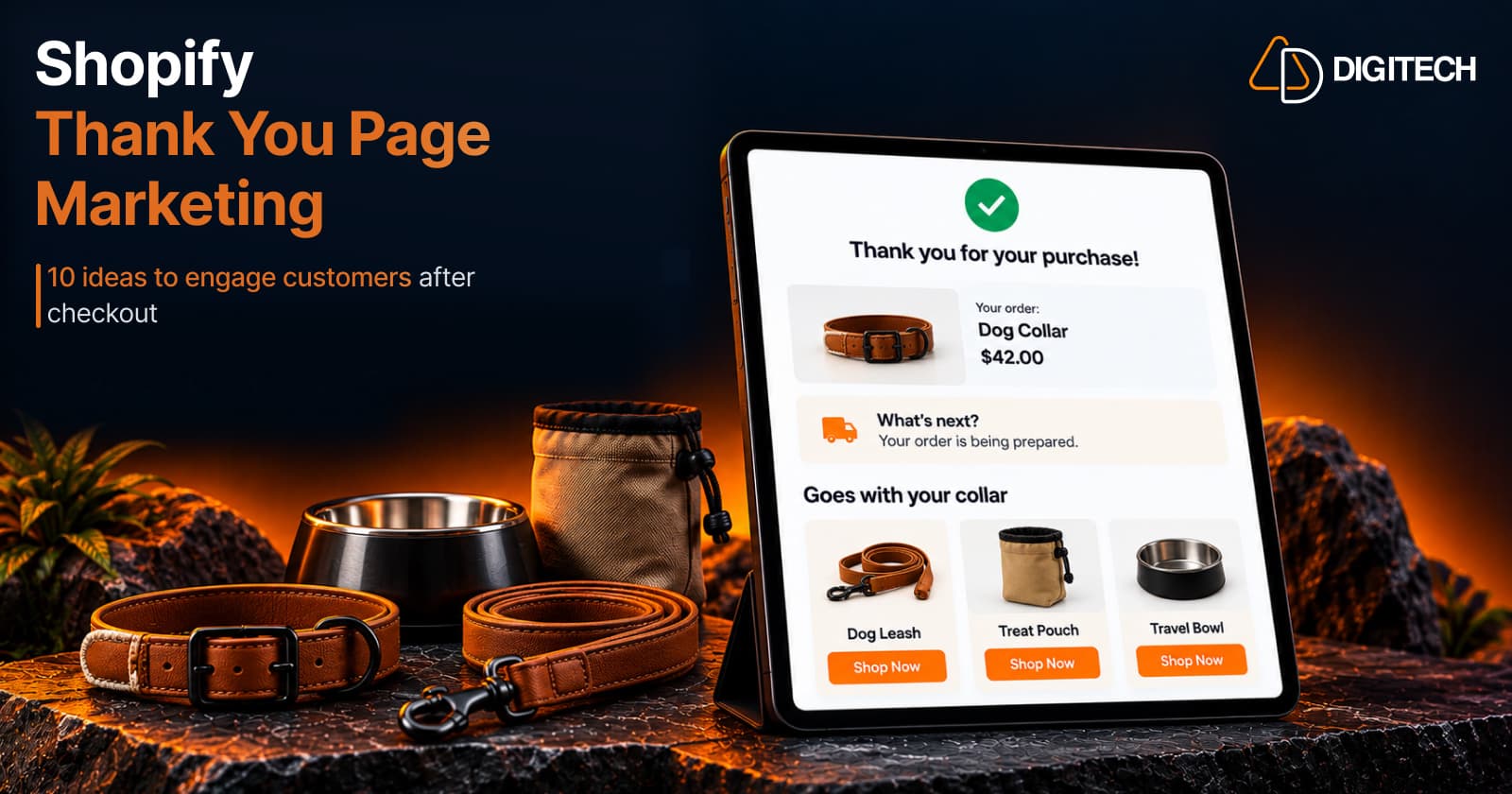
- Dog collar → a matching leash, a treat pouch, a travel bowl
Shopify doesn't personalize Thank You Page recommendations for each customer automatically. The merchant or app chooses the rule, such as the same collection or complementary products, and applies it to each order. Plan a fallback too: when a product has no obvious match, best sellers or new arrivals in the same category are better than an empty block. Adding product recommendations to the Thank You Page covers the setup, and personalizing the Thank You Page explains how rules make it relevant.
2. Promote Complementary Products
A complementary product goes with something the customer just bought: a case for a phone, filters for a coffee maker. That's different from general product discovery, which simply shows more of the catalogue.
Complementary products are often the easiest to justify after purchase, because the reason is obvious. Think about timing as well: some complements are useful on day one, like batteries for a device, while others, like a refill or a replacement part, matter weeks later and may suit a coupon instead. Cross-selling complementary products explains how to choose pairs.
3. Add Relevant Upsells
An upsell suggests a higher-value or upgraded product. On the Thank You Page, it's a separate purchase, not a change to the order just placed.
It makes sense when the upgrade adds clear value, such as a larger size of a consumable the customer will reuse. It's too aggressive when it suggests the customer bought the wrong thing. For the details, see how to add upsells to the Thank You Page and how Thank You Page upsells work.
4. Use Product Bundles
A bundle presents several related products as one decision. Common types include:
- Fixed bundles: specific products sold together.
- Mix-and-match bundles: the customer picks a set number from a group.
- Buy More, Save More: tiered pricing on one product.
Position a bundle as a convenient next purchase, such as a care kit for the product just bought, not as a way to push more items. Thank You Page product bundles covers choosing the right type.
5. Offer a Relevant Discount or Promotion
A discount can give the customer a reason to come back:
- Percentage or fixed discounts on a related product or collection.
- Coupon codes for a future order.
- Product-specific promotions tied to the purchase.
- Limited-time offers with a real end date.
Every discount should have a clear purpose. Giving one away to someone who would buy anyway reduces margin for no gain.
Be careful with timing, too. A customer who has just paid full price and then sees a large discount on the same product may wonder why they didn't get it. A discount on a related product, or a code for a future order, usually lands better. Shopify Thank You Page offers explains how to choose and set them up.
6. Use Countdown Timers Carefully
A countdown timer can show how long a genuine promotion lasts. Use one only when the offer really expires, and set the discount's end date in Shopify to match.
A timer doesn't improve conversion by itself. A timer that restarts every time the page loads is fake urgency, and customers notice it.
7. Collect Customer Feedback
The Thank You Page is a good moment for a short question, while the purchase is fresh:
- Why did you choose our store?
- How was your shopping experience?
- What could we improve?
- What products would you like to see?
Use quick formats such as multiple choice, a rating or a short text answer, and keep it to one to three questions.
Then use the answers. If several customers say they found you through one channel, that's worth knowing for your marketing budget. Repeated comments about delivery or checkout point to specific fixes. Adding a post-purchase survey covers question types and placement.
8. Provide Useful Post-Purchase Information
Marketing doesn't always mean selling. Customers often want to know:
- What happens next, and when to expect shipping updates.
- How to use or care for the product.
- Where to find guides or help.
- How to contact support.
A short "What's next?" section reduces uncertainty and support questions. It also makes any offer below it feel less like a sales pitch. For a pet store, that might be one line saying the order is being prepared, plus a link to a sizing and fitting guide for the collar just bought.
9. Encourage the Next Purchase
Some customers aren't ready to buy again today. Give them a natural path for later:
- A related collection or new arrivals.
- Best sellers in the same category.
- A relevant bundle.
- A coupon for a future order.
The aim is a clear, low-pressure next step, not a page full of products. The Order Status Page is a second chance here: customers return to it to track the order, which makes it a natural place for follow-up content later.
10. Keep the Experience Simple and Relevant
The best Thank You Pages don't use every idea above. They pick what fits the purchase:
- Clear hierarchy: order confirmation first.
- One primary CTA.
- Relevant recommendations, a few at most.
- A limited number of offers.
- Useful information alongside anything you sell.
- A clean layout that works on mobile.
As an illustration, a pet store's Thank You Page for a dog collar might contain only four things: the order confirmation, a "What's next?" line, three products that go with the collar (a leash, a treat pouch, a travel bowl), and one survey question. That's enough to be useful without crowding the page.
Better post-purchase marketing comes from relevance, not from adding more blocks.
Shopify Thank You Page Marketing Best Practices
- Match content to the purchase. Use the product, collection or type to choose what appears.
- Keep it simple. Two or three elements usually beat eight.
- Use clear CTAs such as "Shop Now", with one primary action.
- Design for mobile first. Many customers complete checkout on a phone.
- Avoid too many offers. Several discounts on one page dilute each other.
- Keep the brand consistent with the rest of the store.
- Use urgency only when it's real.
- Balance marketing and support. Next-step information belongs on the page too.
Shopify Thank You Page best practices goes deeper on each.
How to Measure Shopify Thank You Page Marketing
- Views or impressions, where your app reports them.
- Clicks on each block.
- Conversions: additional purchases that followed.
- Conversion rate, as your app defines it.
- Revenue or purchase revenue from those conversions.
- Survey responses and response rate.
These metrics show engagement and additional purchases linked to a block. They don't prove a block caused every sale; some customers would have bought again anyway. Compare changes over similar periods, one at a time. Record what the page looked like before each change, so you have a baseline to compare against.
Shopify Thank You Page vs Order Status Page
| Page | Main Purpose | Marketing Opportunity |
|---|---|---|
| Thank You Page | Initial confirmation shown immediately after checkout | Relevant recommendations, offers and feedback while the purchase is fresh |
| Order Status Page | A page customers return to later to view and track their order | Follow-up content, recommendations and offers on later visits |
| Native post-purchase page | A separate Shopify surface between checkout and the Thank You Page | One-click offers built with post-purchase extensions, which Shopify lists as beta |
The Order Status Page is part of Shopify's customer account experience and is extended with Customer Account UI Extensions. Order Status Page upsells and recommendations covers it in detail.
How Grovia Helps With Shopify Thank You Page Marketing
Grovia is our Shopify app for the Thank You Page and Order Status Page. With Grovia, merchants can:
- Customize both pages with drag-and-drop blocks, without coding.
- Show product recommendations from rules you choose, including complementary products.
- Add upsells and cross-sells.
- Create fixed, mix-and-match and volume discount bundles.
- Add coupons with countdown timers.
- Use images, banners, CTAs and trust badges.
- Collect feedback with post-purchase surveys.
- Track clicks, conversions, CVR and revenue in Grovia's analytics.
Grovia is designed for the Thank You Page and Order Status Page experience. It isn't Shopify's native post-purchase extension, and its blocks don't modify the completed checkout. Recommendations follow the rules you set; Grovia doesn't predict individual customer behavior.
Frequently asked questions
What is Shopify Thank You Page marketing?
It's using the confirmation page shown after checkout for relevant content: product recommendations, offers, bundles, feedback requests and helpful information about what happens next.
Why should I market to customers after checkout?
The customer has just bought from you and knows the store. Content tied to that purchase can help them use it, discover related products or tell you about their experience.
What can I add to a Shopify Thank You Page?
With an app that supports it, you can add recommendations, upsells, bundles, offers, coupons, surveys, banners, images and helpful information, as app blocks built on Checkout UI Extensions.
Can I show product recommendations after checkout?
Yes. An app can show recommendations based on rules you choose, such as products from the same collection or complementary products. Shopify doesn't personalize them for each customer automatically.
Can I add upsells to the Shopify Thank You Page?
Yes. A Thank You Page upsell suggests a higher-value or related product as a separate, additional purchase. It doesn't change the order that was just placed.
Can I add discounts or offers to the Thank You Page?
Yes. Create the discount in Shopify, then show it with an app block. It applies to a new purchase, so set its limits and end date to match the offer.
Can I collect customer feedback after purchase?
Yes. A short survey on the Thank You Page can ask how the customer found you or how checkout went. Keep it to one to three questions.
Is the Thank You Page the same as the Order Status Page?
No. The Thank You Page is the confirmation shown immediately after checkout. The Order Status Page is a separate page customers return to later to view and track their order.
Can Thank You Page marketing modify the original order?
No. Thank You Page extensions can't change the order being confirmed. Any offer or recommendation accepted there leads to a separate, additional purchase.
Can Grovia help customize the Shopify Thank You Page?
Yes. Grovia adds recommendations, upsells, bundles, coupons with countdown timers, surveys and content blocks to the Thank You and Order Status pages with a drag-and-drop editor.
Turn Your Thank You Page Into a Better Post-Purchase Experience
With Grovia, you can add relevant product recommendations, bundles, upsells, offers and post-purchase surveys to your Shopify Thank You Page — without coding.
Related reading
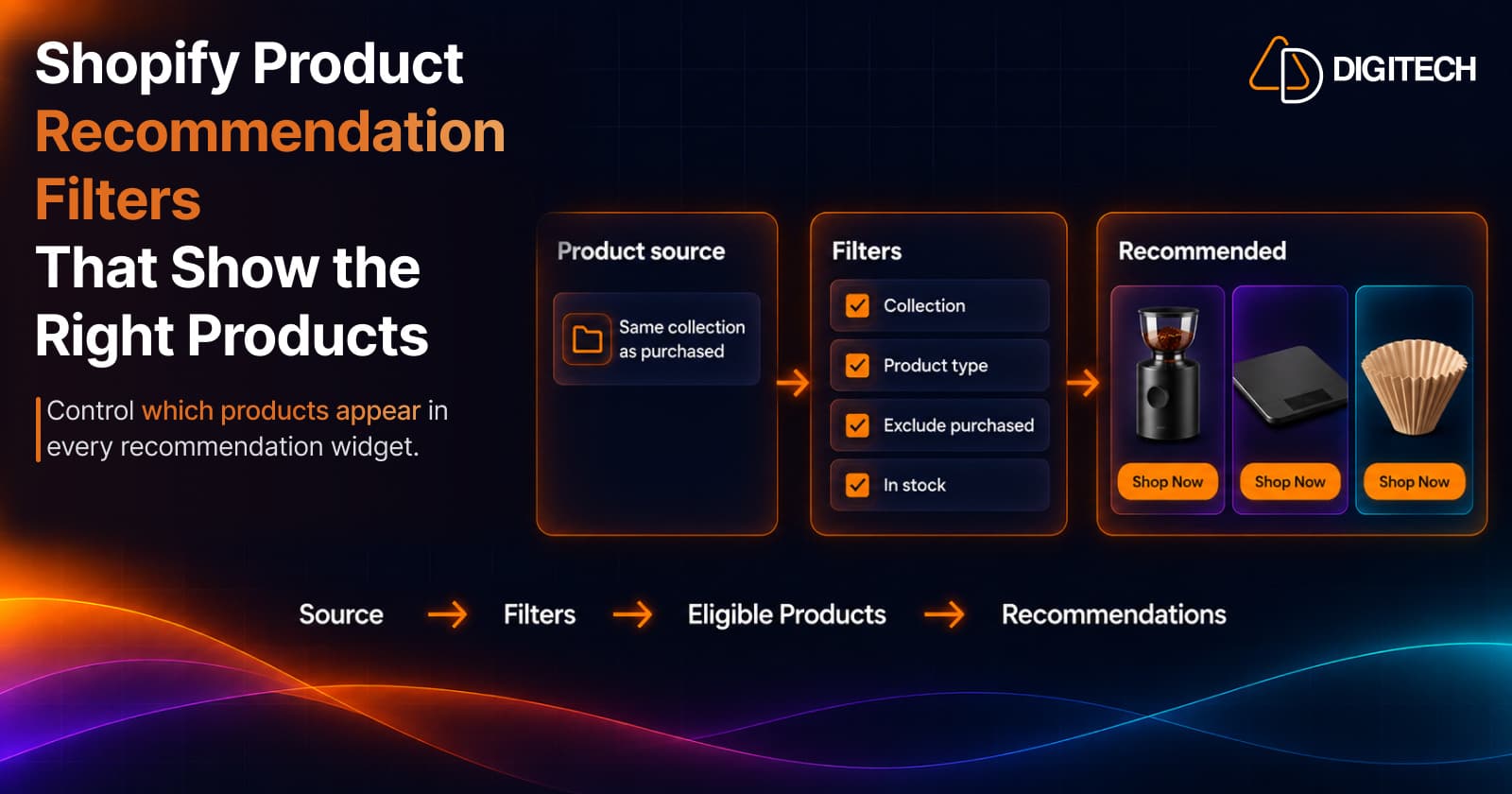
Shopify Product Recommendation Filters: How to Show the Right Products
Learn how Shopify product recommendation filters can help merchants control which products appear using collections, tags, vendors, inventory and more.
Read article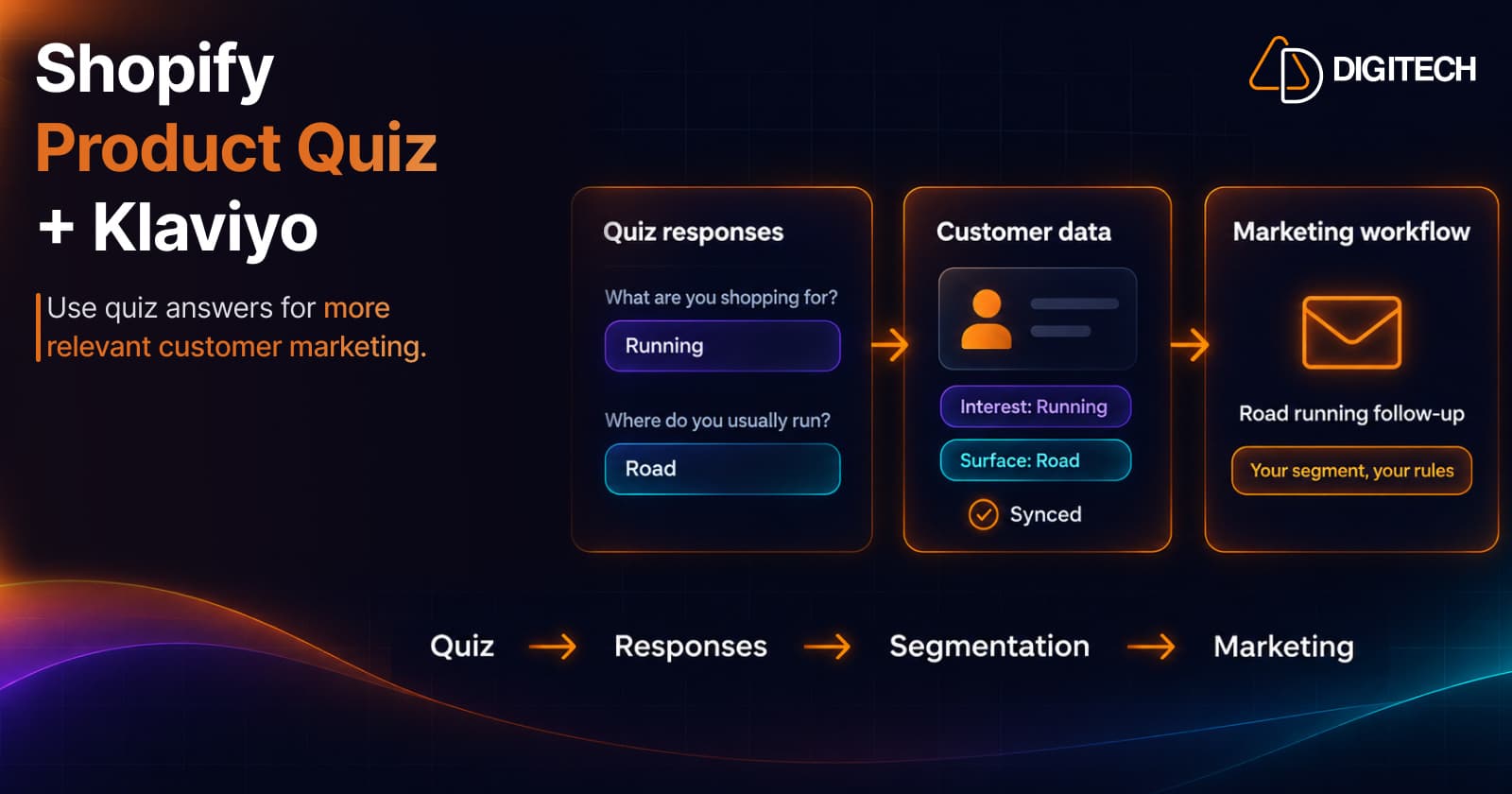
Shopify Product Quiz + Klaviyo: How to Use Quiz Answers for Better Customer Segmentation
Learn how Shopify product quizzes can collect customer preferences and sync quiz responses with Klaviyo and Omnisend for relevant marketing.
Read article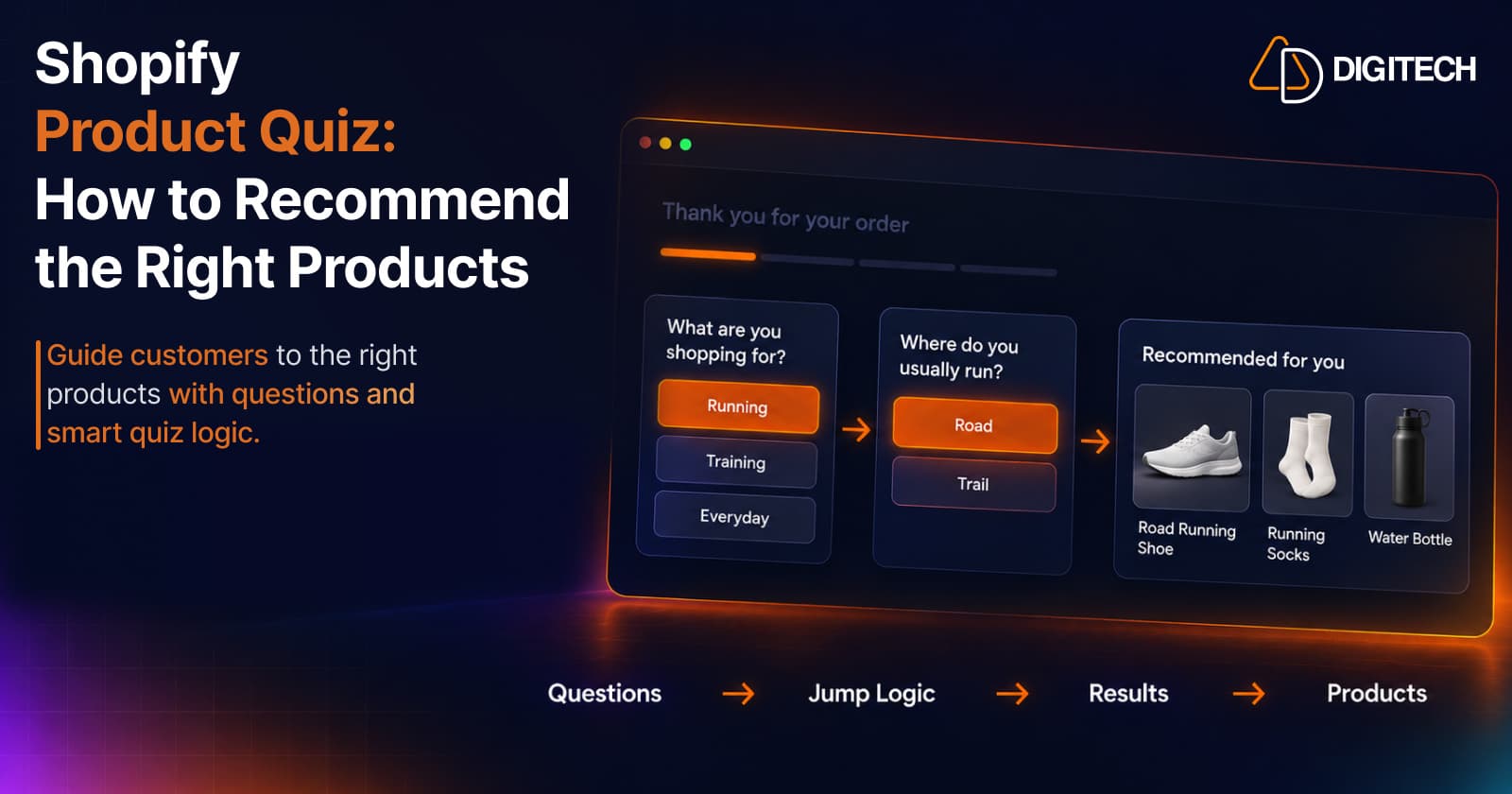
Shopify Product Quiz: How to Recommend the Right Products Based on Customer Answers
Learn how Shopify product quizzes use questions, logic and results to guide customers toward relevant products.
Read article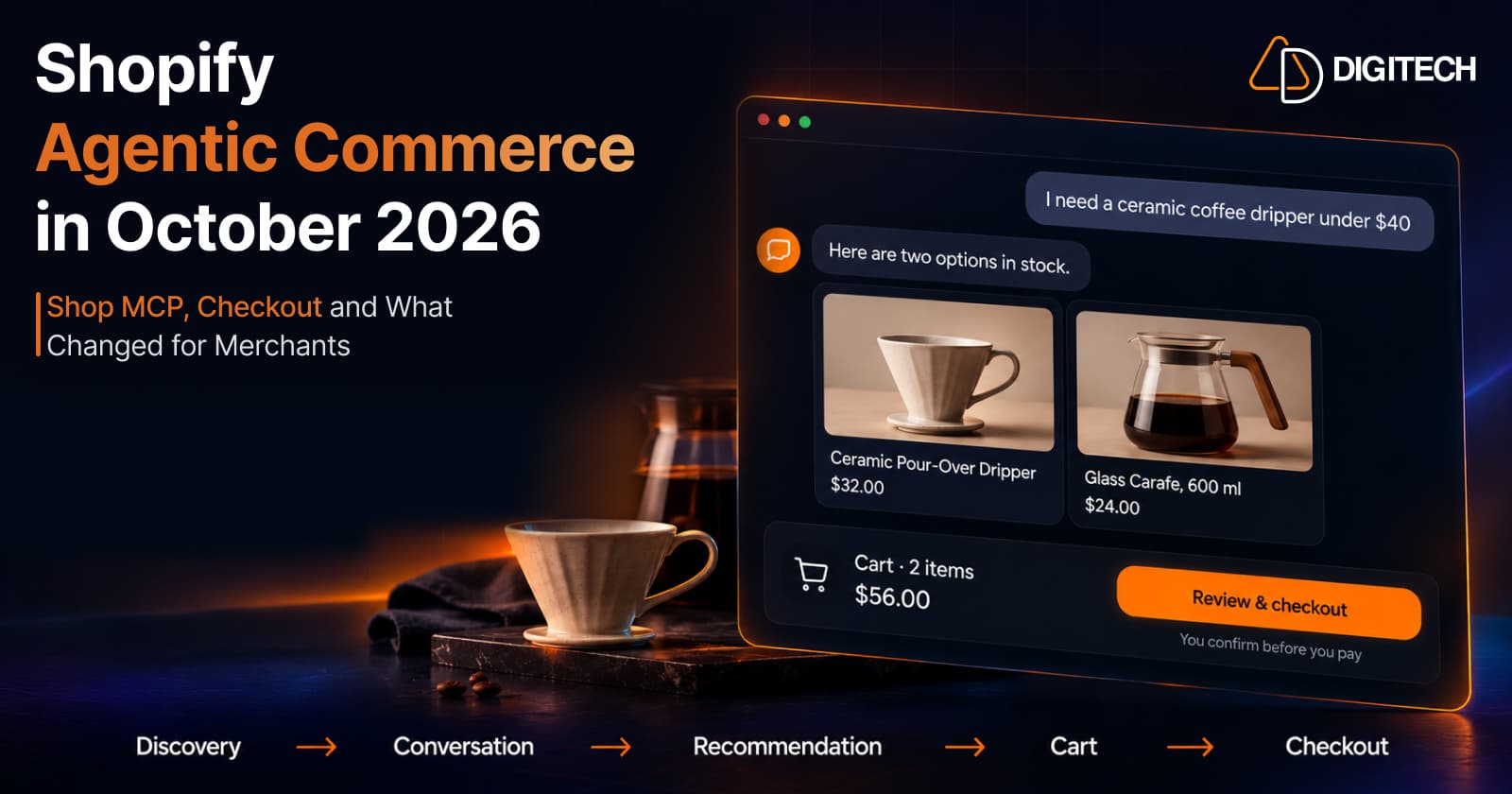
Shopify Agentic Commerce in October 2026: Shop MCP, Checkout and What Changed for Merchants
Shopify agentic commerce moved forward in September and October 2026: Shop MCP, Cart and Checkout MCP, WebMCP, buyer consent and store locations. Here's what it means for merchants.
Read article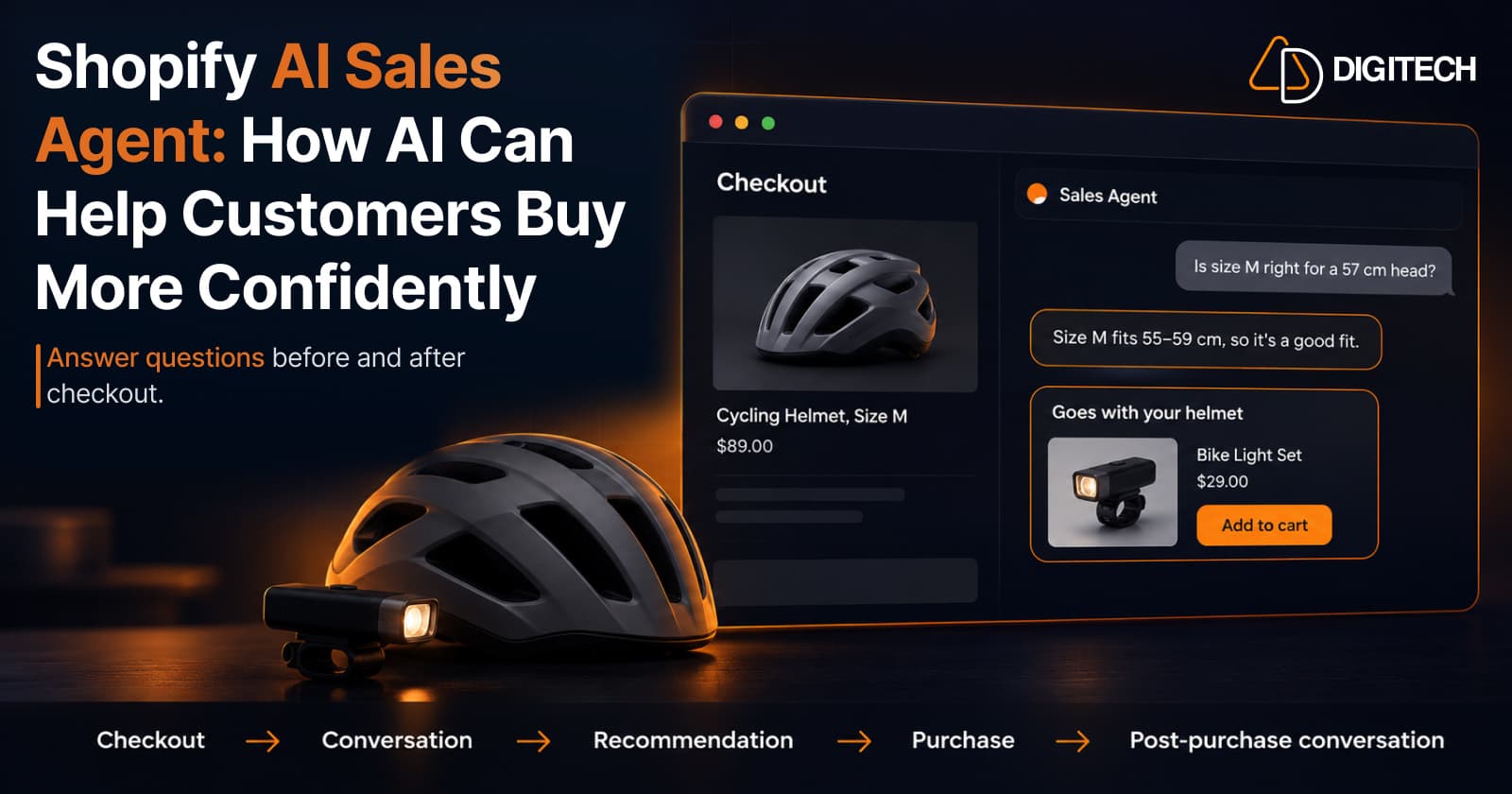
Shopify AI Sales Agent: How AI Can Help Customers Buy More Confidently
Learn how Shopify AI Sales Agents can help customers with product questions, recommendations, upsells and post-purchase conversations.
Read article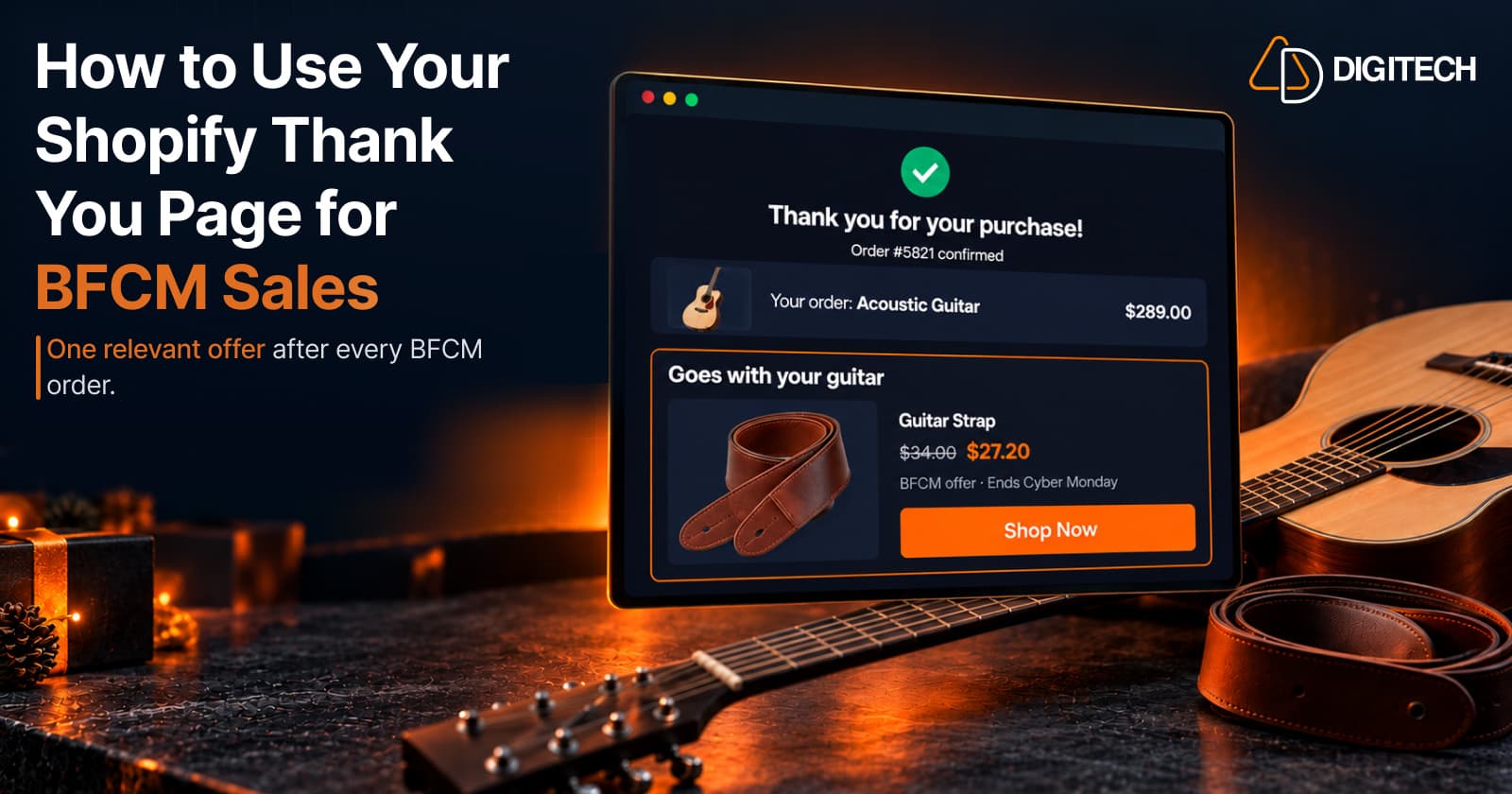
How to Use Your Shopify Thank You Page for BFCM Sales
Learn how to use the Shopify Thank You Page during BFCM with relevant upsells, product recommendations, bundles, offers and countdown timers.
Read article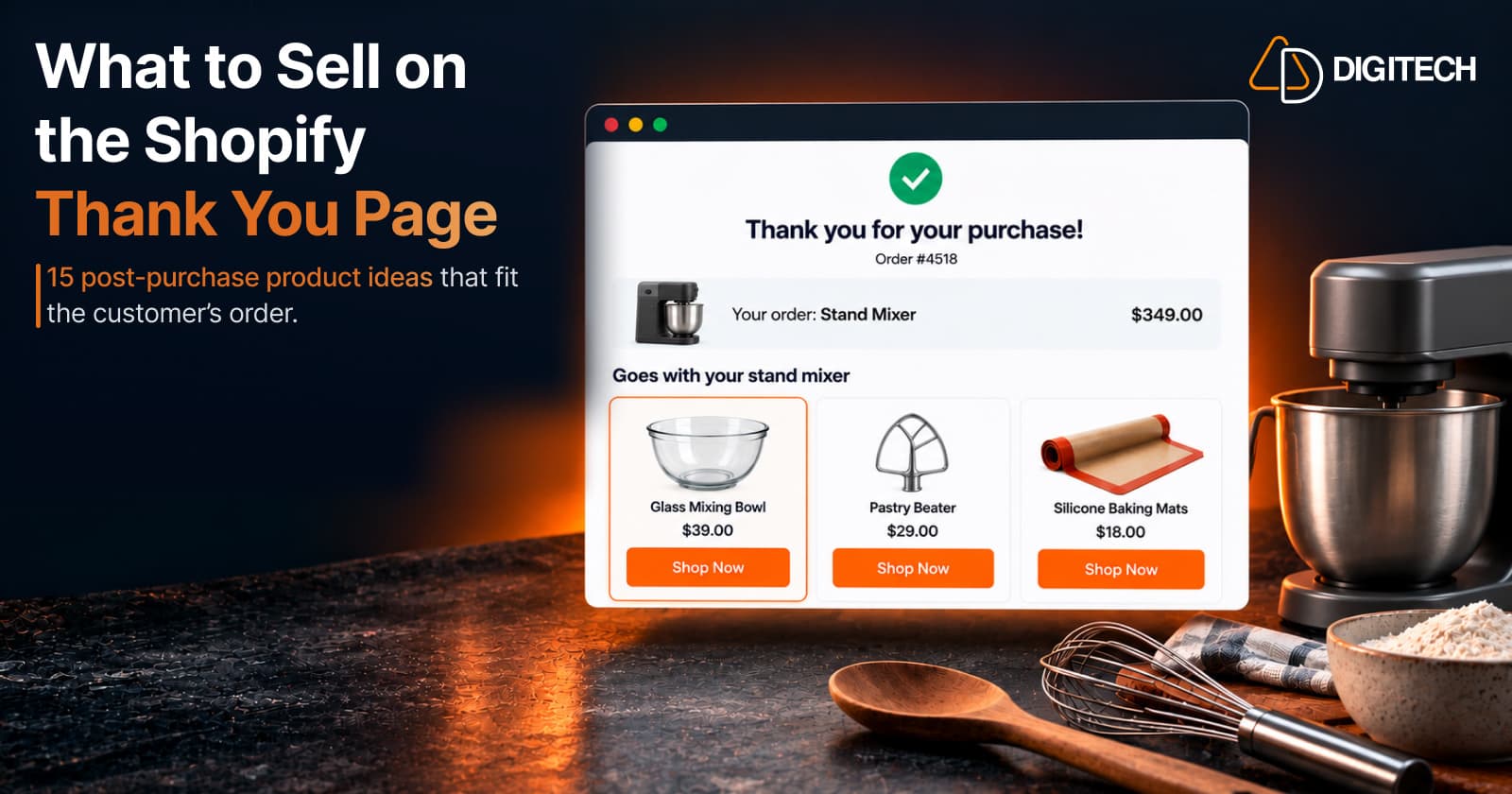
What to Sell on the Shopify Thank You Page: 15 Post-Purchase Product Ideas
Discover 15 Shopify Thank You Page product ideas, from complementary accessories and bundles to upgrades, refills and relevant post-purchase offers.
Read article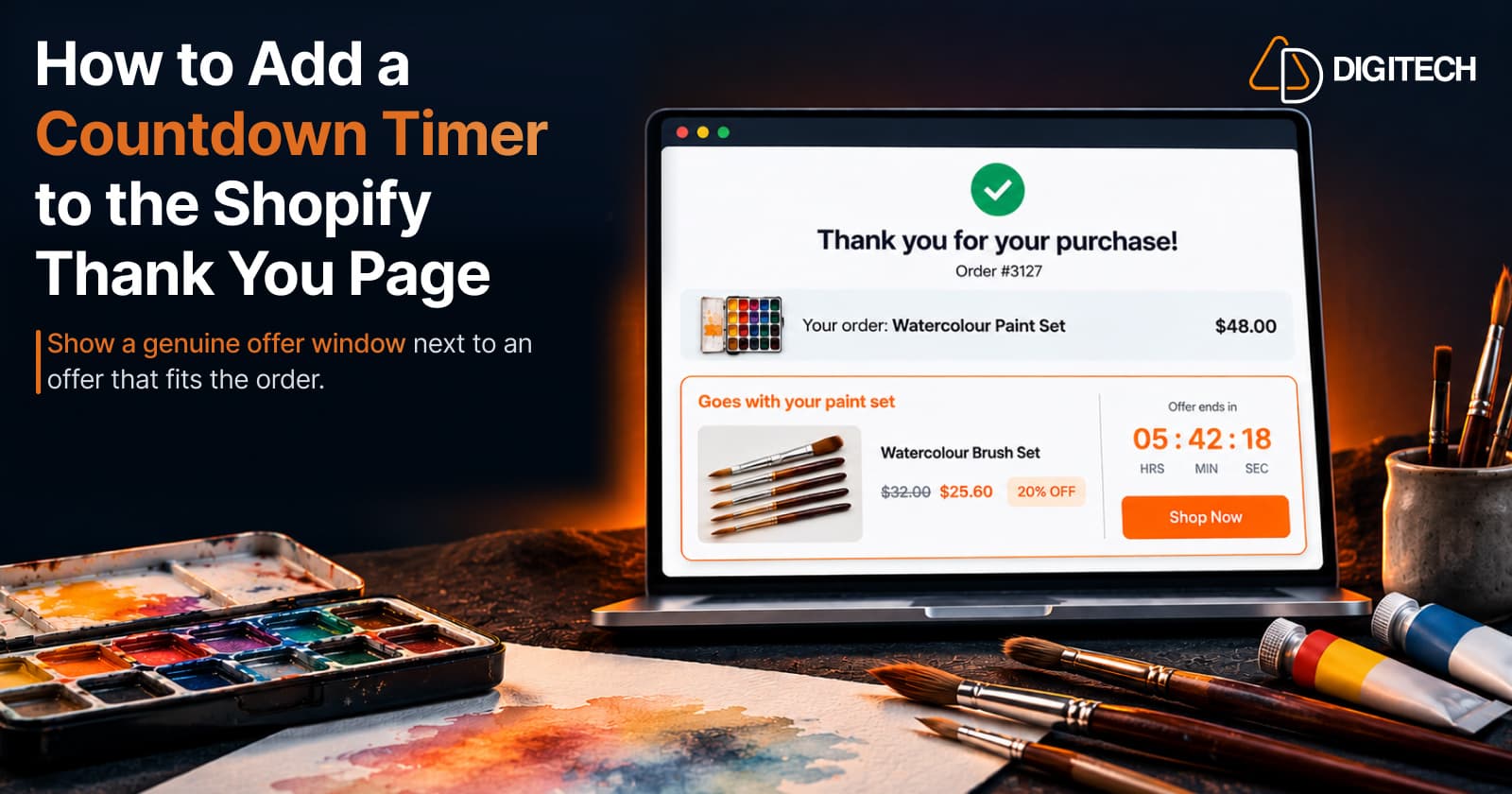
How to Add a Countdown Timer to the Shopify Thank You Page
Learn how to add a countdown timer to the Shopify Thank You Page and use time-sensitive offers, discounts and relevant products to drive post-purchase engagement.
Read article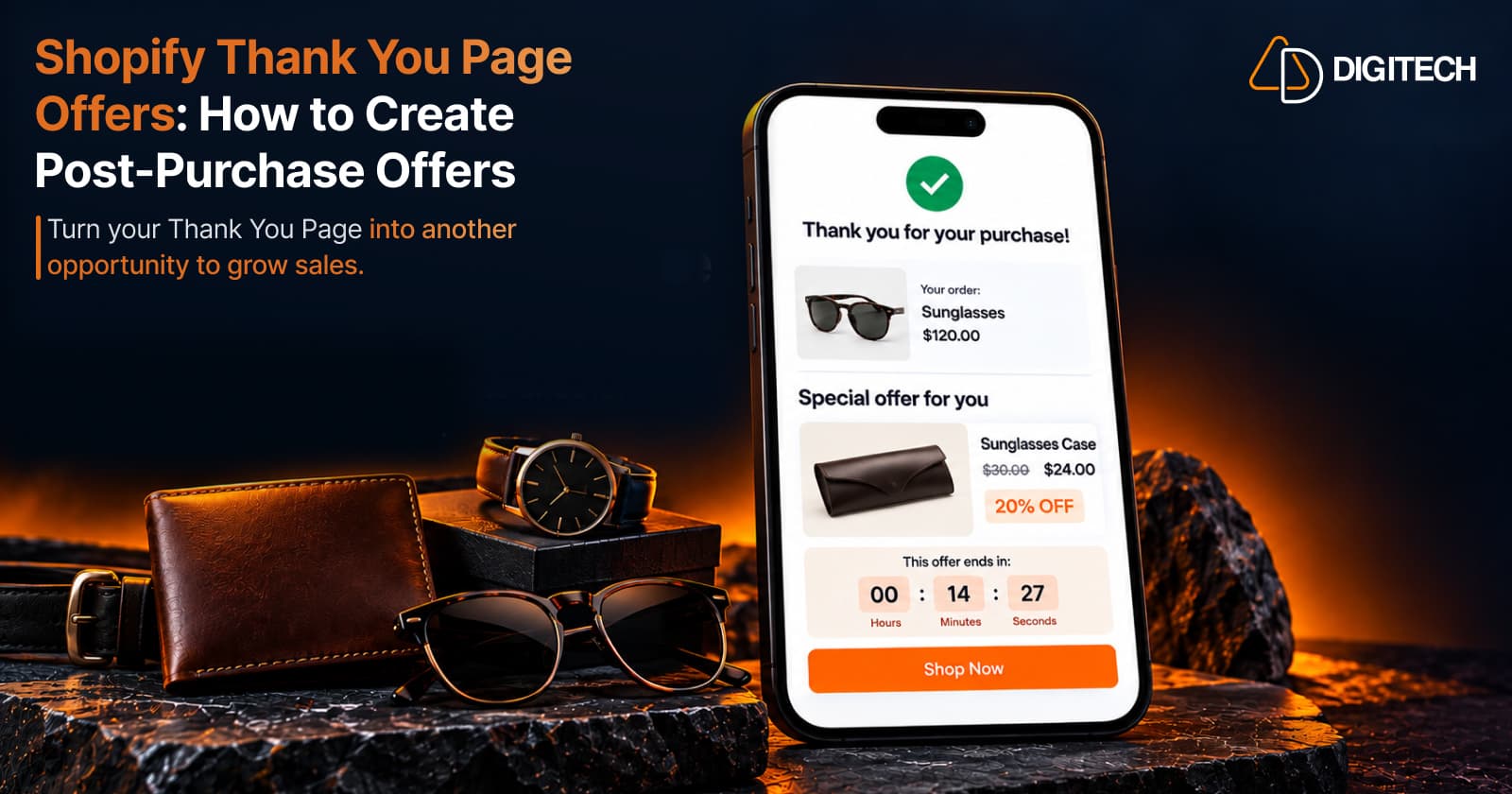
Shopify Thank You Page Offers: How to Create Post-Purchase Offers
Learn how to create Shopify Thank You Page offers with discounts, coupons, countdown timers and relevant promotions to drive additional purchases.
Read article