Shopify Thank You Page Product Bundles: Fixed, Mix-and-Match & Volume Discounts
Learn how to use fixed, mix-and-match and volume discount product bundles on the Shopify Thank You Page to create relevant additional purchase opportunities.
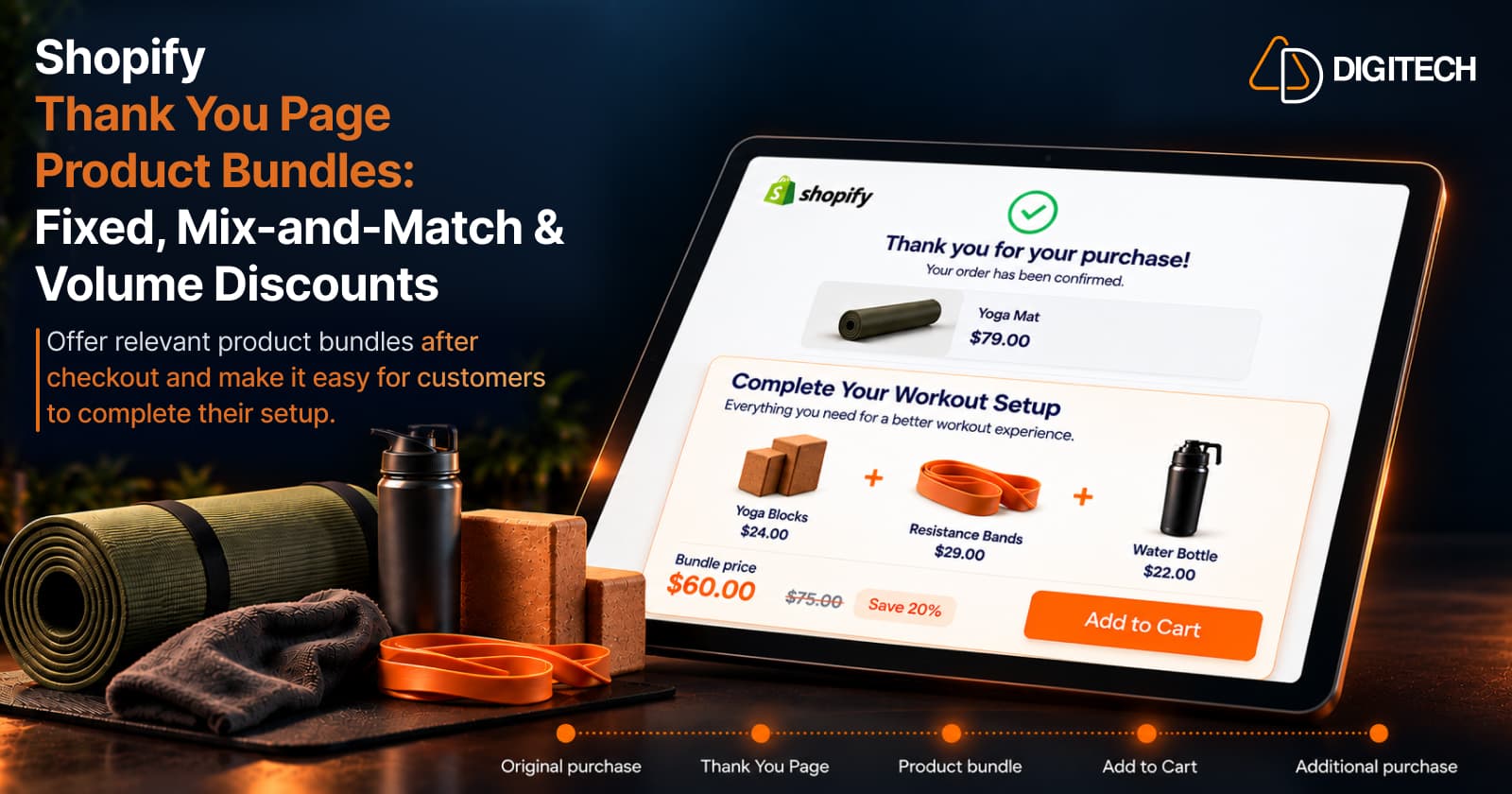
Some customers are open to rounding out a purchase right after checkout, especially when the extra products clearly belong with what they just bought. A product bundle on the Shopify Thank You Page turns that into one simple offer: a small set of related products, presented together, with clear pricing.
This guide covers the three common bundle structures (fixed, mix-and-match, and volume discounts), when each one fits, how to add them to the Thank You Page with Shopify's current tools, and how to measure the results. One distinction up front: this is about the Thank You Page, not Shopify's native post-purchase page, which is a separate surface explained below.
What Is a Shopify Thank You Page Product Bundle?
A product bundle combines several products into one offer, usually with a single combined price. A Shopify Thank You Page product bundle shows that offer on the order confirmation page after payment is complete, as an opportunity for an additional purchase.
For example, a customer buys an espresso machine. A relevant bundle might combine premium coffee beans, a milk frother, and a travel mug. The beans are what the machine uses, the frother extends what it can make, and the mug takes the result on the go. Together they complete the setup, and presenting them as one offer saves the customer from finding each item separately.
Relevance is what makes a bundle work. Three unrelated best sellers packaged together are just a discount on things the customer didn't ask for. A bundle built around the original purchase gives the customer a clear reason to consider it.
It also helps to be precise about where this happens. Shopify shows the Thank You Page as the initial purchase confirmation after checkout. Customers who come back later see the Order Status Page, where they can view and track their order. Shopify's native post-purchase page is different again: an optional page between payment and the Thank You Page, built for offers that change the order. A Thank You Page bundle encourages a new purchase instead.
Why Show Product Bundles on the Thank You Page?
A Thank You Page bundle can:
- Create an additional purchase opportunity on a page customers see right after checkout.
- Help customers discover complementary products they may not have found while shopping.
- Make product discovery easier by presenting a ready-made combination instead of separate searches.
- Present multiple related products together, with one clear price and one clear action.
- Encourage customers to complete a setup, such as the accessories a new purchase needs.
- Give merchants another way to merchandise products after checkout.
None of this means every customer will buy a bundle. It gives customers a relevant option at a natural point, and some of them will take it.
Fixed Bundles vs Mix-and-Match vs Volume Discounts
| Bundle type | How it works | Best for | Example |
|---|---|---|---|
| Fixed bundle | A predefined group of products sold together as one offer | Curated kits and complete routines | Yoga blocks + strap + mat towel |
| Mix-and-match | Customers choose a set number of items from options the merchant defines | Catalogues where preferences differ | Choose any 3 snack flavors |
| Volume discount | Better pricing as the quantity increases, in tiers | Products customers use up or buy in multiples | Buy 2, save; buy 3, save more |
The simplest way to tell them apart is to ask who decides what's in the bundle: the merchant (fixed), the customer within limits (mix-and-match), or the quantity (volume).
What Is a Fixed Product Bundle?
In a fixed bundle, the merchant chooses the exact products, and the customer sees a ready-made combination. There's nothing to configure, which makes it the easiest bundle to understand.
Examples:
- Coffee machine + coffee beans + travel mug
- Skincare cleanser + serum + moisturizer
A fixed bundle makes sense when the combination is obvious and most customers would want the same items: starter kits, complete routines, or accessories that belong together. It's less suitable when preferences vary widely, such as flavors, colors, or sizes.
What Is a Mix-and-Match Bundle?
A mix-and-match bundle gives the customer more choice. The merchant defines the eligible products and the rule, and the customer selects from the available options.
Examples:
- Choose any 3 products from a collection
- Pick 2 accessories from a defined set
The difference from a fixed bundle is control. A fixed bundle removes decisions; a mix-and-match bundle respects preferences. Use mix-and-match when customers are likely to want different items, and keep the choice set small enough to decide quickly on a confirmation page.
What Are Volume Discount Bundles?
Volume discounts, often called buy more, save more, improve the price as the quantity increases:
- Buy 2 → save
- Buy 3 → save more
- Buy 4 → save more again
They typically suit products customers use up or buy in multiples, such as filters, refills, socks, or snacks. Tiers can make a larger quantity more appealing, but they won't suit every product, and not every customer will buy more. Nobody needs four of the same espresso machine.
Before setting tiers, consider:
- Product margins, since each tier gives away more
- Discount depth, so the top tier stays profitable
- Customer demand for multiples of that product
- Inventory, so you can fulfil higher quantities
- Product suitability, meaning whether buying several makes sense at all
Product Bundles vs Cross-Sells vs Upsells
| Approach | Main goal | Example |
|---|---|---|
| Cross-sell | Recommend a complementary product | Yoga mat → yoga blocks |
| Upsell | Encourage a higher-value or upgraded purchase | Standard mat → premium mat |
| Product bundle | Combine multiple related products into one offer | Blocks + strap + towel at one bundle price |
These approaches overlap. A bundle is often built from cross-sell products, and a bundle can be positioned as an upsell. The difference is intent and presentation: a cross-sell shows individual products, while a bundle presents them as one decision. For individual complementary items, see how to cross-sell complementary products on the Thank You Page. For upsells, see how Shopify Thank You Page upsells work.
How to Choose the Right Bundle Type
- Start with the original purchase. The order is your strongest signal.
- Identify complementary products. What would the customer need to use, protect, or complete it?
- Decide whether customers need choice. If preferences vary, a fixed set may not fit.
- Consider whether quantity matters. Products used up or bought in multiples suit volume tiers.
- Check product margins before deciding how much to discount.
- Keep the bundle easy to understand. A customer should grasp the offer in seconds.
- Use clear pricing, showing the bundle price and what's included.
- Test different bundle structures and keep what performs.
In short, use a fixed bundle when the combination is obvious and consistent, mix-and-match when customers want different items from a defined range, and a volume discount when the product is naturally bought in multiples. No type is better for every store.
How to Add Product Bundles to the Shopify Thank You Page
Shopify's current approach uses the checkout and accounts editor, not theme code:
- Install an eligible app that supports the Thank You Page.
- Open the checkout and accounts editor from Settings > Checkout in your Shopify admin.
- Select the Thank You Page in the editor.
- Add the app's block and position it on the page.
- Select the bundle type: fixed, mix-and-match, or volume.
- Configure products and pricing for the bundle.
- Configure the messaging and CTA, for example "Complete your setup" with an Add to Cart button.
- Preview the page in the editor.
- Test the customer flow with a test order, including on mobile.
- Monitor performance once it's live.
This is different from Shopify's native post-purchase extension, which runs on a separate page before the Thank You Page and is built for offers that change the order. It also doesn't involve Additional Scripts, checkout.liquid, or editing your theme. For the general setup walkthrough, see how to add product recommendations to the Shopify Thank You Page.
Shopify Thank You Page Bundle Strategies
Not every strategy suits every store:
- Complete-the-routine bundle: fits products used in steps, such as haircare or skincare routines.
- Complementary product bundle: the default when the purchase has clear companions.
- Starter bundle: useful after a first purchase in a new category, giving customers what they need to get going.
- Best-seller bundle, when relevant: works only if the best sellers relate to the purchase.
- Same-collection bundle: suits collections designed to be used or worn together.
- Mix-and-match collection bundle: helps when a collection has many variations, such as flavors or scents.
- Buy-more-save-more bundle: fits consumables and multipacks.
- Seasonal or campaign bundle: useful for gift sets and limited-time offers, as long as the products still relate to the order.
Stores with clear product ecosystems often lean on complementary and routine bundles, while stores selling consumables get more from volume tiers.
Thank You Page Product Bundle Best Practices
- Keep products relevant to the specific order.
- Make the bundle easy to understand: what's included and what it costs.
- Show clear pricing, including any bundle saving.
- Explain the customer benefit, for example "Everything you need to get started."
- Avoid too many choices, especially in mix-and-match bundles.
- Use clear CTAs such as Add to Cart.
- Make the experience mobile-friendly.
- Consider margins before discounting.
- Test different bundle combinations over time.
- Monitor performance and replace bundles that don't convert.
For page-level advice beyond bundles, see Shopify Thank You Page best practices.
How to Measure Thank You Page Bundle Performance
Track:
- Bundle views or impressions, where available
- Clicks on the bundle
- Click-through rate, where available
- Conversions, meaning orders that include the bundle
- Conversion rate
- Revenue generated by the bundle, where the app supports attribution
- Average order value, where relevant
Compare bundle types and offers against each other over time, such as a fixed bundle versus a mix-and-match version of the same products. And don't assume attribution your app doesn't provide: if it reports clicks but not revenue, measure what it reports and cross-check against your Shopify sales reports.
How Grovia Helps with Shopify Thank You Page Product Bundles
Grovia, a Shopify app built by AD Digitech, customizes the Thank You Page and Order Status Page. For bundles, Grovia supports:
- Fixed bundles: specific products bought together
- Mix-and-match bundles: the customer picks a set number from a group of items
- Pick-from-collection bundles: the customer picks a set number from a collection
- Buy more, save more: one product with quantity-based tier pricing
Alongside bundles, you can add:
- Product recommendations using manual selection, the same collection as the purchase, best sellers, complementary products, higher-priced alternatives, or new arrivals
- Post-purchase upsells and cross-sell recommendations
- Coupon codes with countdown timers
- Images, banners, and CTAs
- Post-purchase surveys
- A drag-and-drop editor, with no coding and no theme changes
- Analytics for clicks, conversions, CVR, and revenue, where supported
A typical setup: add a fixed bundle of complementary products to the Thank You Page, write a short heading such as "Complete your setup," and compare it with a mix-and-match version in the analytics. You can place bundles on the Order Status Page too, which customers may revisit to check on their order.
Grovia's bundles encourage an additional purchase and don't modify the customer's completed order, and Grovia isn't Shopify's native post-purchase extension. For upsell setup, see how to add upsells to the Shopify Thank You Page.
The Bottom Line
A Thank You Page bundle works when it answers a simple question for the customer: what else do I need to get the most out of this purchase? Choose the bundle type that fits the product (fixed for obvious sets, mix-and-match for varied preferences, volume for things bought in multiples), keep pricing clear and margins in mind, use Shopify's checkout and accounts editor rather than theme code, and measure what each bundle produces.
Frequently asked questions
What is a product bundle on the Shopify Thank You Page?
A set of related products presented as one offer on the order confirmation page shown after checkout, usually with a single combined price. It gives the customer an additional purchase opportunity built around what they just bought.
What is the difference between a fixed bundle and a mix-and-match bundle?
In a fixed bundle, the merchant chooses the exact products. In a mix-and-match bundle, the merchant defines the eligible products and a rule, such as choose any three, and the customer picks the combination.
What is a volume discount bundle?
A buy more, save more offer where the price improves as the quantity increases, in tiers. It suits products customers use up or buy in multiples, as long as the margins support the discount.
Are product bundles the same as cross-sells?
Not exactly. A cross-sell recommends individual complementary products, while a bundle combines several related products into one offer. Bundles are often built from cross-sell products, but they're presented as a single decision.
Can I add product bundles to the Shopify Thank You Page?
Yes. Install an eligible app, open the checkout and accounts editor from Settings > Checkout, add the app's block to the Thank You Page, configure the bundle, and test the flow.
Can Thank You Page bundles create an additional purchase?
Yes. Payment for the original purchase is already complete, so a Thank You Page bundle encourages an additional purchase rather than modifying the checkout being confirmed.
Can I customize the Thank You Page without editing theme code?
Yes. Shopify's checkout and accounts editor handles Thank You and Order Status page customization, and eligible apps add content through app blocks, so no theme code is needed.
Can Grovia create product bundles on the Thank You Page?
Yes. Grovia supports fixed bundles, mix-and-match bundles, pick-from-collection bundles, and buy-more-save-more volume pricing on both the Thank You and Order Status pages.
Turn Your Thank You Page Into a Revenue Opportunity
Your Shopify thank you and order status pages can do more than confirm an order. With Grovia, add post-purchase upsells, product recommendations, bundles, offers and more — without coding.
Related reading
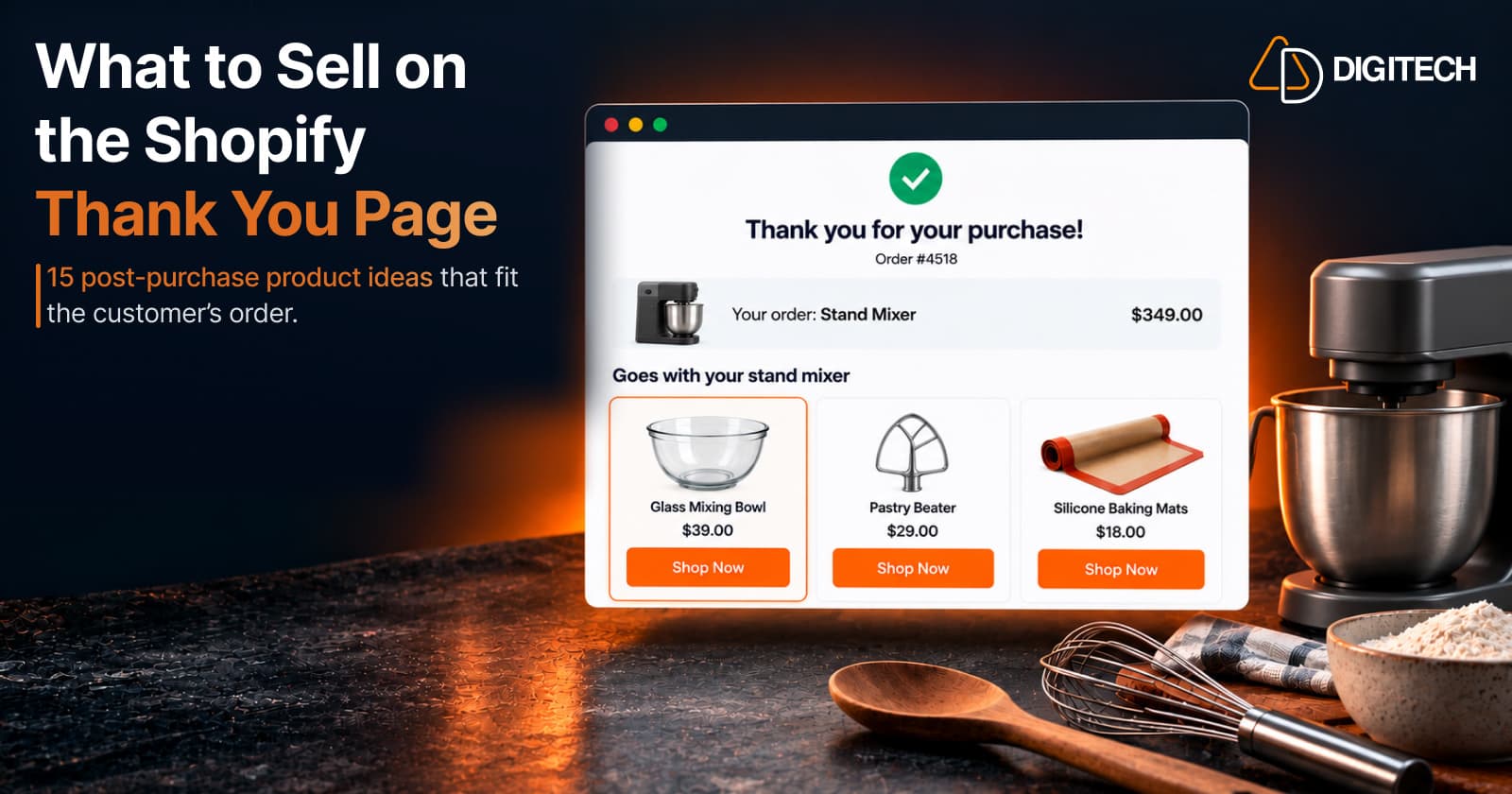
What to Sell on the Shopify Thank You Page: 15 Post-Purchase Product Ideas
Discover 15 Shopify Thank You Page product ideas, from complementary accessories and bundles to upgrades, refills and relevant post-purchase offers.
Read article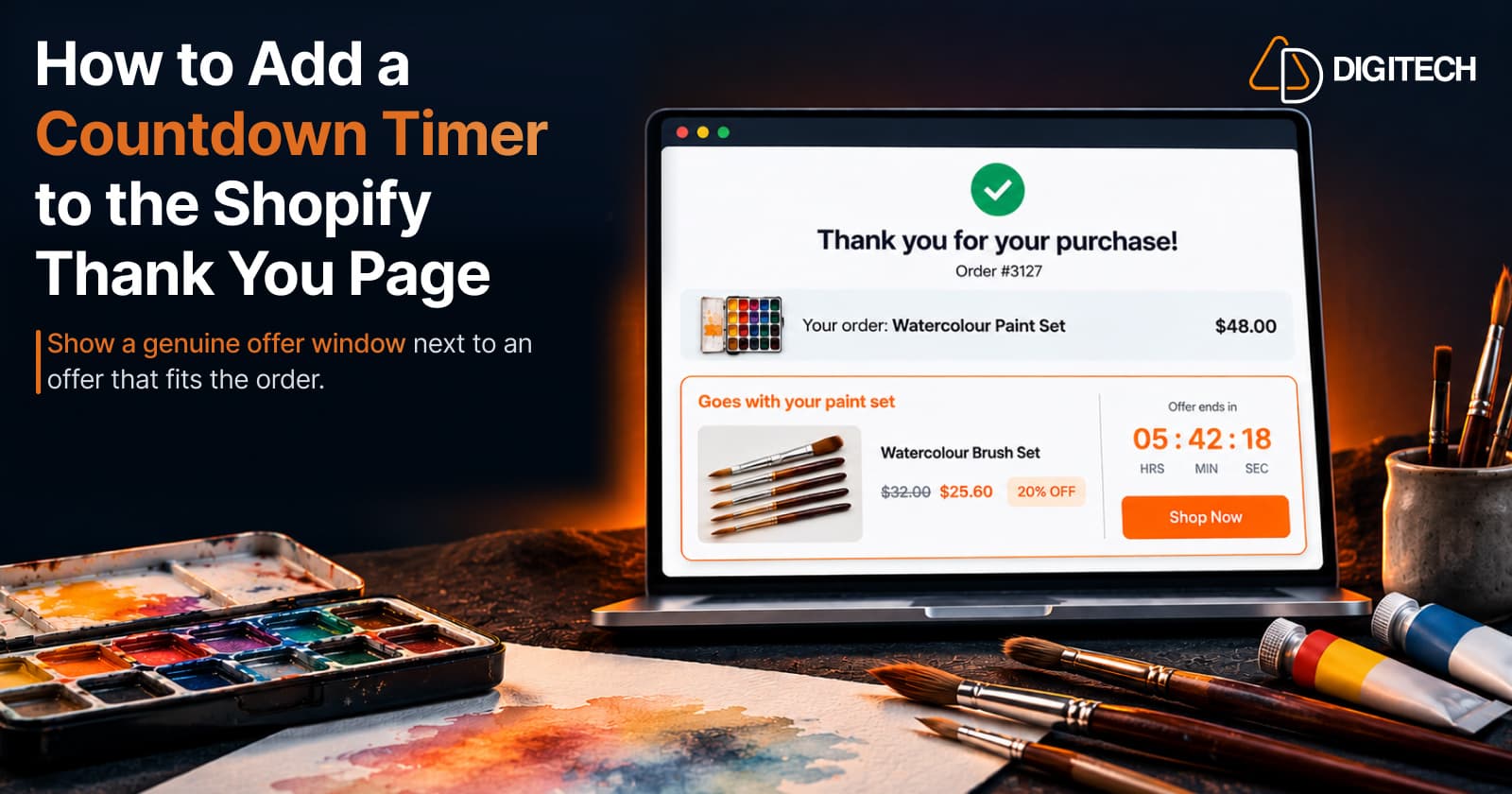
How to Add a Countdown Timer to the Shopify Thank You Page
Learn how to add a countdown timer to the Shopify Thank You Page and use time-sensitive offers, discounts and relevant products to drive post-purchase engagement.
Read article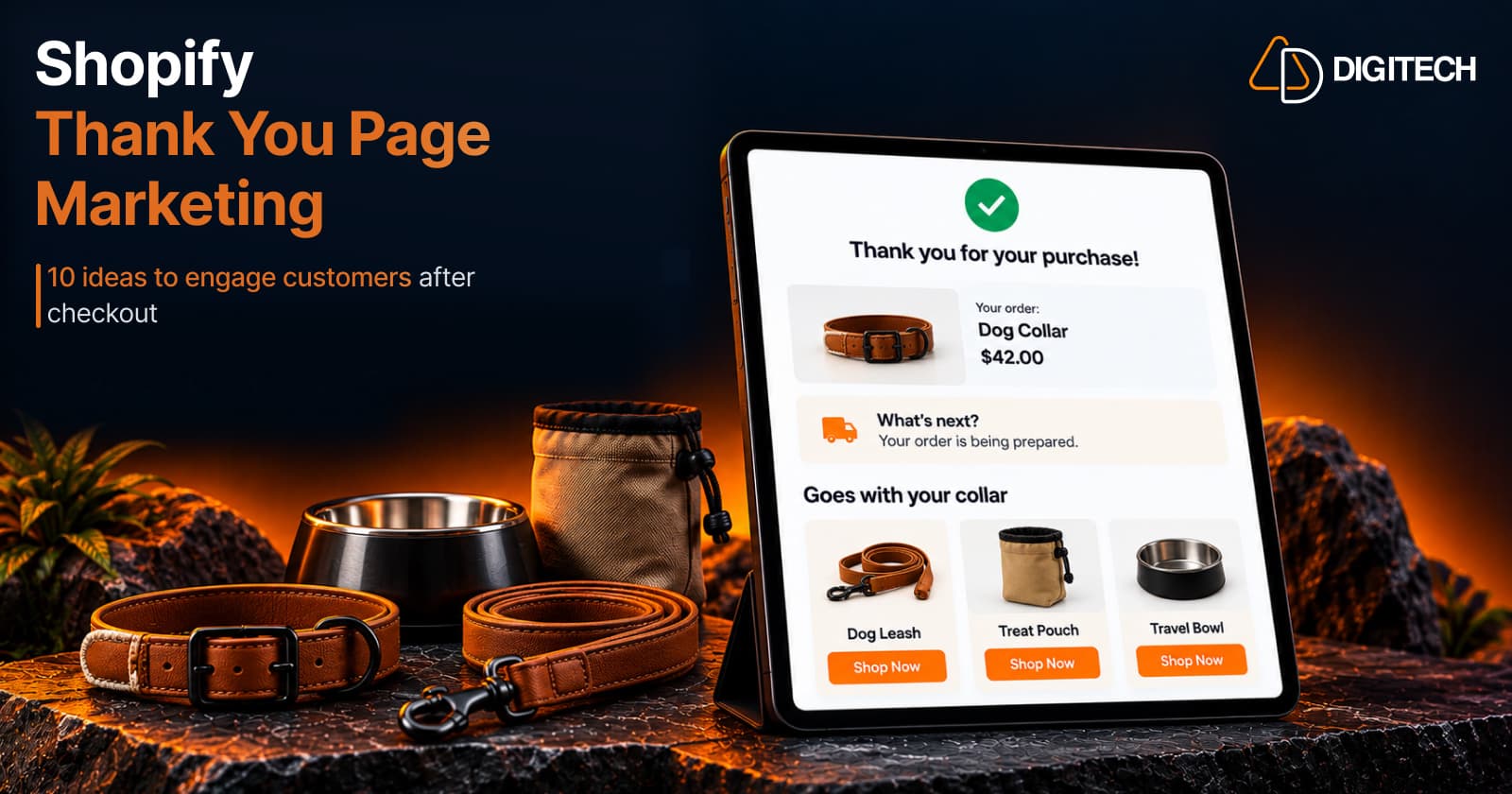
Shopify Thank You Page Marketing: 10 Ideas to Engage Customers After Checkout
Discover 10 Shopify Thank You Page marketing ideas to engage customers after checkout with recommendations, offers, bundles, feedback and useful content.
Read article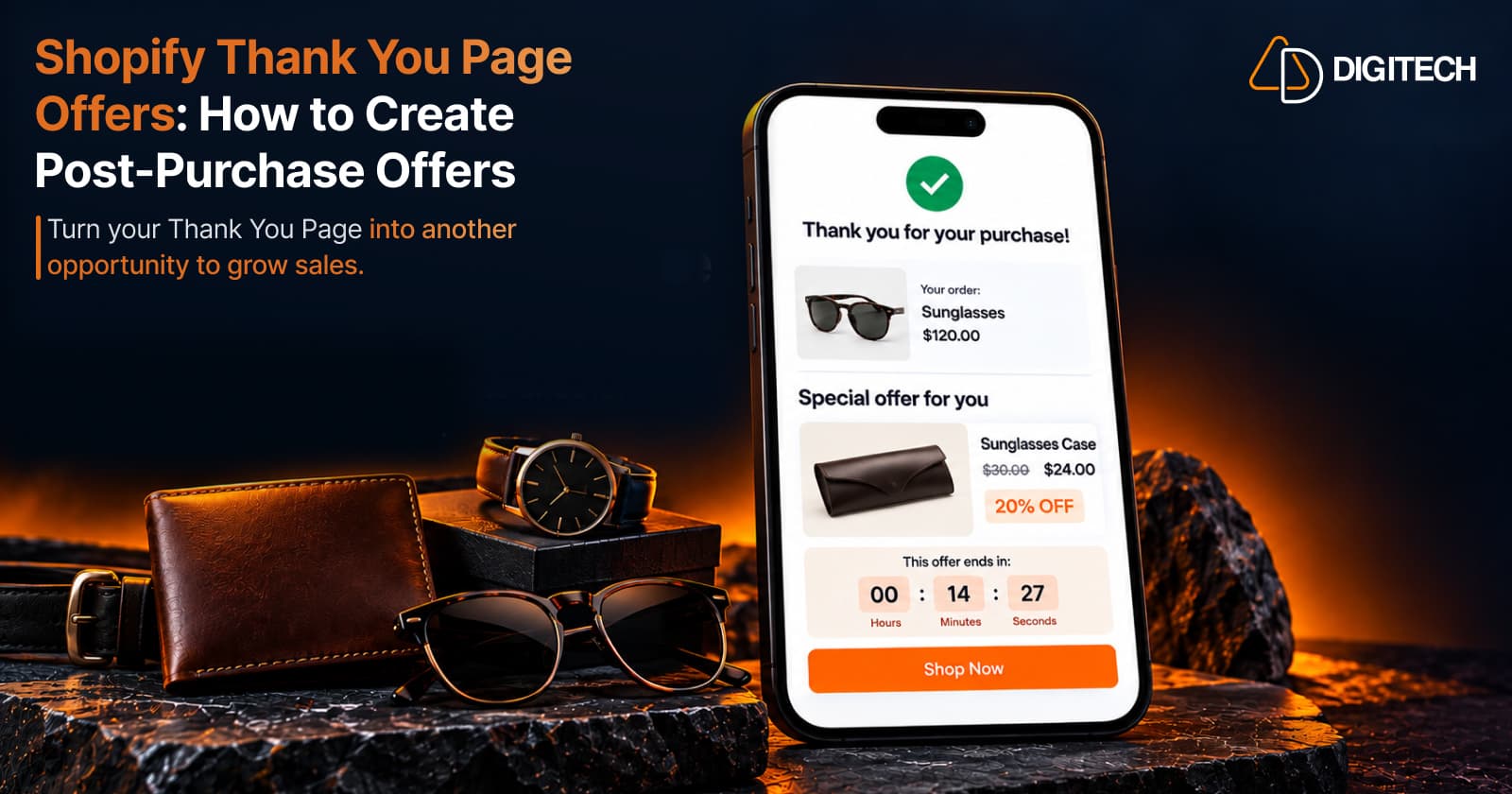
Shopify Thank You Page Offers: How to Create Post-Purchase Offers
Learn how to create Shopify Thank You Page offers with discounts, coupons, countdown timers and relevant promotions to drive additional purchases.
Read article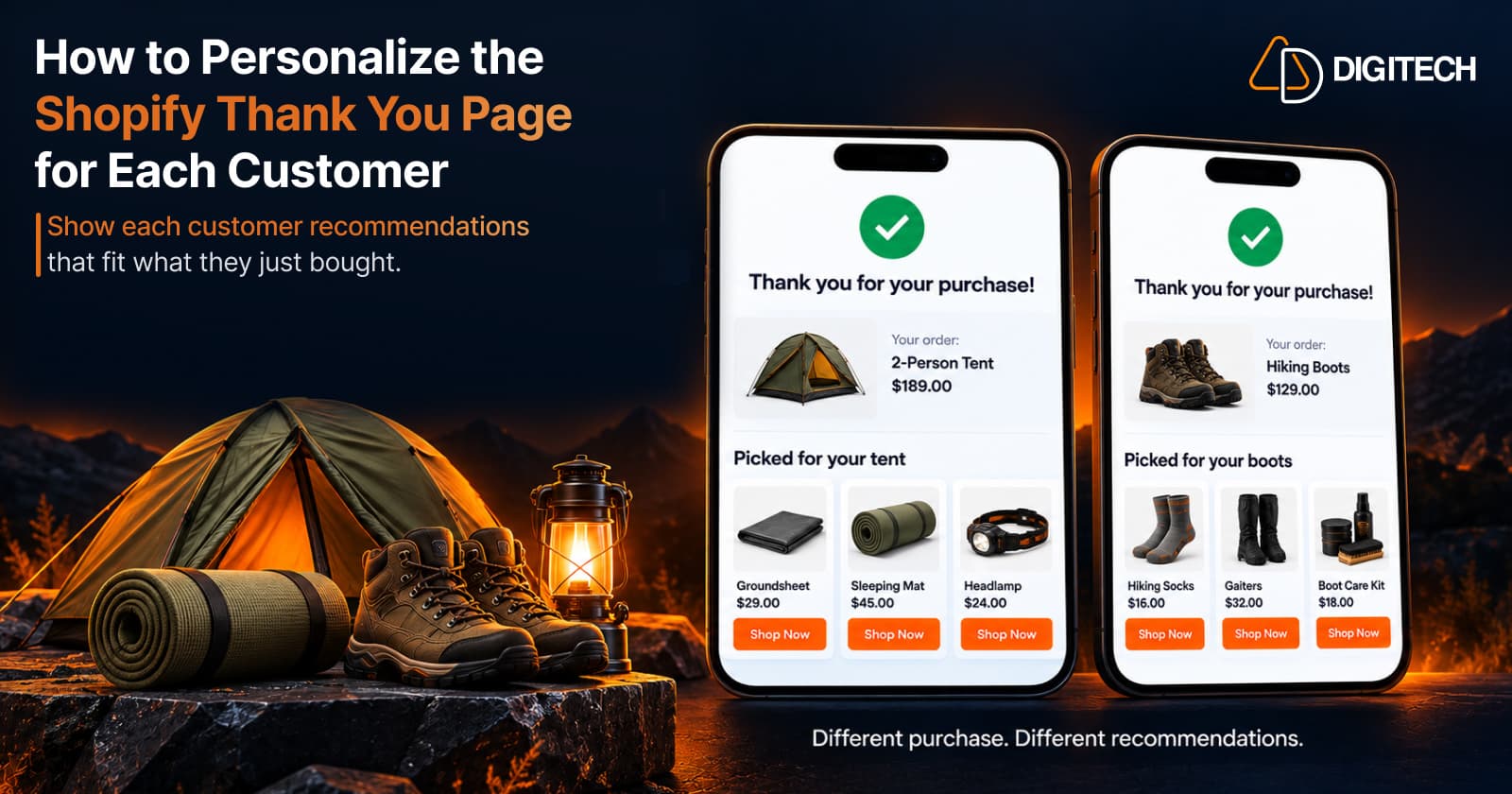
How to Personalize the Shopify Thank You Page for Each Customer
Learn how to personalize the Shopify Thank You Page with relevant recommendations, cross-sells, bundles, offers and post-purchase content.
Read article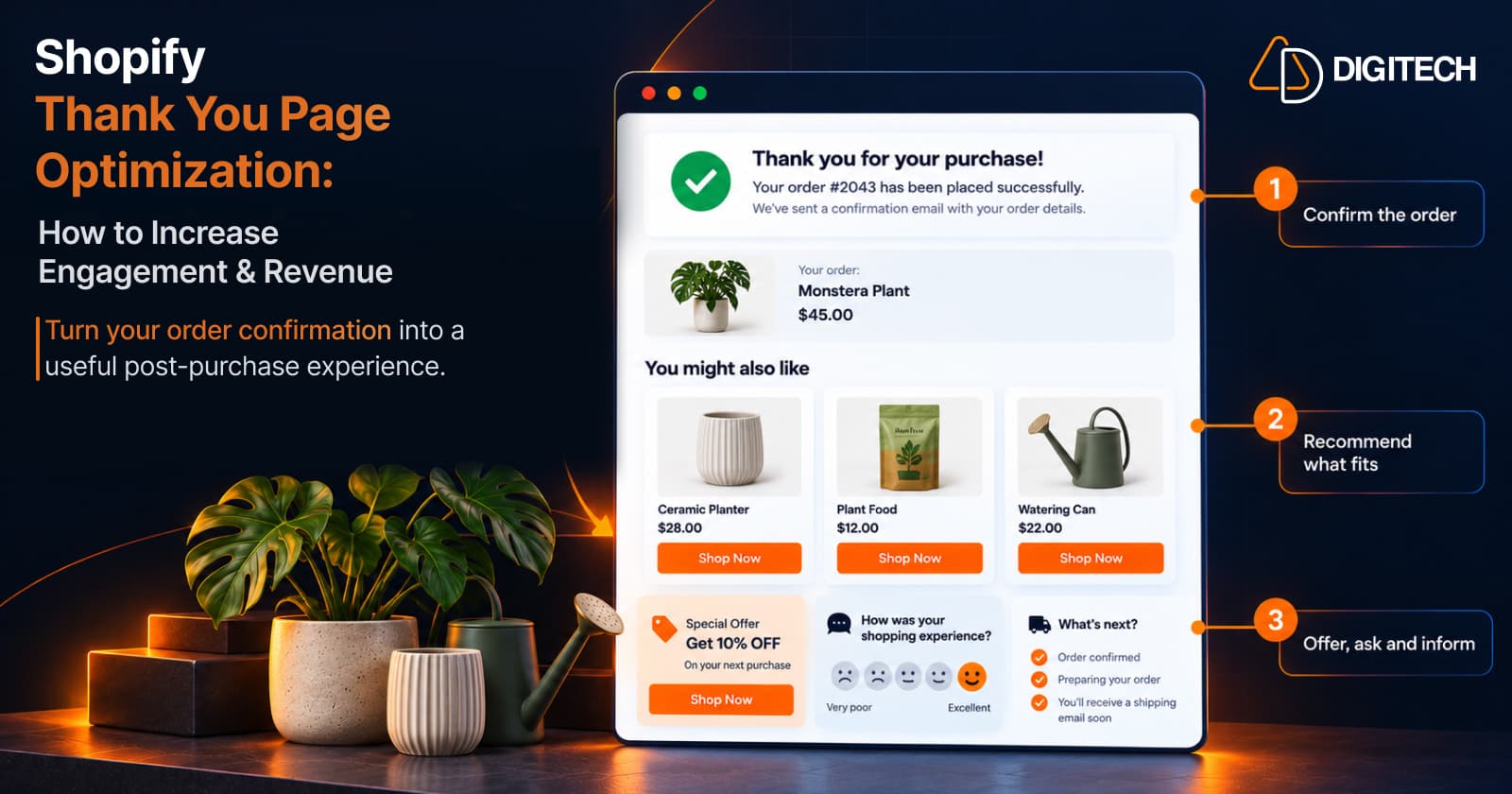
Shopify Thank You Page Optimization: How to Increase Engagement & Revenue
Learn how to optimize your Shopify Thank You Page with recommendations, upsells, bundles, offers and surveys to create a better post-purchase experience.
Read article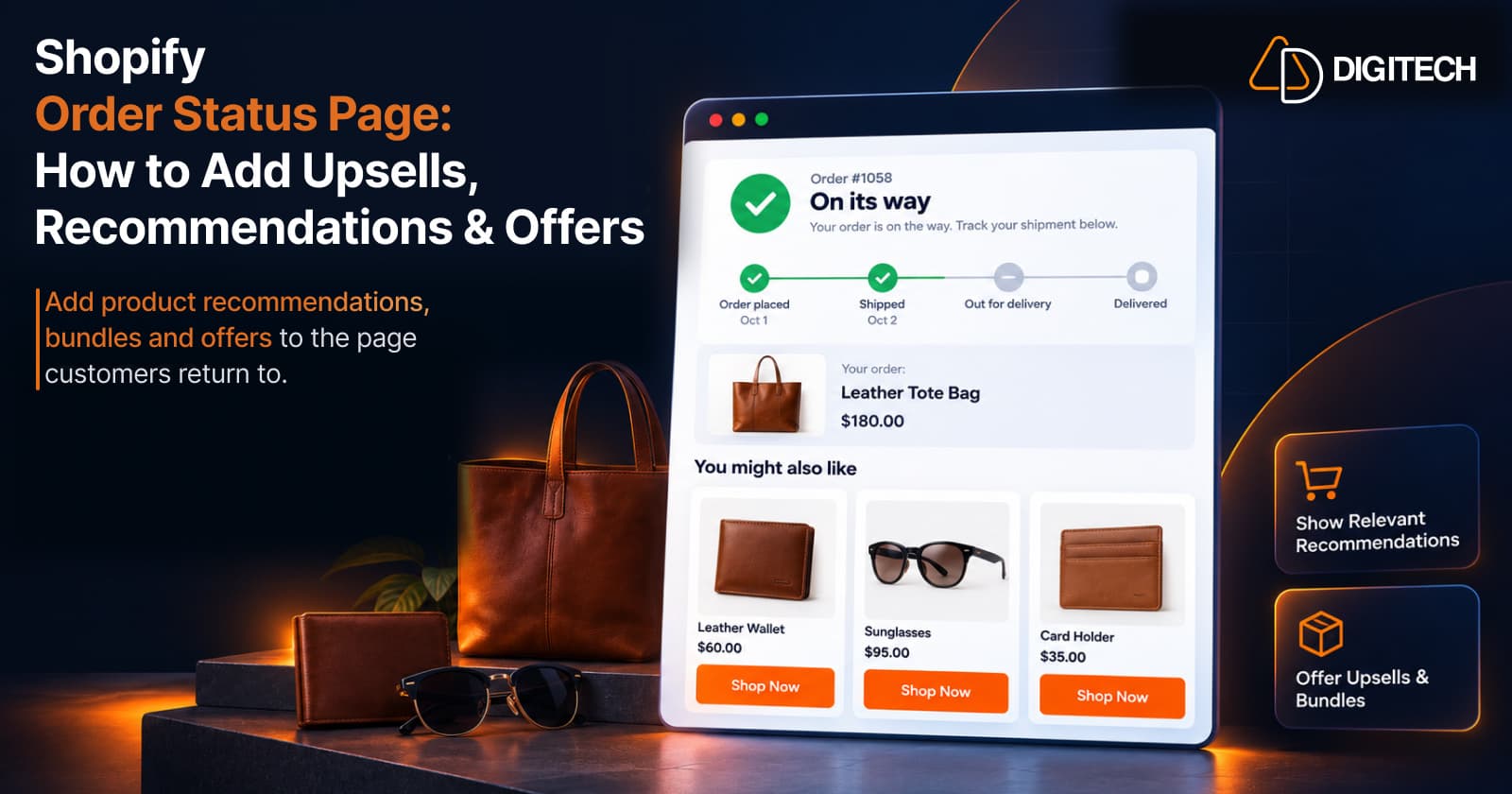
Shopify Order Status Page: How to Add Upsells, Recommendations & Offers
Learn how to customize the Shopify Order Status Page with product recommendations, upsells, bundles and offers to create better post-purchase experiences.
Read article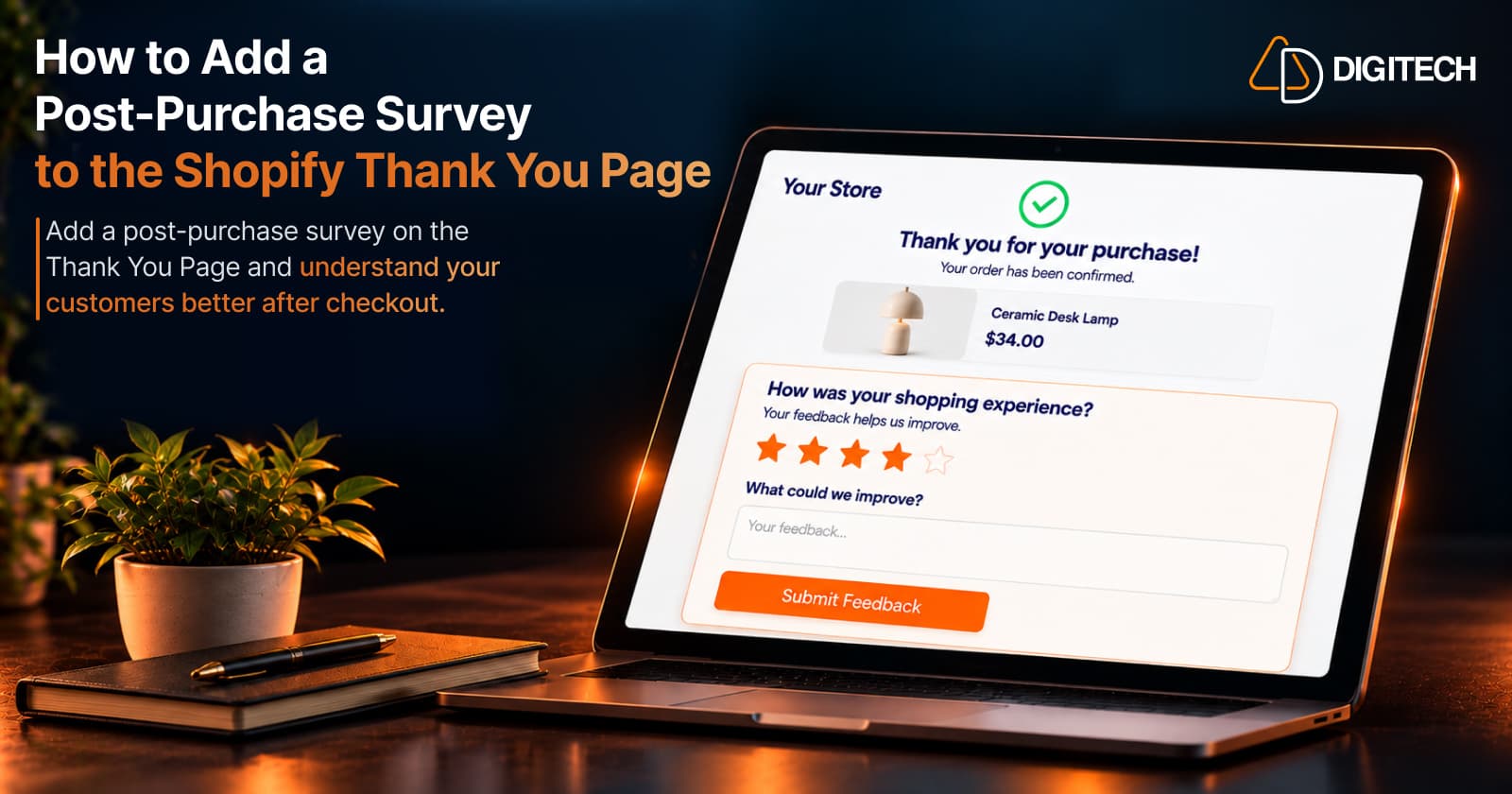
How to Add a Post-Purchase Survey to the Shopify Thank You Page
Learn how to add a Shopify Thank You Page survey, choose better post-purchase questions, collect customer feedback and use responses to improve your store.
Read article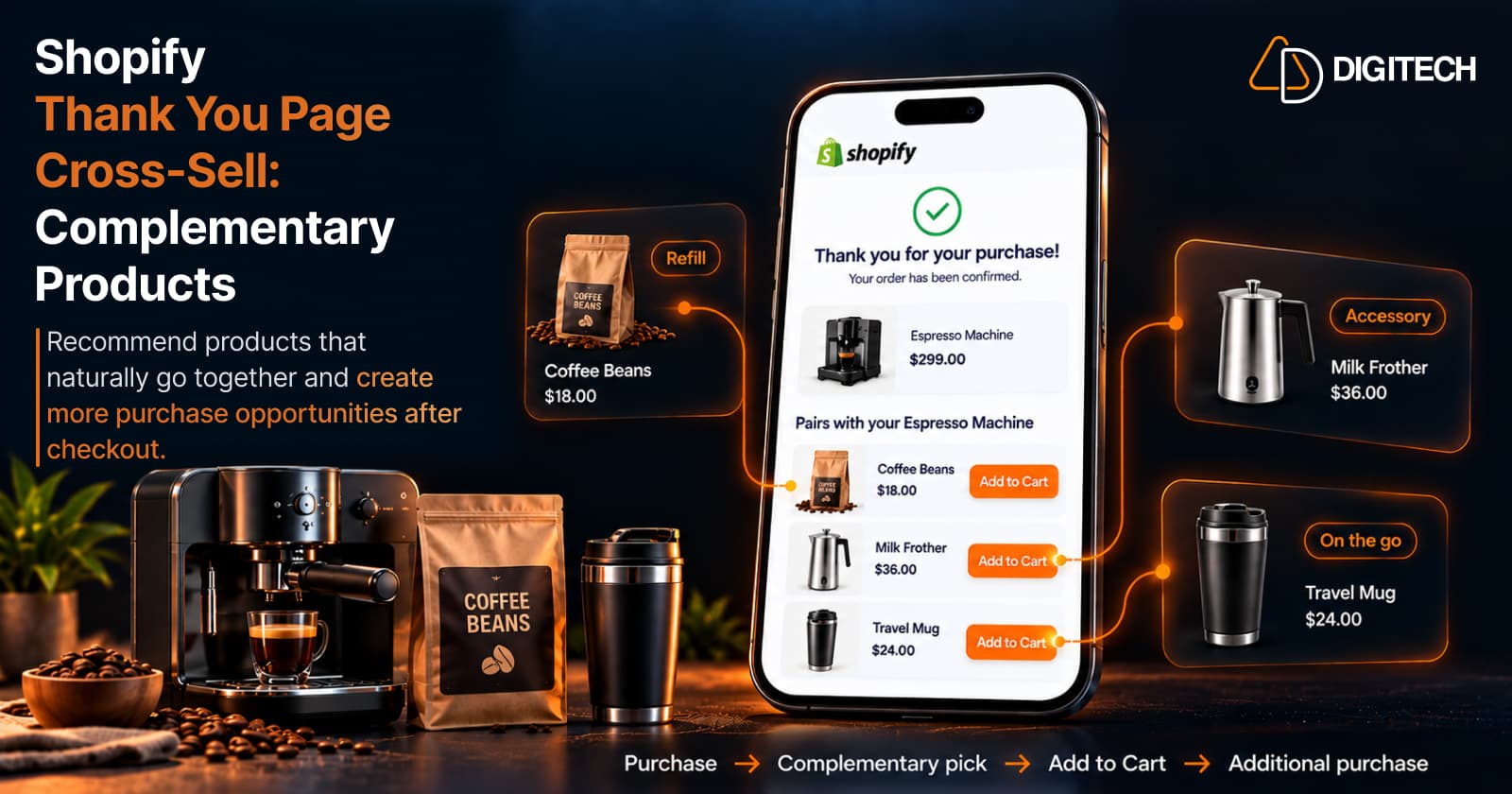
How to Cross-Sell Complementary Products on the Shopify Thank You Page
Learn how to cross-sell complementary products on the Shopify Thank You Page, choose relevant recommendations, and create additional purchase opportunities.
Read article