Shopify Checkout Now Supports Browser AI Agents: What Merchants Need to Know
Shopify checkout now supports browser AI agents through WebMCP. Here's what the September 2026 update means for merchants and store readiness.
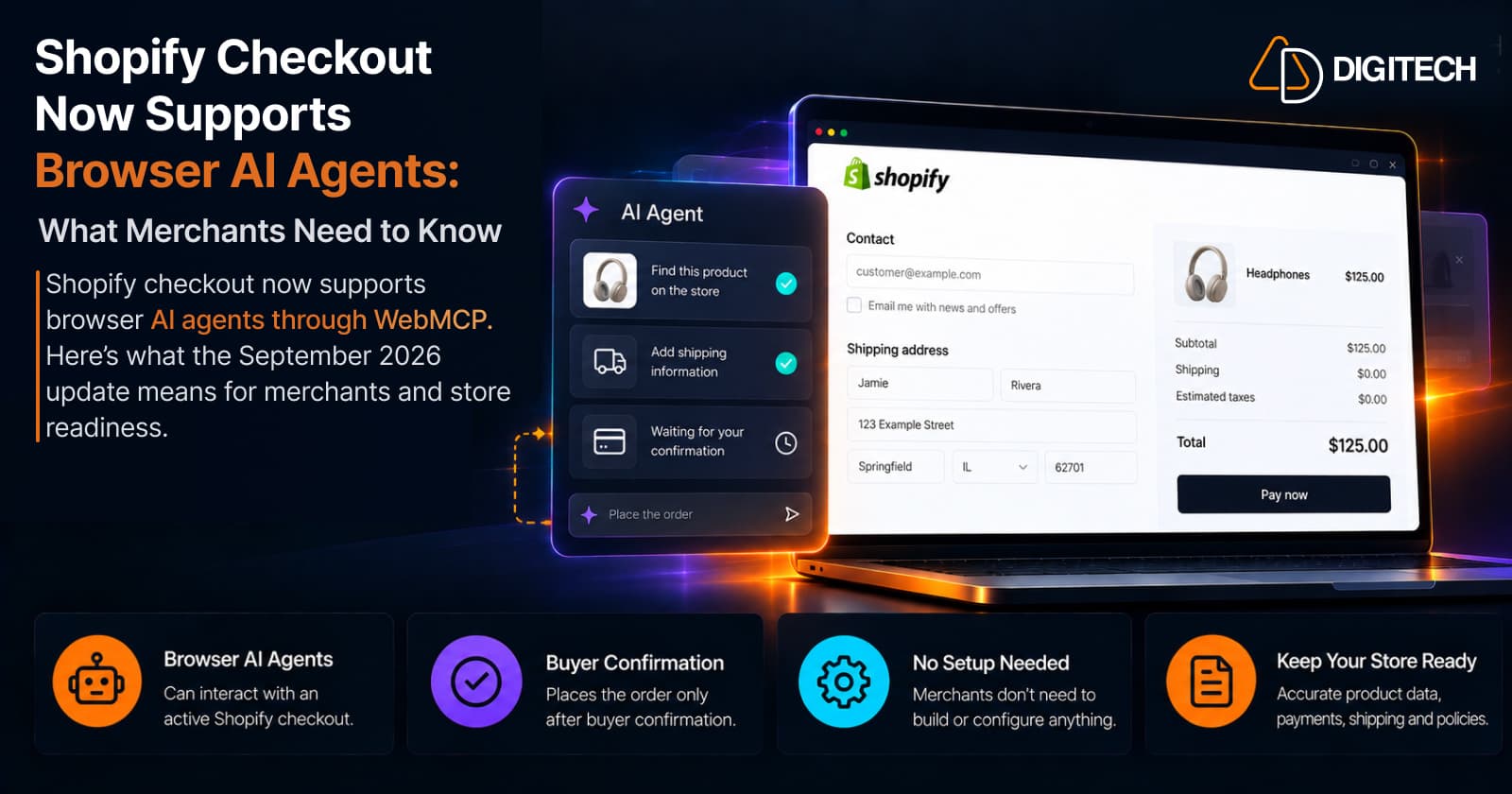
On September 28, 2026, Shopify added WebMCP support for checkout, allowing browser-based AI agents to interact with an active Shopify checkout in the buyer's browser.
Checkout is the step that matters most, because it's where the purchase happens. It's also where Shopify has drawn the clearest lines: the agent works inside your existing checkout, the buyer confirms the order, and some steps still go back to the buyer. Here's what changed, what didn't, and what's worth reviewing in your store now.
What Shopify Changed on September 28, 2026
WebMCP is a proposed web standard that lets a web page offer tools an AI agent in the browser can call, instead of the agent reading the page's code and clicking buttons. Shopify's checkout now registers four of these tools on eligible checkouts:
| What the agent can do | In plain terms |
|---|---|
Read the checkout (get_checkout) | See the items, totals, and messages, and the order receipt after purchase |
Update supported fields (update_checkout) | Fill in contact details, the shipping address, a delivery or pickup option, discount codes, and payment |
Complete the checkout (complete_checkout) | Place the order, only after the buyer confirms it |
Return to the store (navigate_to_storefront) | Leave checkout and go back to the storefront |
Three details matter for merchants:
- The agent acts on the active checkout in the buyer's own browser session, and the buyer sees every change on the checkout page.
- The tools run inside Shopify's checkout and use the same state and validation as the checkout itself. Shopify says they don't expose a new API.
- The agent can't change which items are being bought at checkout. The buyer changes items on the page.
How This Changes the AI Shopping Journey
This builds on an August 5, 2026 update, when Shopify made WebMCP tools available on every Liquid storefront and on the Hydrogen developer preview. Those tools let an agent search the catalog, open products and variants, manage the cart, answer questions from the store's policies and FAQs, and take the shopper to checkout. Until now, that's where the agent's help stopped.
| Stage | What a browser agent can potentially do | What still matters |
|---|---|---|
| Discovery | Search your catalog and collections | Clear product titles, descriptions, and collections |
| Evaluation | Compare variants, prices, and stock | Accurate options, prices, and inventory |
| Cart | Add, change, or remove items | A cart that behaves as it does for a human |
| Checkout | Fill in contact, delivery, discount, and payment details | Correct shipping rates, discounts, and payment setup |
| Buyer confirmation | Ask the buyer to approve the order and total | The buyer's decision |
| Order confirmation | Read the receipt on the Thank you page | Accurate order details |
For how agents weigh products in the earlier stages, see how AI shopping agents compare products on Shopify stores.
Keep expectations realistic. In its August announcement, Shopify noted that WebMCP is still an emerging standard and that agent support was limited to Chromium-based browsers through an origin trial. This is early, and most shoppers still check out the usual way.
What "Buyer Confirmation" Actually Means
"AI can complete checkout" is easy to misread. Shopify's design keeps the buyer in control at the point of purchase:
- The buyer approves the order. Shopify's documentation tells agents to show the buyer the current order and total and get their permission before placing it, and to ask again if the total changes. A checkout being ready, or a Shop Pay approval, doesn't count as that permission.
- Some steps only the buyer can do. When checkout needs the buyer's own input, such as 3D Secure authentication, a Shop Pay login, a review step, or a blocking checkout extension, control goes back to the buyer on the checkout page.
- Some checkouts don't offer agent tools at all. These include the standard three-page checkout (unless the buyer uses Shop Pay), embedded checkouts and mobile checkout SDKs, checkouts containing another shop's products, and draft orders, order edits, and payment collection. The buyer completes those on the page as usual.
- Agent payment options are narrow. The agent can select a buyer's saved Shop Pay card, or use a Shop Pay approval for a guest checkout. Otherwise, it relies on the payment the buyer has set up on the checkout page.
The realistic picture is an assistant that prepares the checkout and leaves the final decision, and any security step, to the buyer.
Does a Shopify Merchant Need to Do Anything?
No setup is required. Shopify says the checkout tools don't require merchant configuration, and the storefront tools needed nothing installed either. There's no WebMCP app to add.
But "no configuration required" isn't the same as "nothing to review." An agent uses your real checkout with your real rules, so anything that confuses or blocks a human buyer will affect an agent-assisted one too. One thing doesn't change, in Shopify's words: "The merchant always remains the merchant of record."
What This Means for Shopify Store Readiness
WebMCP does not require a merchant-side setup, but merchants should still maintain a reliable underlying commerce and checkout experience. None of the following are official WebMCP requirements or ranking factors. They're general Shopify commerce and checkout readiness steps that make any checkout, human or agent-assisted, work reliably:
- Keep product and variant data accurate. Agents read options, prices, and stock straight from your catalog. Our guide to Shopify product data management covers keeping it clean at scale.
- Make pricing and availability clear, including sale prices and out-of-stock variants.
- Keep shipping and pickup rules accurate. Agents can select delivery options and pickup locations, so wrong or missing rates surface quickly.
- Review discount behavior. Agents can add discount codes, and Shopify notes that an accepted code doesn't always mean it applied. Check that combinations and limits behave as intended.
- Make checkout customizations intentional. Required fields and interactive checkout extensions hand control back to the buyer.
- Check your checkout layout. On the three-page layout, agent tools only appear for Shop Pay buyers.
- Test payment methods and authentication flows, including Shop Pay and 3D Secure.
- Keep policies and FAQs accurate. Storefront tools can answer shipping and returns questions from your store's own content.
- Review apps and custom code that touch checkout, and remove what's no longer needed.
- Test the normal human checkout end to end. An agent uses the same checkout, so this is still your best test.
What This Does NOT Mean
| Myth | Reality |
|---|---|
| AI agents can now buy anything from any Shopify store without the shopper. | Orders are placed only after the buyer confirms, some steps return to the buyer, and some checkouts offer no agent tools. |
| Merchants need to build a WebMCP integration. | Shopify says the checkout tools require no merchant configuration. |
| This replaces Shopify checkout. | The agent works inside your existing checkout, using its state and validation. |
| Every checkout works the same for every agent. | Checkout layout, payment method, extensions, and browser support all affect what an agent can do. |
WebMCP vs Shopify's Broader Agentic Commerce
These are related but separate pieces:
| Technology | What it does | Why a merchant cares |
|---|---|---|
| Storefront WebMCP tools (Aug 2026) | Let browser agents search, browse, and manage the cart | Liquid storefronts get these tools with no setup |
| Checkout WebMCP (Sep 2026) | Lets browser agents read, fill in, and complete checkout after buyer confirmation | Your checkout rules apply to agent-assisted buyers too |
| UCP and Checkout MCP | Shopify's open protocol and server-side tools for agents that run outside the buyer's browser | UCP powers shopping in AI channels such as Microsoft Copilot |
| Agentic Storefronts | Gets your products into AI channels automatically, with sales tracking | Where AI-channel discovery and sales show up |
Checkout WebMCP is a separate browser-based capability that lets AI agents interact with Shopify checkout in the shopper's active browser session. UCP is Shopify's broader open standard for agentic commerce across the commerce journey. For the wider picture, see our guide to agentic commerce on Shopify.
What Shopify Merchants Should Review Before Holiday Traffic
With Black Friday on November 27, 2026, the priority isn't building for agents. It's making sure your checkout works for everyone who reaches it. Before peak traffic, test checkout end to end on mobile and desktop, confirm payment methods and 3D Secure flows, check discount combinations, verify shipping rates and inventory, and review every checkout app or extension. Our pre-peak Shopify checkout review walks through the details.
The Practical Takeaway
Merchants don't suddenly need to "build for AI agents." What's changed is that Shopify is making its existing commerce infrastructure, now including checkout, usable by browser-based AI agents, with the buyer still confirming the purchase.
That puts the focus back on fundamentals: accurate catalog data, reliable cart and checkout behavior, clear policies, and correct pricing, shipping, and payment settings. A store that works well for a human buyer is in the best position however customers arrive. It's also worth watching how agent support develops, since WebMCP is still an emerging standard.
If your store needs a technical review before peak season, or custom checkout, integration, or AI-commerce work, the AD Digitech team can help.
Frequently asked questions
What is Shopify WebMCP checkout?
It's a set of tools Shopify's checkout provides to AI agents running in a buyer's browser. Using WebMCP, a proposed web standard, the agent can read the checkout, fill in supported details, and place the order after the buyer confirms it.
Can AI agents complete a Shopify checkout without the customer?
No. Shopify's checkout tools place an order only after the buyer confirms it, and steps such as 3D Secure authentication or blocking checkout extensions go back to the buyer. Some checkouts don't offer agent tools at all.
Do Shopify merchants need to configure WebMCP?
No. Shopify says the WebMCP checkout tools don't require merchant configuration, and the storefront tools launched in August needed nothing installed either.
Does WebMCP replace Shopify checkout?
No. The tools run inside Shopify's existing checkout and use the same state and validation as the checkout page. The buyer sees every change, and the merchant remains the merchant of record.
What should merchants review to prepare for AI-assisted shopping?
The same things that make any checkout reliable: accurate products, variants, prices, and inventory, correct shipping and discounts, tested payment and authentication flows, intentional checkout customizations, and up-to-date policies and FAQs.
Building something on Shopify?
We design, build, and maintain Shopify apps, stores, and AI products — to the standard this article describes.
Related reading
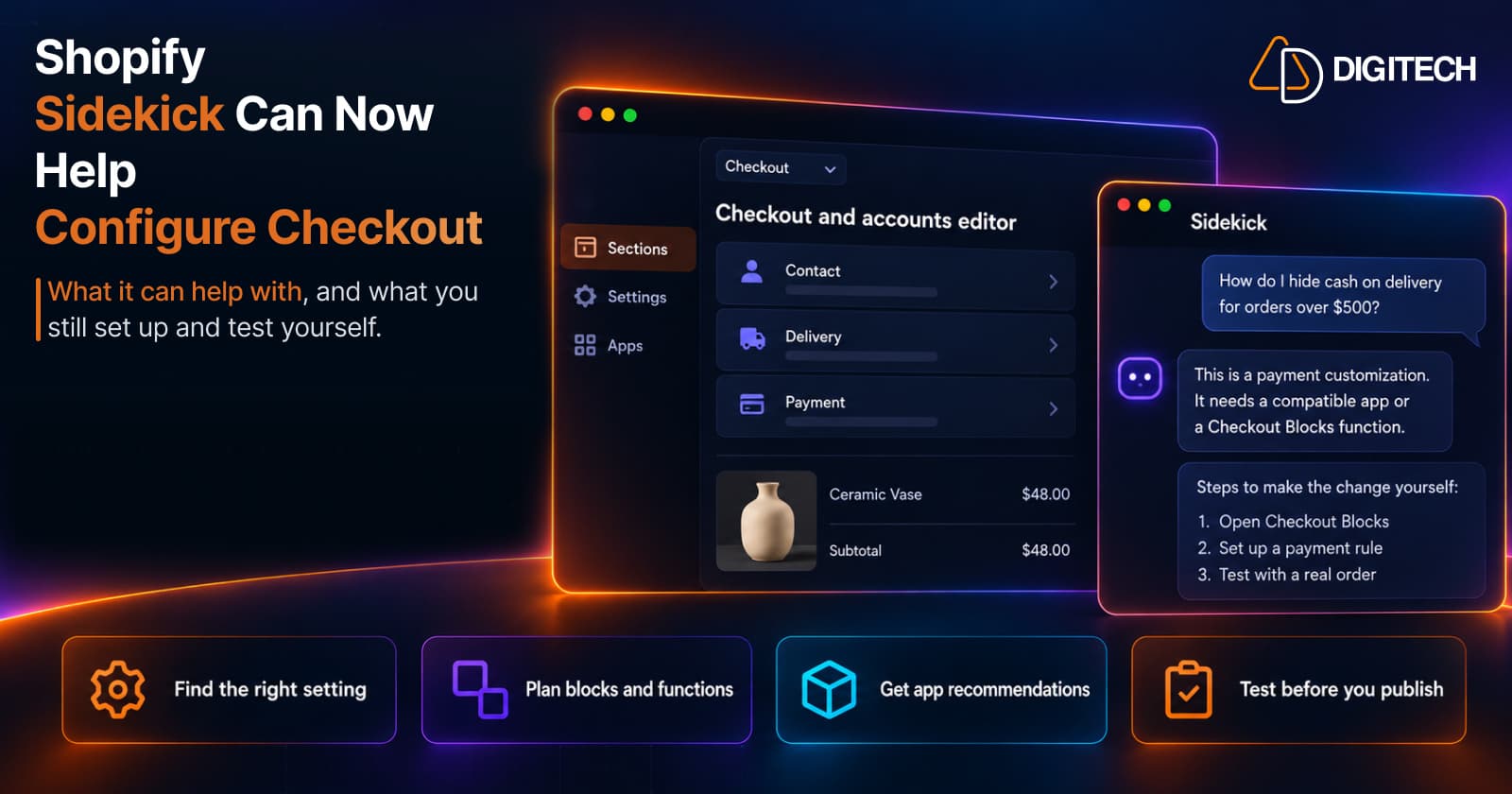
Shopify Sidekick Can Now Help Configure Checkout: What Merchants Should Know in 2026
On October 13, 2026, Shopify added Sidekick to the checkout and accounts editor and the Checkout Blocks app. Here's what it can help with, what you still configure yourself, and the plan limits to know.
Read article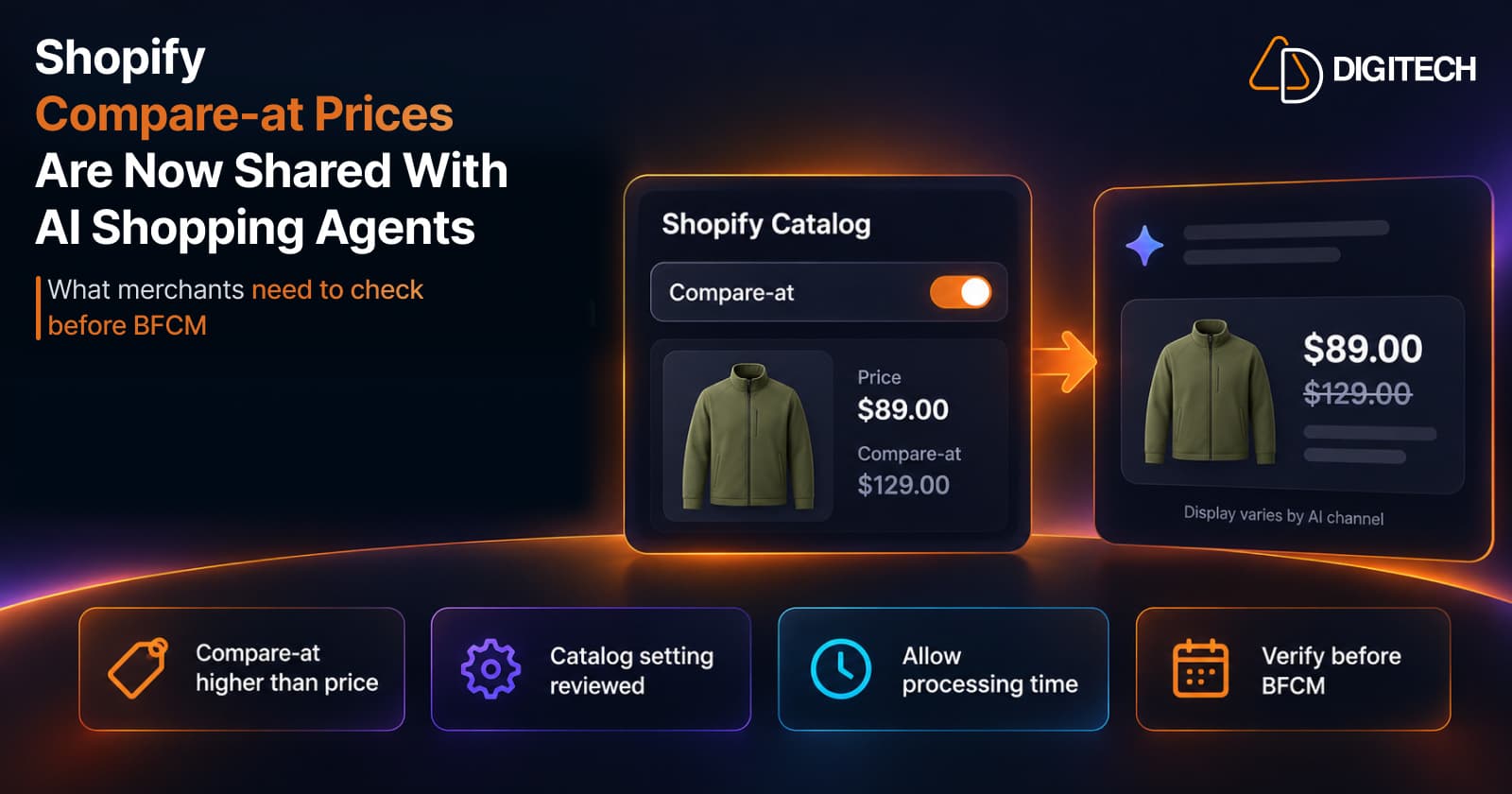
Shopify Compare-at Prices Are Now Shared With AI Shopping Agents: What Merchants Need to Check Before BFCM
Shopify Catalog can now send compare-at prices to AI shopping agents. Here's where the setting lives, how it works, and what to check before BFCM.
Read article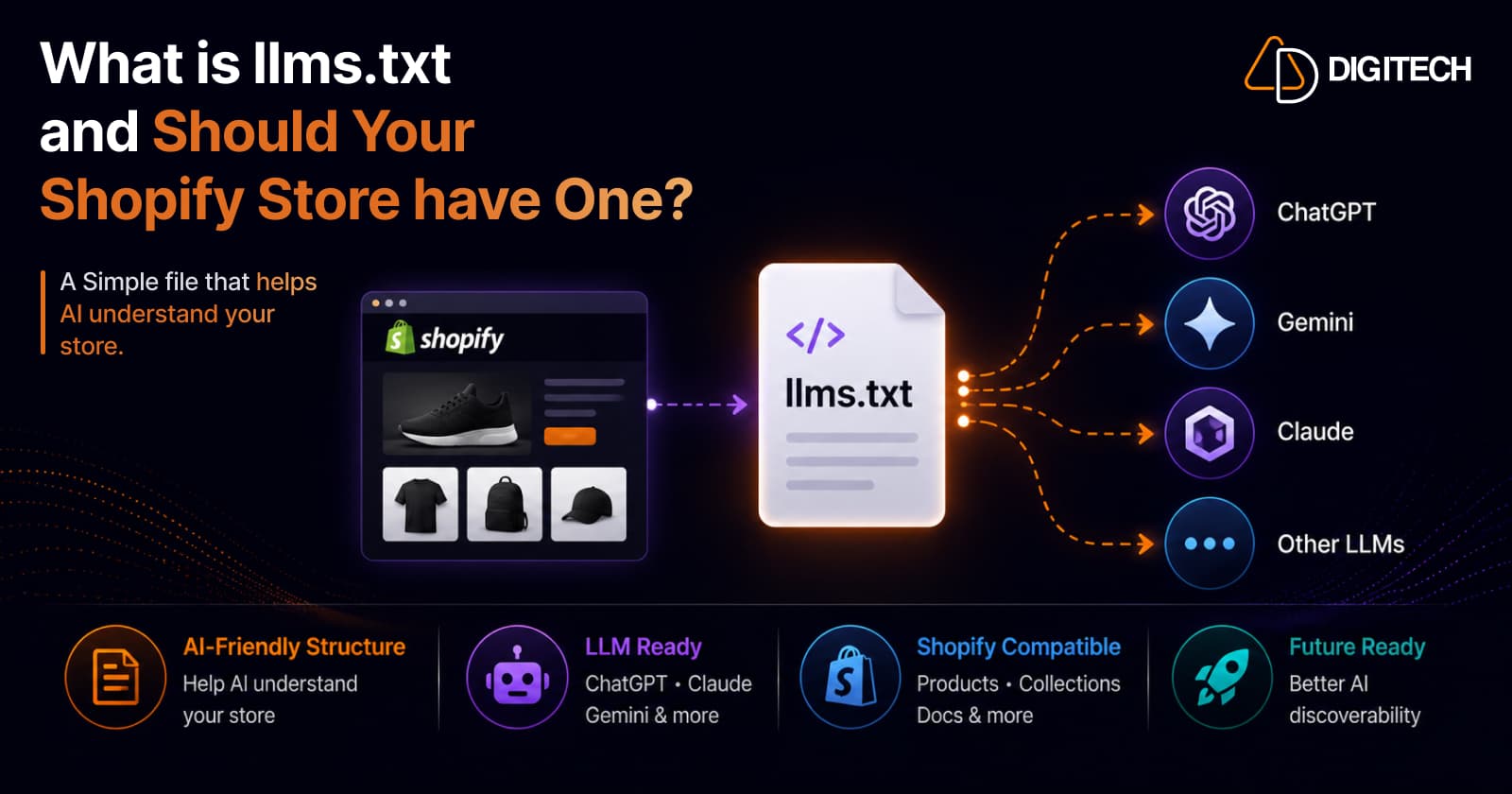
What Is llms.txt and Should Your Shopify Store Have One?
llms.txt is a proposed file that tells AI models which of your pages matter. But here's the honest truth: no major AI platform has confirmed it reads them, and Google said no on the record. So should your Shopify store have one? A qualified yes — as cheap insurance, not a strategy. Here's what it is, what the evidence actually shows, and where AI visibility really comes from.
Read article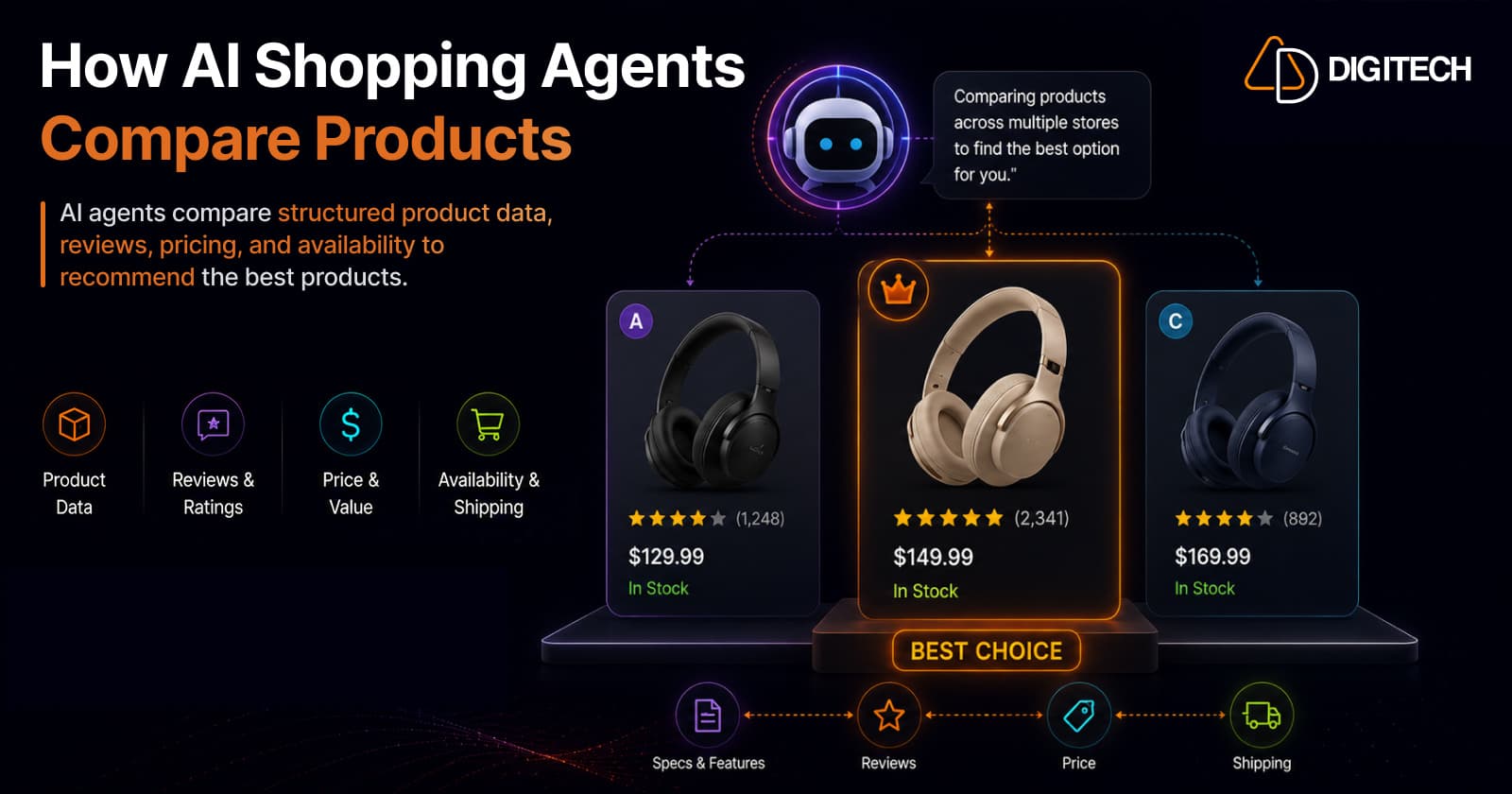
How AI Shopping Agents Compare Products on Shopify Stores
When a shopper asks an AI for the best product, the agent doesn't browse like a human — it reads structured product data across dozens of stores and compares them head-to-head on attributes, value, price, and reviews, then picks winners. Here's exactly how that comparison works, the signals it weighs, and how to make your Shopify products win the shortlist.
Read article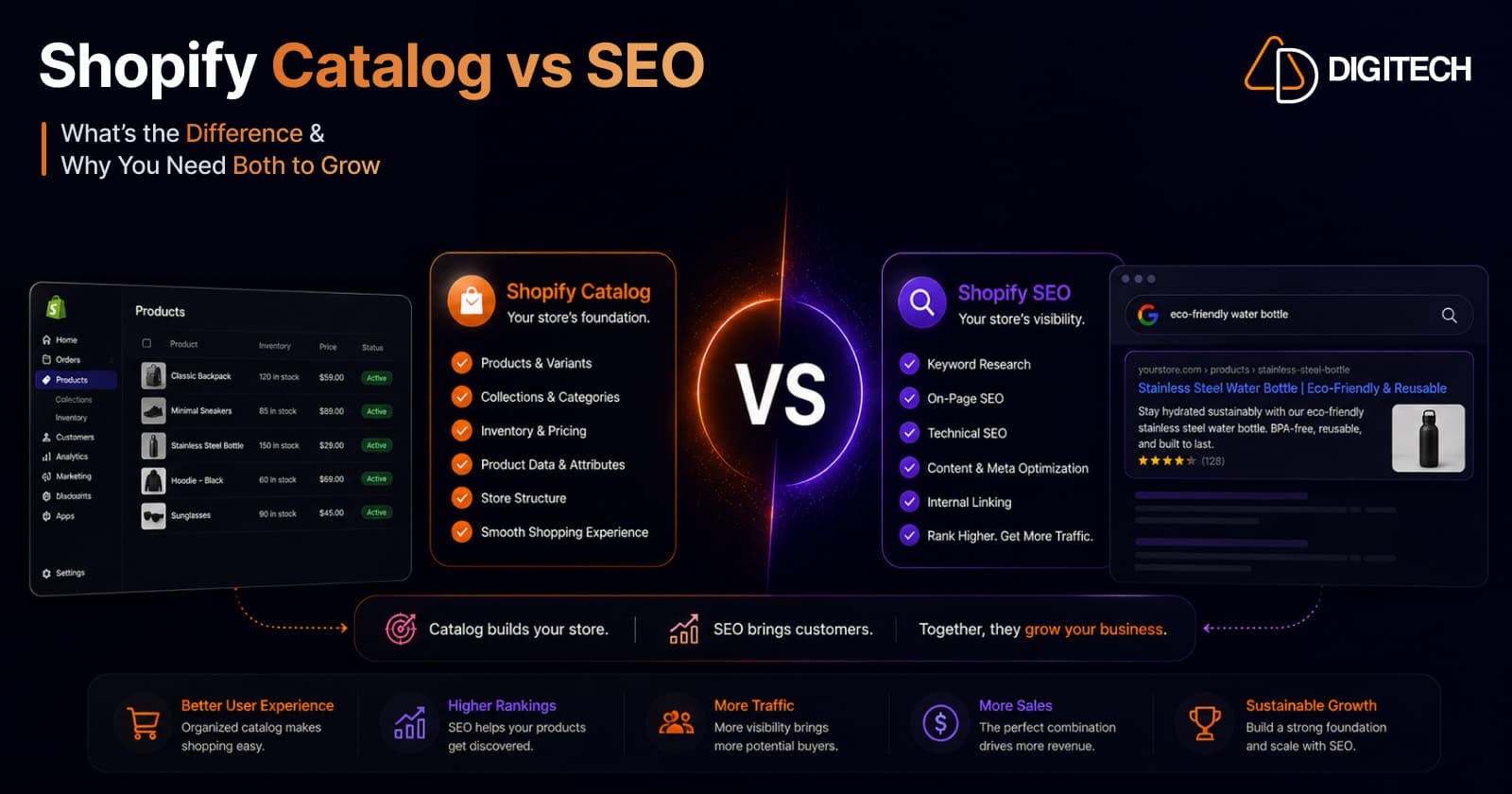
Why Your Shopify Product Catalog Matters More Than SEO in 2026
Discovery is moving from ranked web pages to AI agents that read structured product data. In 2026, the quality of your Shopify Catalog — not your meta tags and backlinks — increasingly decides whether AI recommends and sells your products. Here's why the catalog is the new front page, and what to do about it.
Read article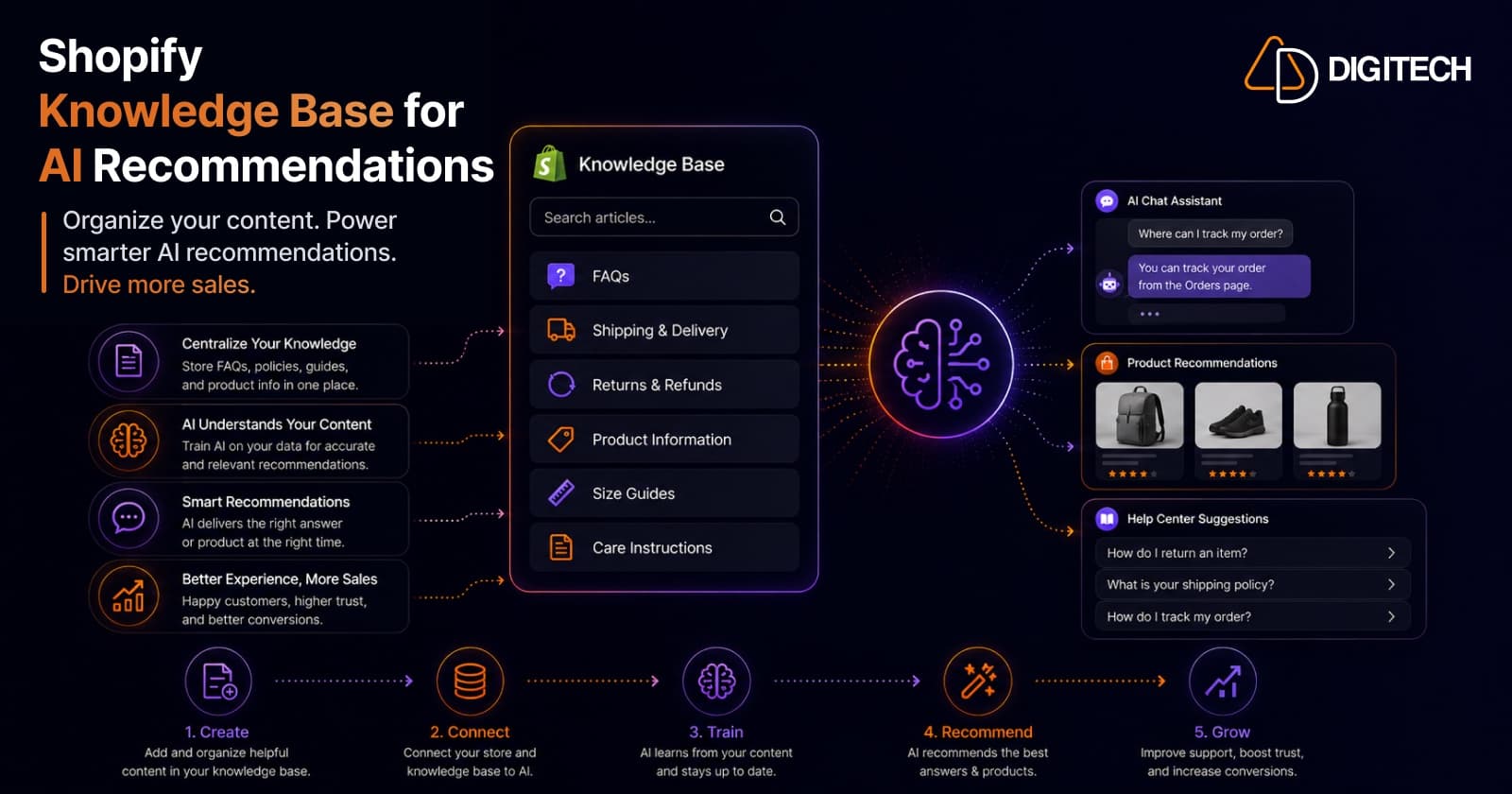
How Shopify Knowledge Base Helps AI Recommend Your Products
AI assistants only recommend products they understand and can answer questions about. Shopify's Knowledge Base feeds your brand context — policies, FAQs, and brand voice — directly to AI, so agents represent you accurately and recommend you instead of a competitor. Here's how it works, why it matters, and what to put in it.
Read article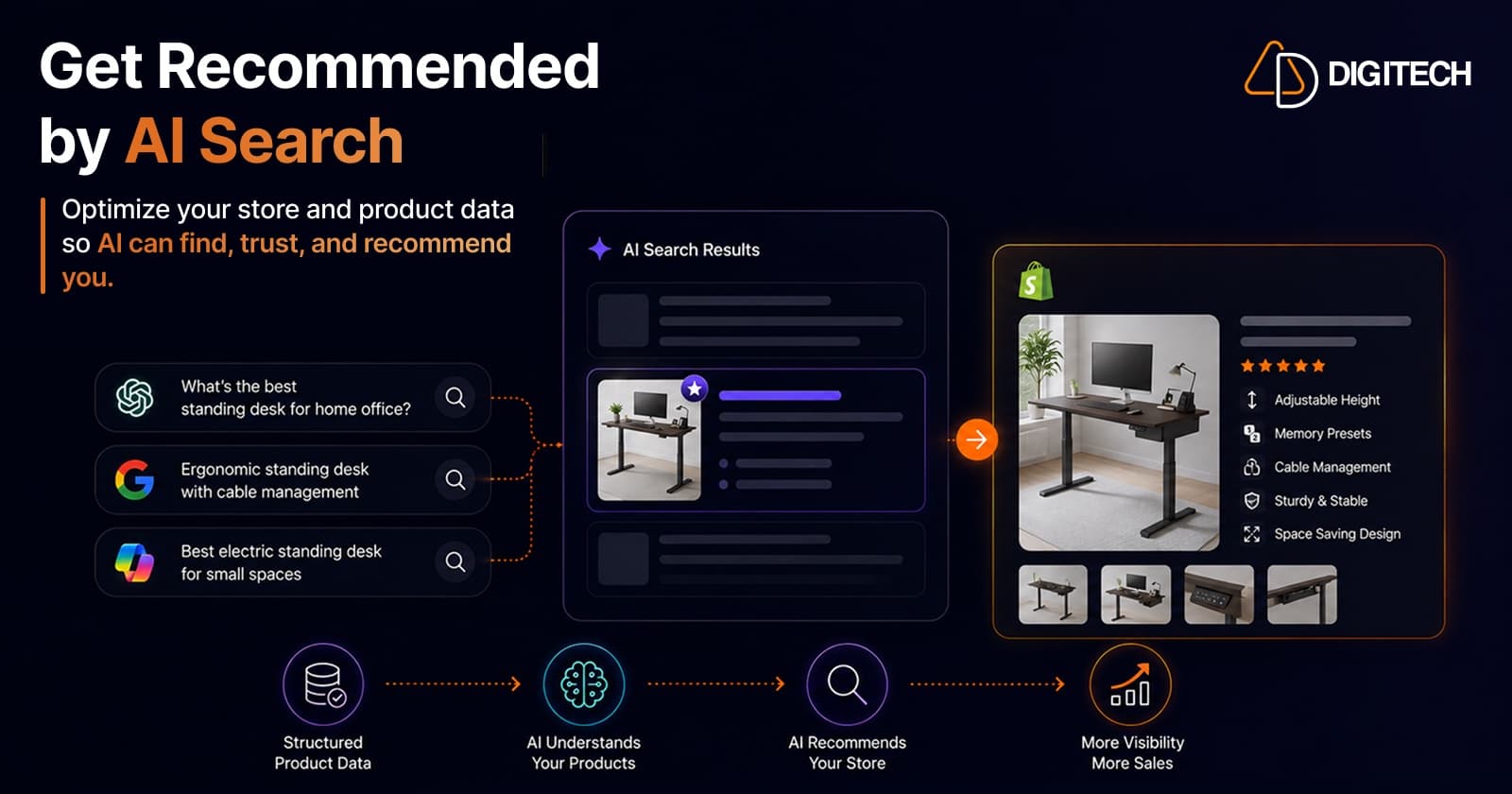
How Shopify Brands Can Get Recommended by ChatGPT, Claude & AI Search Engines
ChatGPT, Claude, and Perplexity now recommend products directly to shoppers. Here's how Shopify brands earn those recommendations — a practical 2026 guide to Generative Engine Optimization (GEO): the signals AI models trust, what to fix on-site and off-site, and how to measure your AI visibility.
Read article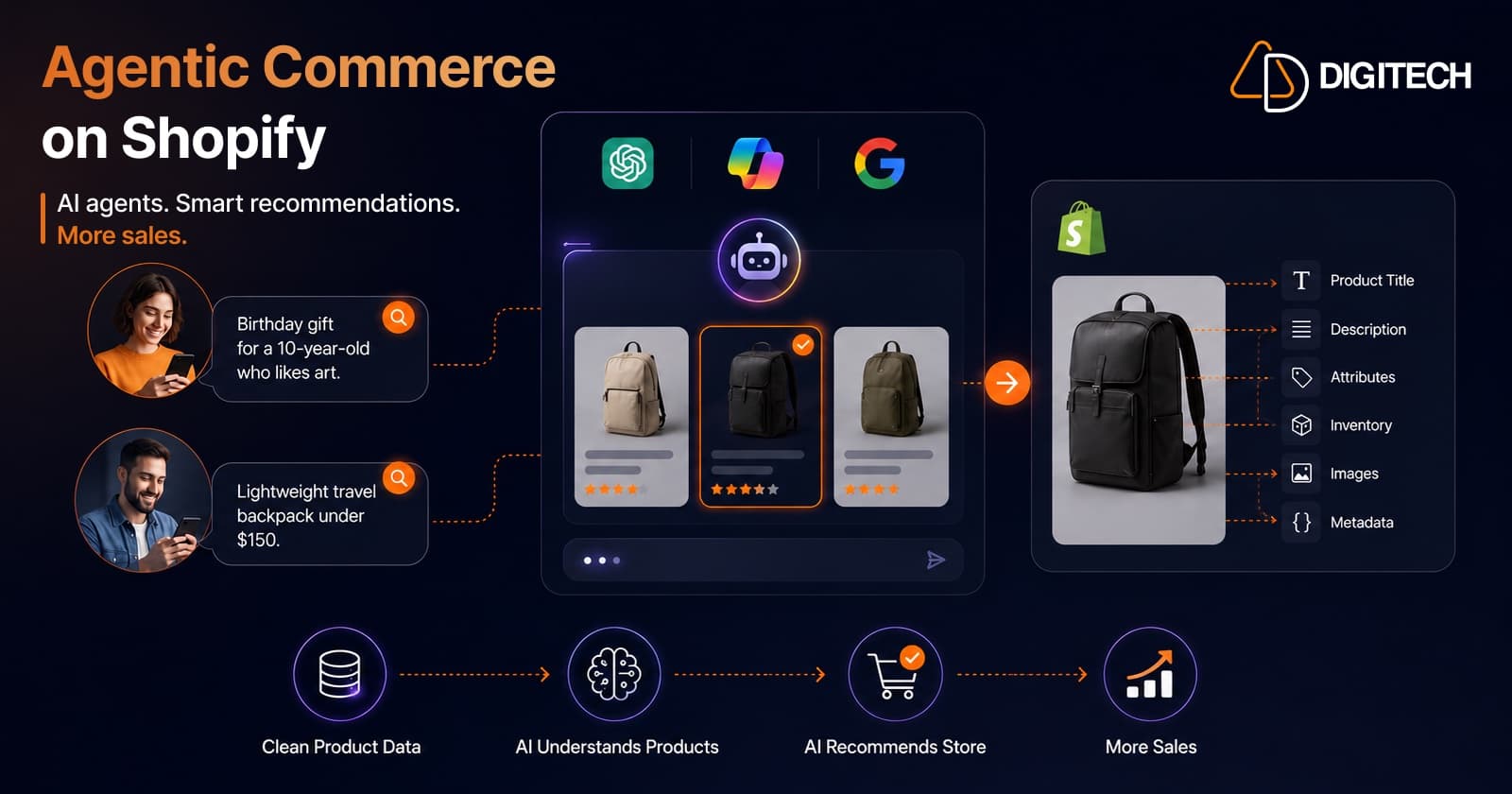
Agentic Commerce on Shopify: How to Get Your Store Ready for AI Shopping Agents (2026)
Shopify's Spring '26 Edition makes your products buyable inside ChatGPT, Microsoft Copilot, and Google AI Mode. Here's what agentic commerce actually means for merchants — and a practical, no-hype checklist to get your Shopify store ready for AI shopping agents in 2026.
Read article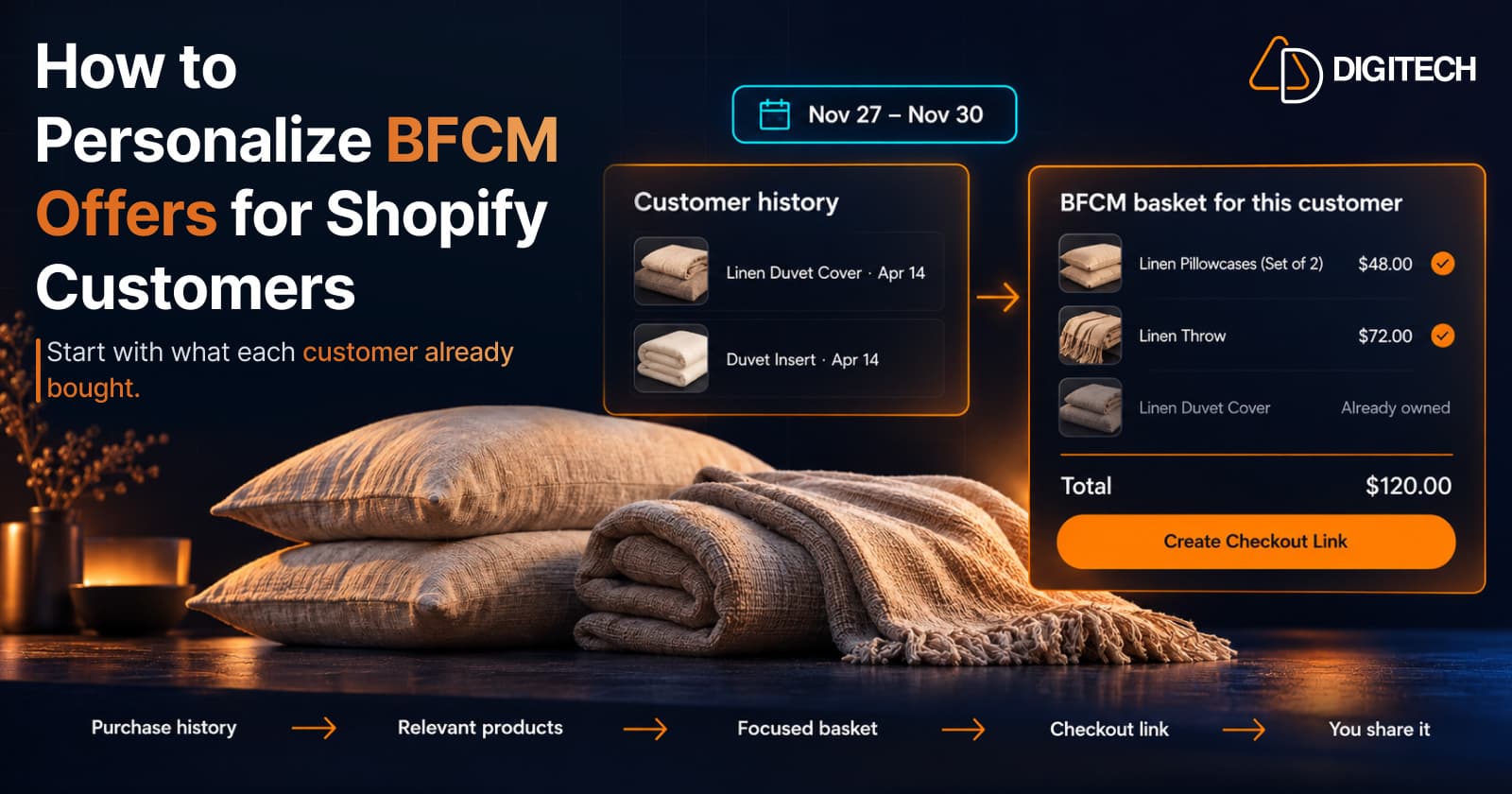
How to Personalize BFCM Offers for Shopify Customers
Use Shopify customer purchase history to build relevant BFCM offers for existing customers: what to check, five ways to personalize, and how to measure it.
Read article