How Shopify Knowledge Base Helps AI Recommend Your Products
AI assistants only recommend products they understand and can answer questions about. Shopify's Knowledge Base feeds your brand context — policies, FAQs, and brand voice — directly to AI, so agents represent you accurately and recommend you instead of a competitor. Here's how it works, why it matters, and what to put in it.
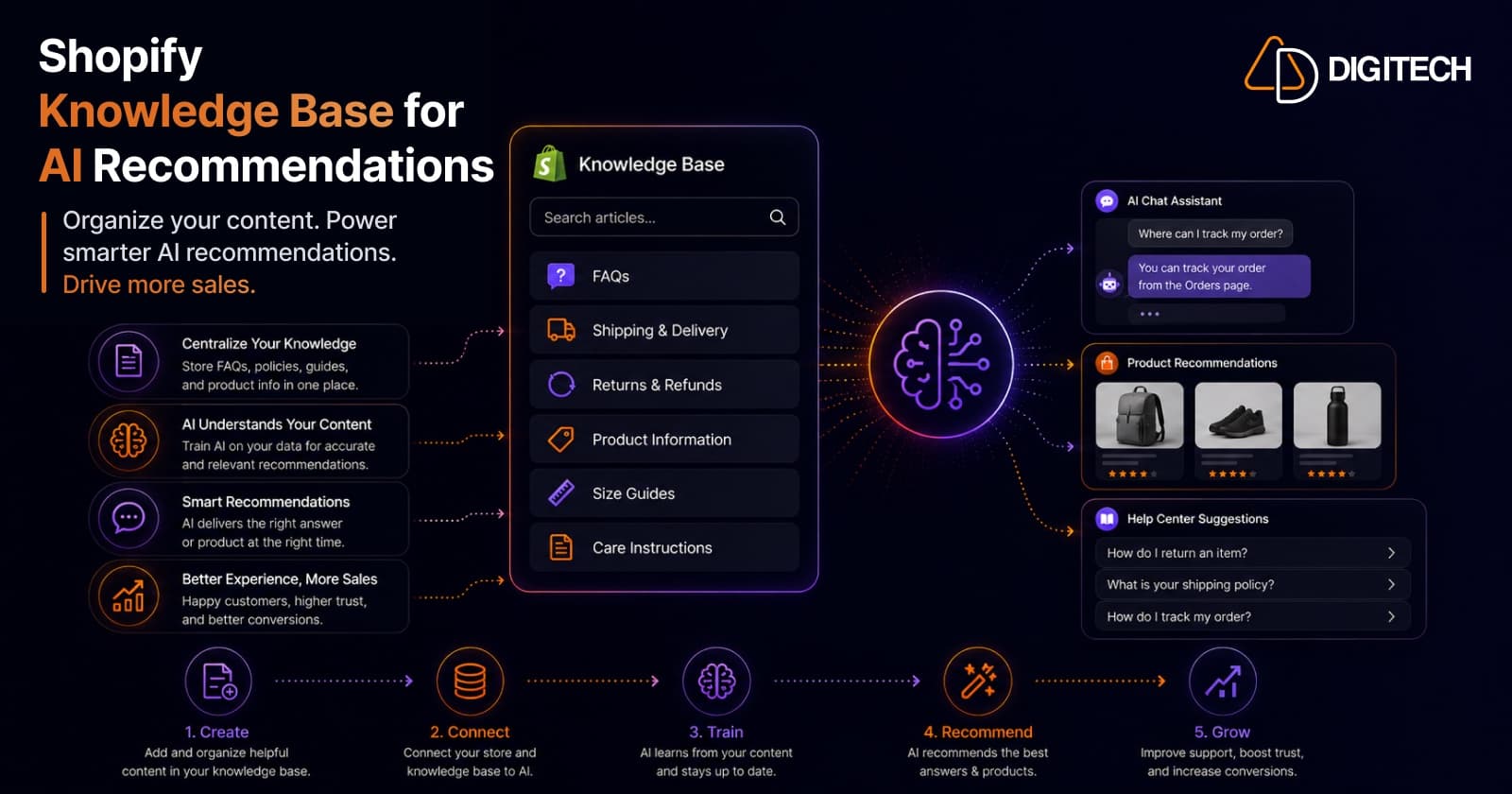
The short version: when a shopper asks an AI assistant for a recommendation, the AI can only recommend you if it understands your brand and can confidently answer questions about you. Shopify's Knowledge Base is how you feed that brand context directly to AI — so agents represent you accurately and put your products in front of buyers.
We help Shopify brands get found and recommended across AI, so here's what the Knowledge Base actually does, why it's the piece most merchants miss, and how to set it up.
The shift: AI is the new shopping assistant
Shoppers increasingly start with a question to an AI — "a warm waterproof jacket for under $200" — and get a short, confident shortlist. It's not a fringe behaviour: Shopify reports that in Q1 2026, AI-driven traffic to its stores grew 8× year-over-year, and orders from AI-powered searches grew nearly 13×.
But here's the catch that decides whether you're on that shortlist: an AI assistant won't recommend a product it can't stand behind. If it can't answer "do they ship to me?", "what's the return policy?", or "will this fit?", it either hedges or recommends a brand it understands better. Being recommended is, at its core, a question of whether the AI trusts that it knows your brand.
The two layers AI needs from you
Getting recommended by AI takes two distinct kinds of information, and most stores only think about the first:
- Your product data — what you sell. On Shopify this is Catalog, which structures and syndicates titles, descriptions, images, pricing, inventory, and shipping to AI platforms in real time (instead of the AI scraping stale, incomplete data).
- Your brand context — who you are, and the answers to customer questions. This is the Knowledge Base — and it's the layer that turns "a product exists" into "a brand the AI can confidently recommend."
Catalog tells the AI what you sell. The Knowledge Base tells it who you are and how to answer for you. You need both.
What the Shopify Knowledge Base actually is
The Knowledge Base is where you feed brand context directly to AI systems. You track your policies, FAQs, and brand voice, and Shopify makes that available to AI agents — so they have the right answers to key customer questions in every conversation.
Think of it as briefing a new salesperson before their first shift. You wouldn't put someone on the floor who can't explain your returns policy, sizing, or what makes you different. The Knowledge Base is that briefing — except the "salesperson" is every AI assistant a shopper might ask about you.
Why this is what makes AI recommend you
AI agents reward confidence and clarity. When the assistant can answer a buyer's follow-up questions instantly and correctly — shipping, returns, sizing, materials, what's special about you — three things happen:
- You become a safe recommendation. The AI isn't gambling on a brand it can't speak to; it's surfacing one it fully understands.
- You avoid being misrepresented. Without first-party answers, AI fills gaps with scraped or guessed information — wrong shipping times, outdated prices, invented policies. The Knowledge Base replaces guesses with facts, so the AI doesn't quietly hand shoppers incorrect details about you.
- You win the comparison. When an agent weighs you against alternatives, the brand it can explain clearly and completely is the one it puts forward.
In other words: clean product data gets you considered; a strong Knowledge Base gets you recommended.
What to put in your Knowledge Base
Populate it with the answers shoppers actually need before they buy:
- Shipping & delivery — regions, times, costs, thresholds.
- Returns & exchanges — windows, conditions, process.
- Warranty & guarantees — what's covered, for how long.
- Sizing & fit — charts, fit notes, how items run.
- Materials & care — what it's made of, how to look after it.
- Compatibility & use — what works with what, who it's for.
- Brand story & positioning — what you stand for, what makes you different.
Write it clearly, in your real brand voice, and — critically — keep it current. An outdated Knowledge Base teaches the AI the wrong thing.
How it fits the bigger picture
The Knowledge Base isn't a standalone trick — it's one piece of being recommended by AI, alongside clean Catalog data and solid structured data. It pairs naturally with the agentic-commerce groundwork (which lets AI not just recommend you but sell for you) and the broader discipline of getting recommended by AI search engines. Do all three and they compound.
How to get started
- Turn on the agentic-commerce tools in your Shopify admin so your store is connected to the AI surfaces.
- Make sure your Catalog is clean — accurate titles, descriptions, images, pricing, and real-time inventory.
- Populate the Knowledge Base with the policies, FAQs, and brand context above.
- Keep both current — treat them as living assets, not a one-time setup.
The brands doing this now are teaching the AI to recommend them, while their competitors are still hoping it figures them out from scraped data.
We help Shopify brands get AI-ready end to end — Catalog data hygiene, Knowledge Base setup, and the structured data and content that make AI confident enough to recommend you. Take a look at our AI work and Shopify store development, or talk to us about your store's AI readiness.
Frequently asked questions
What is the Shopify Knowledge Base?
It's the way merchants feed brand context directly to AI systems on Shopify. You track your policies, FAQs, and brand voice in the Knowledge Base, and Shopify makes that information available to AI agents — so when a shopper asks an assistant about your shipping, returns, sizing, or brand, the AI answers correctly instead of guessing. It works alongside Shopify Catalog, which handles your product data.
How does the Knowledge Base help AI recommend my products?
AI assistants recommend brands they can confidently describe and answer questions about. If an agent can't tell a shopper your return policy, sizing, or what makes you different, it hesitates — or recommends a competitor it understands better. The Knowledge Base removes that uncertainty by giving the AI accurate, first-party answers, which makes you a safe, well-understood option to put in front of buyers — and prevents the AI from inventing wrong answers about you.
What's the difference between Shopify Catalog and the Knowledge Base?
Catalog handles your product data — titles, descriptions, images, pricing, inventory, and shipping — and syndicates it to AI platforms in real time, so what you sell is represented accurately. The Knowledge Base handles your brand context — policies, FAQs, and voice — so who you are and how you answer customer questions is accurate too. Catalog tells AI what you sell; the Knowledge Base tells it who you are and how to answer for you. You want both.
What should I put in my Shopify Knowledge Base?
The answers to the questions shoppers actually ask before buying: shipping and delivery, returns and exchanges, warranty/guarantees, sizing and fit, materials and care, compatibility, and your brand story and positioning. In short, anything a great salesperson would need to know to represent you well — written clearly and kept up to date.
Does this affect assistants like ChatGPT, Copilot, and Google's AI?
Yes. Through Shopify's agentic-commerce tools, your Catalog and Knowledge Base context flow to the AI surfaces where shoppers are discovering products — ChatGPT, Microsoft Copilot, Google's AI experiences, and the Shop app. The Knowledge Base is what gives those agents accurate brand answers in the conversation, rather than relying on scraped, incomplete, or outdated information.
Building something on Shopify?
We design, build, and maintain Shopify apps, stores, and AI products — to the standard this article describes.
Related reading
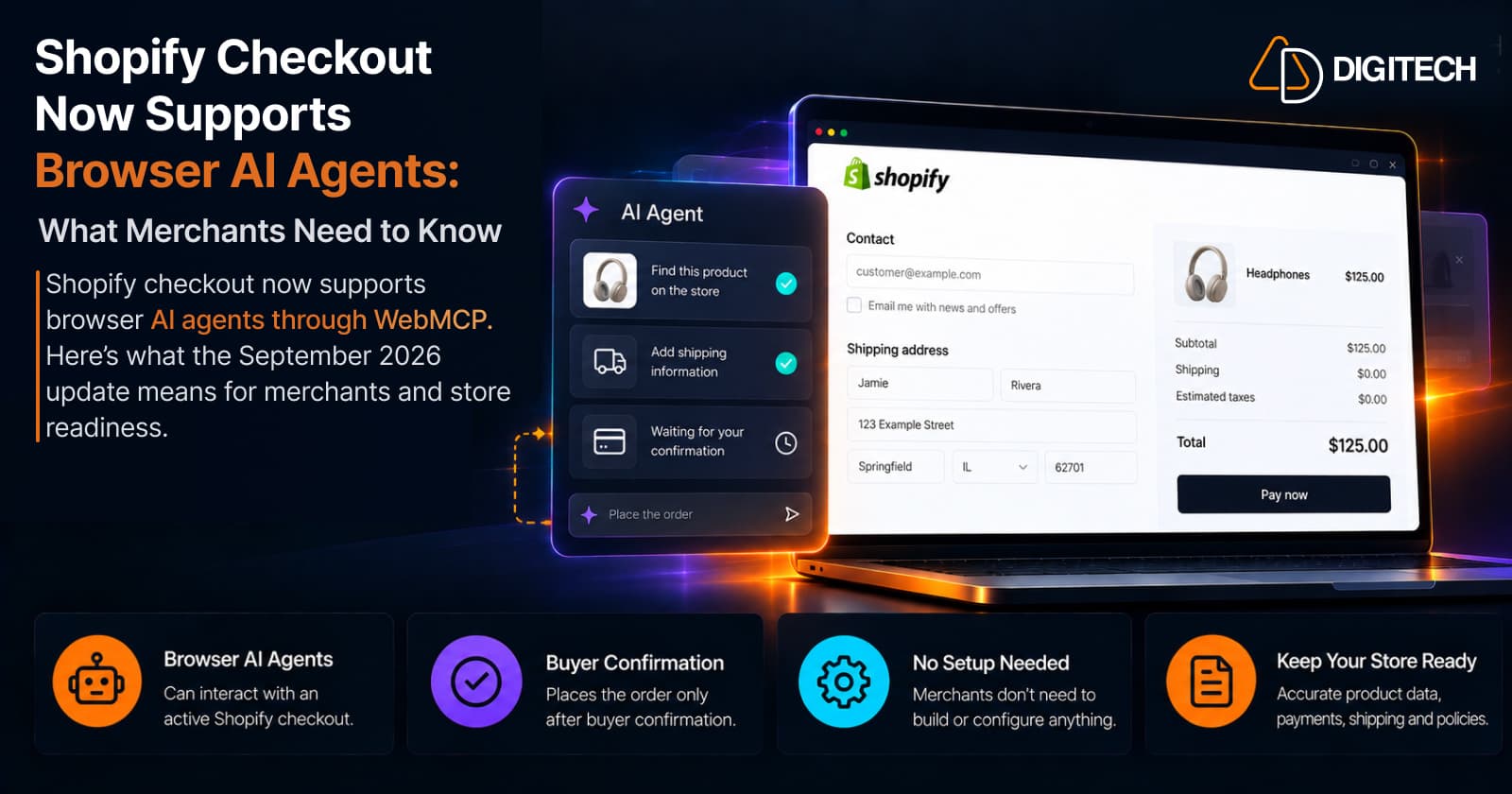
Shopify Checkout Now Supports Browser AI Agents: What Merchants Need to Know
Shopify checkout now supports browser AI agents through WebMCP. Here's what the September 2026 update means for merchants and store readiness.
Read article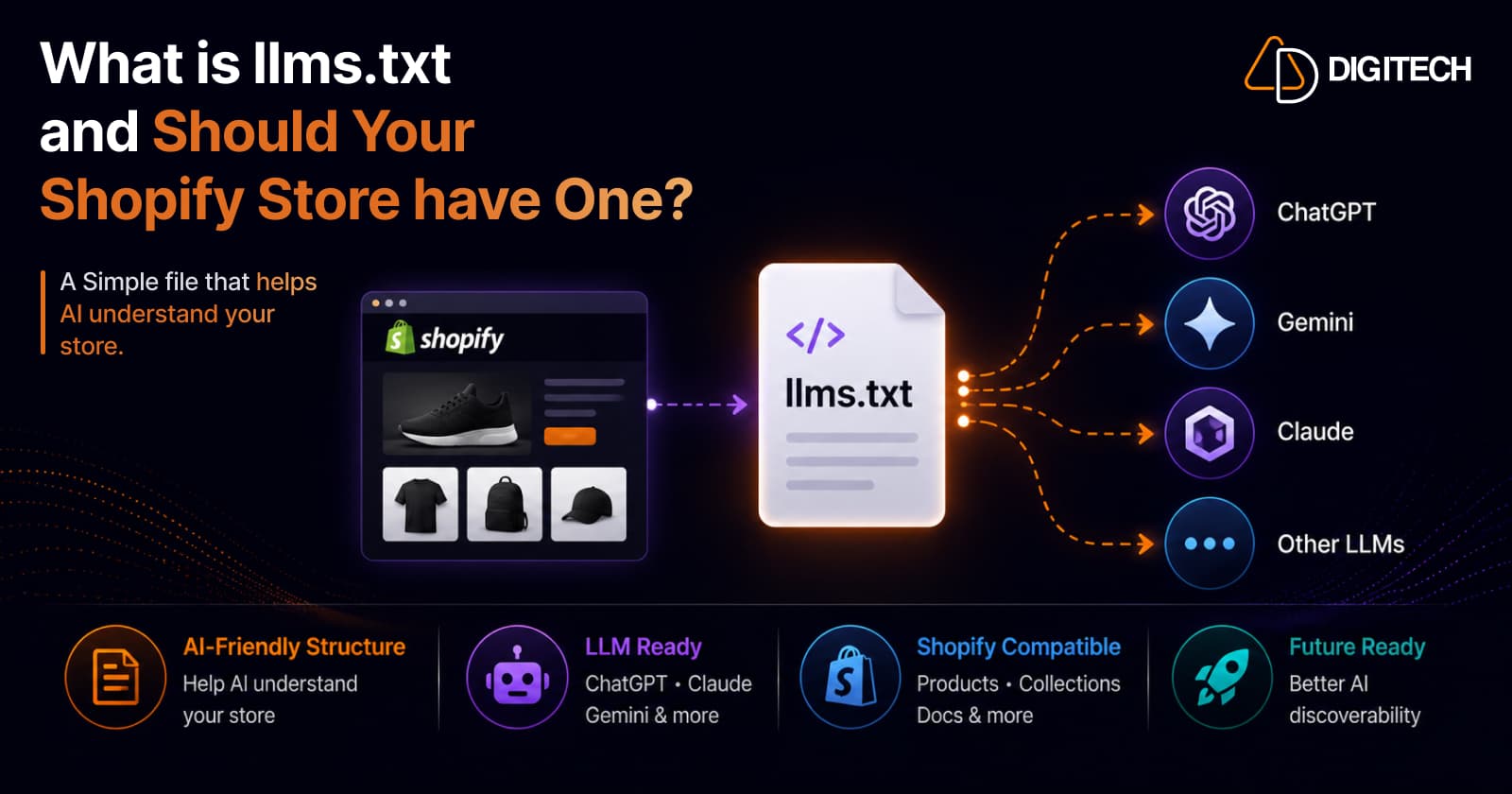
What Is llms.txt and Should Your Shopify Store Have One?
llms.txt is a proposed file that tells AI models which of your pages matter. But here's the honest truth: no major AI platform has confirmed it reads them, and Google said no on the record. So should your Shopify store have one? A qualified yes — as cheap insurance, not a strategy. Here's what it is, what the evidence actually shows, and where AI visibility really comes from.
Read article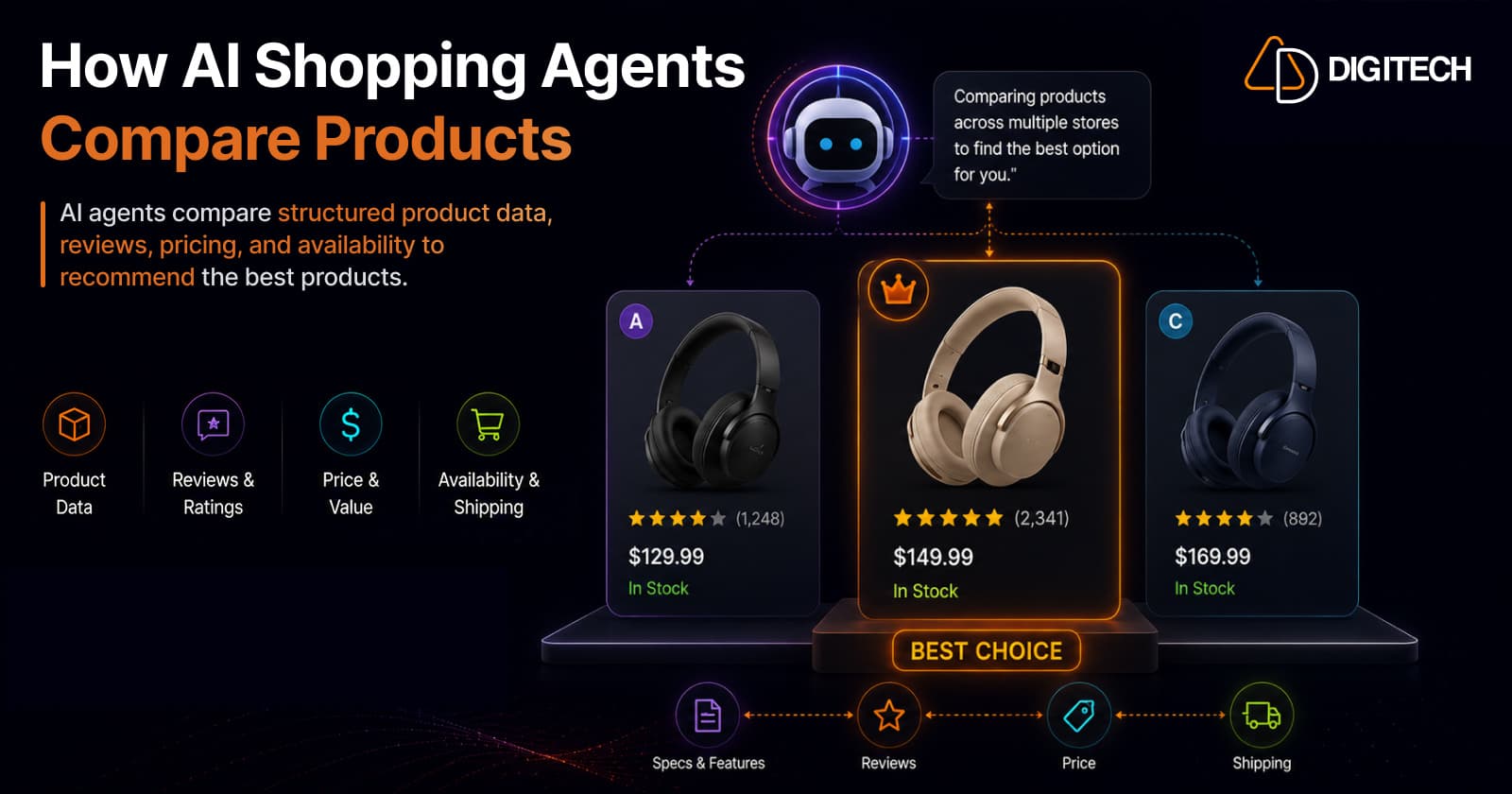
How AI Shopping Agents Compare Products on Shopify Stores
When a shopper asks an AI for the best product, the agent doesn't browse like a human — it reads structured product data across dozens of stores and compares them head-to-head on attributes, value, price, and reviews, then picks winners. Here's exactly how that comparison works, the signals it weighs, and how to make your Shopify products win the shortlist.
Read article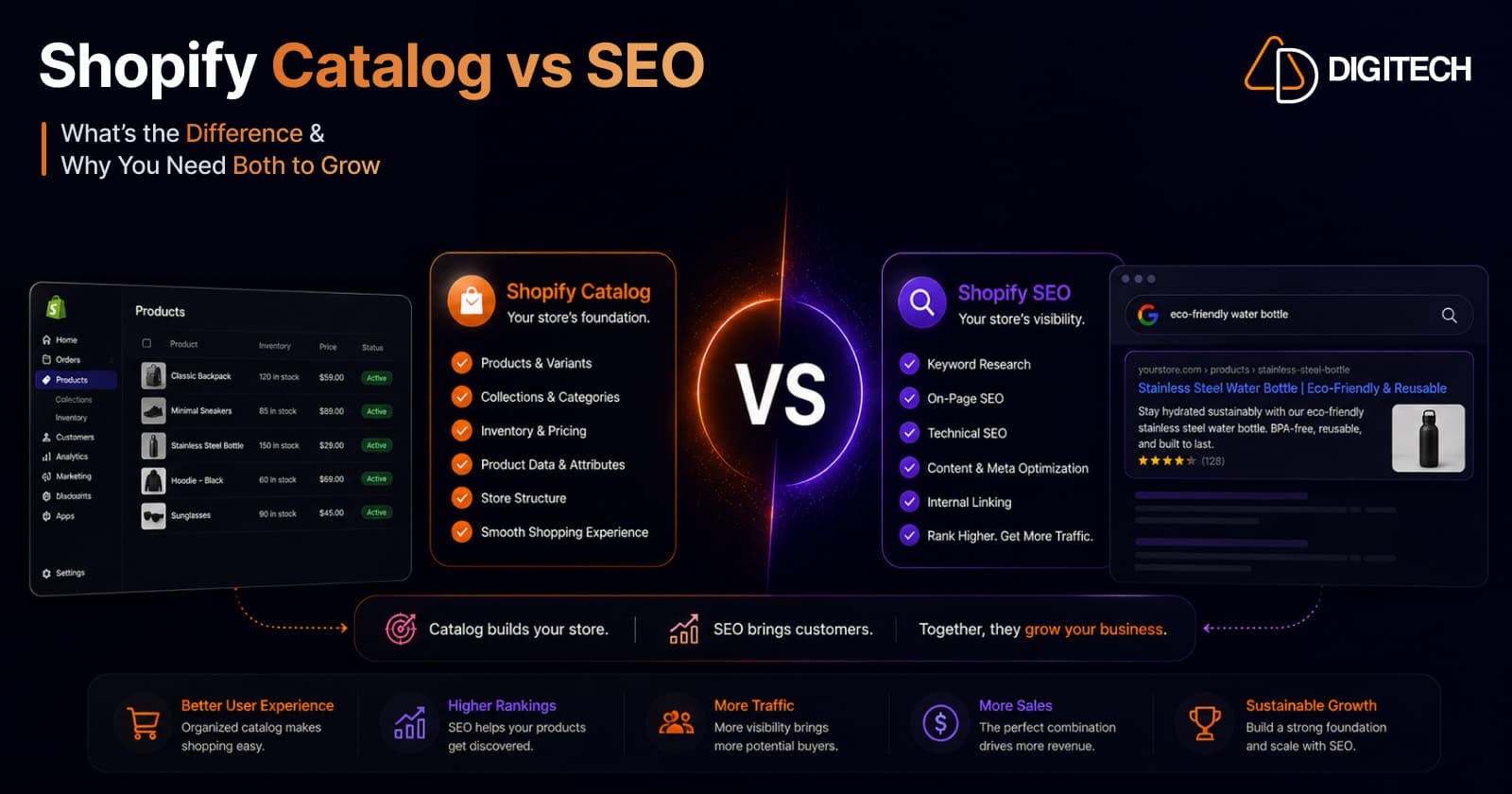
Why Your Shopify Product Catalog Matters More Than SEO in 2026
Discovery is moving from ranked web pages to AI agents that read structured product data. In 2026, the quality of your Shopify Catalog — not your meta tags and backlinks — increasingly decides whether AI recommends and sells your products. Here's why the catalog is the new front page, and what to do about it.
Read article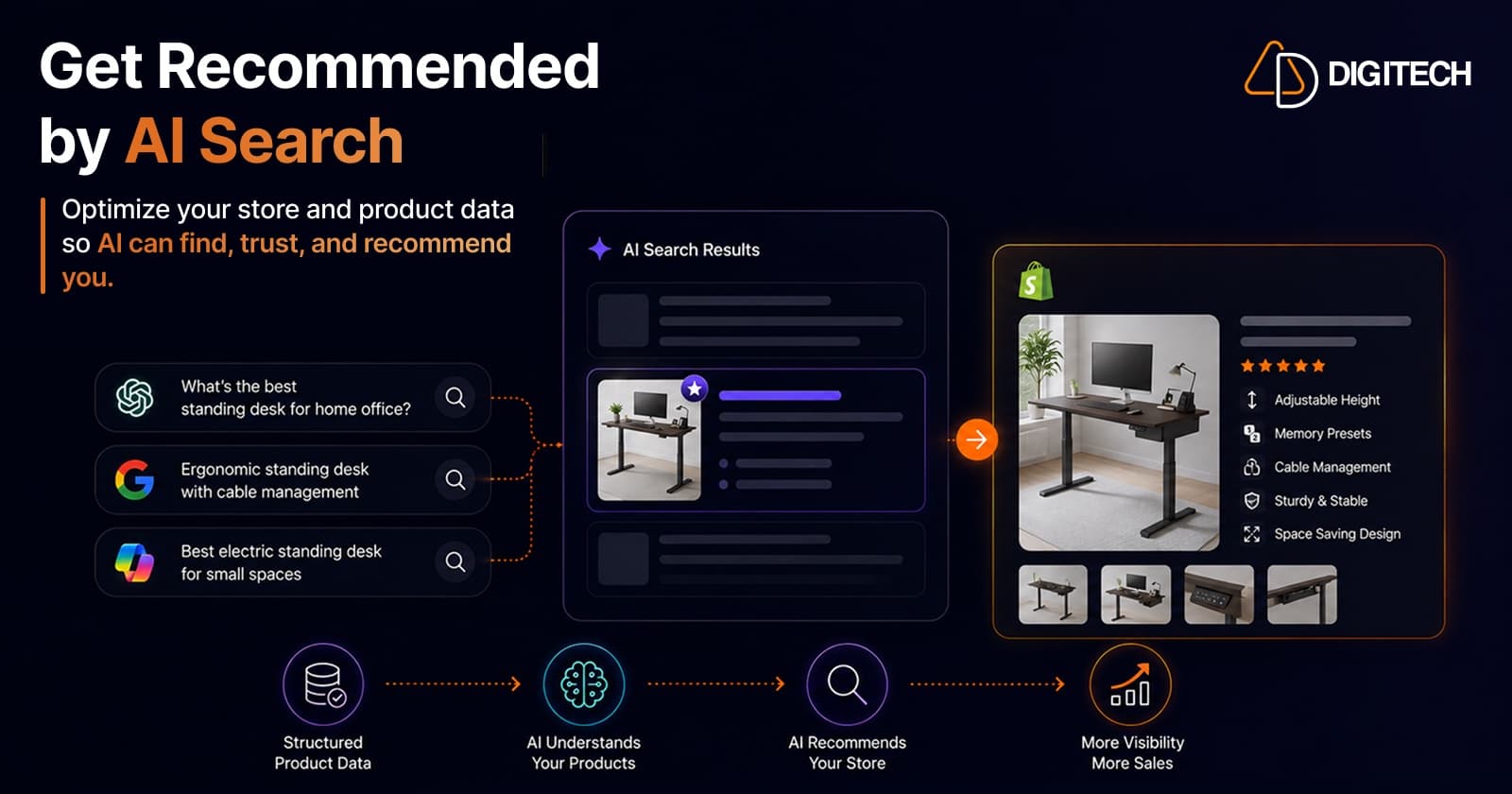
How Shopify Brands Can Get Recommended by ChatGPT, Claude & AI Search Engines
ChatGPT, Claude, and Perplexity now recommend products directly to shoppers. Here's how Shopify brands earn those recommendations — a practical 2026 guide to Generative Engine Optimization (GEO): the signals AI models trust, what to fix on-site and off-site, and how to measure your AI visibility.
Read article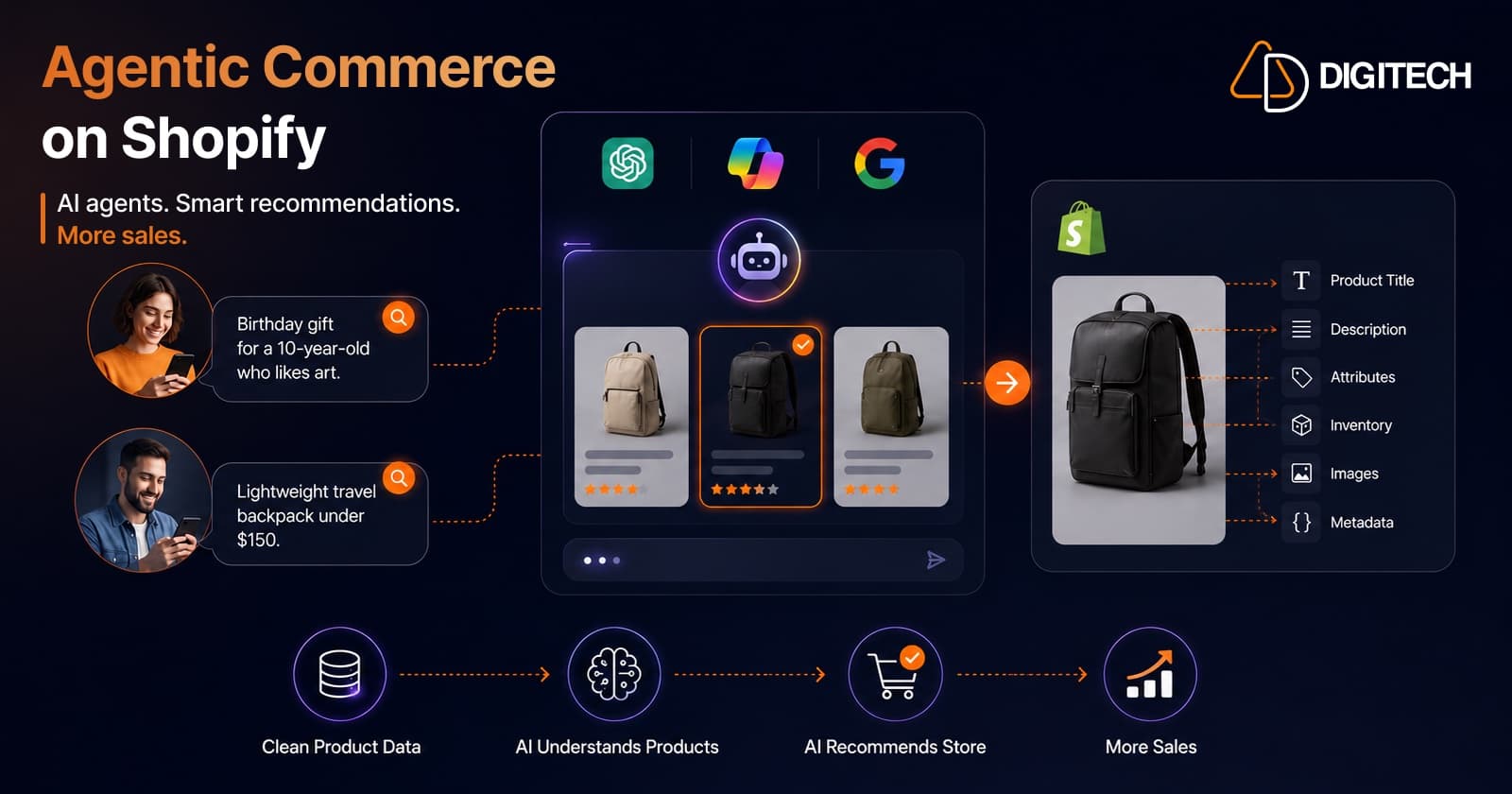
Agentic Commerce on Shopify: How to Get Your Store Ready for AI Shopping Agents (2026)
Shopify's Spring '26 Edition makes your products buyable inside ChatGPT, Microsoft Copilot, and Google AI Mode. Here's what agentic commerce actually means for merchants — and a practical, no-hype checklist to get your Shopify store ready for AI shopping agents in 2026.
Read article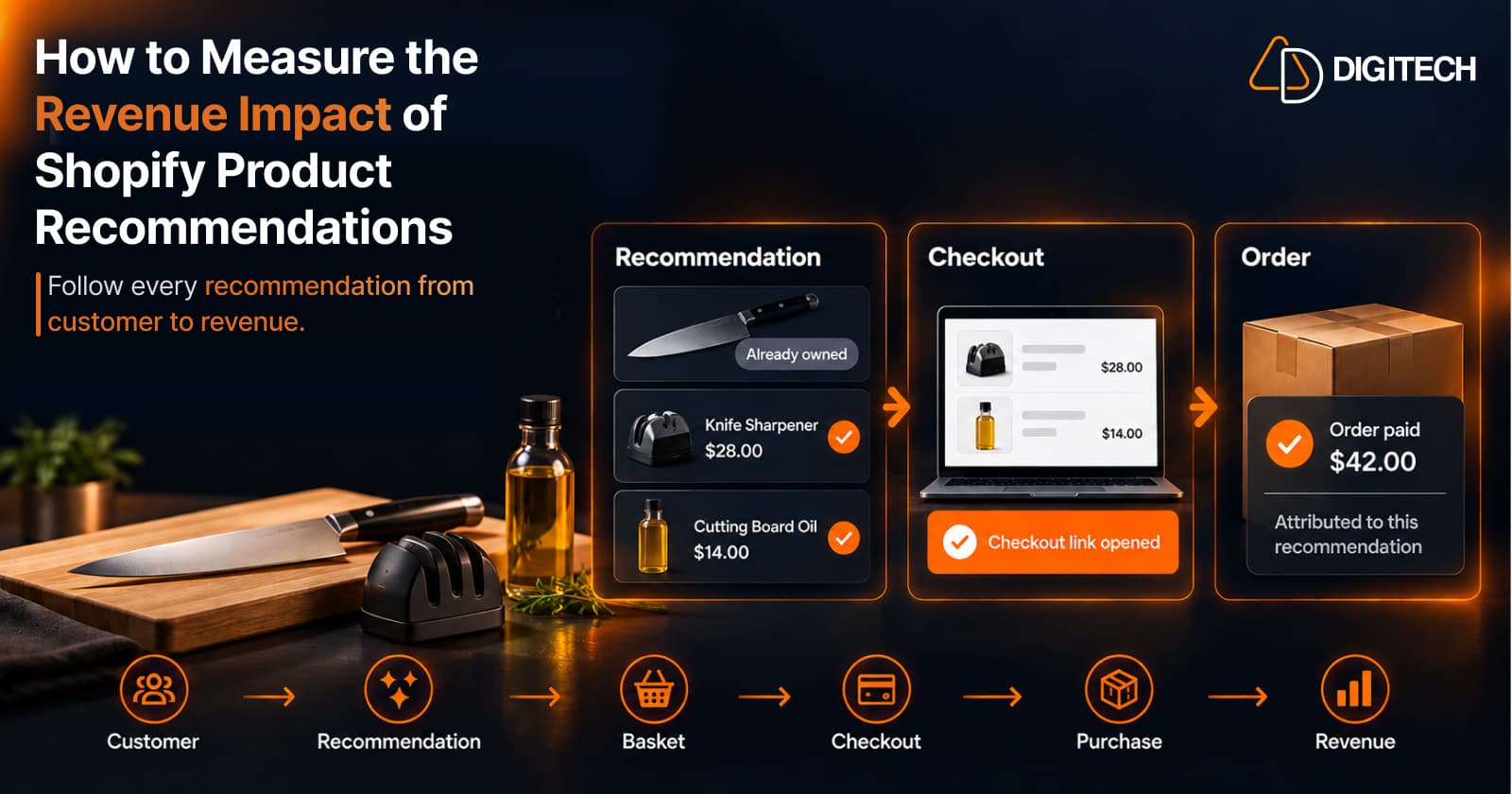
How to Measure the Revenue Impact of Shopify Product Recommendations
Learn how Shopify merchants can measure product recommendation performance, track checkout activity, attribute revenue, and improve personalized recommendations.
Read article
Shopify Thank You Page Offers: How to Create Post-Purchase Offers
Learn how to create Shopify Thank You Page offers with discounts, coupons, countdown timers and relevant promotions to drive additional purchases.
Read article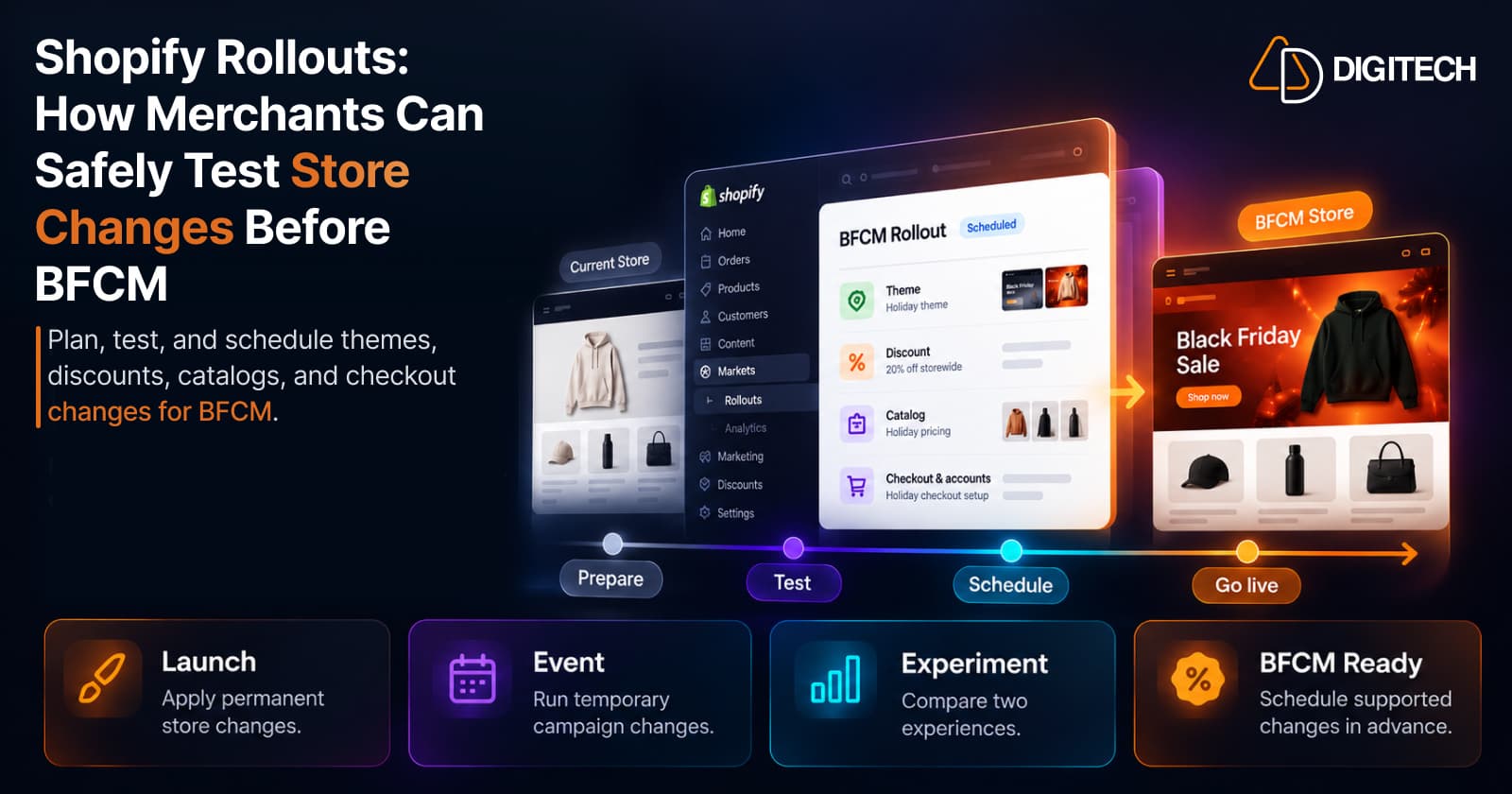
Shopify Rollouts: How Merchants Can Safely Test Store Changes Before BFCM
Learn how Shopify Rollouts let merchants schedule, test, and launch store changes safely before BFCM, including themes, discounts, catalogs, and checkout.
Read article