Shopify Analytics Changed in September 2026: Why Your Sessions & Conversion Rate May Look Different
Shopify's Sept 21, 2026 Analytics update changes how sessions are measured, so sessions and conversion rate may look different — but orders and sales aren't affected.
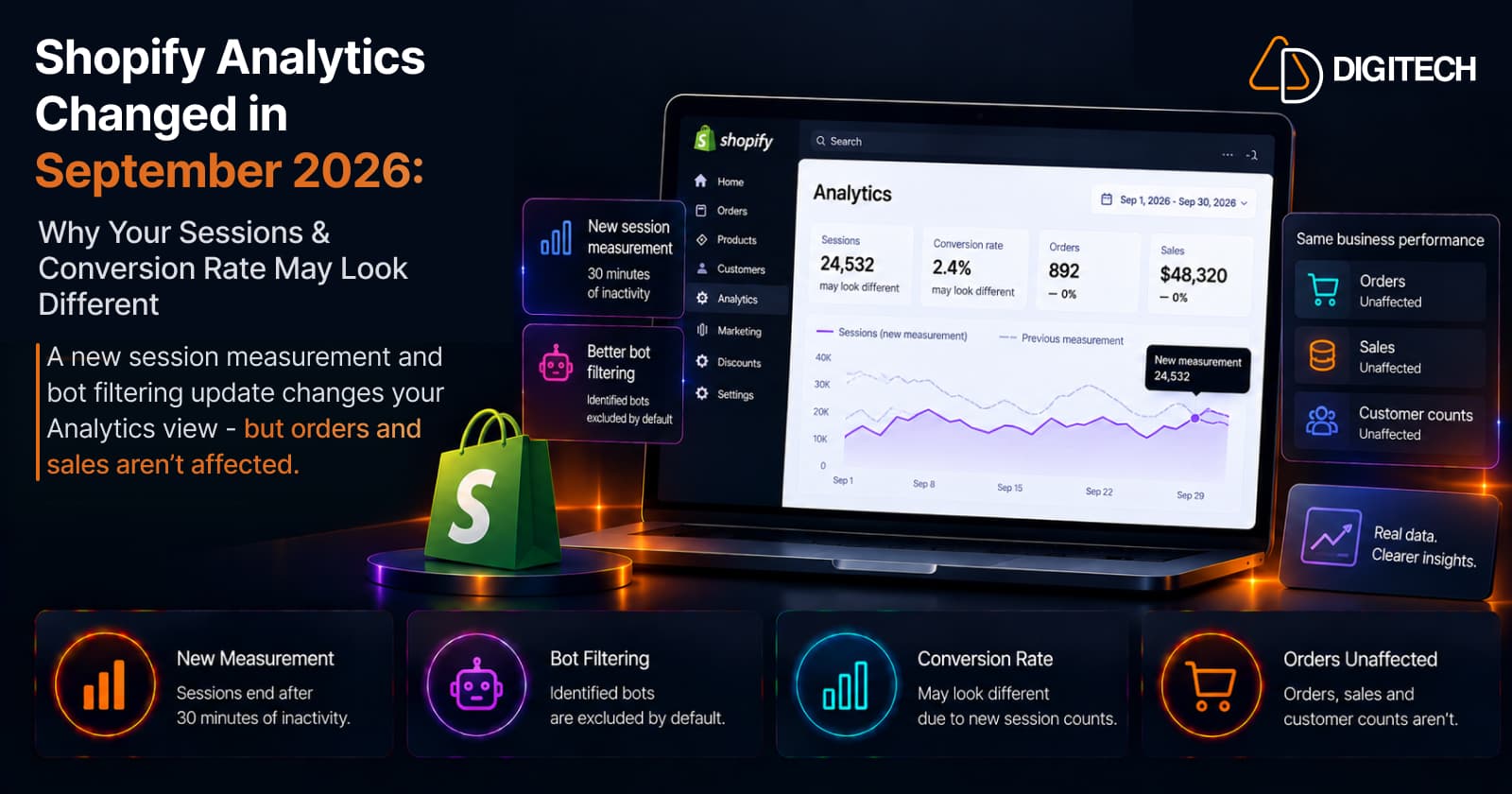
You opened Shopify Analytics this week and something looks off — sessions are lower, your conversion rate has moved, and your bounce rate isn't what it was last month. The obvious question: did my store's performance actually change?
Not necessarily. On September 21, 2026, Shopify began rolling out a session measurement update in Analytics (the rollout runs September 21–23). It changes how sessions are measured and classified — which can move session-based metrics like sessions and conversion rate — without changing the underlying orders, sales, or customers. In Shopify's own words: "A change in these metrics doesn't necessarily mean that your traffic, orders, or customer behavior changed."
This guide explains what actually changed, which metrics can look different, which don't move at all, and how to compare your reports across the update so you don't mistake a measurement change for a performance change.
What Changed in Shopify Analytics on September 21, 2026?
Shopify describes it as improving session measurement to give a cleaner view of real shopper activity. Three things changed:
- Sessions are measured by continued activity. A session now runs on continued customer activity and ends after 30 minutes of inactivity, instead of ending at midnight UTC. A visit that spans midnight is no longer split in two.
- Some no-pageview sessions now count. Valid shopper journeys that don't include a standard pageview are counted — for example, "a customer going directly to checkout from a cart link."
- Bot and system traffic is filtered more consistently. Identified bot sessions are filtered out of session-related reports by default, through a new Human or bot session filter.
Together, these produce a session count that more closely reflects real shoppers — which is exactly why the number can differ from what you saw before.
Which Shopify Analytics Metrics Can Change?
Because they're all built on sessions, these can look different after the update:
| Metric | May look different? | Why |
|---|---|---|
| Sessions | Yes | The core count is measured differently |
| Conversion rate | Yes | Sessions are the denominator |
| Add to cart rate | Yes | Session-based |
| Reached checkout rate | Yes | Session-based |
| Checkout conversion rate | Yes | Session-based |
| Bounce rate | Yes | Session-based |
| Pageviews per session | Yes | Session definition changed |
| Average session duration | Yes | Session definition changed |
| Online store visitors | Yes | Session-based |
Shopify adds that "other session-based metrics can also change, including metrics that attribute orders or customers to sessions," and that search and product-recommendation reports (which use session data) are affected too. How much any of these moves depends on your traffic mix and reporting history — it may be small, or barely noticeable.
Which Metrics Are NOT Changed?
This is the part that matters most. Shopify is explicit: "Your orders, sales, and customer counts aren't affected by this update."
So if sessions drop but orders hold steady, that does not mean customers stopped buying — it most likely means the measurement changed, not the behaviour. Understand the measurement change before reading a session-metric difference as a decline in performance.
Why Can Conversion Rate Change If Orders Didn't?
Conversion rate is a ratio, and sessions are its denominator. Conceptually:
Conversion rate ≈ orders ÷ sessions
If orders stay the same but the session count is measured differently, the calculated conversion rate moves — up or down — even though buying behaviour hasn't changed. A cleaner, bot-filtered session count can even make conversion rate look better without a single extra order. That's why the direction of the change isn't good or bad news on its own. (Shopify's exact report definitions and attribution live in its documentation; the point here is the concept, not a universal formula.)
What Does "Human or Bot" Mean?
Every store gets two kinds of traffic: real people, and automated bots and system requests (crawlers, monitoring, scripts). Shopify's Human or bot filter separates them, and by default it filters identified bots out of session-related reports so you see human shopper activity. A few specifics:
- In reports that support it, you can switch the filter to include bot sessions.
- Some surfaces — the Home page and Live View — always filter bots out and can't be adjusted; search and product-recommendation reports filter bots automatically.
- Bot classification applies only to sessions from October 7, 2025 onward, not older ones.
No filter catches every bot, but removing the obvious automated traffic gives a cleaner view — and it's part of why post-update numbers don't line up with old ones.
Why Your Historical Shopify Reports May Not Match
Put those together and the consequence is simple: reports from before and after the update aren't measured the same way. Compare August vs September, or September 1–20 vs September 21–30, and sessions, conversion rate, bounce rate, or add-to-cart rate may differ — because the methodology changed partway through, not because your store did. Shopify even notes that "using the same filter setting doesn't make sessions measured before the update directly comparable with sessions measured after." Be especially careful with month-over-month and year-over-year math that spans September 21.
How to Compare Performance After September 21
Shopify's guidance is to treat the update as a baseline change. A practical framework:
- Treat September 21, 2026 as a measurement-baseline change for session-based metrics.
- Document your old reporting period so you keep a record of the pre-update numbers.
- Use post-update data as your new baseline — Shopify: "Use data from after the update as your new baseline for session-based metrics."
- Label any report that crosses the boundary so no one reads a methodology shift as a trend.
- Bring in orders, sales, and customer counts as unaffected context.
- Don't conclude that traffic or conversion changed just because a session-based metric moved.
- Read metrics together, not one number in isolation.
Don't ignore conversion rate — just interpret it in the context of the new session measurement.
What Merchants Should Check in Shopify Analytics
Run through the metrics, then the diagnostic questions. Metrics: sessions, orders, sales, conversion rate, add-to-cart rate, reached checkout rate, checkout conversion rate, bounce rate, online store visitors. Then ask:
- Did orders, sales, or customer counts change? (These are unaffected — if they held steady, the story is likely measurement.)
- Did only session-based metrics move?
- Did the change begin around September 21?
- Are you comparing periods that straddle the new baseline?
If orders, sales, and customers are stable and only session metrics shifted around September 21, you're almost certainly looking at a reporting difference, not a performance change. Reassuringly, Shopify notes that "most merchants don't need to take action" for this update.
How This Affects Marketing Reporting
Session-based metrics feed a lot of marketing analysis — paid, organic, email, AI-referral, campaign, and landing-page performance are usually judged on sessions and conversion rate. The channels themselves didn't change on September 21; the way their sessions are counted did. So when you review channel or campaign performance across the boundary, compare carefully and annotate the change — this matters most for monthly dashboards that roll up session-based KPIs. If you also track paid campaigns, apply the same discipline as with Shop Campaigns analytics: read the metric definitions before reading the trend. (Search-based reports are affected too, which is worth noting if you monitor store search and filters.)
What About GA4 and Other Analytics Platforms?
This update applies to Shopify Analytics. It does not change how Google Analytics 4, Meta, Google Ads, or any other tool measures sessions — each platform defines and counts sessions its own way. Shopify's and GA4's session numbers were never identical, and after this update they may diverge further. Don't compare a Shopify session count directly against another platform's without understanding how each one defines a session.
Should You Change Your SEO, CRO, or Marketing Strategy?
Not on the strength of a session-metric change alone. First check whether orders, sales, customer counts, marketing costs, or actual conversion behaviour changed. If only session-based reporting moved, understand the new baseline before making big decisions. This isn't the moment to cut or raise ad spend based on a shifted conversion rate — establish the new baseline first.
Common Mistakes to Avoid
- Assuming fewer sessions automatically means fewer shoppers.
- Assuming a conversion-rate change always means checkout performance changed.
- Comparing pre- and post-September-21 session data without noting the methodology change.
- Treating Shopify Analytics and GA4 sessions as identical.
- Ignoring orders and sales.
- Making a marketing decision on a single session metric.
- Assuming every traffic change is caused by this update.
A Reporting Checklist for September 2026
- Record your historical reports from before September 21.
- Mark September 21 as the new session-measurement baseline.
- Review orders, sales, and customer counts (unaffected).
- Review sessions, conversion rate, and add-to-cart / checkout metrics.
- Check the Human or bot filter where it's available.
- Avoid mixing old and new baselines without annotating.
- Update internal dashboards and documentation as needed.
The Bottom Line
Shopify's September 21, 2026 update changes how session activity is measured and classified, so some session-based metrics — sessions, conversion rate, bounce rate, and others — may look different. That doesn't automatically mean your store's performance changed, and orders, sales, and customer counts aren't affected. The single most useful move is to treat September 21 as a new baseline for session-based metrics and compare accordingly.
If your Shopify reporting has become hard to interpret across multiple data sources, AD Digitech can help review your analytics setup and build reporting workflows that give your team a clearer view of real store performance.
Frequently asked questions
Why did my Shopify sessions change in September 2026?
On September 21, 2026, Shopify began rolling out a session measurement update in Analytics (the rollout runs September 21–23). It changes how sessions are measured and how bot traffic is filtered, so your session count can look different. In Shopify's words, a change in sessions 'doesn't always mean that the number of customers who visited your store changed. It often means that the measurement method changed.'
Why did my Shopify conversion rate change if my orders didn't?
Conversion rate is a ratio with sessions as the denominator. If orders stay the same but the session count is measured differently after the update, the calculated conversion rate moves — up or down — without any change in buying behaviour. Check Shopify's current report definitions for the exact calculations.
Did Shopify change my orders or sales?
No. Shopify states plainly that 'your orders, sales, and customer counts aren't affected by this update.' Only session-based metrics — like sessions, conversion rate, and bounce rate — can look different. If your orders and sales held steady while sessions moved, the change is most likely measurement, not performance.
What is the Human or bot filter in Shopify Analytics?
It's a filter that separates real human shopper activity from identified bot and system traffic. After the update, identified bot sessions are filtered out of session-related reports by default so you see a cleaner view of shopper activity. In reports that support it, you can adjust the filter to include bot sessions; some surfaces (like the Home page and Live View) always filter bots out. Bot classification applies to sessions from October 7, 2025 onward.
Can I compare Shopify Analytics before and after September 21, 2026?
Be careful. Reports from before and after the update aren't measured the same way, so a month-over-month or year-over-year comparison that crosses September 21 can show differences caused by the methodology, not by your store. Shopify recommends treating the update as a measurement change and using post-update data as your new baseline for session-based metrics.
Is Shopify Analytics session data the same as Google Analytics 4?
No. This update applies to Shopify Analytics only, and it doesn't change how GA4, Meta, Google Ads, or any other tool counts sessions. Each platform defines a session differently, so Shopify and GA4 numbers were never identical and shouldn't be compared directly without understanding each definition.
Building something on Shopify?
We design, build, and maintain Shopify apps, stores, and AI products — to the standard this article describes.
Related reading
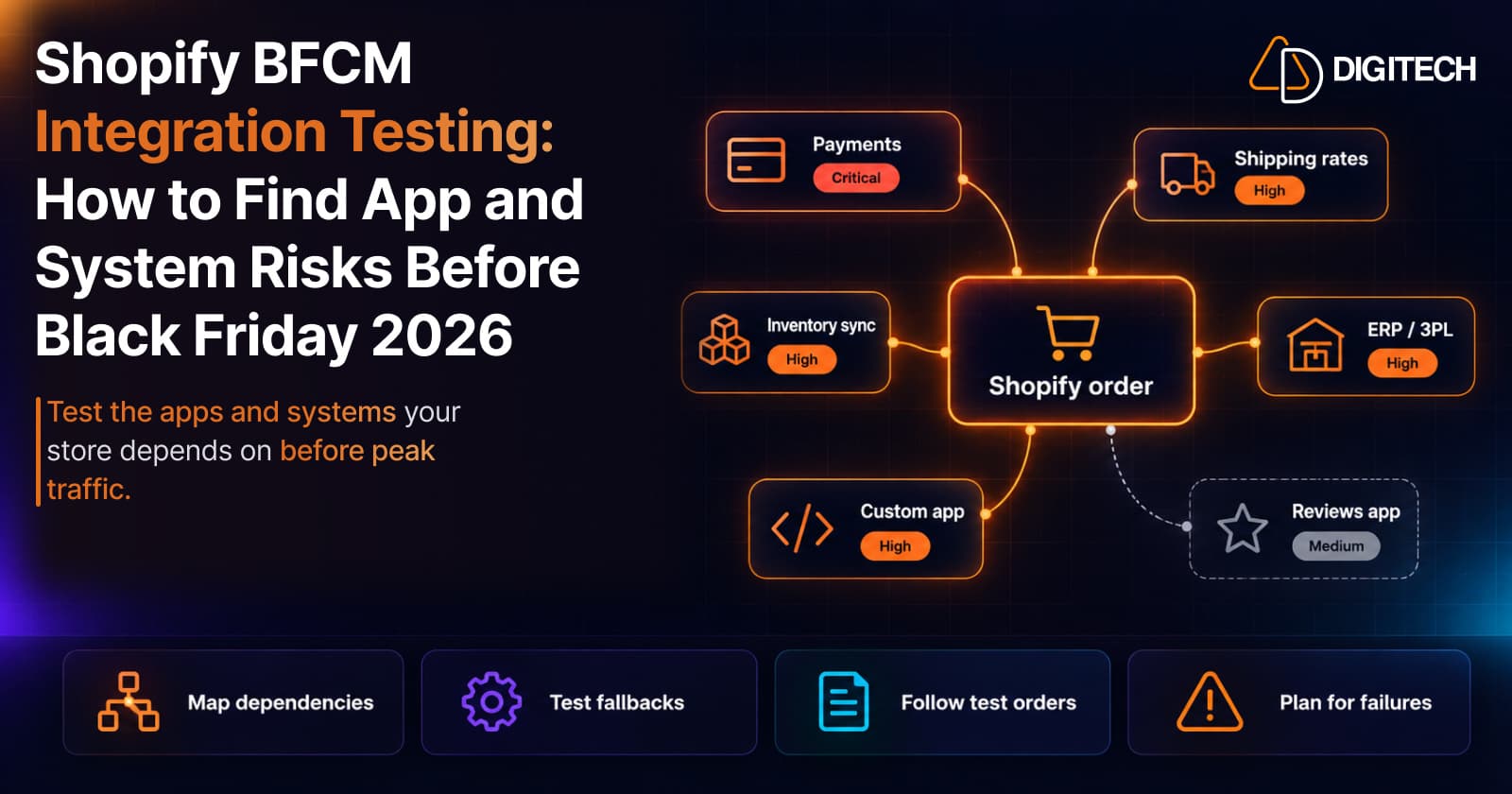
Shopify BFCM Integration Testing: How to Find App and System Risks Before Black Friday 2026
Prepare your Shopify store for BFCM 2026. Test checkout, shipping apps, payments, inventory sync, and custom integrations before Black Friday.
Read article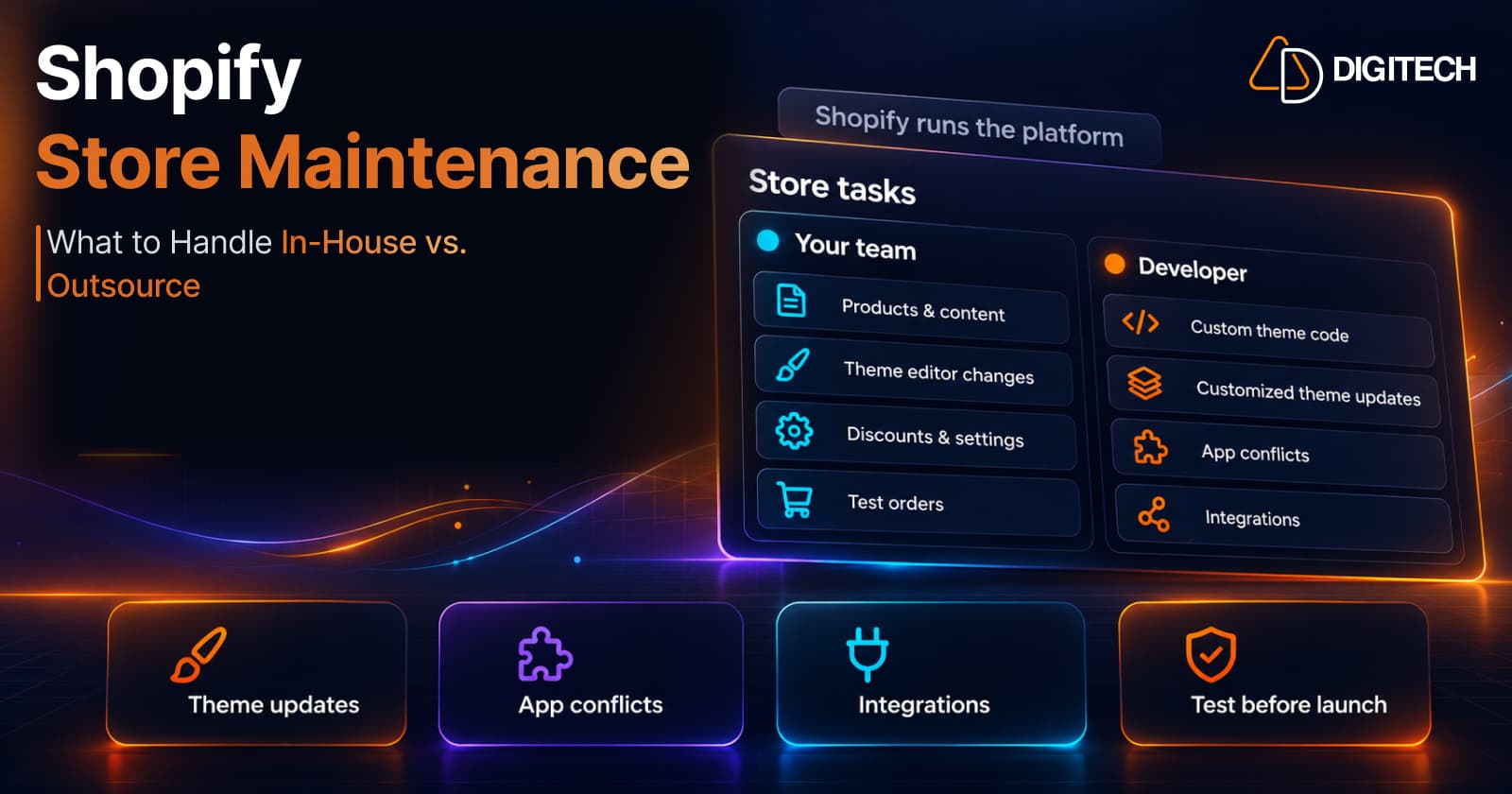
Shopify Store Maintenance: What to Handle In-House vs. Outsource
Shopify runs the platform; your theme, apps and integrations are yours to maintain. What to handle in-house, when to hire a developer and what support covers.
Read article
Shopify Adds Stock Counts in Admin: How Merchants Can Verify Inventory Before Peak Season
Shopify stock counts let staff record what's on the shelf and let a manager approve the differences before inventory changes. Here's how the workflow works in admin and POS.
Read article
Shopify Adds Arabic, Urdu, and Hebrew Support: What Merchants Must Check Before Launch
Shopify improved RTL support for Arabic, Urdu and Hebrew in the admin, storefronts and checkout. Here's what's covered, what isn't, and what to test before launch.
Read article
Shopify Translate & Adapt Auto-Sync: How to Keep Translations Current Before BFCM
Translate & Adapt can now update translations weekly with Auto-sync. Here's who can use it, how it differs from Translate now, and how to plan translations before BFCM.
Read article
Shopify Flow Shipping Label Automation: Setup, Rules, and What Merchants Should Test Before BFCM
Shopify Flow can now buy shipping labels automatically for orders that match your rules. Here's how the action works, example workflows, and what to test before BFCM.
Read article
Shopify Automated Policies: 7 Things Merchants Should Check Before Enabling Them
Shopify can now generate and update your return, shipping, terms of service and contact policies from your store settings. Here's what to check before you turn automation on.
Read article
Shopify Purchase Order Analytics: How to Spot Stock Risks Before BFCM
Shopify Analytics now includes purchase order reports. Here's what each report shows, how to use them to spot stock risks before BFCM, and what they can't tell you.
Read article
Shopify Rollouts: How Merchants Can Safely Test Store Changes Before BFCM
Learn how Shopify Rollouts let merchants schedule, test, and launch store changes safely before BFCM, including themes, discounts, catalogs, and checkout.
Read article