Shopify Agentic Checkout for ChatGPT: What Merchants Can Now Control
What changed on November 23, 2026, when Shopify made agentic checkout available for ChatGPT: eligibility, defaults, the exact admin steps, and what each setting does.
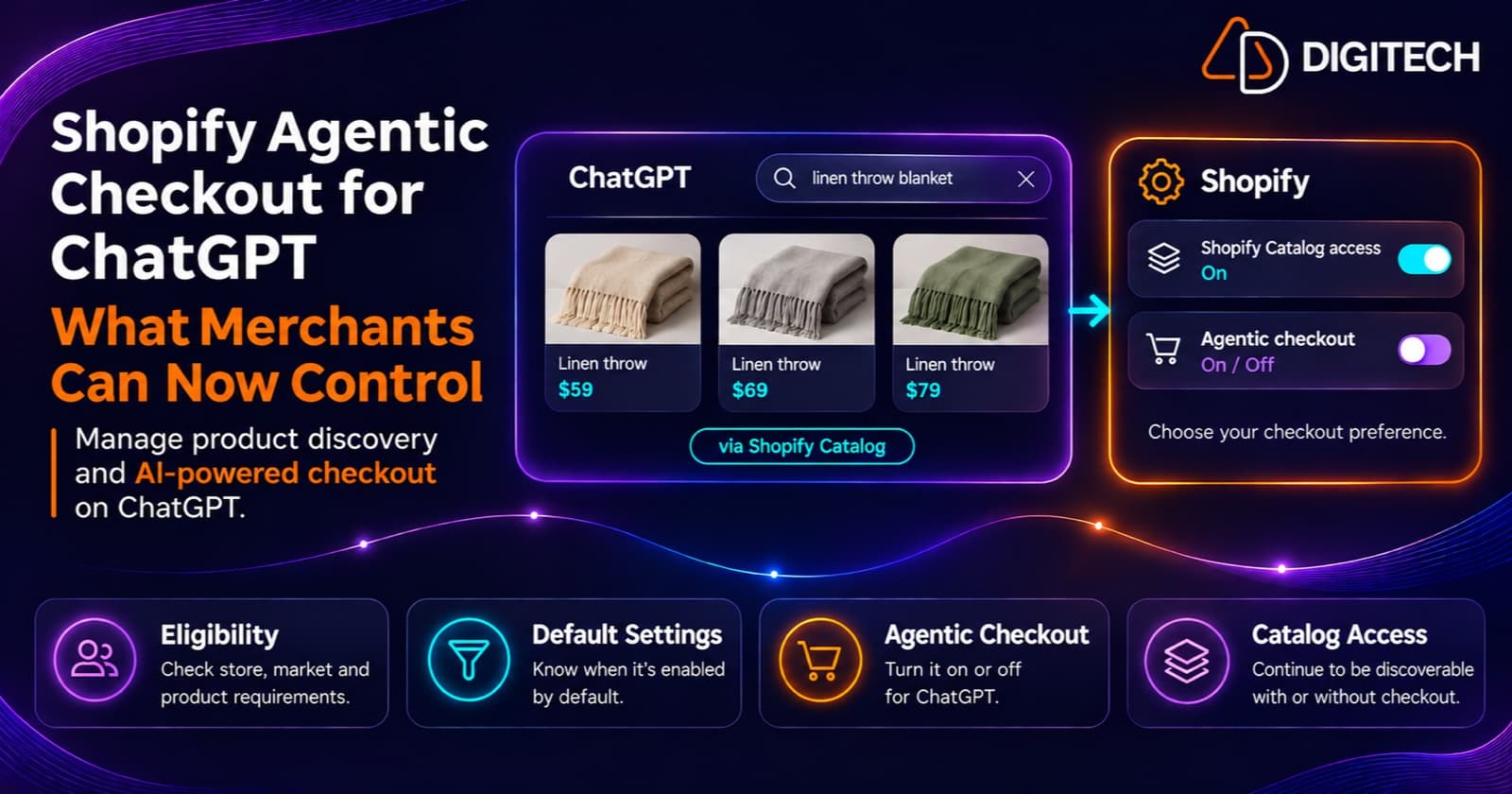
The short version: on November 23, 2026, Shopify renamed "direct checkout" to "agentic checkout" across its AI channels and made it available for ChatGPT. For eligible stores, agentic checkout is enabled by default when Manage for me or Automatically enable new channels is on, subject to existing opt-outs and plan-specific exceptions. When it's on, ChatGPT's AI agent can complete some purchases for shoppers using your Shopify checkout. If you'd prefer shoppers to use your online store checkout rather than ChatGPT's agentic checkout, you can switch agentic checkout off without removing Shopify Catalog access.
This guide covers what changed, who it applies to, and exactly what each setting does, so you can make a deliberate choice before the holiday peak rather than discover the default afterwards. For the bigger picture of selling through AI assistants, start with our guide to agentic commerce on Shopify.
What Shopify changed on November 23
Shopify's changelog announcement on agentic checkout for ChatGPT covers three things:
- A new name. What Shopify used to call direct checkout is now agentic checkout on every AI channel. On AI channels that already offered it, only the name changes.
- ChatGPT support. Agentic checkout is now available for ChatGPT. It lets AI agents buy your products for shoppers through your Shopify checkout, and those orders appear in your Shopify admin to manage as usual.
- Defaults. For eligible stores, agentic checkout is enabled by default when Manage for me or Automatically enable new channels is on. Existing opt-outs still apply, and your settings on other AI channels don't change.
What didn't change: ChatGPT could already find your products through Shopify Catalog. The new part is the checkout.
Discovery and checkout are two separate switches
It helps to keep two things apart.
Shopify Catalog access decides whether ChatGPT receives your product data, such as titles, descriptions, images, prices and availability. That's how your products can appear in ChatGPT's results, although no channel guarantees that any particular product will be shown. Our posts on why your catalog matters and channel mapping cover how to keep that data accurate.
Agentic checkout decides whether ChatGPT's AI agent can complete the purchase using Shopify's agentic tools, such as the Universal Commerce Protocol (UCP) and WebMCP. If you've read our piece on browser AI agents in Shopify checkout, this is the merchant-facing switch for that kind of buying on ChatGPT.
Shopify is careful to say the agent can complete some purchases. Don't assume every product, cart or checkout customization will be supported inside the chat.
Who can sell on ChatGPT
Shopify's guide to selling on ChatGPT lists four requirements:
- You sell to customers in the United States. Your store can be based outside the US; what matters is that you sell to US customers.
- Your products are eligible for Shopify Catalog. You can check this under Sales channels > Agentic, where Shopify shows either your product count or an "Ineligible" warning with the reason.
- You've agreed to the Shopify Agentic Storefronts Supplemental Terms of Service.
- Your Terms of service, Privacy policy, and Return and refund policy are completed in Settings > Policies.
A few things are excluded regardless. B2B-only products aren't supported, products on OpenAI's prohibited list don't display, and Shopify asks that any legal disclosures sit within the first 6,000 characters of a product description.
Notably, there's no separate ChatGPT sales channel to install. ChatGPT appears in the Agentic section of your admin, not in your list of installed sales channels.
Is agentic checkout already on for your store?
For eligible stores, agentic checkout is enabled by default when Manage for me or Automatically enable new channels is on, subject to existing opt-outs and plan-specific exceptions. It starts off in three cases:
- You've already turned off Shopify Catalog access for ChatGPT.
- Automatically enable new channels is turned off in Sales channels > Agentic.
- Your store is on the Agentic plan, the plan for businesses that sell through AI channels without a Shopify online store. On that plan, agentic checkout is off by default for ChatGPT, Google AI Mode and Gemini, Meta and Microsoft Copilot until you complete setup and turn it on.
If any of these apply, you can still switch agentic checkout on yourself.
How to turn agentic checkout on or off
Per Shopify's Help Center:
- From your Shopify admin, go to Sales channels > Agentic.
- In the Channels section, click the icon to open the channel settings.
- If the setting shows Manage for me, click it to switch to Manual.
- Click ChatGPT.
- Turn Agentic checkout on or off. To turn it on, Shopify Catalog access must also be on.
- Click Save.
What happens when you turn agentic checkout off
Your products can still be discovered in ChatGPT through Shopify Catalog, but AI agents can't complete checkout using agentic tools such as UCP and WebMCP. Shoppers who don't check out in the chat complete their purchase on your online store checkout, in ChatGPT's in-app browser or in a new tab on ChatGPT web, where your checkout customizations, branding and payment methods are supported. On the Agentic plan, that means the online store checkout you already run outside Shopify.
Two things the switch doesn't do:
- It doesn't affect purchases made with the Shop skill or the Shop App for ChatGPT. Those shoppers sign in with Shop and can check out in the chat either way.
- According to Shopify, it might not prevent other checkout methods, such as an AI agent completing a purchase on your online store checkout.
What happens when you remove Shopify Catalog access
This is the bigger step. If you turn off Shopify Catalog access for ChatGPT (same path, step 5):
- Your product data is filtered out of what Shopify Catalog sends to ChatGPT, and agentic checkout for ChatGPT is turned off with it. This stops that particular data-sharing route, not every way your products could be found.
- It can take up to 7 days before your data stops being shared.
- Your products can still appear in ChatGPT through other routes, such as web crawling and indexing, as Shopify's documentation on Catalog and product discovery explains.
- To exclude a product from Shopify's agentic storefront discovery, you can set its status to Unlisted. This also removes it from Shopify-generated sitemaps and online store search and is intended to prevent search engine indexing. Previously indexed or externally referenced content might still be accessible.
- Removing access for ChatGPT doesn't affect Shopify Catalog on other platforms, such as Shop.
Where the orders go
Orders placed through agentic checkout appear in your Shopify admin like any other order, with channel or referrer attribution so you can see where they came from. You keep the customer relationship and the post-purchase experience. Shopify says there are no extra fees for selling in ChatGPT beyond your standard payment processing fees.
Which setting fits your store?
| Your situation | A reasonable setting |
|---|---|
| You want agent-assisted purchases from ChatGPT and your checkout setup is straightforward | Leave agentic checkout on |
| You prefer shoppers to experience your online store checkout customizations, upsells or extra steps | Agentic checkout off; keep Shopify Catalog access on. Other checkout methods may still apply |
| You're not sure yet and the peak is close | Keep your current setting and review it after the peak |
| You don't want ChatGPT to receive your product data through Shopify Catalog | Turn off Shopify Catalog access and allow up to 7 days; use Unlisted for specific products you want excluded from agentic storefront discovery |
| You're on the Agentic plan | Complete setup first, then opt in channel by channel |
There's no universally right answer. The trade-off is between letting ChatGPT's agent complete purchases in the chat and steering more shoppers toward your own checkout experience, bearing in mind that some purchase methods, such as the Shop skill, aren't affected by this setting.
A short pre-BFCM check
With Black Friday on November 27, avoid changing checkout behavior at the last minute without a reason. A quick review is enough:
- Open Sales channels > Agentic and confirm whether ChatGPT shows agentic checkout on or off, and that it matches your intent.
- Check that Shopify Catalog shows your products as eligible.
- Confirm your three required policies are complete and current.
- Review product descriptions, including any required legal disclosures within the first 6,000 characters.
- Separately, confirm that product prices and inventory availability are correct in Shopify, since Shopify Catalog shares those fields with AI channels.
- Make sure your team knows AI-channel orders arrive in the admin with attribution, and process them as usual.
If you'd like a second pair of eyes on your checkout and integrations before the peak, our BFCM integration testing guide is a good starting point, and our Shopify development team can help.
The bottom line
Agentic checkout for ChatGPT is enabled by default for eligible stores under Shopify's automatic channel settings, subject to existing opt-outs and plan-specific exceptions. Keep it on if agent-assisted purchases suit your business. Turn it off if you prefer shoppers to complete purchases through your online store checkout while remaining discoverable through Shopify Catalog. Remember that this setting doesn't disable every possible AI-assisted purchase method.
Frequently asked questions
What is Shopify agentic checkout?
It's Shopify's name for letting AI agents buy your products for shoppers using your Shopify checkout. Shopify used to call it direct checkout; on November 23, 2026 it was renamed across all AI channels and became available for ChatGPT. Orders appear in your Shopify admin to manage as usual.
Is agentic checkout on by default for ChatGPT?
For eligible stores, agentic checkout is enabled by default when Manage for me or Automatically enable new channels is on, subject to existing opt-outs and plan-specific exceptions. It starts off if you've already turned off Shopify Catalog access for ChatGPT, if Automatically enable new channels is off in Sales channels > Agentic, or if your store is on the Agentic plan.
How do I turn off agentic checkout for ChatGPT?
In your Shopify admin, go to Sales channels > Agentic. In the Channels section, click the icon, switch Manage for me to Manual if it's shown, click ChatGPT, turn off Agentic checkout, and click Save.
If I turn off agentic checkout, will my products disappear from ChatGPT?
No. As long as Shopify Catalog access stays on, your products can still be discovered in ChatGPT through Shopify Catalog. Shoppers who don't check out in the chat complete their purchase on your online store checkout. The setting doesn't affect purchases through the Shop skill or the Shop App for ChatGPT, and it might not prevent other checkout methods.
Do I need the ChatGPT Business app to sell on ChatGPT?
No. Shopify says the app is optional and not required for selling on ChatGPT; eligible products are already discoverable through Shopify Catalog. The app is for claiming your business profile, viewing insights and setting up a business agent, which doesn't complete purchases.
Can my store sell on ChatGPT if it's based outside the United States?
Yes, as long as you sell to customers in the United States and meet the other requirements: Shopify Catalog eligibility, the Agentic Storefronts Supplemental Terms of Service, and completed Terms of service, Privacy policy and Return and refund policy.
Building something on Shopify?
We design, build, and maintain Shopify apps, stores, and AI products — to the standard this article describes.
Related reading
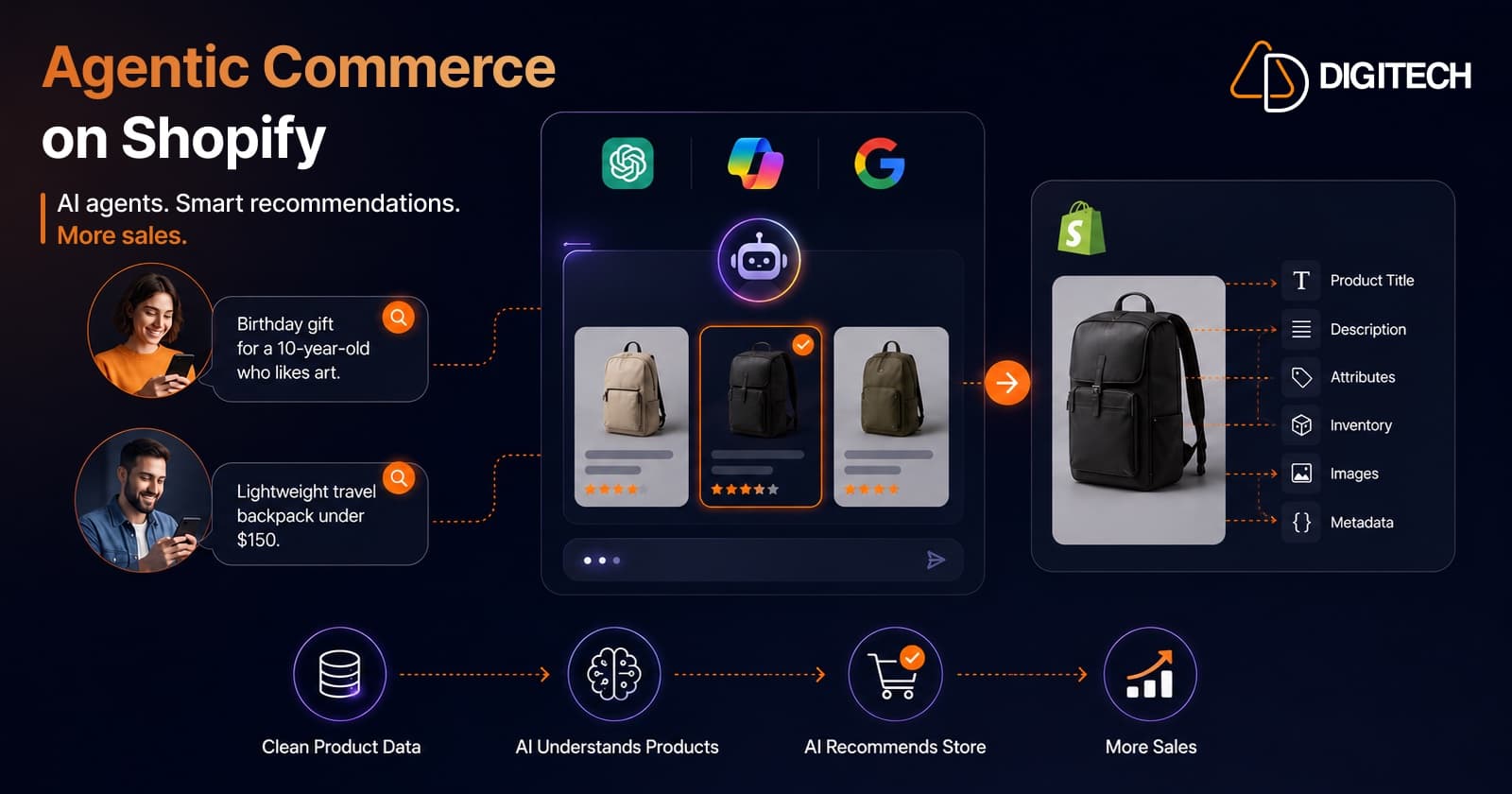
Agentic Commerce on Shopify: How to Get Your Store Ready for AI Shopping Agents (2026)
Shopify's Spring '26 Edition makes your products buyable inside ChatGPT, Microsoft Copilot, and Google AI Mode. Here's what agentic commerce actually means for merchants — and a practical, no-hype checklist to get your Shopify store ready for AI shopping agents in 2026.
Read article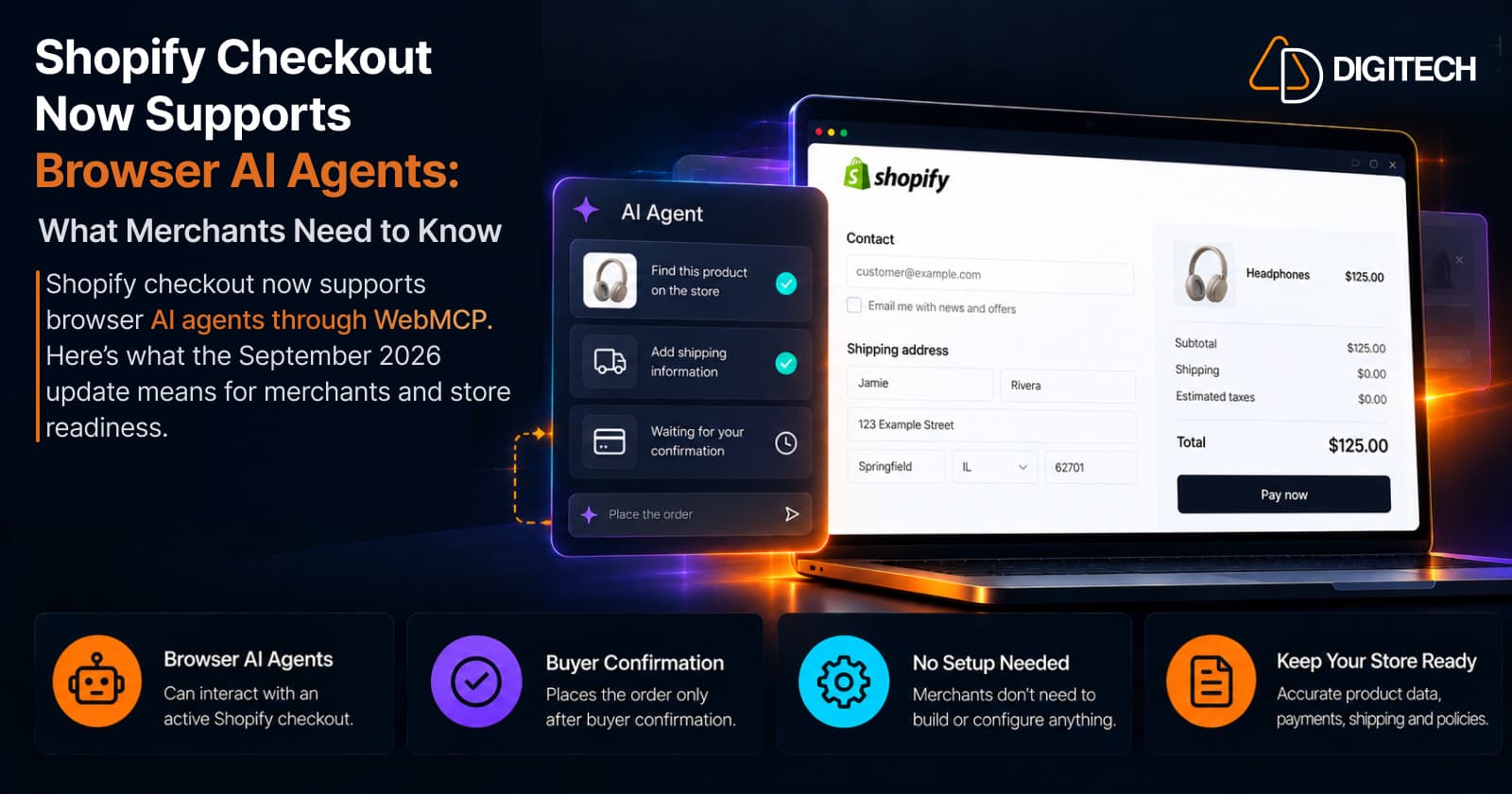
Shopify Checkout Now Supports Browser AI Agents: What Merchants Need to Know
Shopify checkout now supports browser AI agents through WebMCP. Here's what the September 2026 update means for merchants and store readiness.
Read article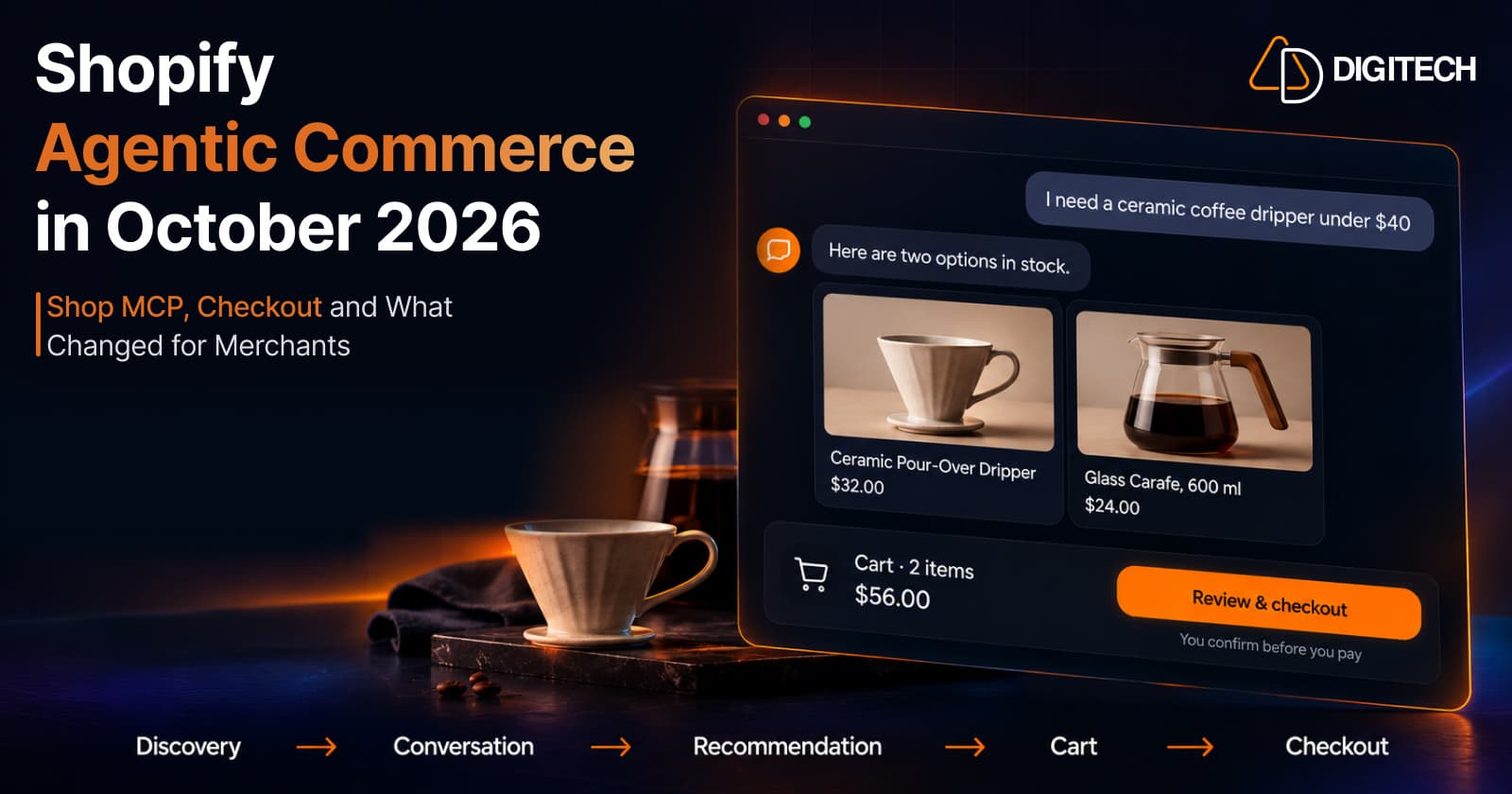
Shopify Agentic Commerce in October 2026: Shop MCP, Checkout and What Changed for Merchants
Shopify agentic commerce moved forward in September and October 2026: Shop MCP, Cart and Checkout MCP, WebMCP, buyer consent and store locations. Here's what it means for merchants.
Read article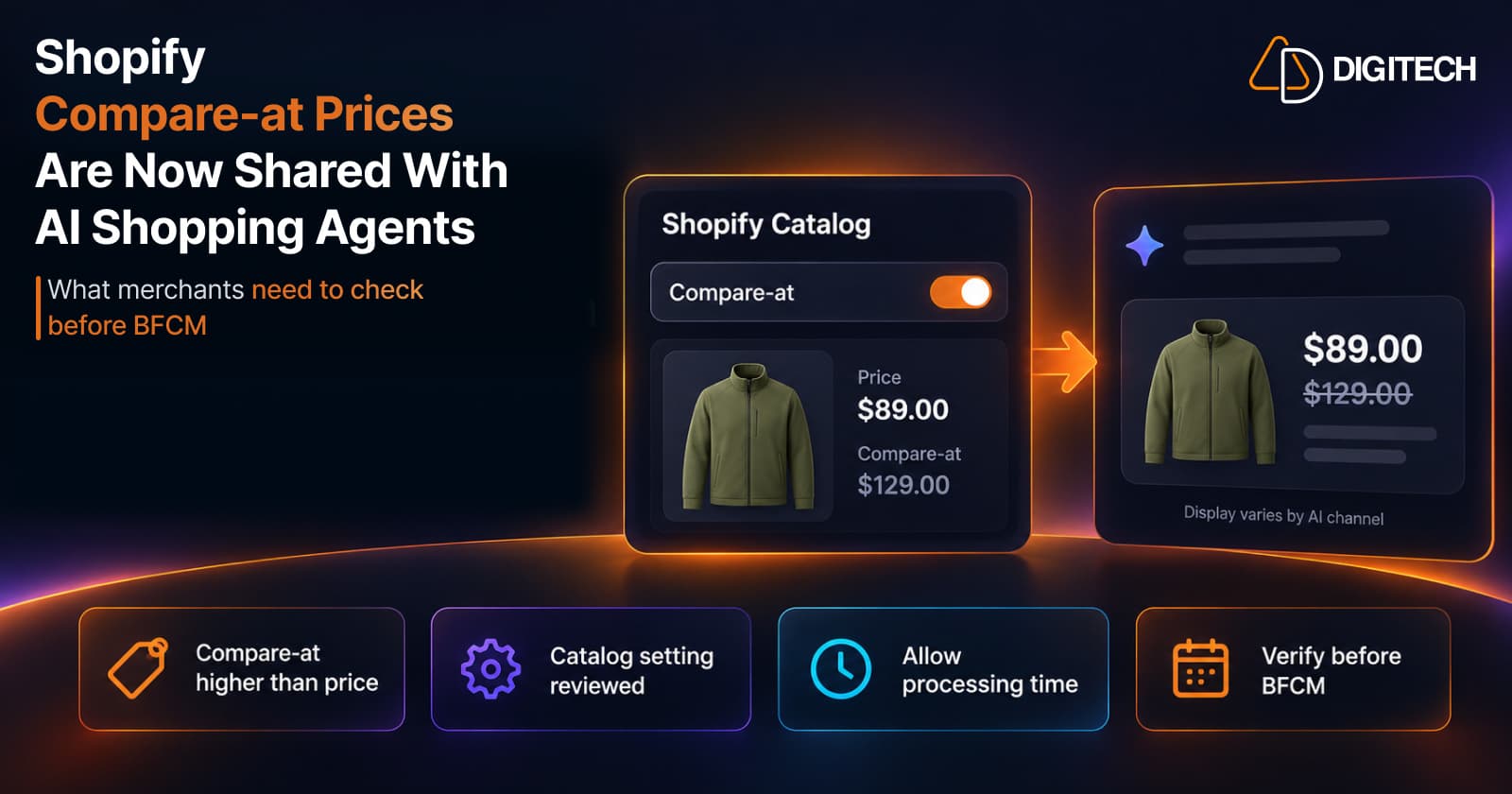
Shopify Compare-at Prices Are Now Shared With AI Shopping Agents: What Merchants Need to Check Before BFCM
Shopify Catalog can now send compare-at prices to AI shopping agents. Here's where the setting lives, how it works, and what to check before BFCM.
Read article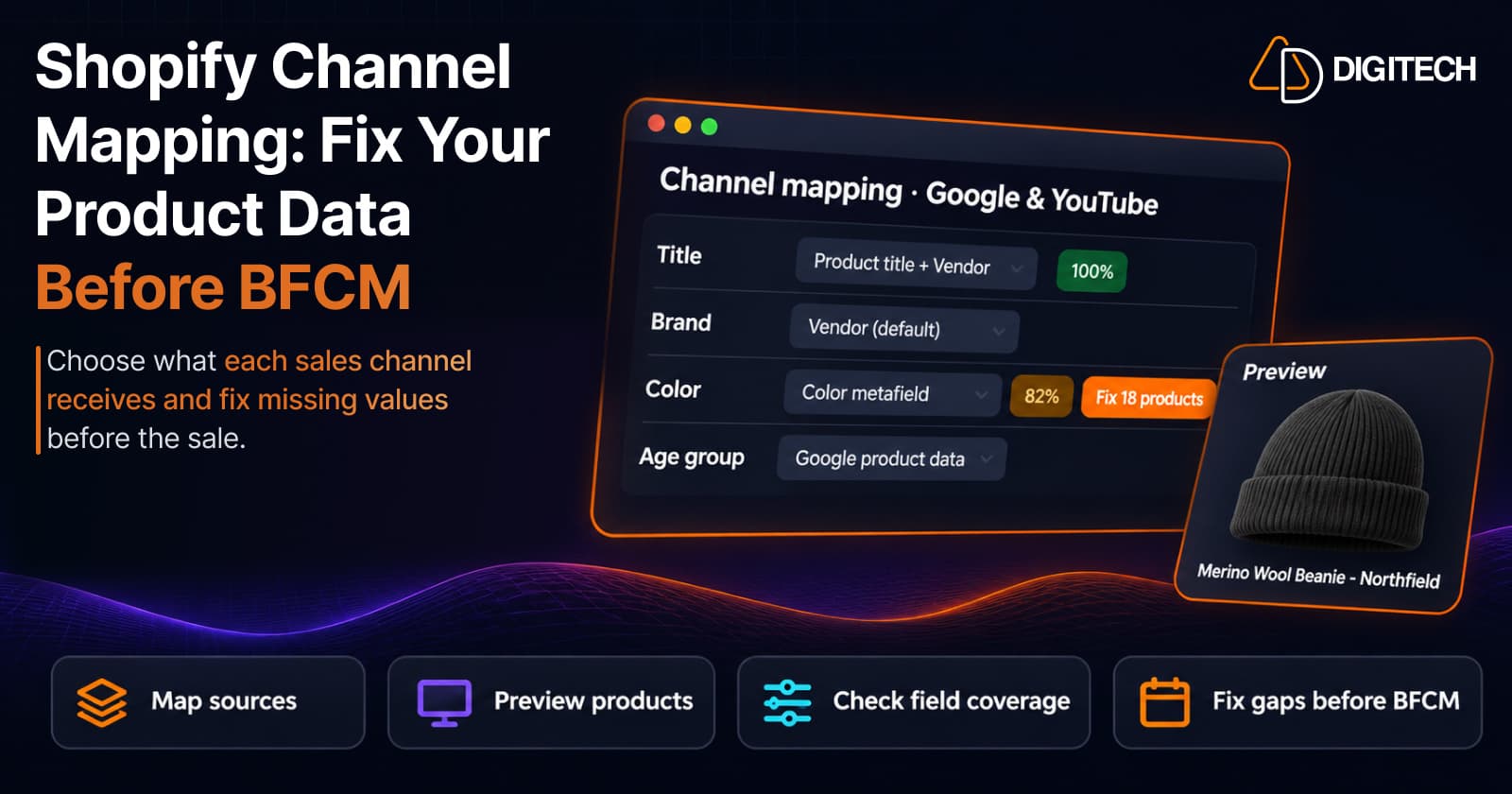
Shopify Channel Mapping: How to Fix the Product Data You Send to Google, Meta and Other Channels Before BFCM
Shopify's new channel mapping page lets you choose which store data each sales channel receives, preview it product by product, and find missing values before they cost you listings. Here's how it works, what it can't do, and what to check before BFCM.
Read article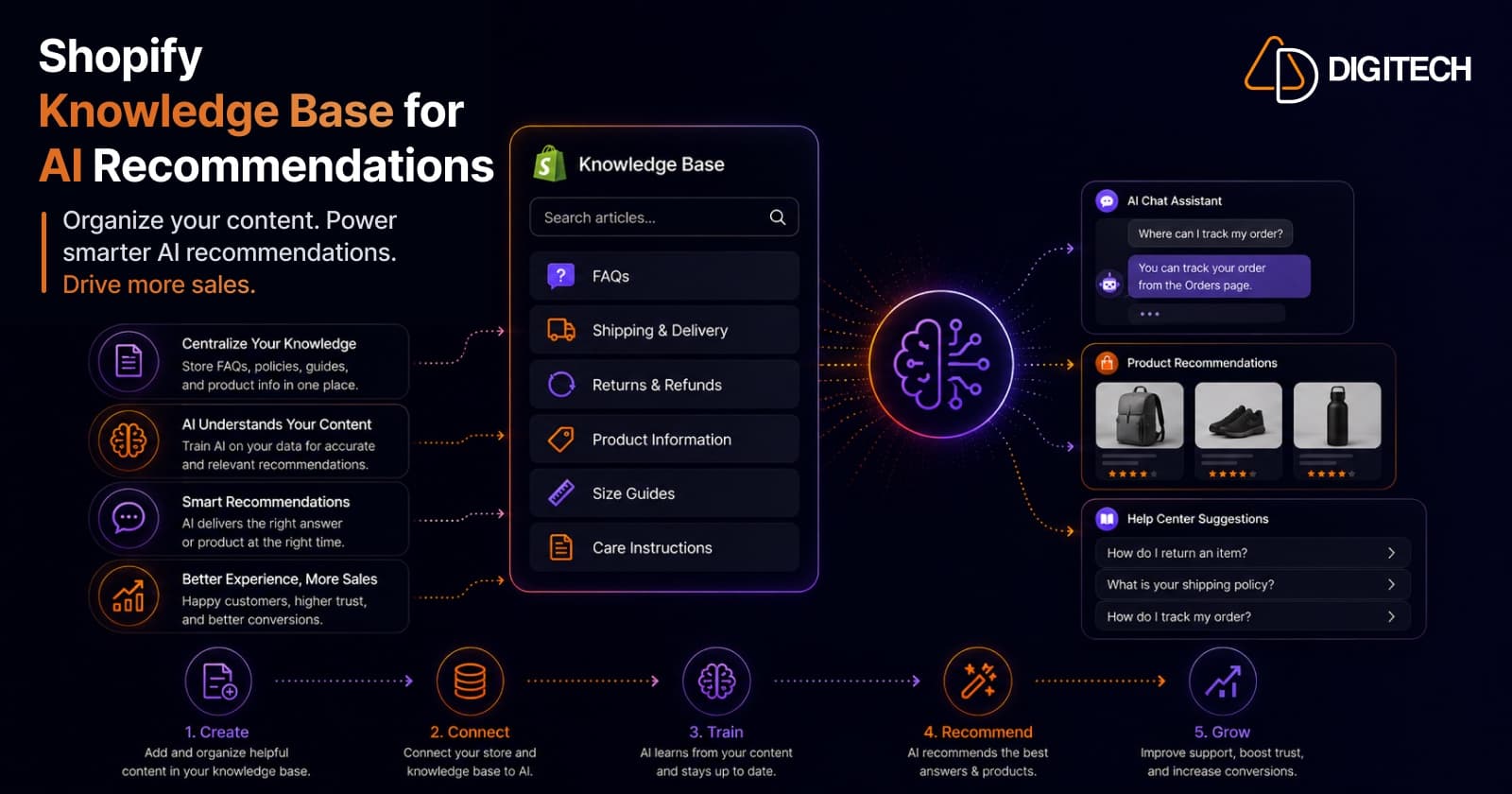
Shopify Knowledge Base: How to Control the Store Facts You Share With AI Agents
Learn how to review, edit and publish Shopify Knowledge Base facts for AI agents, what's published automatically, and what app users must do by Jan 15, 2027.
Read article